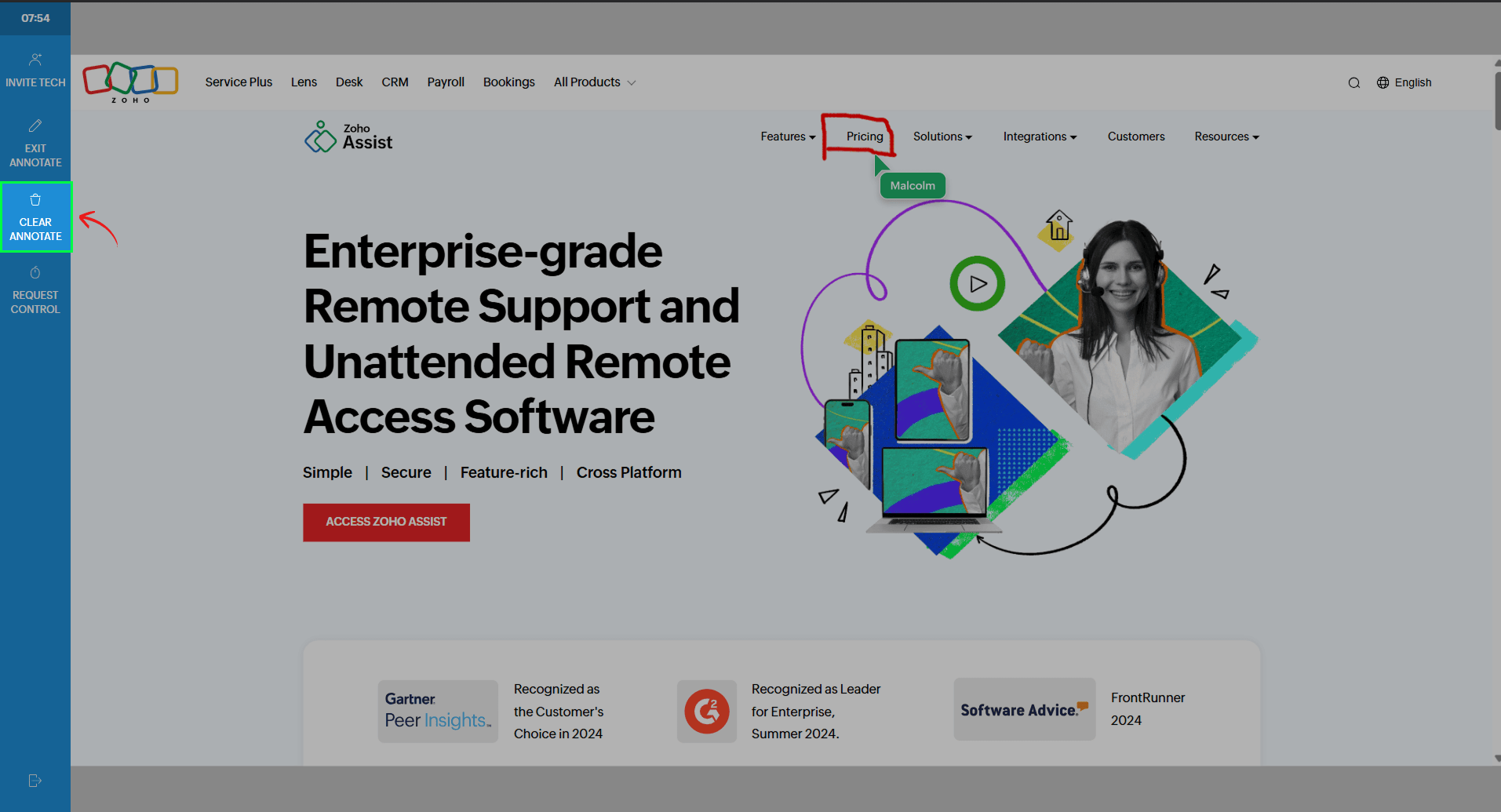
Annotations
The Annotations feature lets you highlight, draw, and mark up the customer’s web page during a cobrowse session. It’s a simple way to show exactly where to click, fill in information, or follow steps, point out specific areas on the page, making it easier for customers to follow along without confusion.
How to use annotations:
During an active session, click Annotate from the left toolbar.
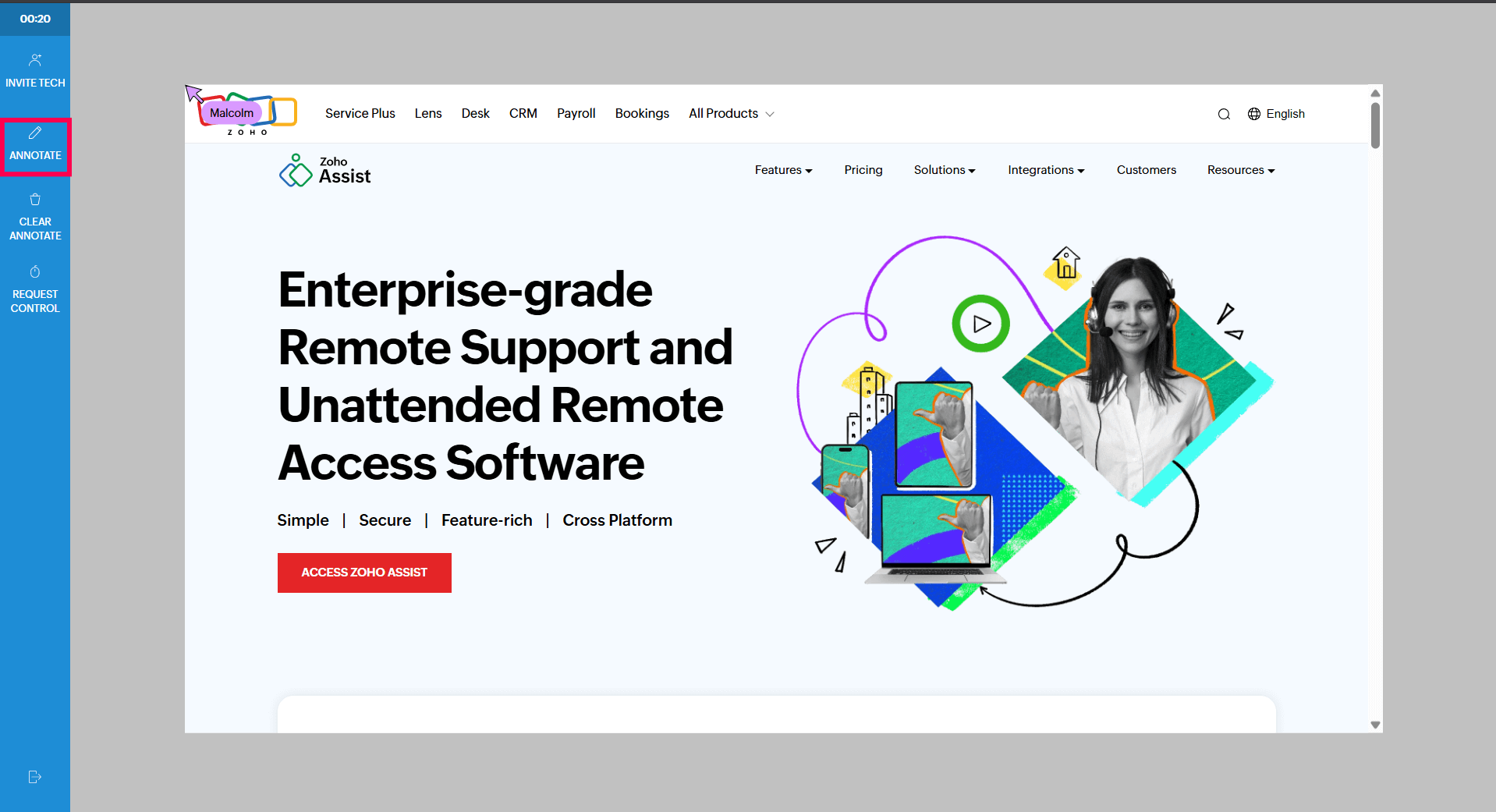
Use the tools to highlight or draw on the web page as needed.
When you’re done, click Exit Annotate to stop marking up the page.

To clear all annotations at once, click Clear Annotations.