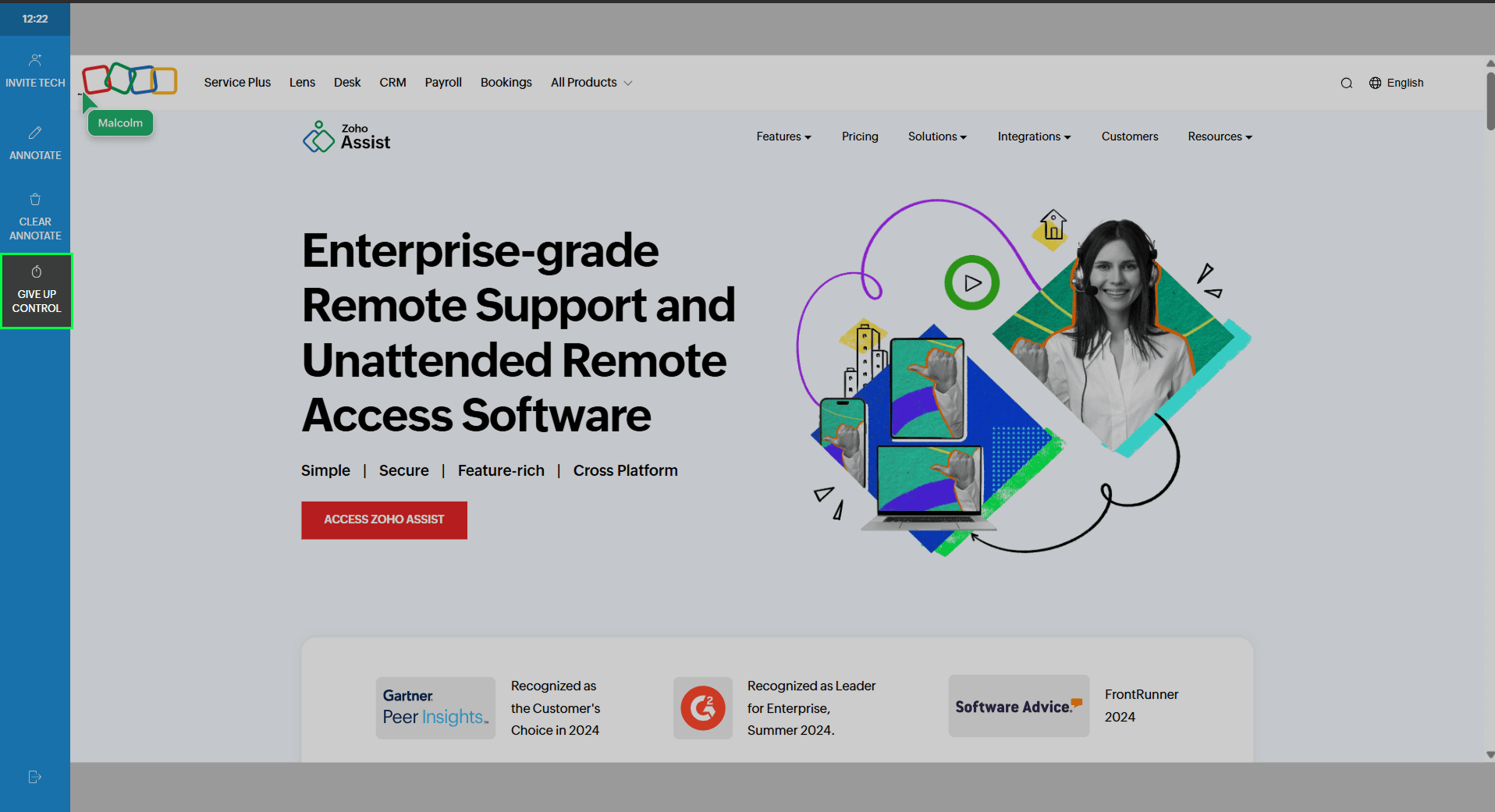
Request Control
By default, technicians have view-only access during a cobrowse session. The Request Control feature lets you take control by requesting the customer for permission to interact directly with their browser. This is helpful when you need to perform actions for the customer, such as filling out forms or navigating to another section of the site.
During an active cobrowse session, click Request Control from the left toolbar.
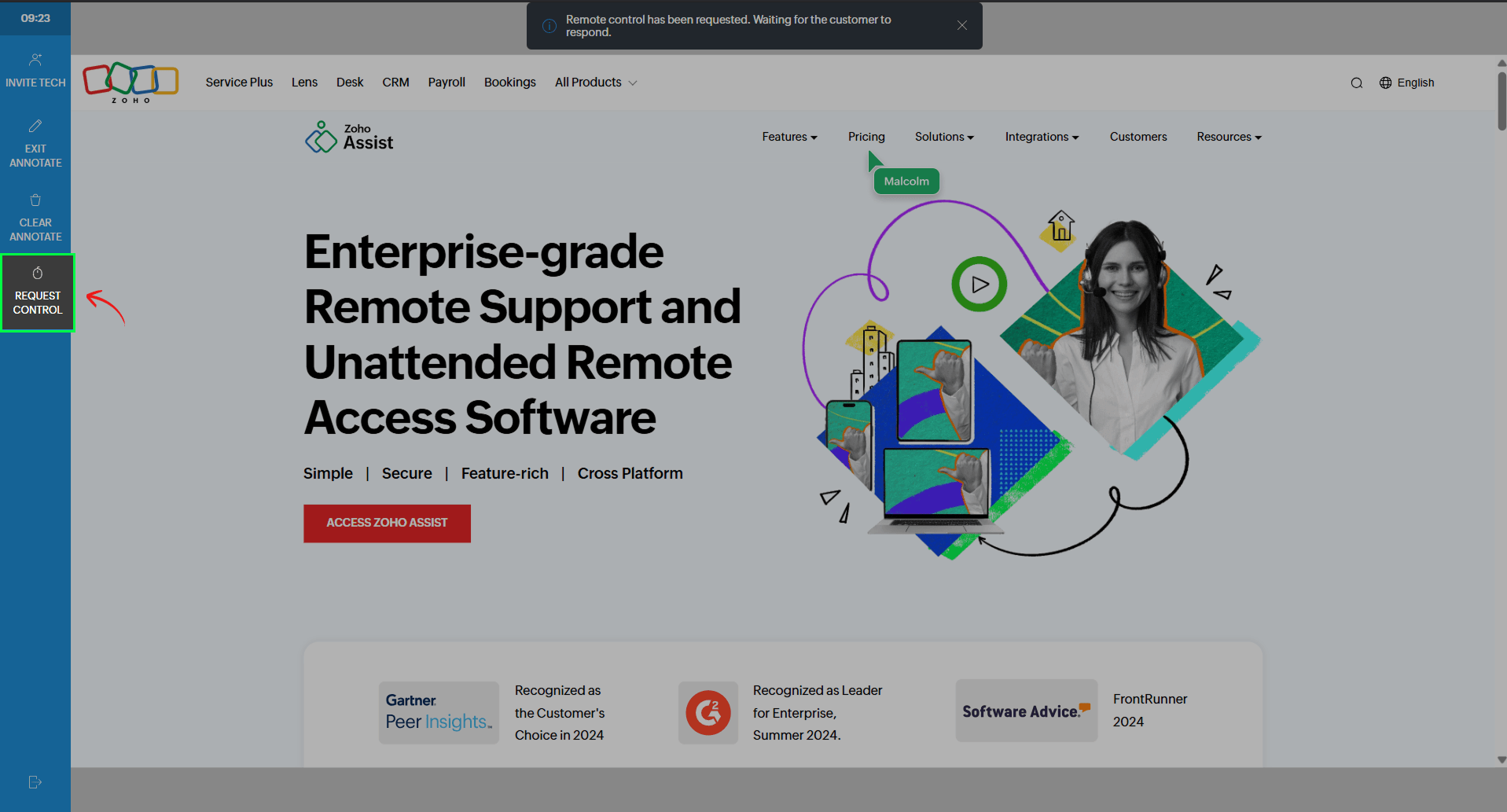
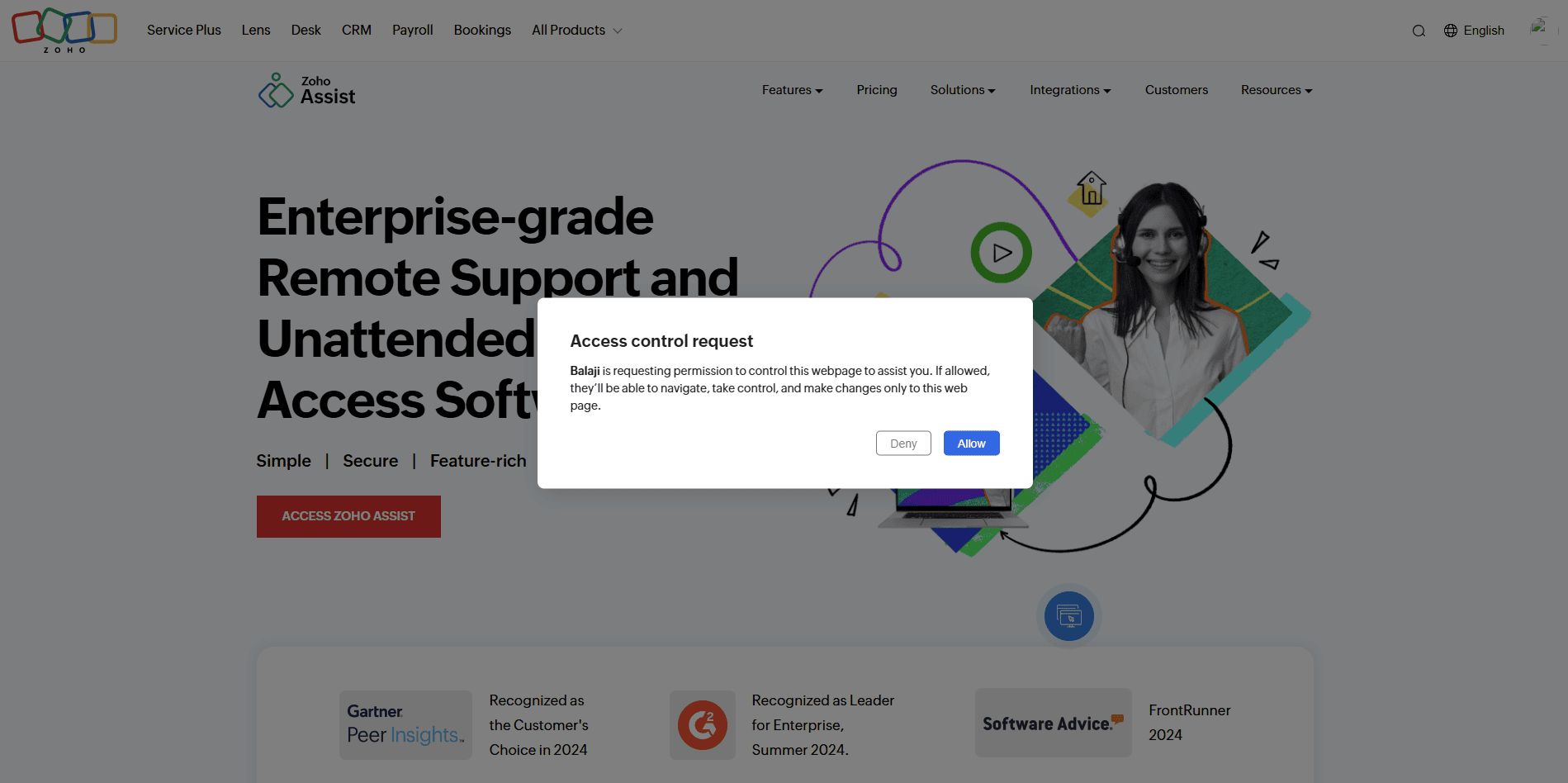
The customer will see a prompt asking for permission to grant control.
Once the customer approves, you’ll have control access to interact with the webpage on their behalf.
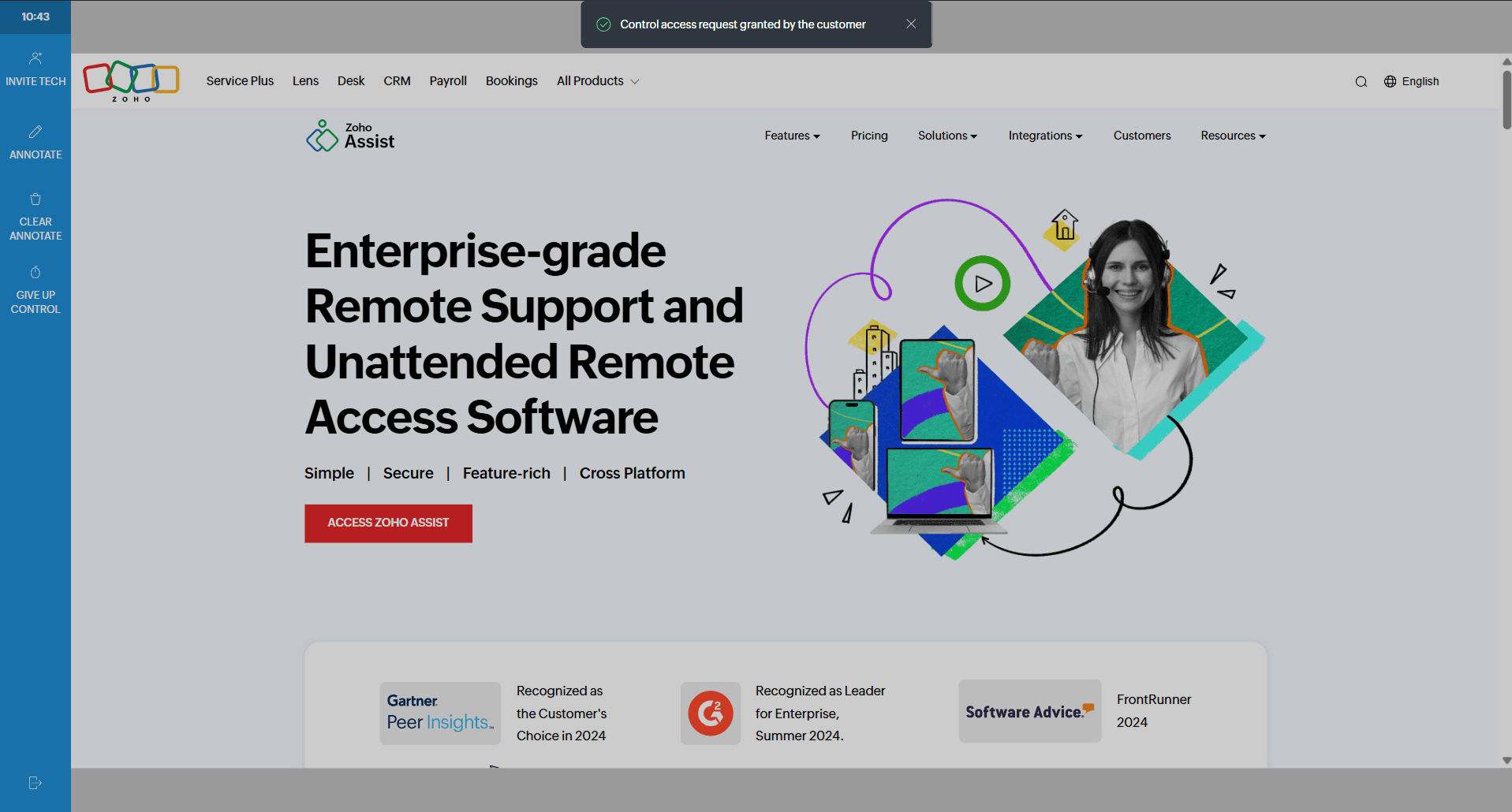
You can also revoke or give up control at any time during the session by clicking Give Up Control.