How to Join a Cobrowse Session
If you’re a customer, you can easily join a cobrowse session using the widget on the website.
Locate the cobrowse widget on the website where you need assistance.
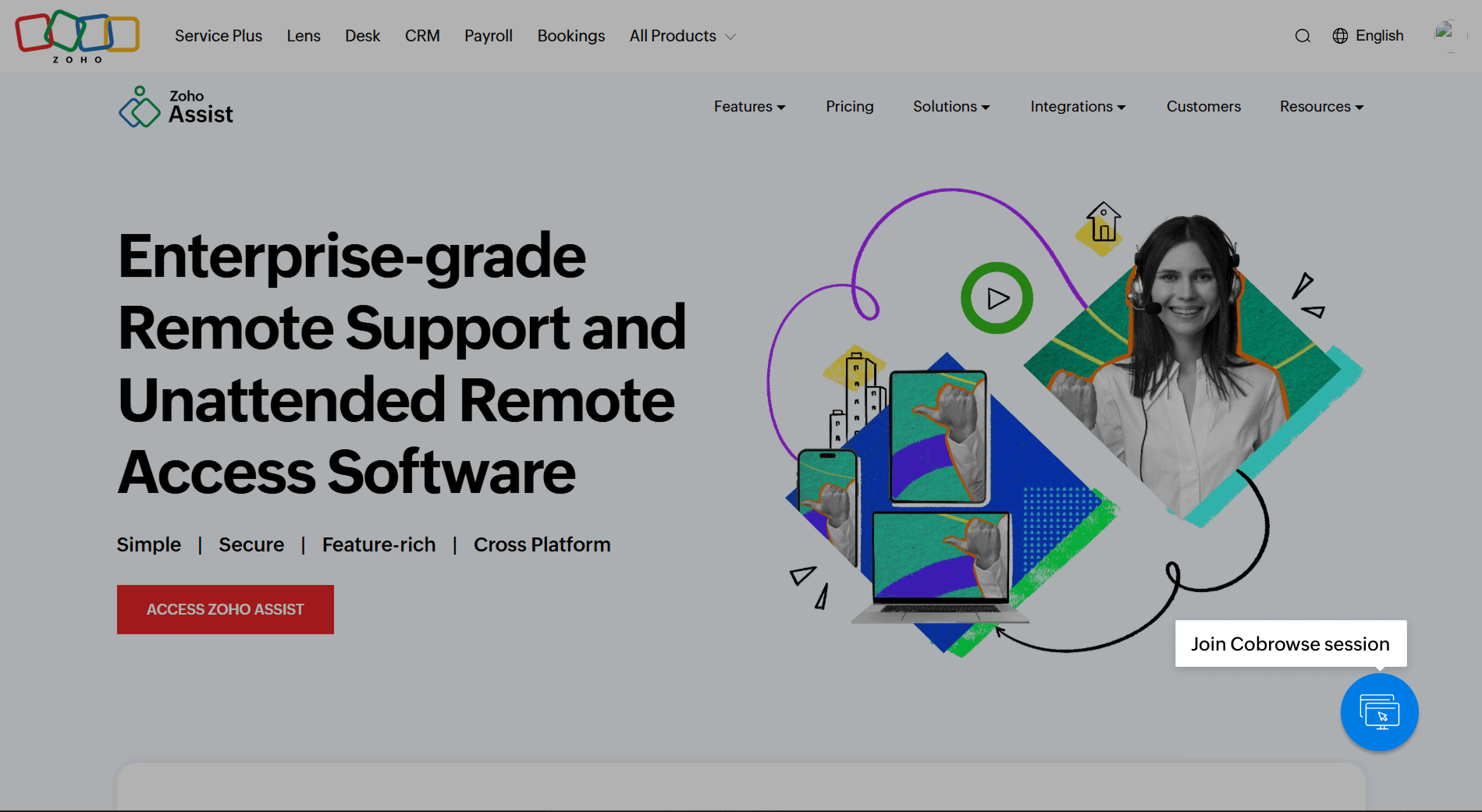
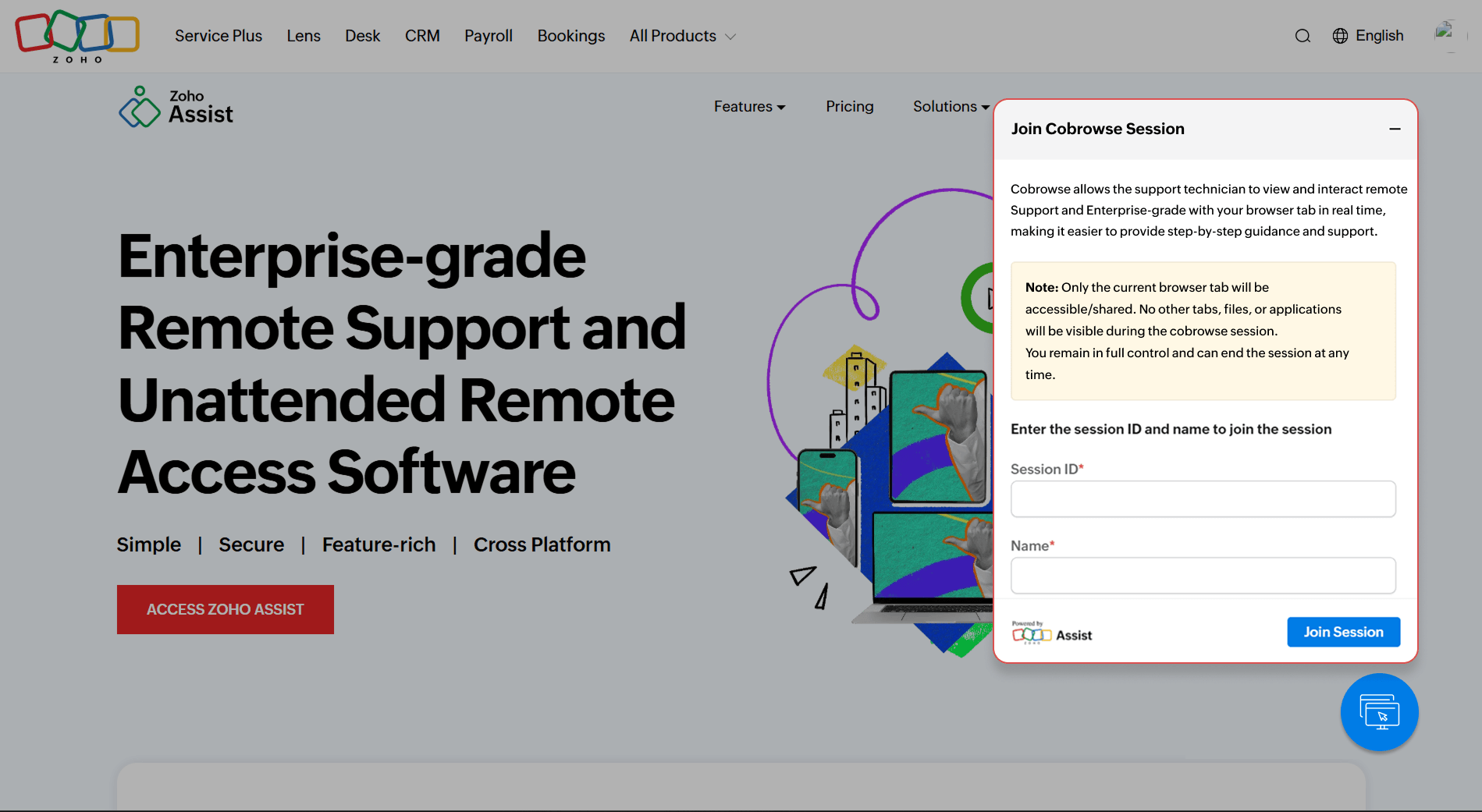
Enter the session key provided by the support agent or technician, along with your name.
Click Join Session to send your request to the technician.
Wait for the technician to accept your request. Once accepted, the live cobrowse session will begin.
During the session, the technician can view your screen and guide you in real time. You can view the technician’s details anytime by clicking the widget icon.
When the session is over, you or the technician can end it at any time. To end the session yourself, click the widget icon and select End Session.