Cobrowse Session Reports
You can track and review your past cobrowse sessions in Zoho Assist using the Reports section.
How to view cobrowse session reports:
Go to Reports > Custom Reports.
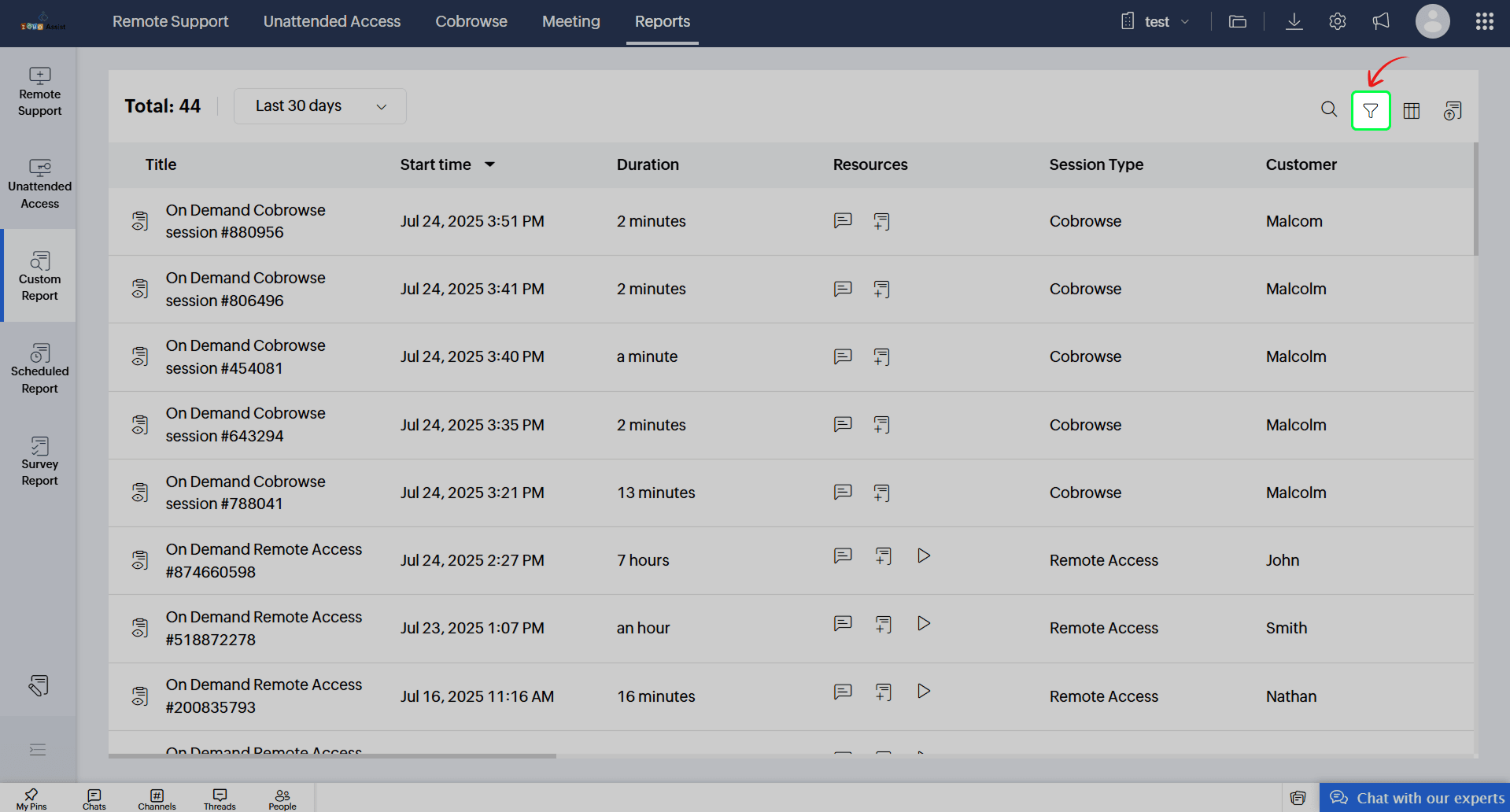
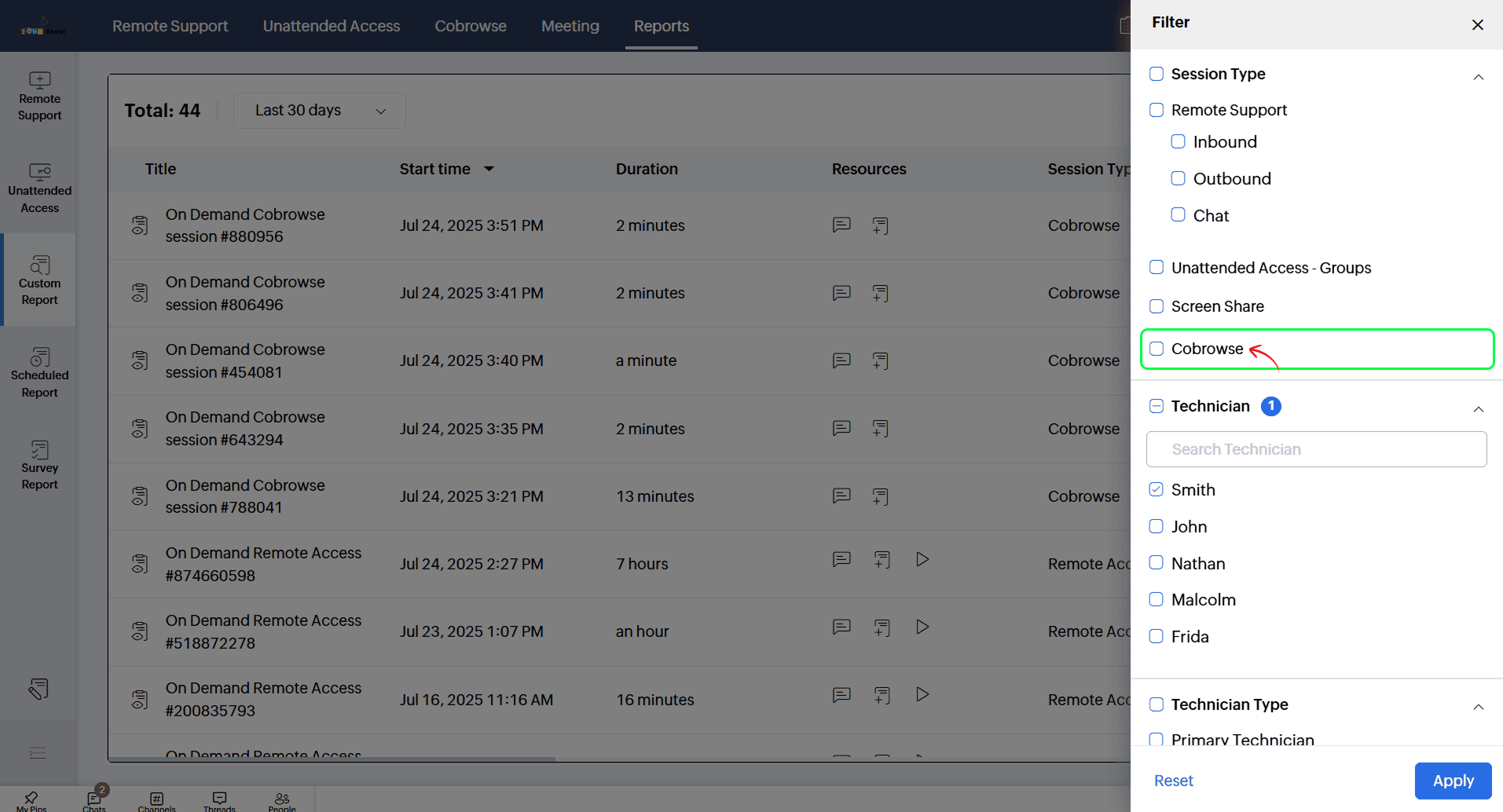
Click the filter icon and enable Cobrowse to view only the cobrowse sessions. You can see session details such as:
Session title
Start time
Duration
Primary and secondary technician (if any) details