




























EVENT ATTENDEE APP

An event app attendees will actually use

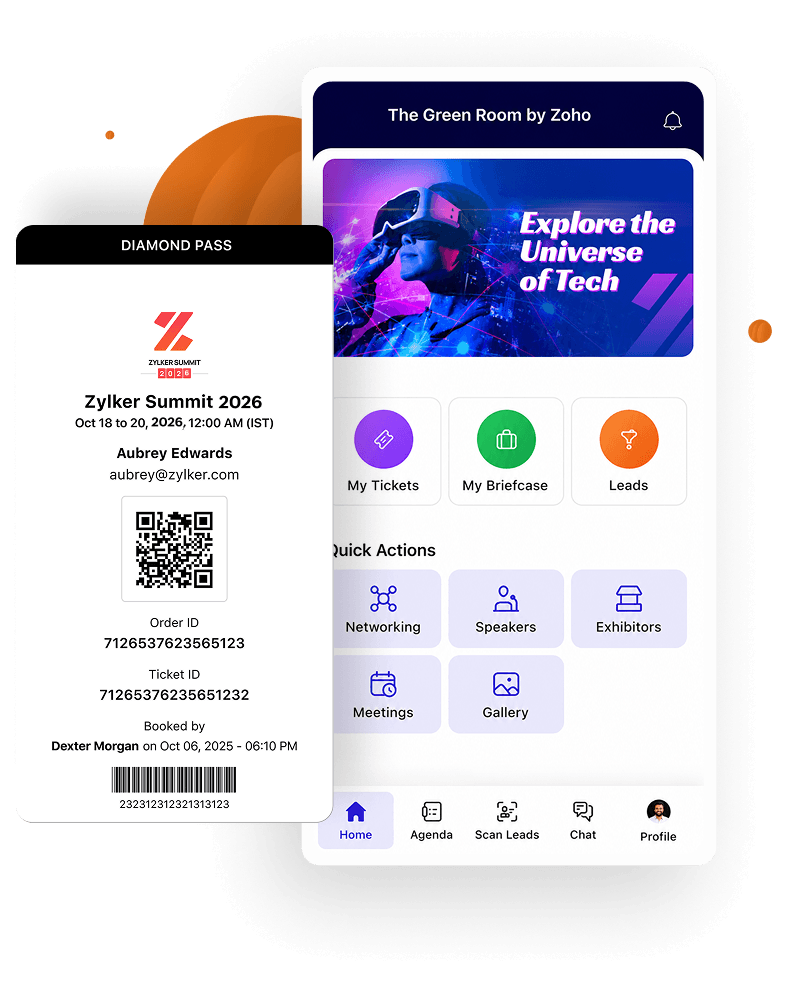
Give attendees personalized agendas, session interaction tools, and multiple networking options with a fully-branded mobile app. Every interaction they complete builds a richer experience for them and deeper insights for you.

Sign up for free

Trusted by event organizers worldwide

  • Amazon logo
  • BusinessNZ logo
  • Levis logo
  • ITP Media logo
  • Victoria university logo
  • Razorpay logo
  • The Hindu logo
  • Hindustan times logo
  • Thenudge institute logo
  • Startup TN logo
  • Tie Global logo
  • PSAI logo
  • India space congress logo
  • Sri Ramachandra logo
  • Melbourne United logo
  • St Vincent's Health Australia logo
  • Australian Childcare Alliance logo
  • Sports Medicine Australia logo
  • Green Building Council of Australia logo
  • Mirvac logo
  • Csiro logo
  • NAWO logo
  • Khalifa university logo
  • ACI logo
  • ifza logo
  • American University of Beirut logo
  • Middle East Council of Shopping Centres & Retailers logo
  • Dataxis ogo
  • University of Hertfordshire logo
  • YOTA logo
  • UDST logo

Keep attendees connected every step of the way

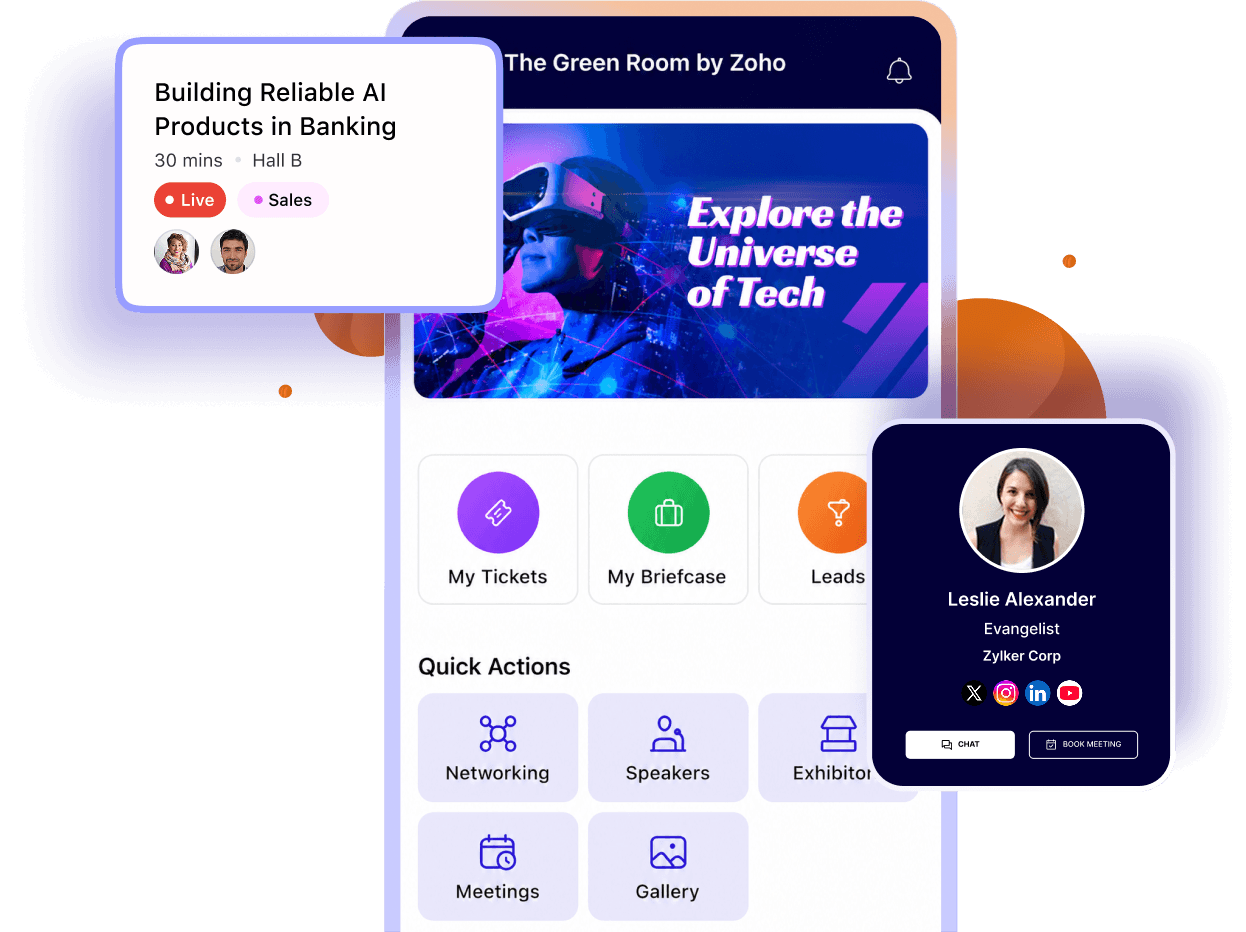
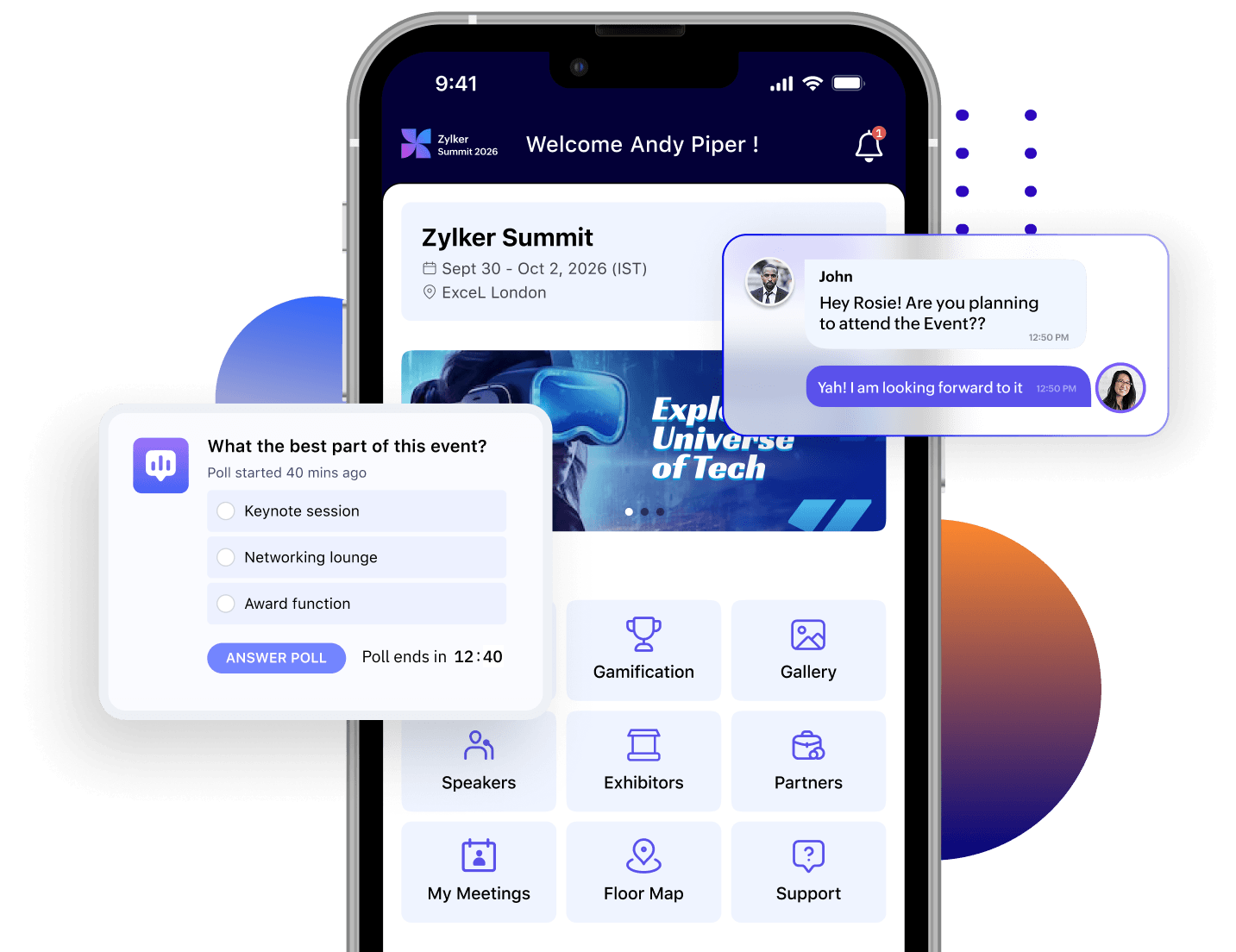
From registration to the final session, give attendees a single mobile app for schedules, networking, announcements, session engagement, and event updates, all connected to your event website.

Get attendees registered and ready for event day

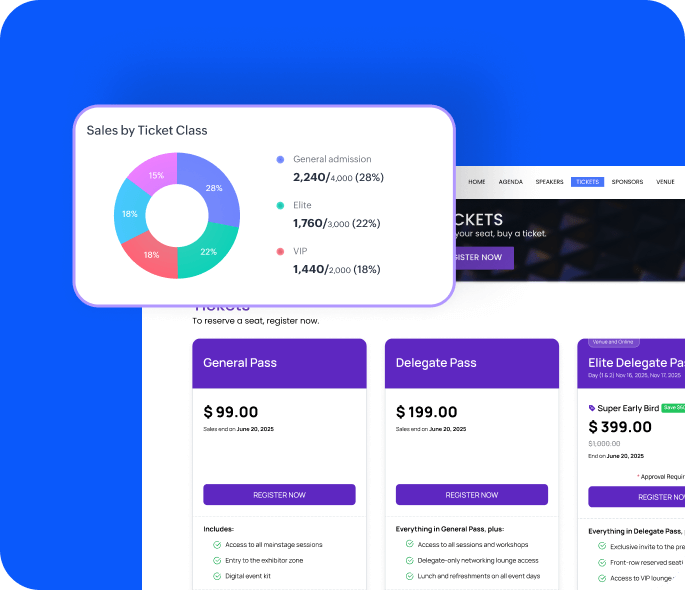
Your attendees can buy tickets, claim ones purchased by someone else, and carry everything they need to check in. No printed tickets, no forwarded emails, no last-minute scrambles at the door. Attendees can:

  • Buy tickets directly from the app home screen with promo codes applied at checkout.
  • Claim a ticket purchased by someone else using their ticket ID or QR code.
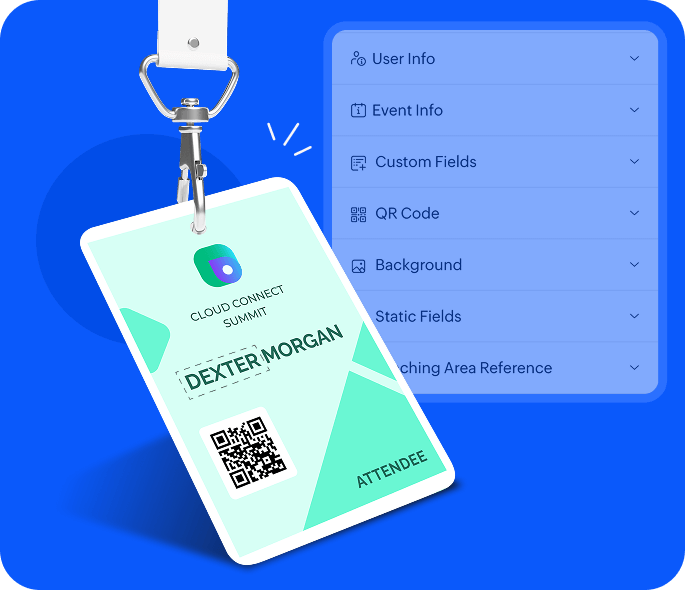
  • Check in at the door using name, email, ticket ID, or order ID.
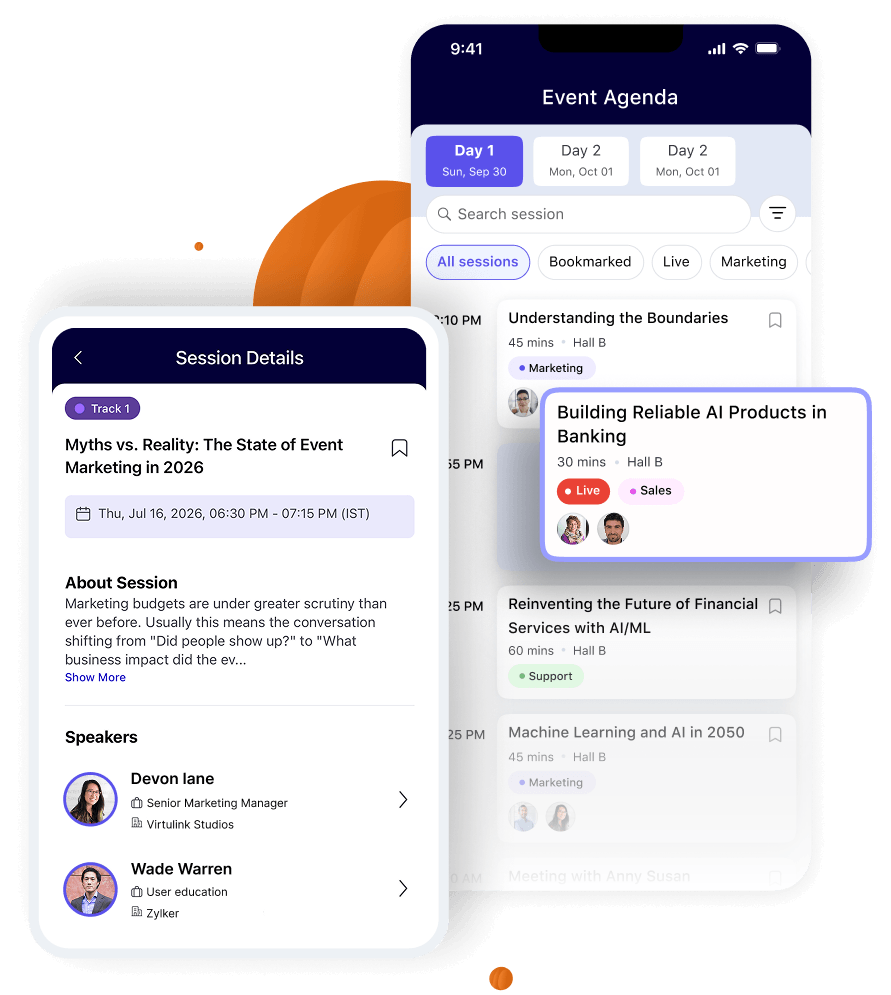
Let attendees plan their day before the event

Your attendees can browse every session, bookmark the ones they care about, and walk in with a personal schedule ready to go. Some things they can do are:

  • Bookmark sessions to build a personal schedule before the event opens.
  • Join live sessions directly from the agenda without switching screens.
  • View all session times in local timezone across every event day.

Build two-way interactions in sessions

The best sessions feel like conversations. With questions, polls, reactions, and live chat built into the app, your attendees stay involved from the first slide to the last. Your attendees can:

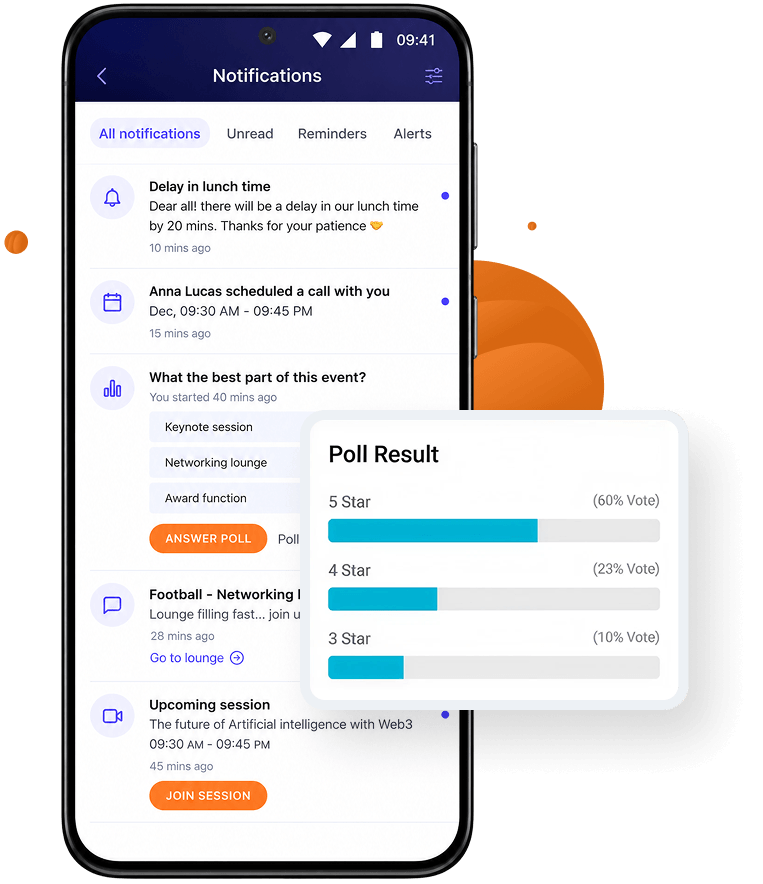
  • Post questions publicly or anonymously, upvote others, and vote in live polls mid-session.
  • Send reactions, request mic access, and chat with attendees and speakers in real time.
  • Download handouts the speaker shares directly from the session screen.

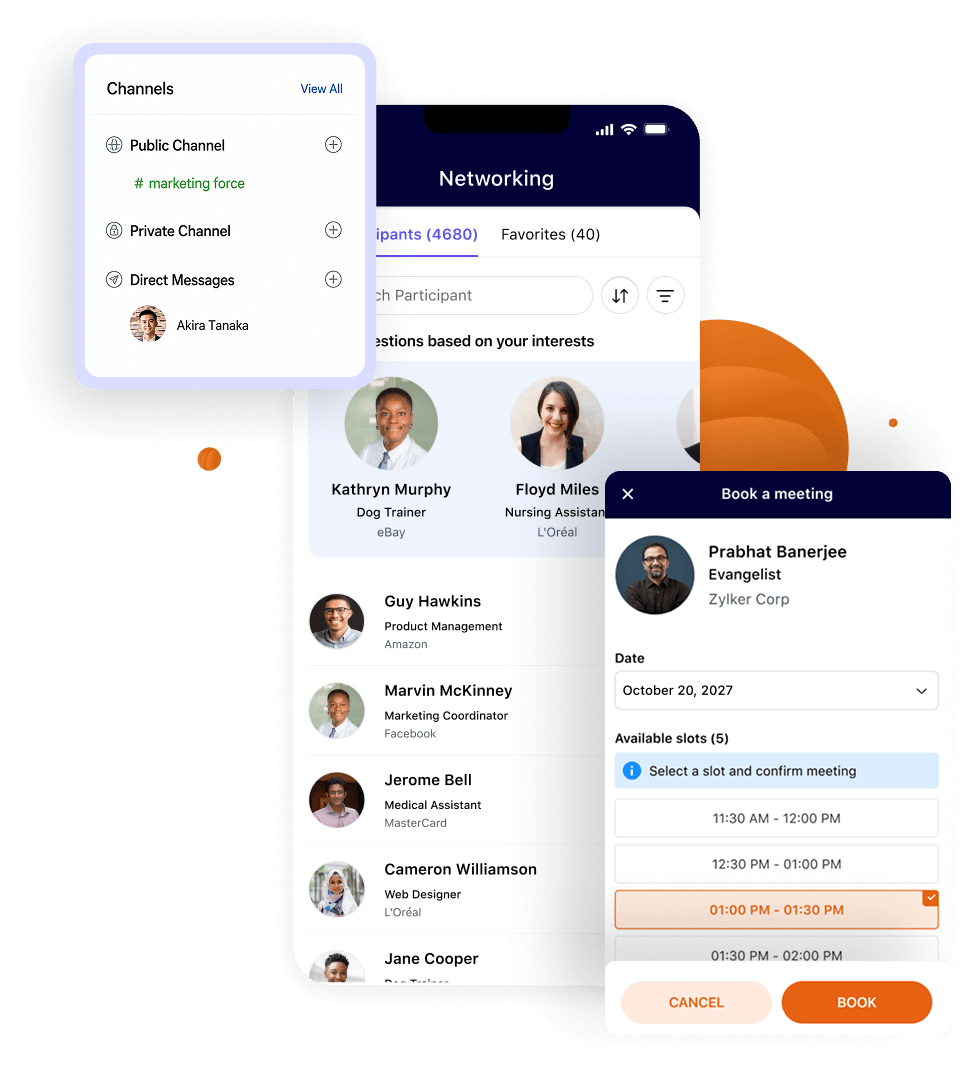
Extend networking beyond the session room

The most valuable conversations at your event don't always happen in the session room. Discussion channels, direct messaging, and badge scanning give attendees more ways to connect on their own terms, even where the venue signal is weak. They can:

  • Join (or create) public or private discussion channels around specific topics or groups.
  • Opt in to AI-powered networking, make connections, and message them directly from the app.
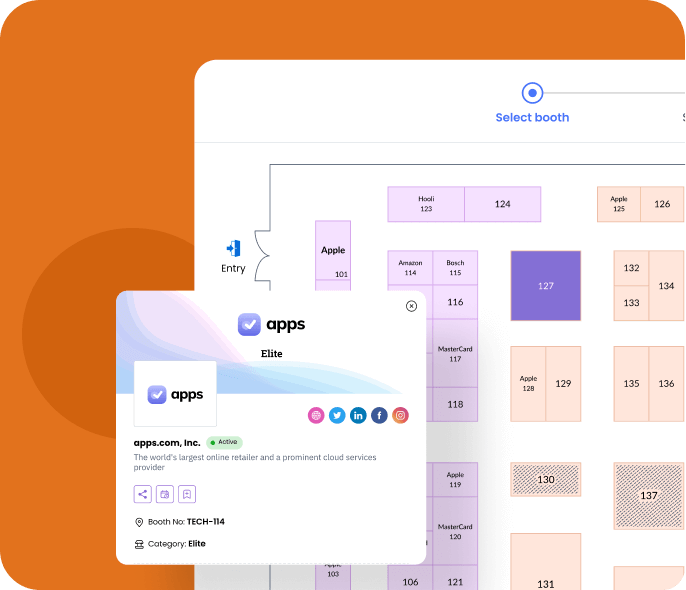
  • Meet with exhibitors and submit inquiries directly from the app.

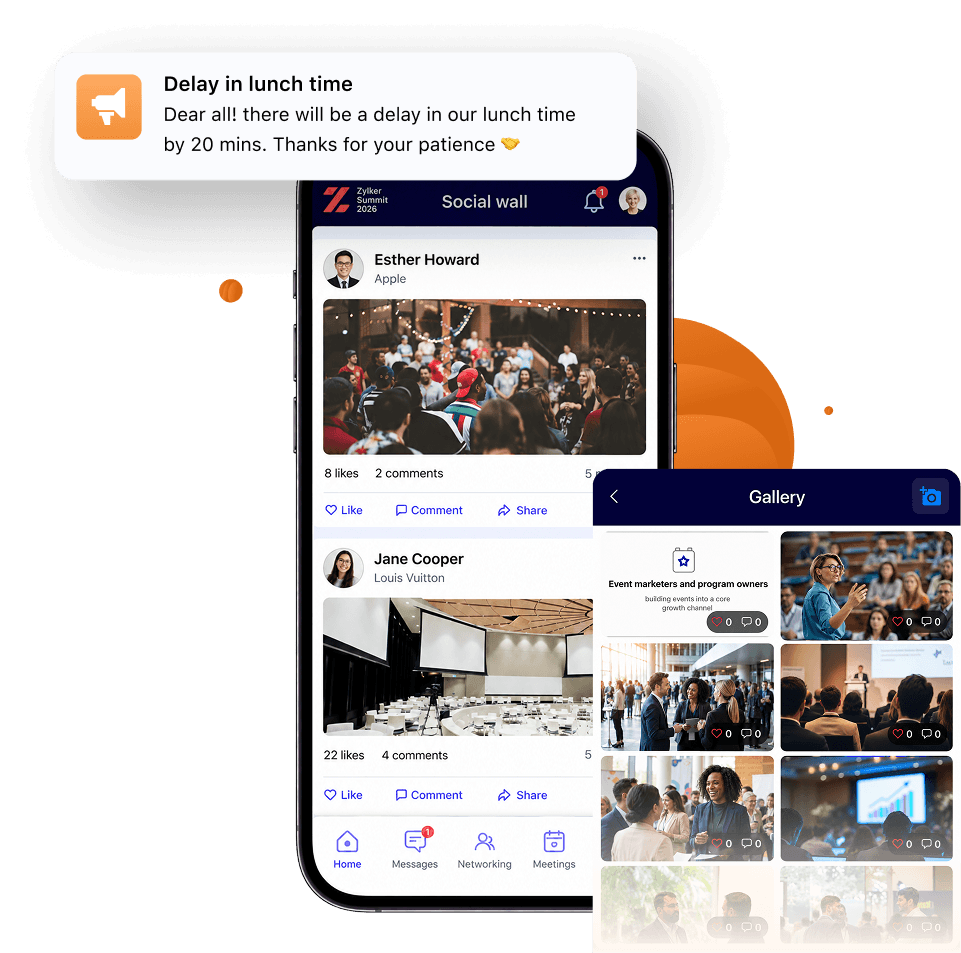
Make every moment of your event visible and felt

Use announcements to keep everyone on the same page. Between updates, the shared gallery gives them a place to capture and share what's happening around them. Your attendees can:

  • Receive organizer announcements as push notifications.
  • Comment directly on an announcement to follow up or ask questions.
  • Upload photos, then like and comment on photos in the shared gallery.

Give attendees everything they need to show up prepared

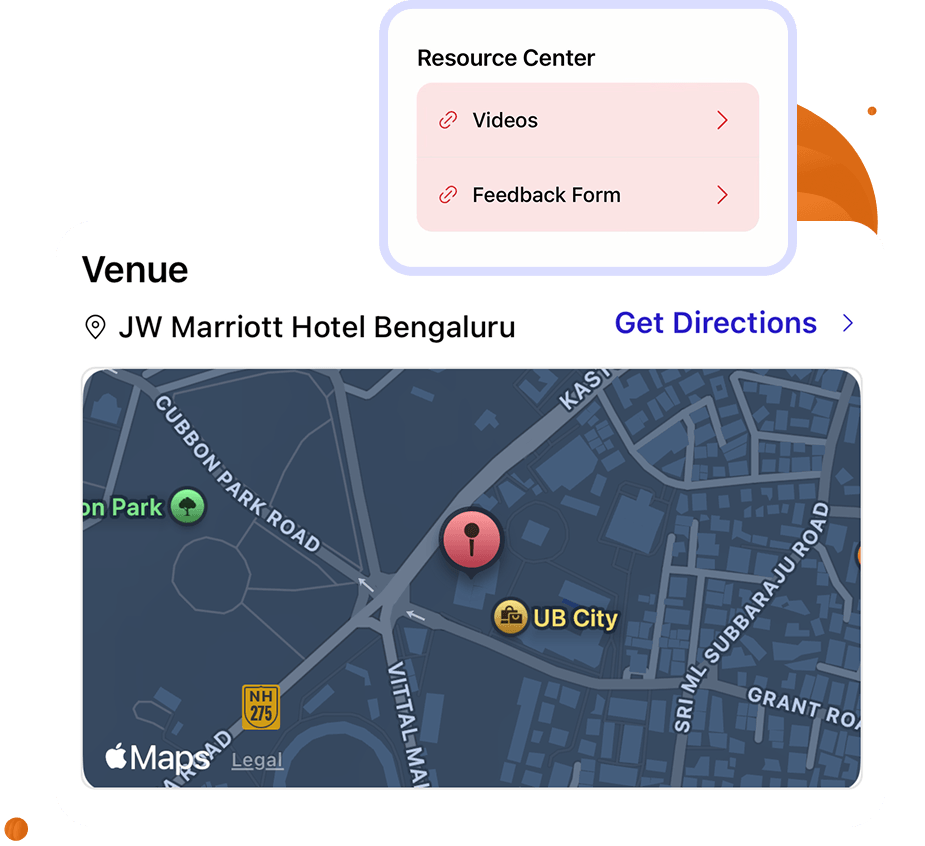
Your attendees can pull up real-time directions, find nearby hotels, and contact you directly from the same app they use on event day. Nothing they need before arrival sits outside the app. Let them:

  • Get real-time Google Maps directions to the venue.
  • Find nearby hotel recommendations with distance from the venue.
  • Contact the organizer directly from the app home screen with questions.

Drive participation with gamified challenges

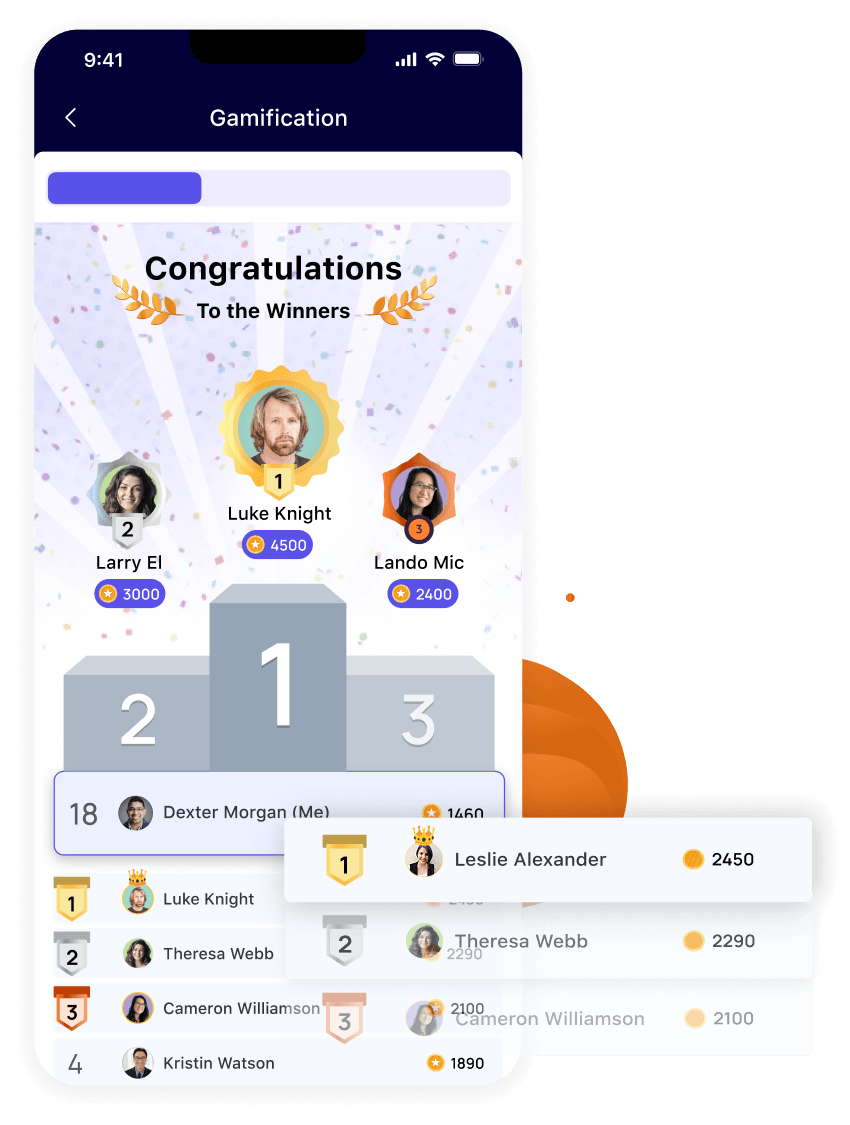
Turn the actions you want attendees to take into challenges worth completing. Points, a live leaderboard, and rewards for top scorers keep engagement running from the first session to the last.

  • Earn points by joining sessions, networking, visiting exhibitor booths, and more.
  • Track progress on a live leaderboard updated in real time throughout the event.
  • Compete for rewards declared automatically or manually at the end of the event.
One of the real benefits of Backstage we hadn't had previously was an app. The app mirrored the website —you could see the agenda, who's speaking, what's coming on, and engage with sponsors. Really powerful.
Craig Jackson
Craig Jackson UK Partnerships Director, ActionCOACH UK
All-in-one event management platform

The attendee app is one part of the full picture

Zoho Backstage handles every part of your event—before, during, and after.

voluptate

Event Website Builder

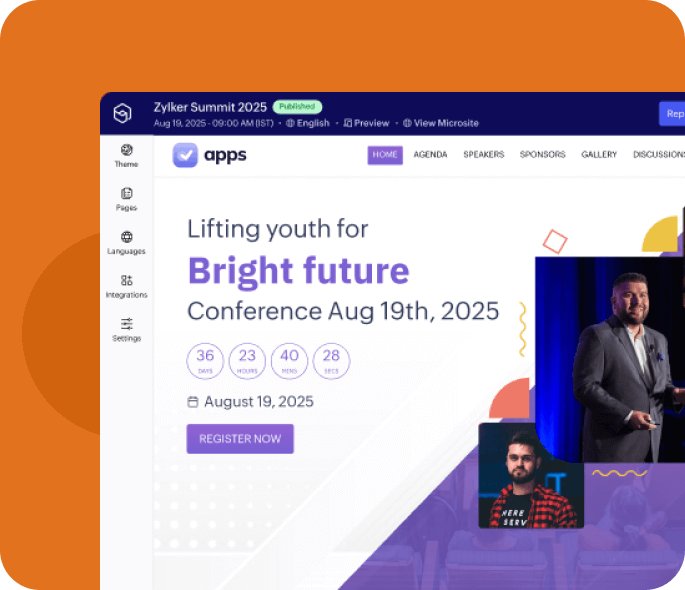
Build and publish a professional event website without code. Customize, update, and go live in minutes.

Learn more

Ticketing and Registration

Multi-tier pricing, online payments, and registration approval flows — all from one place.

Learn more
labore

Event Check-in

QR-based check-in with onsite badge printing. Fast entry, no queues, full attendee visibility.

Learn more
excepteur

Exhibitor Management

Digital booths, lead capture (Hot/Warm/Cold), and exhibitor analytics that prove ROI to sponsors.

Learn more
event attendee mobile app

Frequently asked questions

The app works on Android (Lollipop 5.0 and above) and iOS (9.3 and above). Attendees who prefer not to download anything can access the event microsite from any web browser instead.