





























EVENT FLOOR PLAN MAKER

An event floor plan event to life

Import the layout you already have or build one from scratch, show exhibitors the space in 3D, and price and sell booths in real time. Then publish the same floor plan to your event website and app so attendees can find their way around.

Sign up for free

Trusted by event organizers worldwide

  • Amazon logo
  • BusinessNZ logo
  • Levis logo
  • ITP Media logo
  • Victoria university logo
  • Razorpay logo
  • The Hindu logo
  • Hindustan times logo
  • Thenudge institute logo
  • Startup TN logo
  • Tie Global logo
  • PSAI logo
  • India space congress logo
  • Sri Ramachandra logo
  • Melbourne United logo
  • St Vincent's Health Australia logo
  • Australian Childcare Alliance logo
  • Sports Medicine Australia logo
  • Green Building Council of Australia logo
  • Mirvac logo
  • Csiro logo
  • NAWO logo
  • Khalifa university logo
  • ACI logo
  • ifza logo
  • American University of Beirut logo
  • Middle East Council of Shopping Centres & Retailers logo
  • Dataxis ogo
  • University of Hertfordshire logo
  • YOTA logo
  • UDST logo

Build and manage your

Ditch static PDFs and back-and-forth emails for exhibition management. Bring your layout into Zoho Backstage and handle design, pricing, booking, and navigation on one floor plan.

Bring your existing floor plan into Backstage

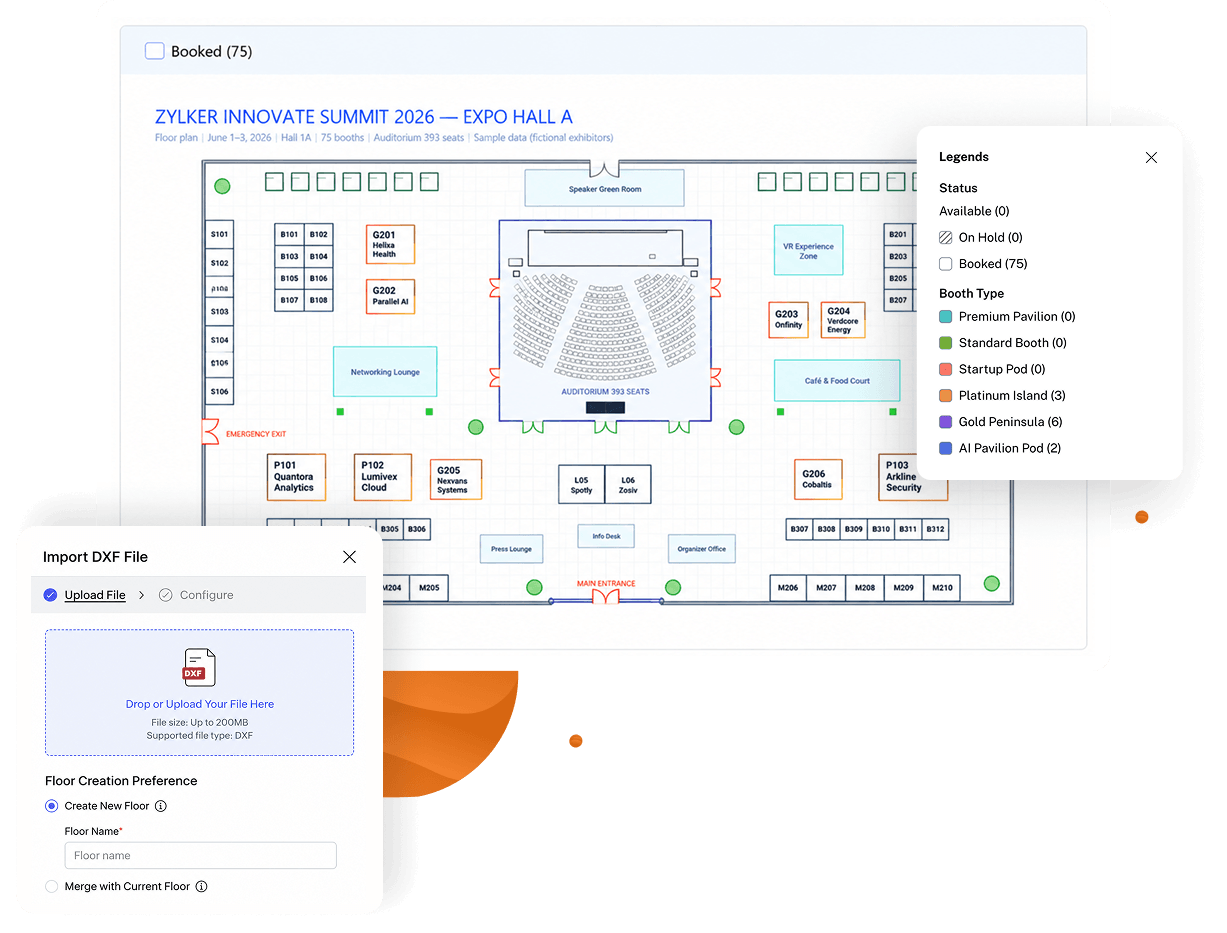
Your venue layout probably already exists in a CAD or design tool. Instead of redrawing it booth by booth, import it into Zoho Backstage and keep refining it inside your exhibition workflow.

  • Import DXF floor plans from your design tool instead of rebuilding them by hand.
  • Work with multi-floor layouts, and create or update floors as the venue plan changes.
  • Continue editing the imported layout alongside booths, exhibitors, and bookings.
Drag, drop, and build your event floor plan

No layout to import? Start from scratch. Arrange booths, add custom elements, and bring your floor plan to life.

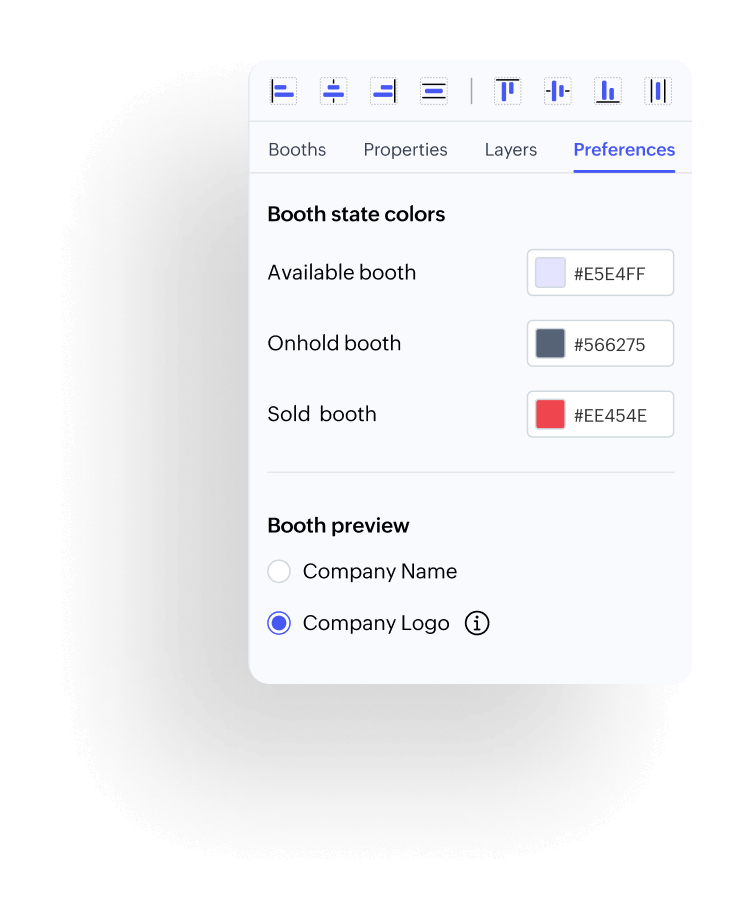
  • Place booths and custom elements anywhere on the canvas, then use the alignment tools to line them up evenly.
  • Set your own colors for available, on-hold, and sold booths, and show each exhibitor's name or logo on their booth.
  • Change booth sizes, labels, and layers in the properties panel and see every edit on the floor plan right away.

Show exhibitors the floor before they commit

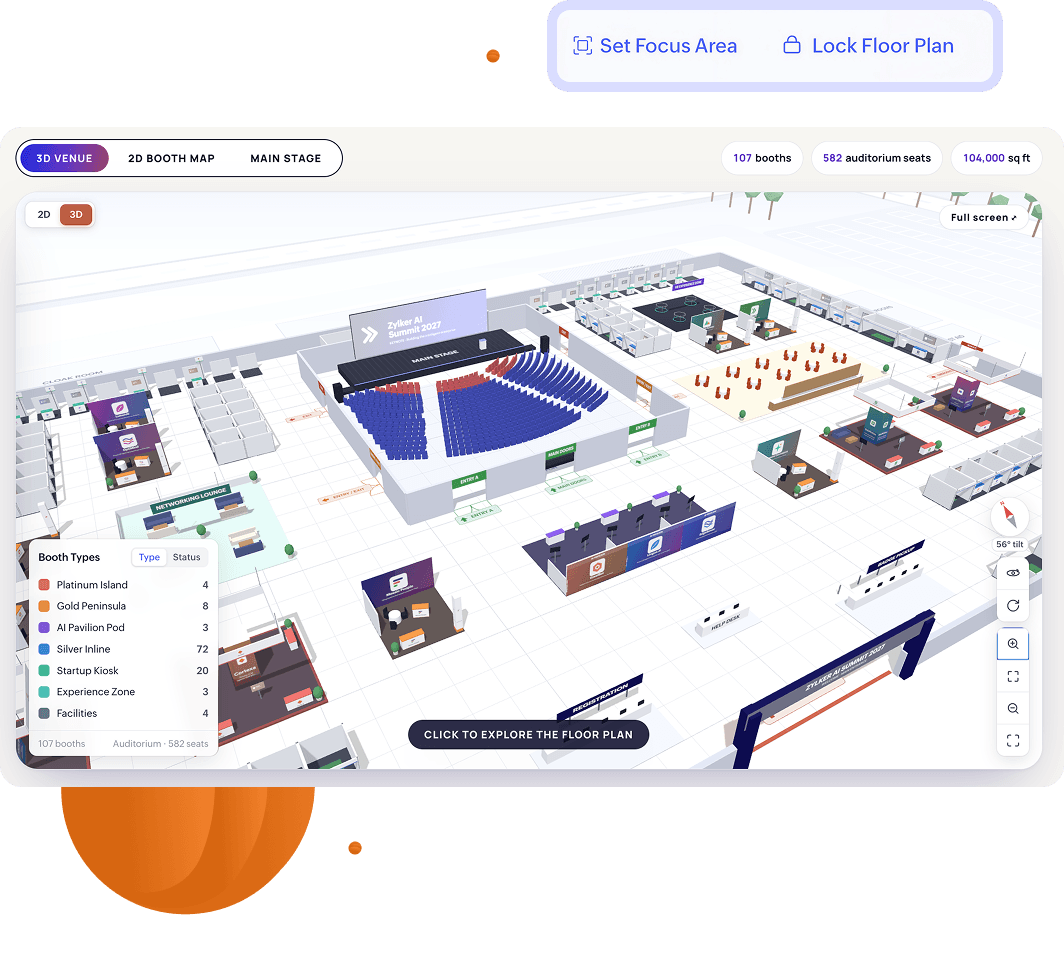
A flat grid tells an exhibitor where a booth is. It doesn't show them what that spot looks like on the floor. The 3D Floor Planner gives you and your exhibitors a clear view of the exhibition space, so prime spots are easier to see and easier to sell early.

  • Preview the exhibition floor in 3D to understand the space you're creating, not just the technical layout.
  • Help exhibitors see where high-visibility booths sit so they commit to the right spot early.
  • Turn the floor plan into a sales tool when you pitch booth space to sponsors and exhibitors.

Put an interactive floor plan on your event website

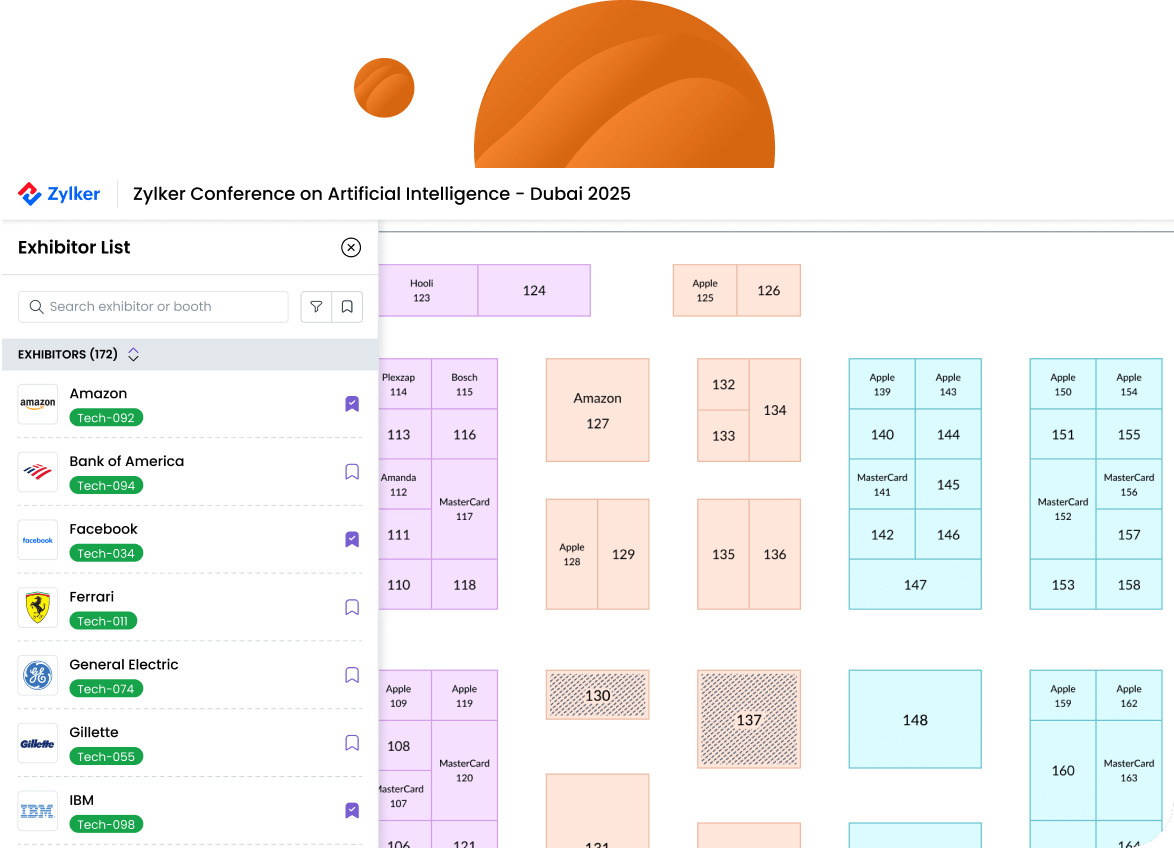
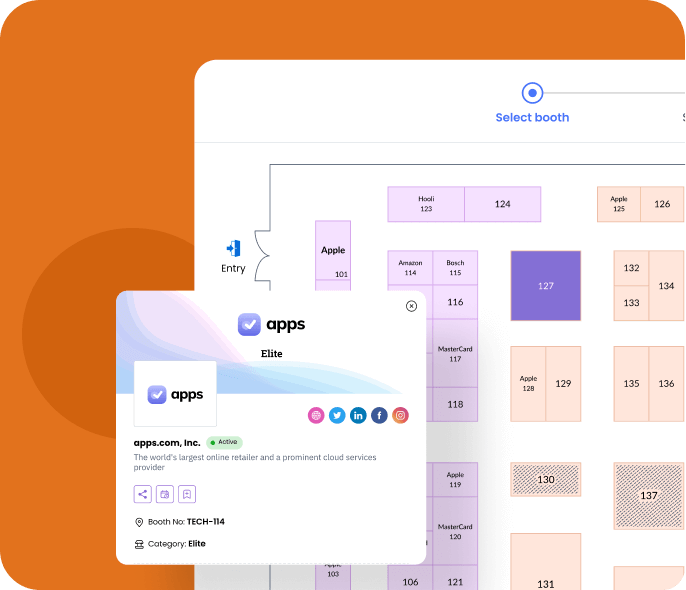
Once your layout is ready, embed it on your event website or share it as a full-page experience. Attendees can find exhibitors before they arrive, and the same floor plan helps them get around on the day.

  • Embed the floor plan on your event website or share it as a full-page view.
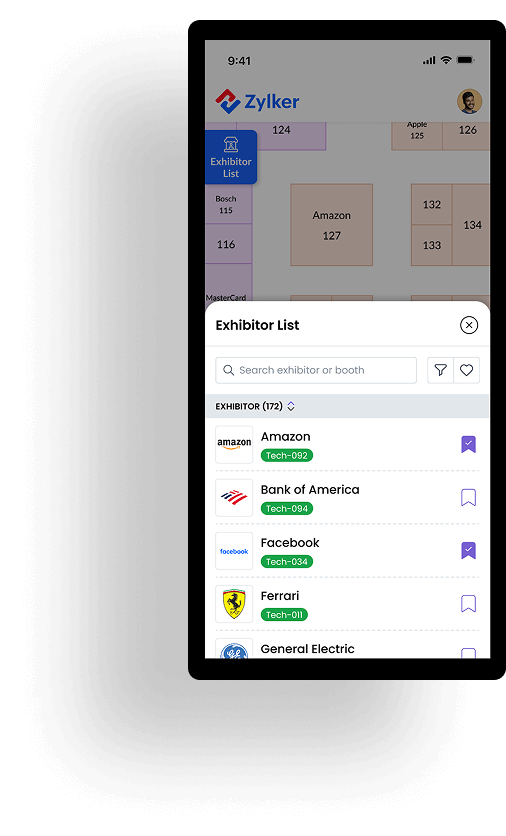
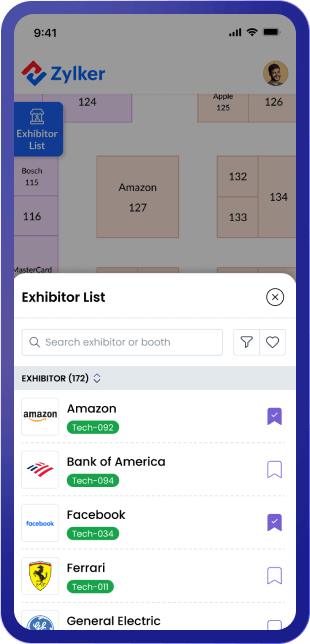
  • Choose what visitors see, from the exhibitor list, search, and filters to booth numbers, logos, and booth status.
  • Give attendees the same floor plan in the event app so they can find booths at the venue.

Need help setting up your floor plan?

If you want expert assistance designing and managing your expo layout, our team can help you set up the floor plan, optimize booth placements, and ensure a smooth booking experience for exhibitors.

The floor plan builder helped us map out booth placements clearly and navigate the layout with ease. We could assign booths to specific sponsors or exhibitors and instantly see which ones were sold, reserved, or still available. It made tracking everything so much simpler and more efficient.
Rufaidh Rismin
Rufaidh Rismin,Digital Content Executive, MECS+R
All-in-one event management platform

Powering every part of your event

Build better events from the ground up with tools that go beyond floor plans and support every stage of your event.

event-badging-platform

Event Badging

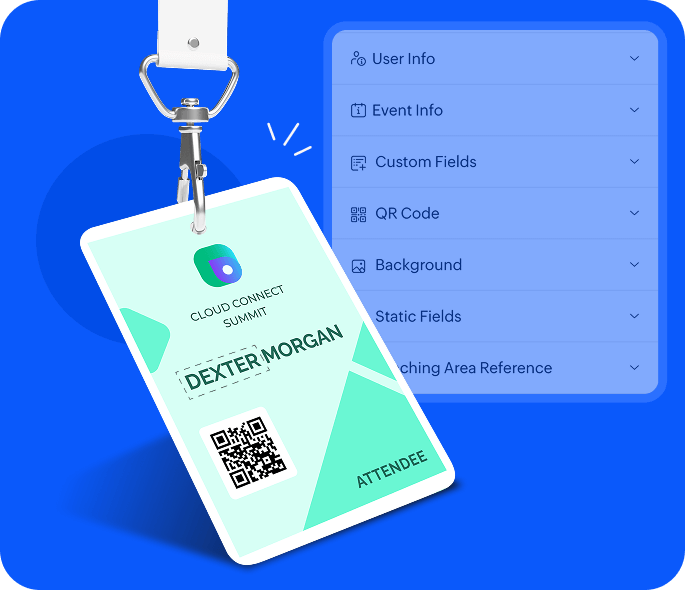
Design and print custom event name badges with attendee details and QR codes for quick scanning and secure access.

Learn more
event-website-builder

Event Website

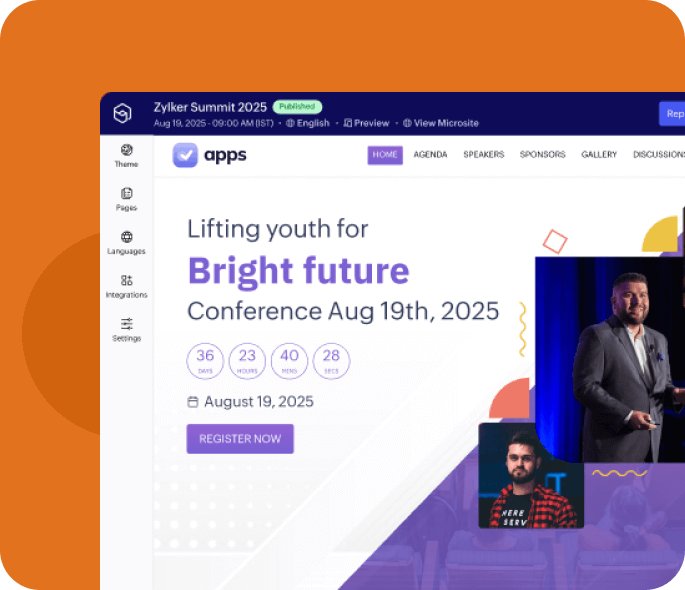
Build a professional event website without coding. Customize the design, add schedules, and enable registrations in just a few clicks.

Learn more
custom-event-mobile-app

Custom Mobile App

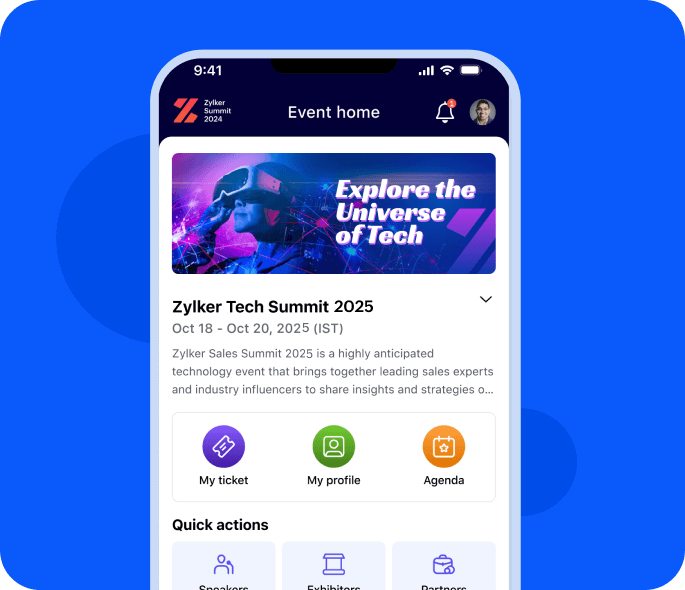
Build a branded attendee app without code. Pick a theme, add ready-made components like Agenda and Speakers, and publish.

Learn more

Ticketing and Registration

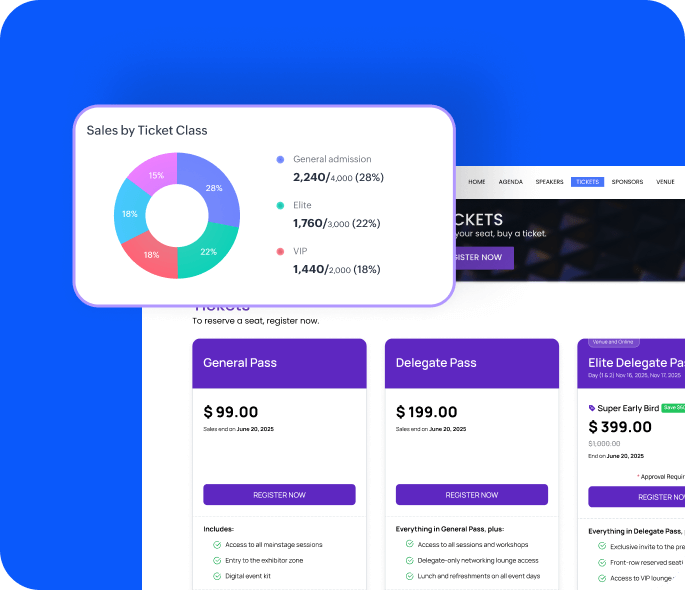
Sell tickets online, manage registrations, and set up multiple pricing tiers with integrated payment options.

Learn more
audience-engagement

Audience Engagement

Encourage participation with live polls, Q&A sessions, and gamification. AI-powered networking helps attendees find and connect with the right people.

Learn more
exhibitor-management

Exhibitor Management

Make it easy for exhibitors to set up digital booths, capture leads, and track engagement with real-time insights.

Learn more
Event floor Plan creator

Frequently asked questions

Event floor plan software helps organizers design and manage the layout of event spaces. It allows for visual booth placement, easy navigation, and real-time updates—making it easier for exhibitors to book booths and for attendees to explore the venue.

Zoho Backstage's event floor plan creator lets organizers import an existing DXF layout or design one from scratch, preview the floor in 3D, price booths, and publish the plan online. Exhibitors can browse available spaces, request booths in real time, and avoid double bookings. No emails or PDFs needed.

Absolutely. You can adjust the layout and booth placements in real time, including adding or updating floors in a multi-floor plan. When the layout is final, lock it to prevent accidental structural changes while booth sales continue.

Yes. Exhibitors can explore the live floor plan on your event website, view available booths, and request a space in just a few clicks. Bookings happen in real time, reducing back-and-forth and preventing double bookings.

Zoho Backstage offers one of the best event floor plan software options for expos and trade shows. It combines visual planning, real-time booking, and mobile accessibility, making it a powerful tool for managing both small and large-scale event layouts.

Yes. Once your layout is published, attendees can view the interactive event floor plan from any device or through the event app. They can search for exhibitors, navigate key areas, and book meetings on the go.

The floor plan software updates booth availability in real time. When an exhibitor selects a booth, it’s instantly marked as taken—eliminating the chance of duplicate bookings or manual errors.

Static PDFs can't be updated live and don't support interaction. With Zoho Backstage, you can import your existing design, edit it with drag and drop, preview it in 3D, and let exhibitors select booths interactively. The floor plan stays current for organizers, exhibitors, and attendees.