
Add user to Analytics
To add users to analytics workspace:
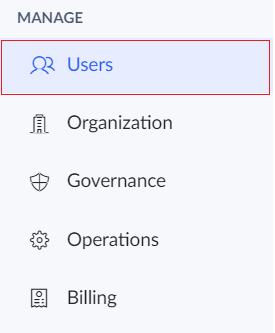
- Click the Users option under the Manage section in the left pane.
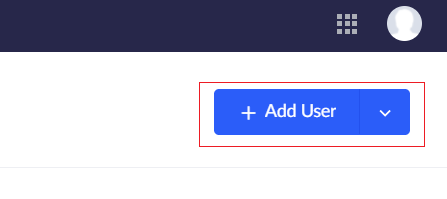
- Click the Add Users button.
- The Add Users tab will appear. Enter the name, email address and other details of the user.
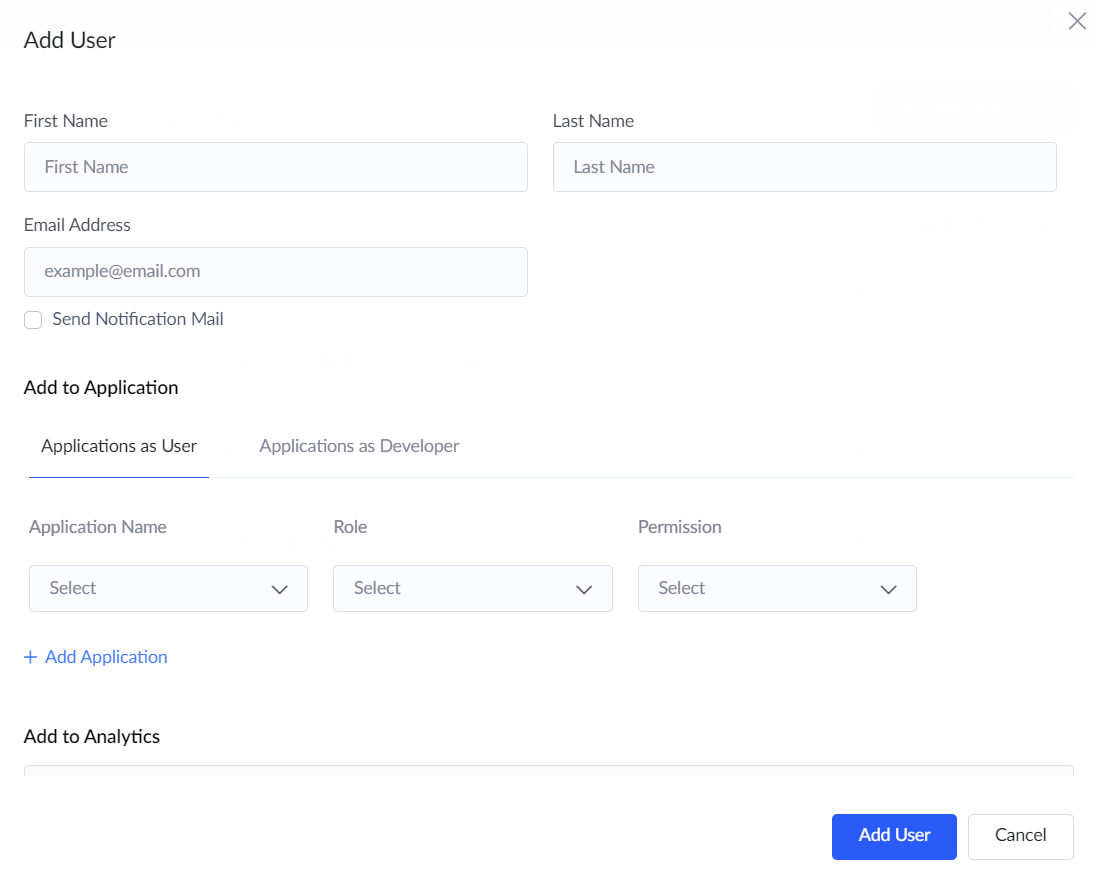
- Tick the Send notification mail checkbox if required.
- Navigate to the Add to Analytics section.
Note: The user can be added to analytics only when a workspace has been created under Solutions.
- Under the Workspace name field, choose the workspace to which the user is to be added.
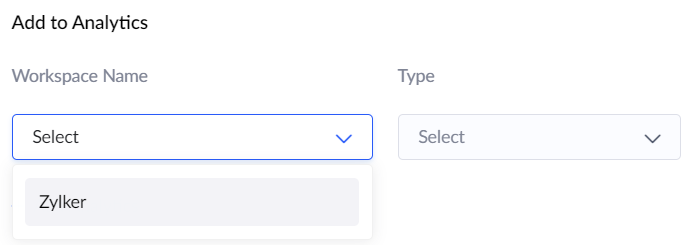
- Under the Type field, choose the role to be assigned to the user in the Analytics workspace.
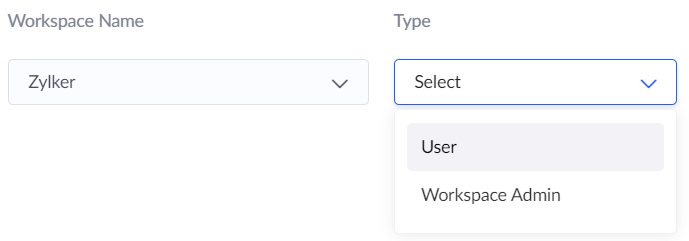 Note: You can create new roles or modify existing roles by visiting the settings of the respective workspace under Solutions.
 - Click on Add analytics button to add the user to multiple workspaces.
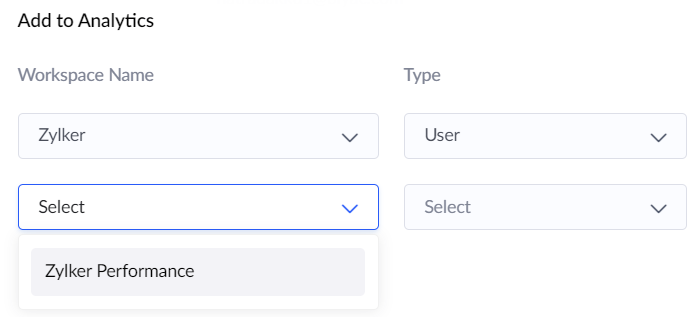
- Click the Add user button.