Serve All Resources
Serve Command Execution
You can host the Basic I/O and Advanced I/O functions, as well as Angular , React , or the Basic client component, of your Catalyst project locally by navigating to your project directory and executing the following command:
This will start a local server in the default port 3000 and deploy your resources to the endpoint.
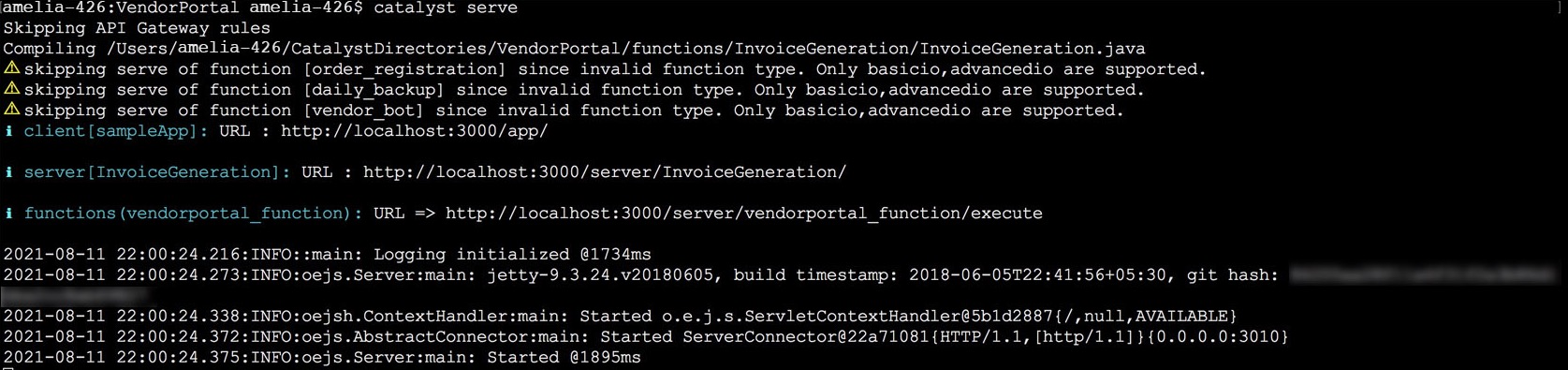
The CLI will display the URLs of the local endpoints of your client and the functions that are served.
As mentioned earlier, Catalyst can only serve Basic I/O and Advanced I/O functions. Therefore, if there are any Cron, Event, or Integration functions in your project directory, they will be skipped from being served. Similarly, the API Gateway Rules JSON file will also be skipped from being served.
Serve Functions and Basic Web Applications
You can test the Basic I/O and Advanced I/O functions that are hosted through the local server by accessing their URL endpoints. These endpoints can be accessed from an IDE environment or in your browser.
The web client will open in your default browser automatically, after it is hosted through the local server.
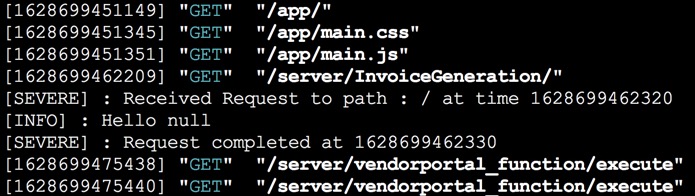
When you access the home page or any of the sub-pages of your client, or your function endpoints after they are served, the CLI will display a live log of the endpoints accessed along with the request methods that are used to access them. The function invocation information also includes log levels and other log entries as shown below.
Serve Angular Applications
Angular applications in your project will be served similarly. The Catalyst plugin for your Angular app, zcatalyst-cli-plugin-angular , which is installed when the Angular app is initialized, will handle the serve session.
Angular implements Hot Module Replacement (HMR). The HMR is a Webpack feature that updates and reloads specific modules, without recompiling and reloading the entire project, when changes are made during a serve session. HMR is enabled when you serve the application through the Catalyst CLI by default.

When the Angular app is served, the modules in the app, such as /router , /common etc are all compiled initially. The CLI displays the details of the compilation and the build generation. You can also see the details of the individual files in the application, like the initial chunk files and their sizes. These fall under the default norms of the build and serve processes of Angular apps.
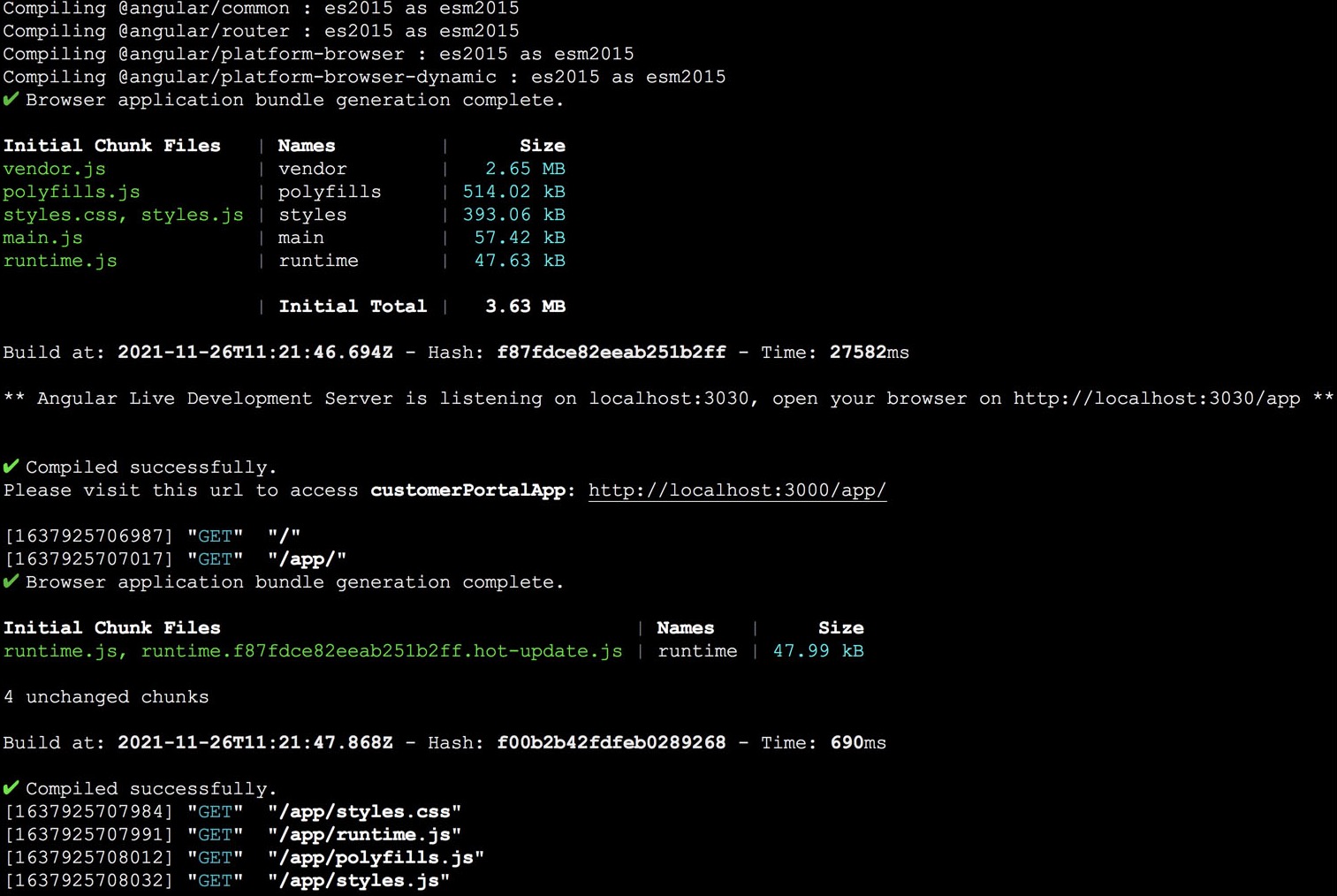
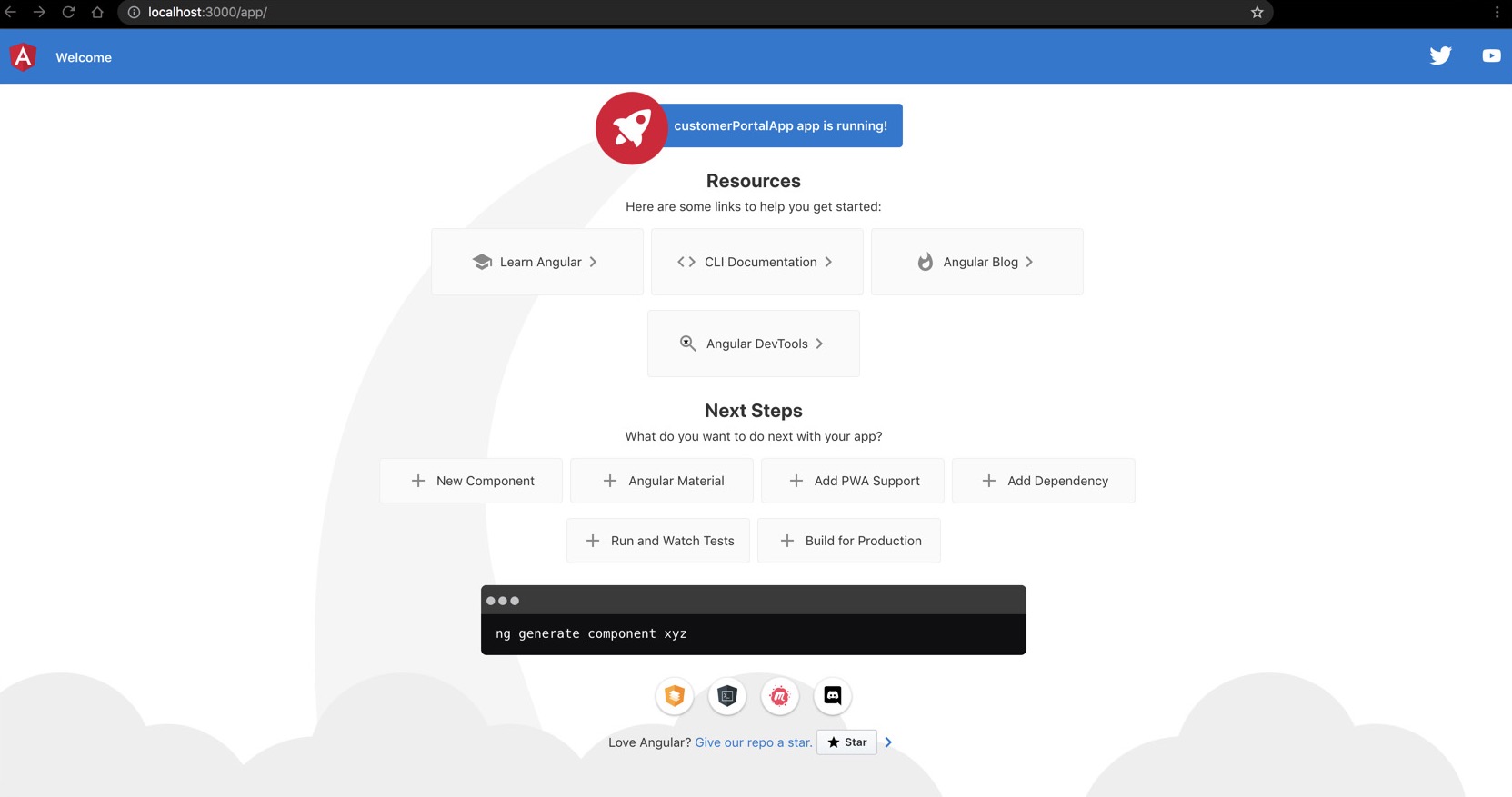
The CLI will redirect to the default browser to open the web client automatically after the compilation is done. You can disable this using the –no-open option, similar to the basic web apps. You can see the live log of the endpoints accessed along with the request methods, in an Angular app’s serve session as well.
If the HMR has not been disabled, the changes you make in your Angular app will be reflected live in the serve session without a recompilation and reload of the entire component. The CLI will display the live logs of the updated modules, such as the details of the changed chunk files.
Serve React Applications
A Catalyst React app will be served similar to an Angular app. The Catalyst plugin for your React app, zcatalyst-cli-plugin-react , which is installed when the React app is initialized, will handle the serve session.
React applications implement Hot Module Replacement (HMR) similar to Angular applications. The HMR is a Webpack feature that updates and reloads specific modules, without recompiling and reloading the entire project, when changes are made during a serve session. HMR is enabled when you serve the application through the Catalyst CLI by default.

When the React app is served, the plugin compiles into a development build. The CLI displays the details of the compilation and the local endpoint to access the app.
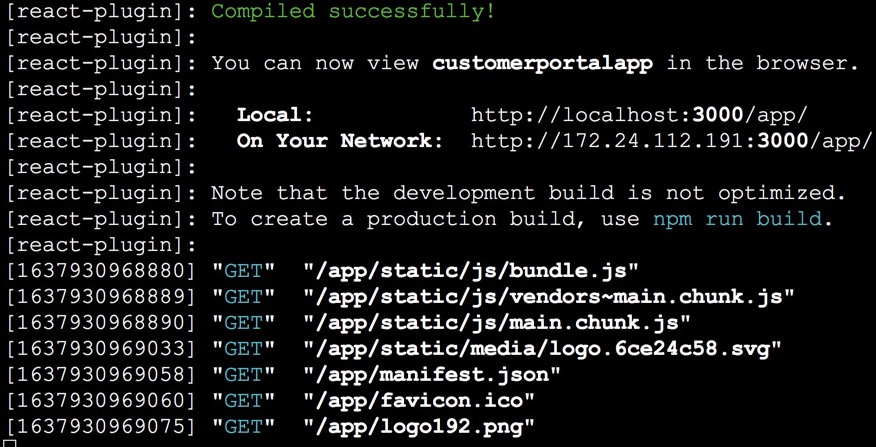
The CLI will redirect to the default browser to open the web client automatically after the compilation is done. You can disable this using the –no-open option, similar to the basic web apps. You can see the live log of the endpoints accessed along with the request methods, in a React app’s serve session as well.
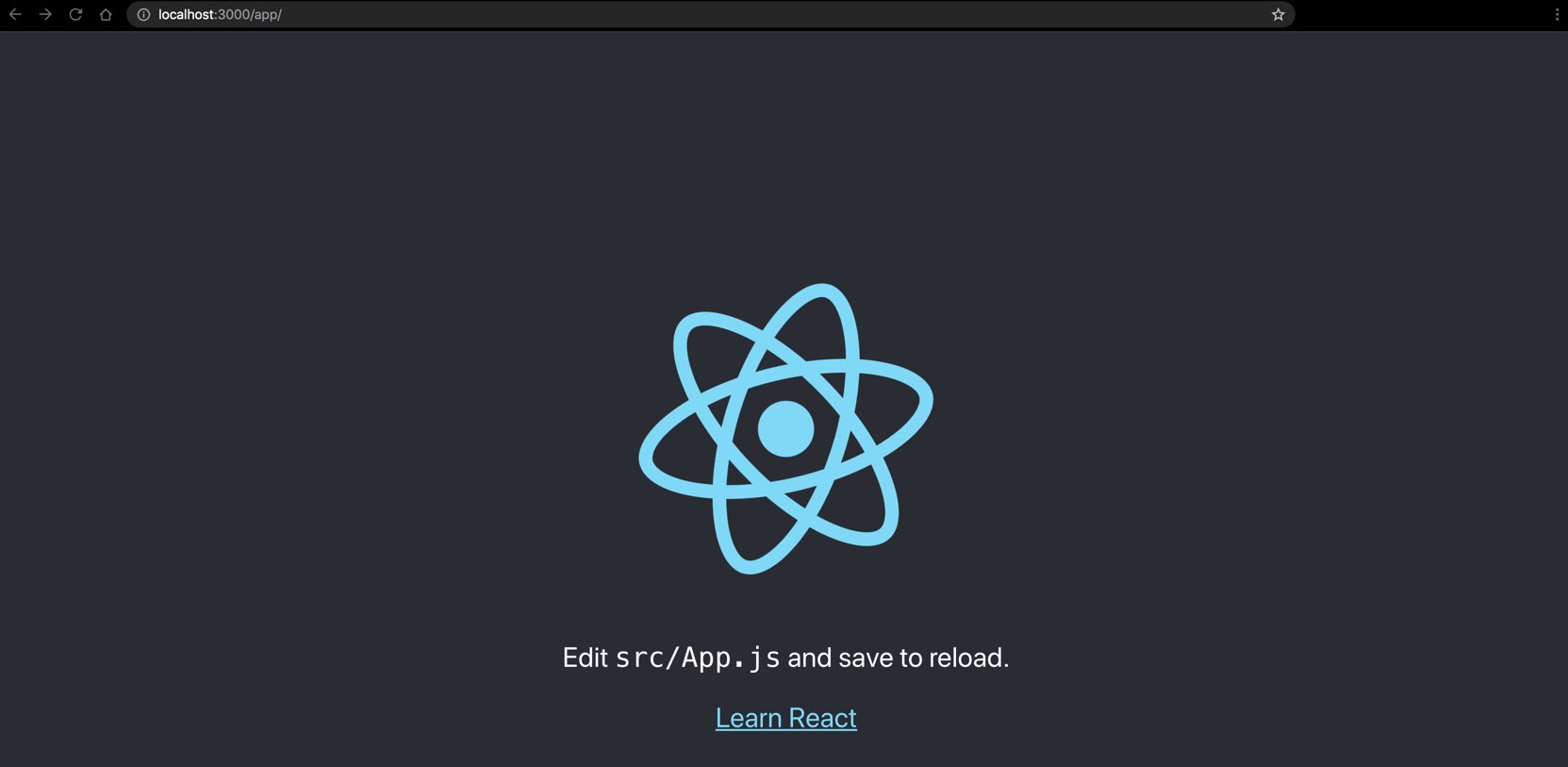
If the HMR has not been disabled, the changes you make in your React app will be reflected live in the serve session without a recompilation and reload of the entire component. The CLI will display the live logs of the updated modules.
After you test the client and functions, you can quit the serve session in your terminal by killing the running command based on your local environment. This will shut the local server down.
Yes
No
Send your feedback to us