Styling Embedded Authentication Type
Catalyst enables you to style both variants of the embedded authentication type.
To change the style of the conventional iFrame:

-
Download the CSS file, and begin styling your iFrame login element after the last line of code as instructed in the file. Download here .
-
Refer to this document , to know the descriptions of each CSS component.
To change the style of the Social Login-only form:

-
Download the CSS file, and begin styling your iFrame login element after the last line of code as instructed in the file. Download here .
-
Refer to this document , to know the descriptions of each CSS component.
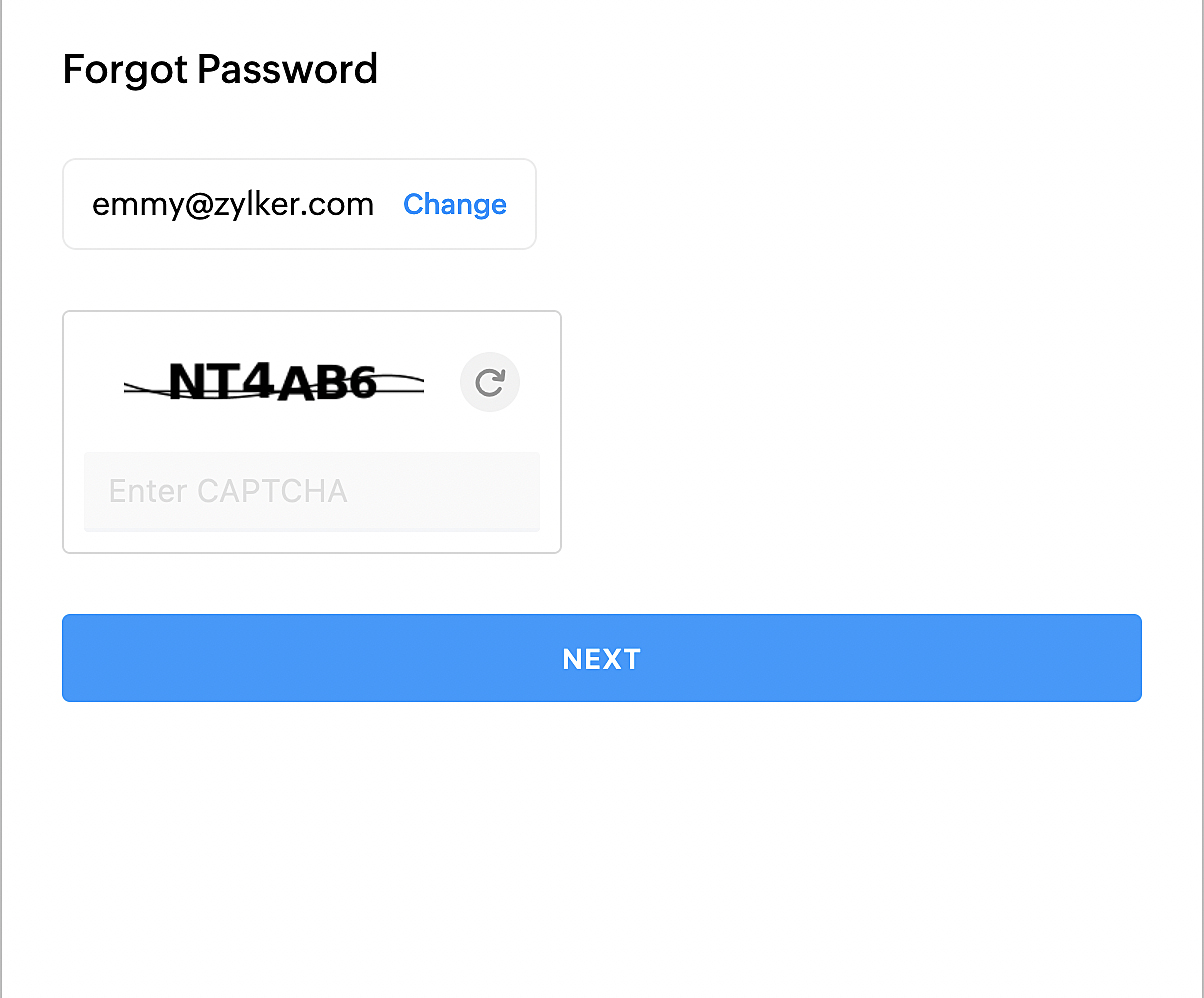
To change the style of the Password Reset iFrame:
-
Click the download button to download the CSS file, and begin styling your document after the last line of code as instructed in the document. Download here .
-
Refer to this document , to know the descriptions of each CSS component.
Yes
No
Send your feedback to us