Working with Rules
Edit a Rule
You can edit a rule in the component or a custom event listener, and modify its details, source, or target functions in the following way:
- Open the component or custom event listener from the Event Listeners page.
- Click the ellipsis icon for the rule, then click Edit.
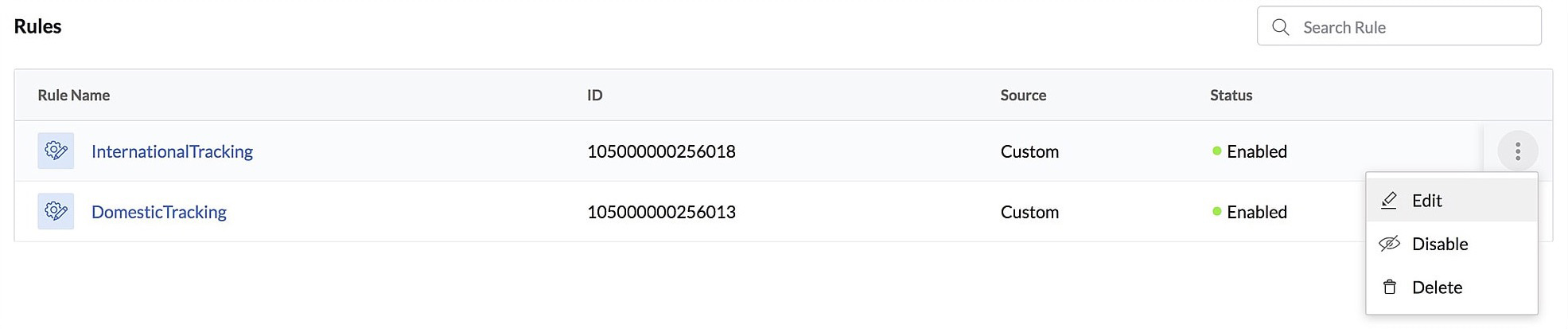
- Make the required changes, then click Update.

Disable a Rule
You can disable a rule in a component or a custom event listener if you need to deactivate it temporarily. This will stop the event listener from listening to the event that the rule is associated with, and the associated functions will not be invoked when the event occurs.
To disable a rule in the component or a custom event listener:
- Open the component or custom event listener from the Event Listeners page.
- Click the ellipsis icon for the rule, then click Disable.
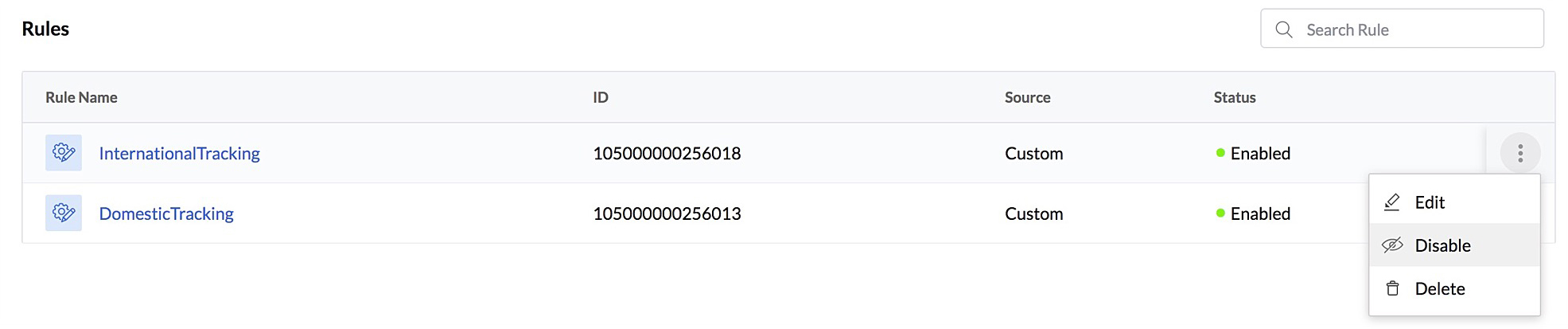
- Click Yes, Proceed in the confirmation pop-up.

The rule will be disabled. You can enable it again by clicking the ellipsis icon and clicking Enable.
Delete a Rule
To delete a rule in the component or a custom event listener:
- Open the component or custom event listener from the Event Listeners page.
- Click the ellipsis icon for the rule, then click Delete.
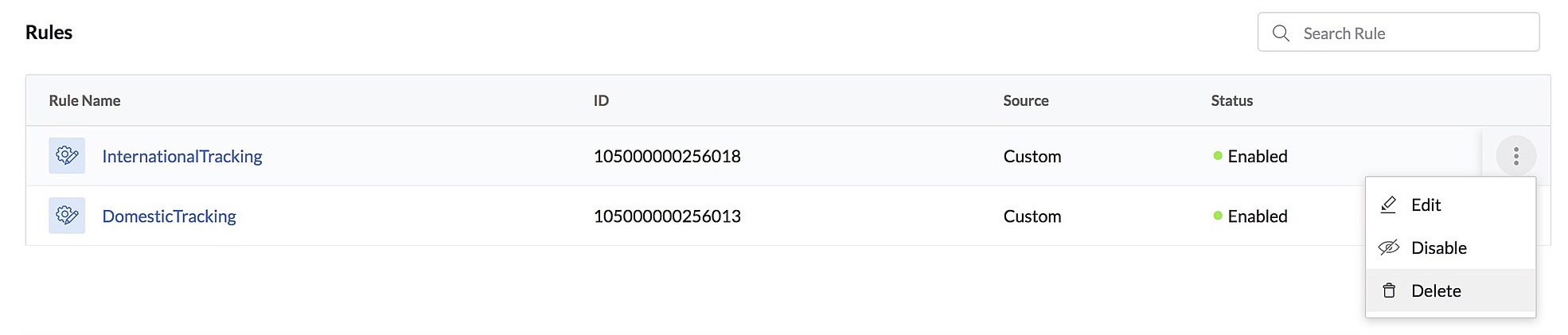
- Click Yes, Proceed in the confirmation pop-up.

Yes
No
Send your feedback to us
Skip
Submit