Testing ZCQL Queries
As discussed in the introduction, you can test ZCQL queries from the console before implementing it in your application’s code. This enables you to test and verify the execution of queries before you begin building with it.
If your project’s Data Store is populated, you can perform operations on it from the ZCQL console to retrieve, insert, update, or delete data from the Data Store’s tables. You can view the output of the query executions on the same page.
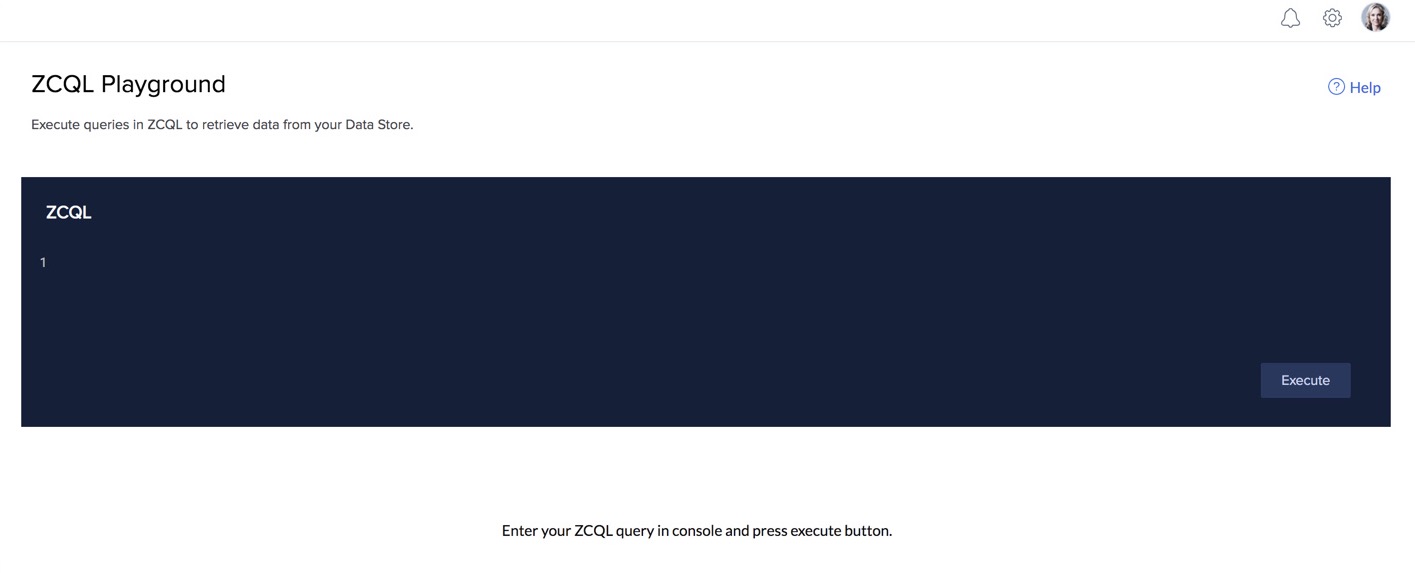
To execute a ZCQL query in the Catalyst console:
- Navigate to ZCQL Console under Develop.
- Type the query in the ZCQL query window.
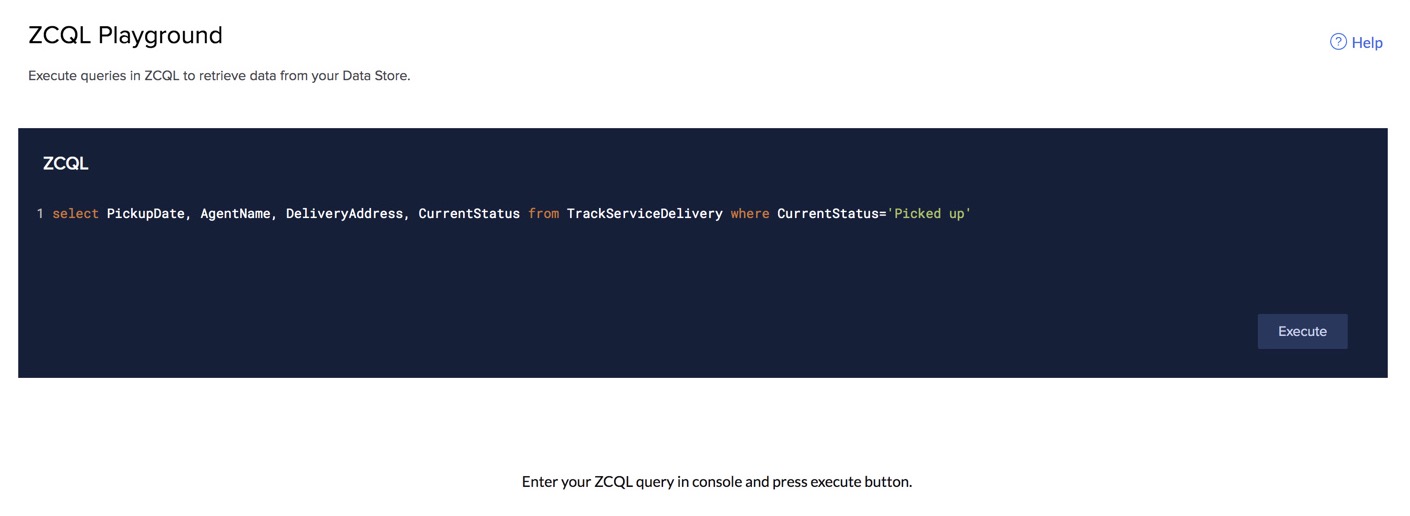
Note: You need not use the end-of-statement delimiter ';' at the end of a ZCQL query, while executing it in the ZCQL console.
3. Click Execute.
The output of your query’s execution will be displayed below the query window.
Yes
No
Send your feedback to us
Skip
Submit