Section forms into pages
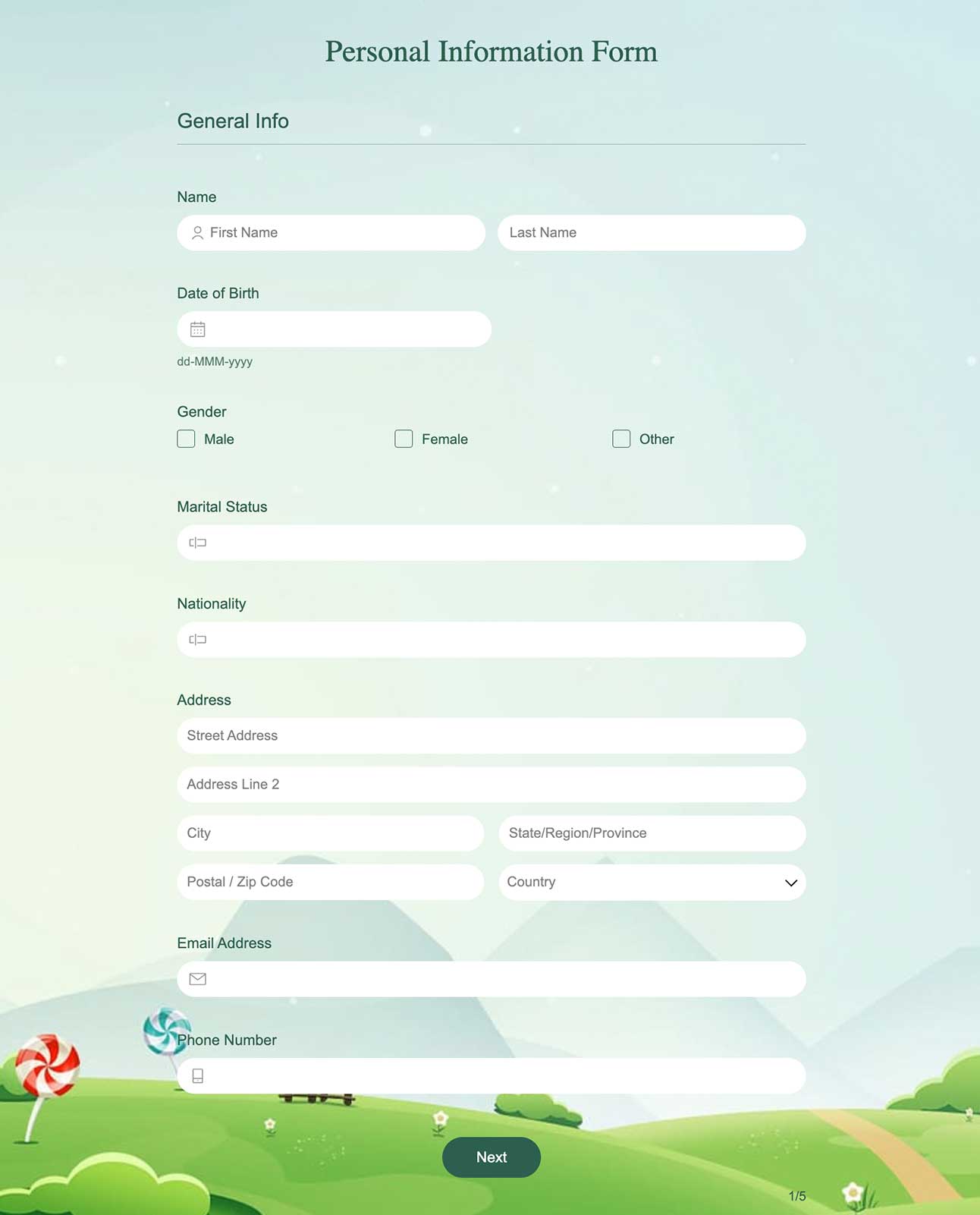
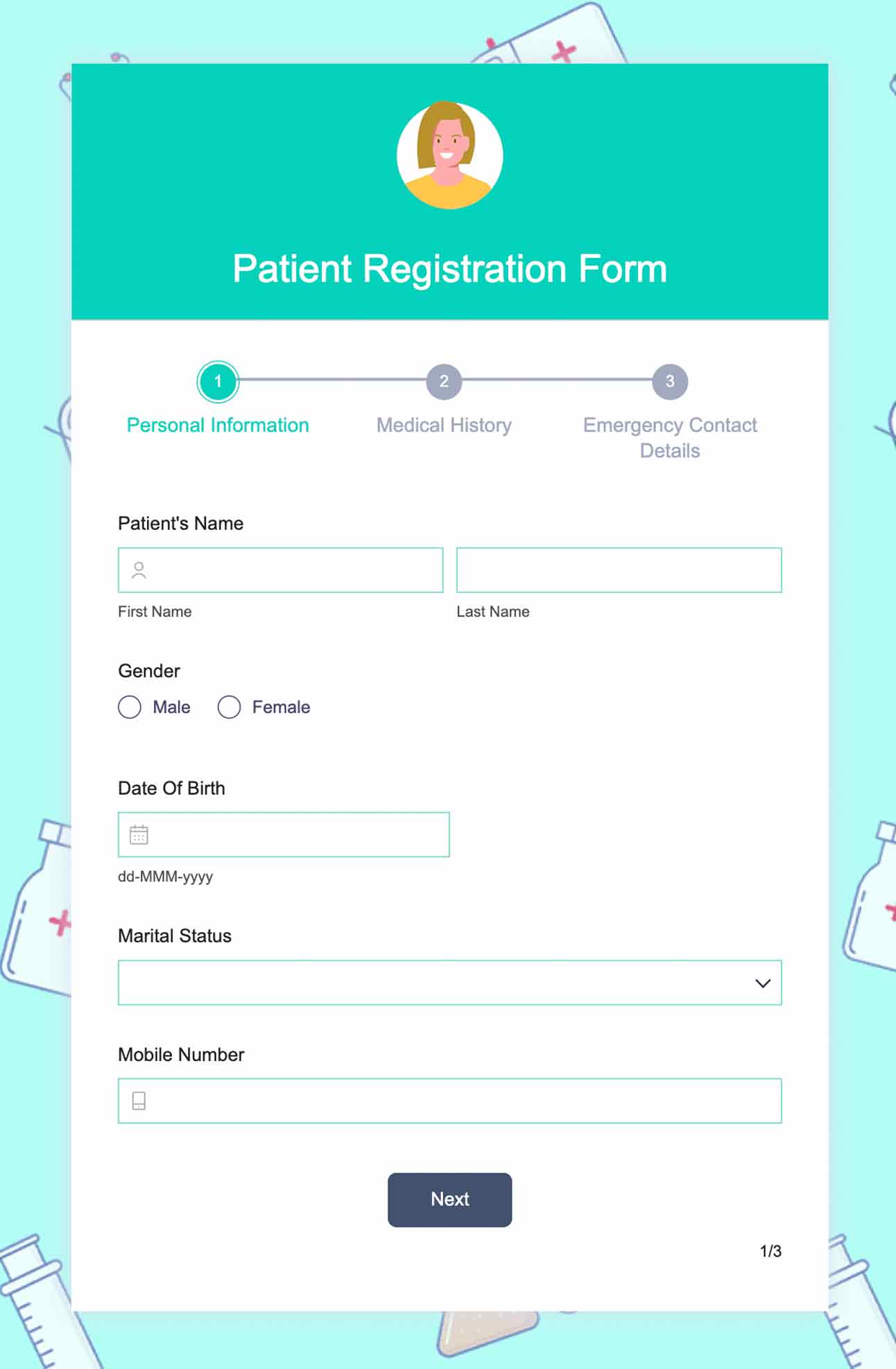
Divide a long form into multiple pages in the form builder by inserting a page break where you want to create a split. Duplicate a page with all the questions and reuse them again in the same form with a quick shortcut, saving time and effort.
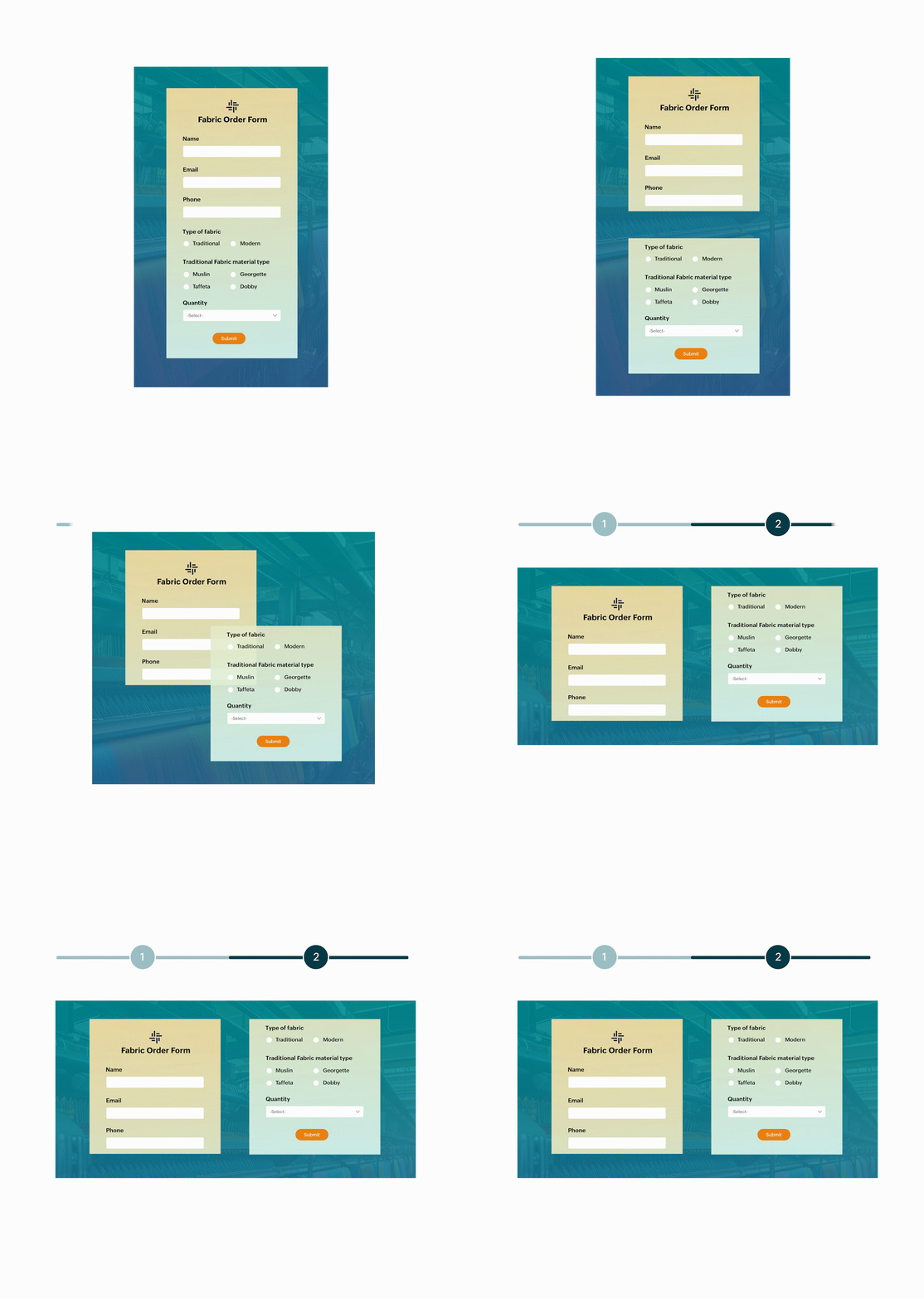
Navigate with ease
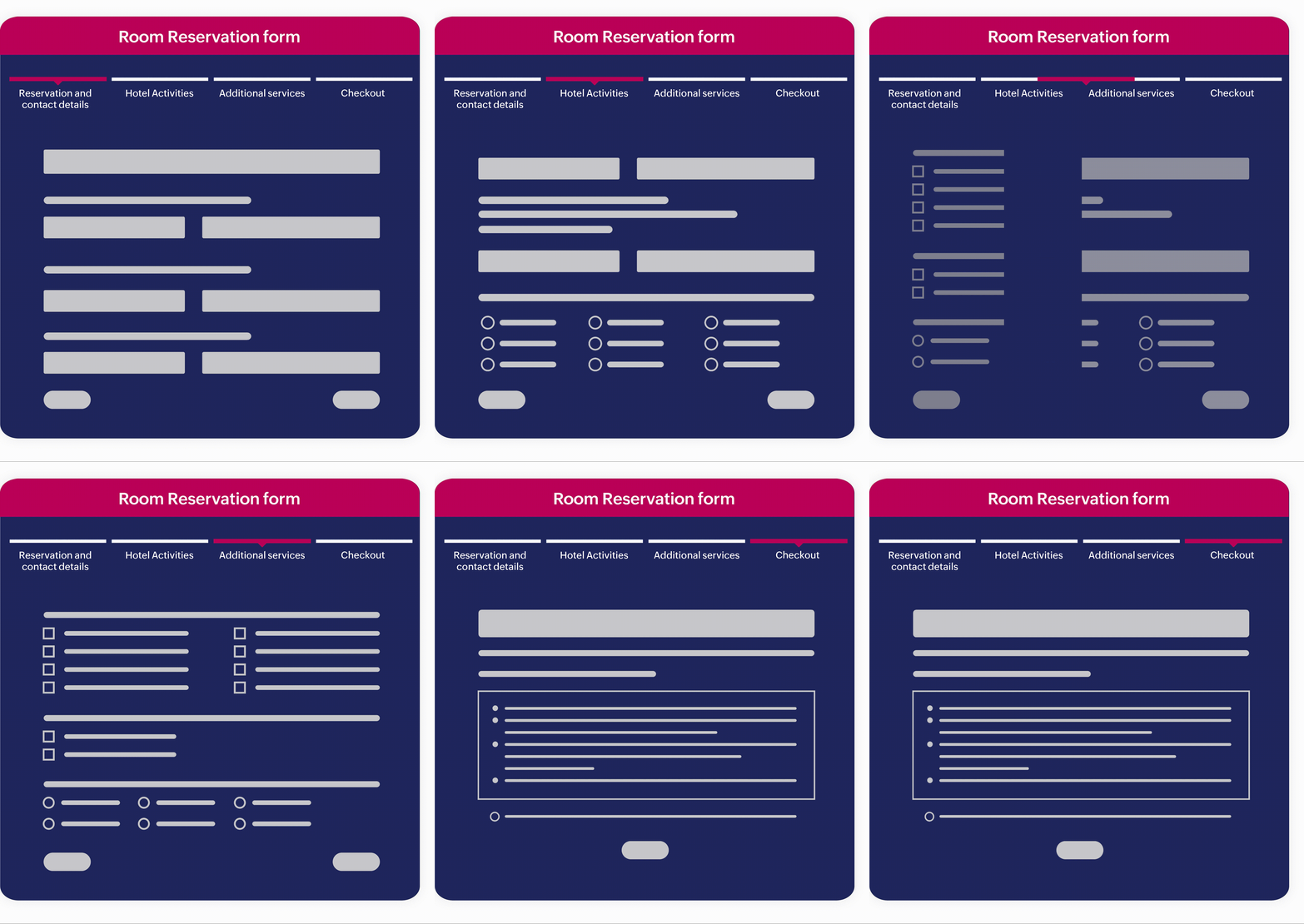
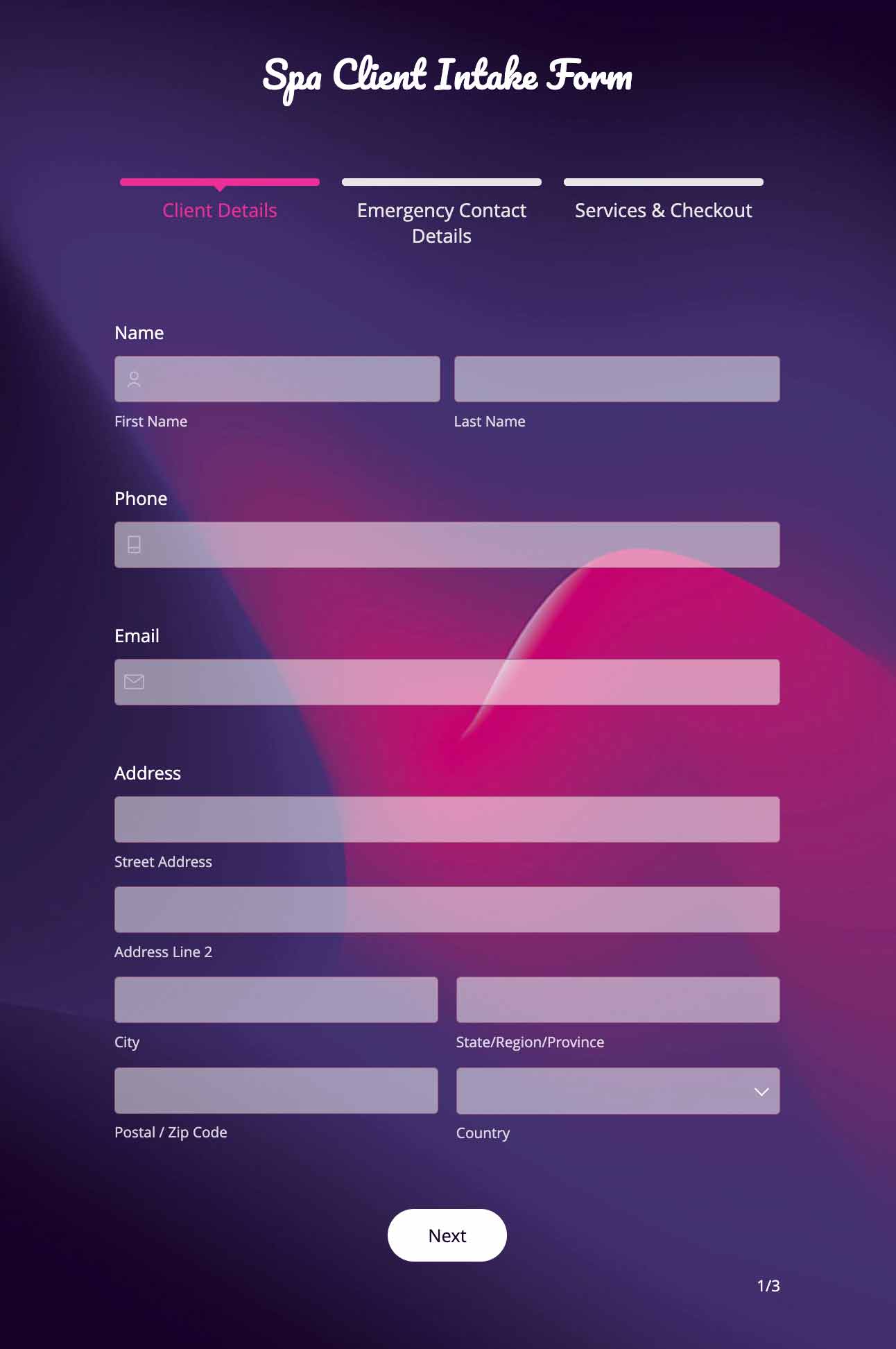
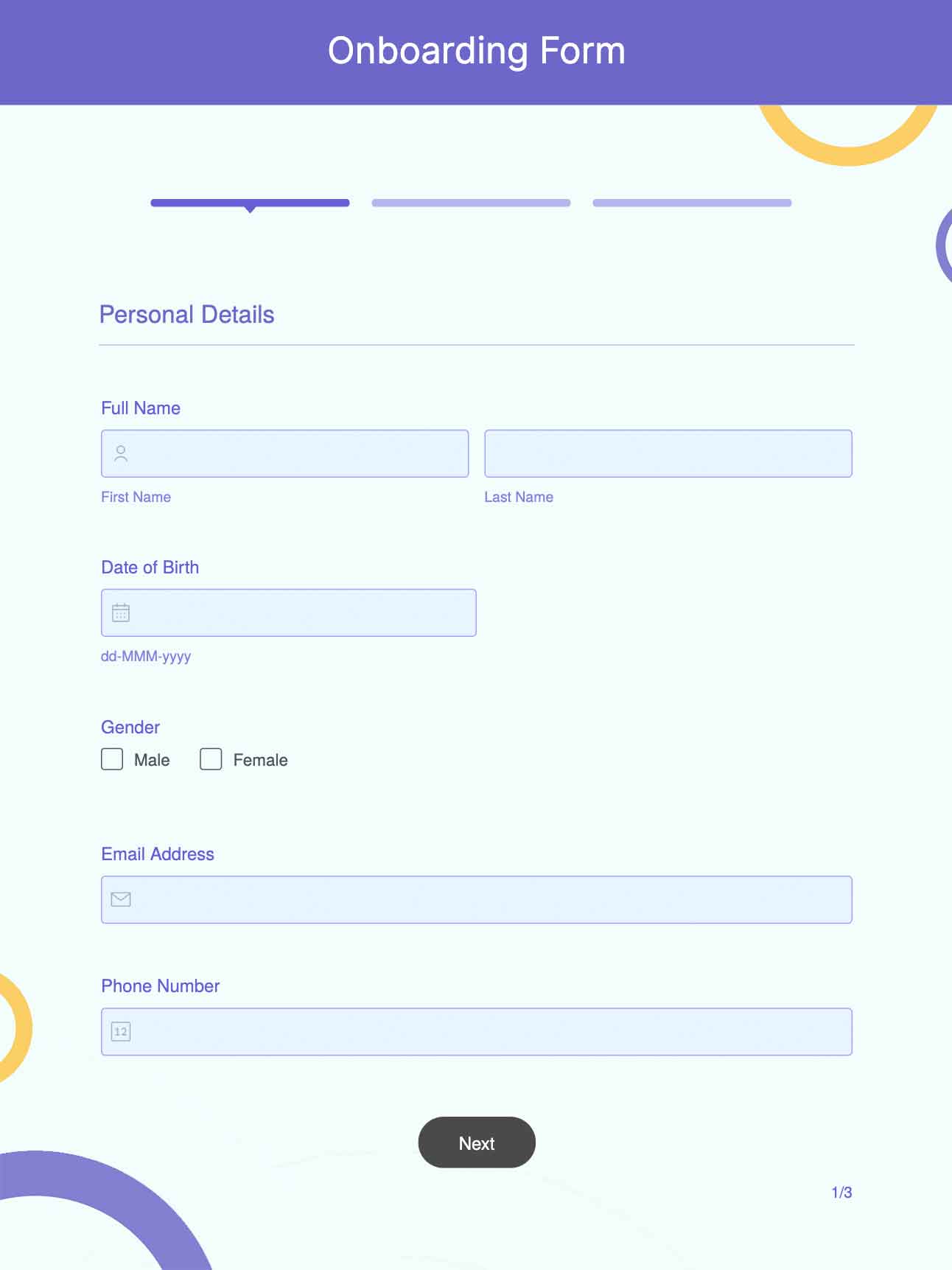
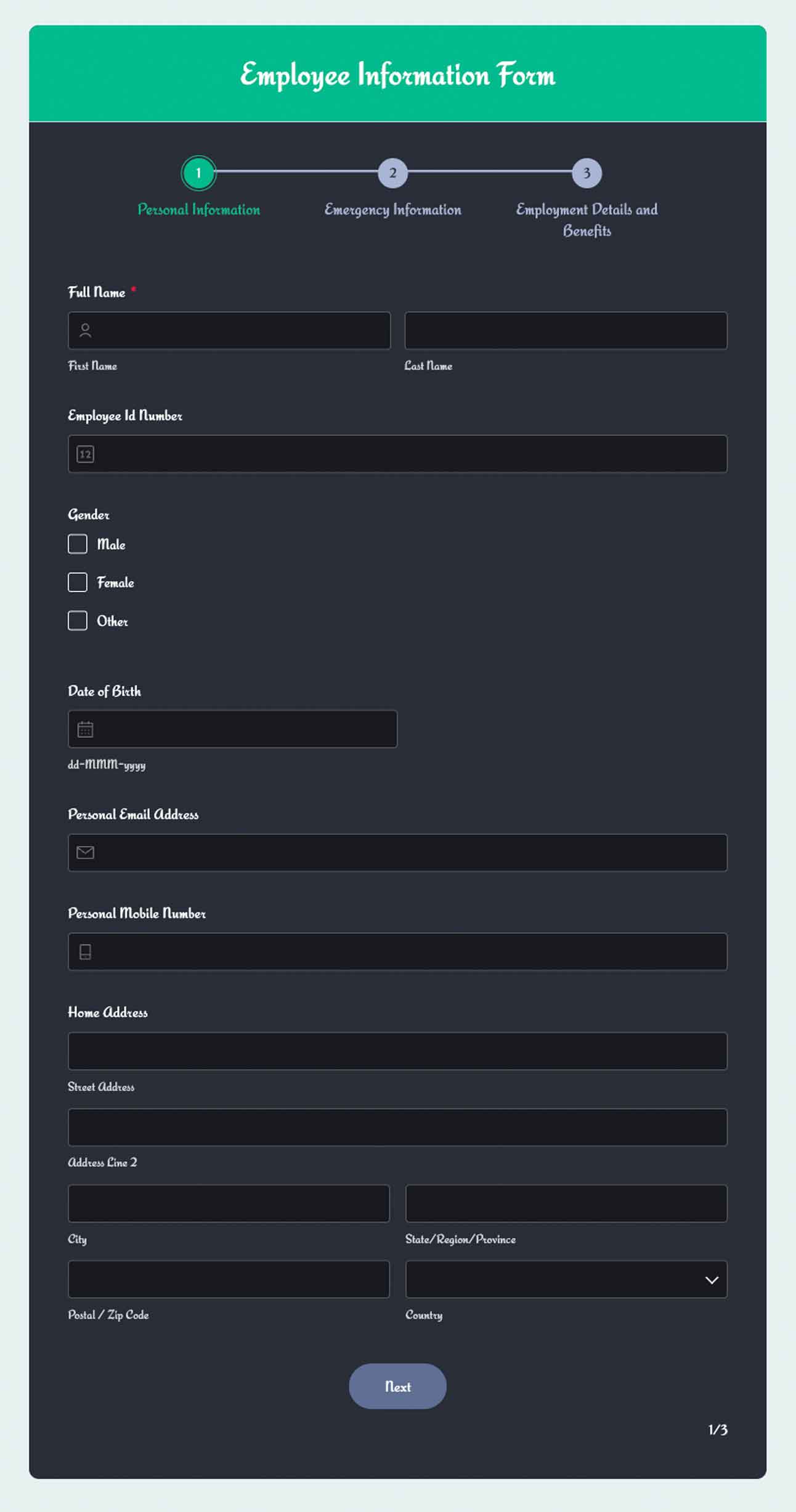
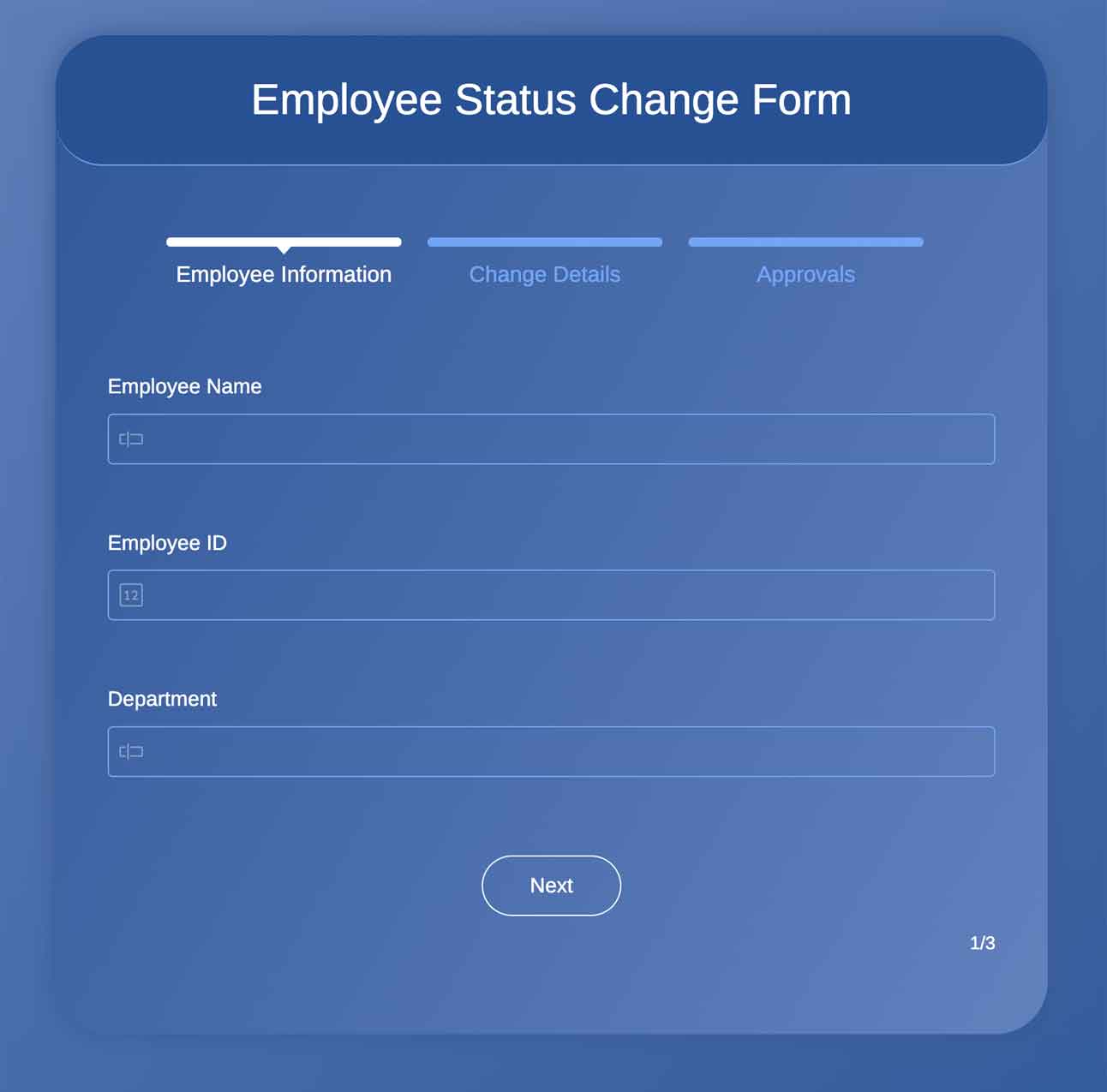
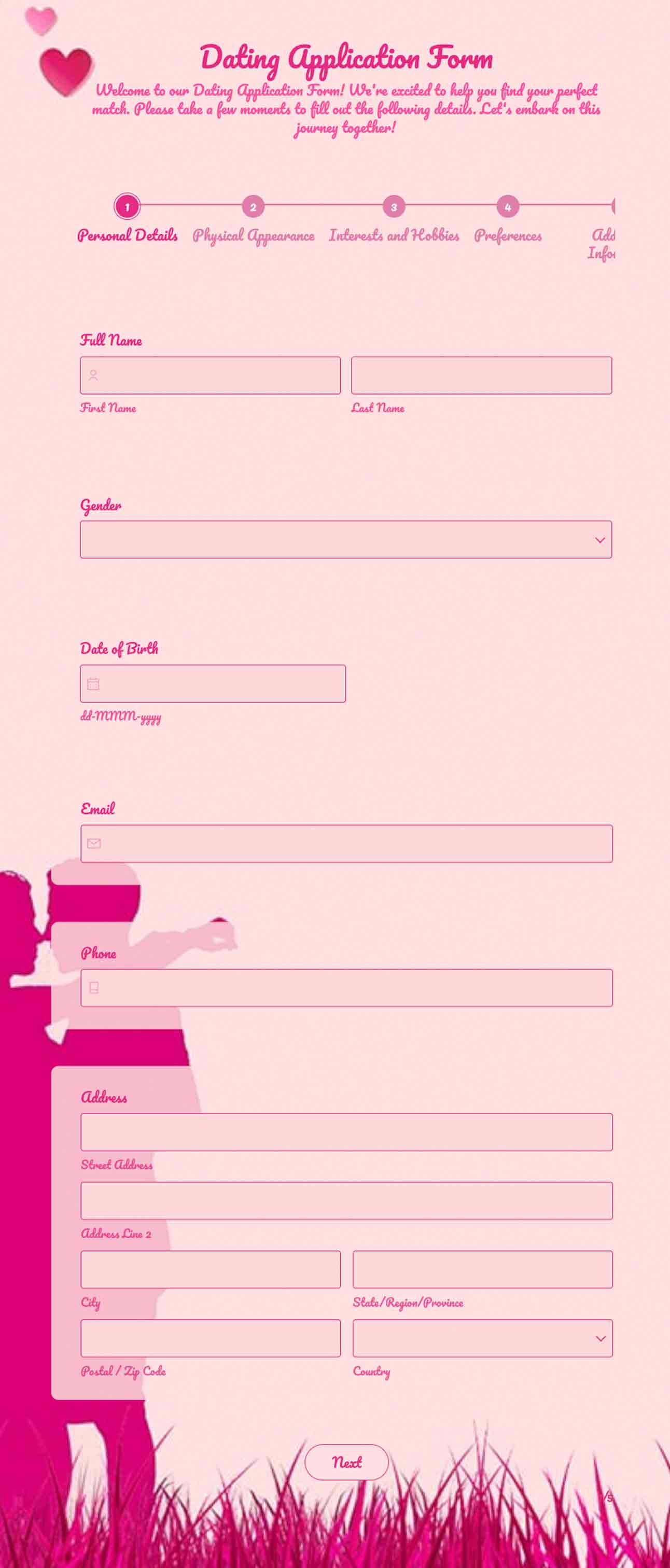
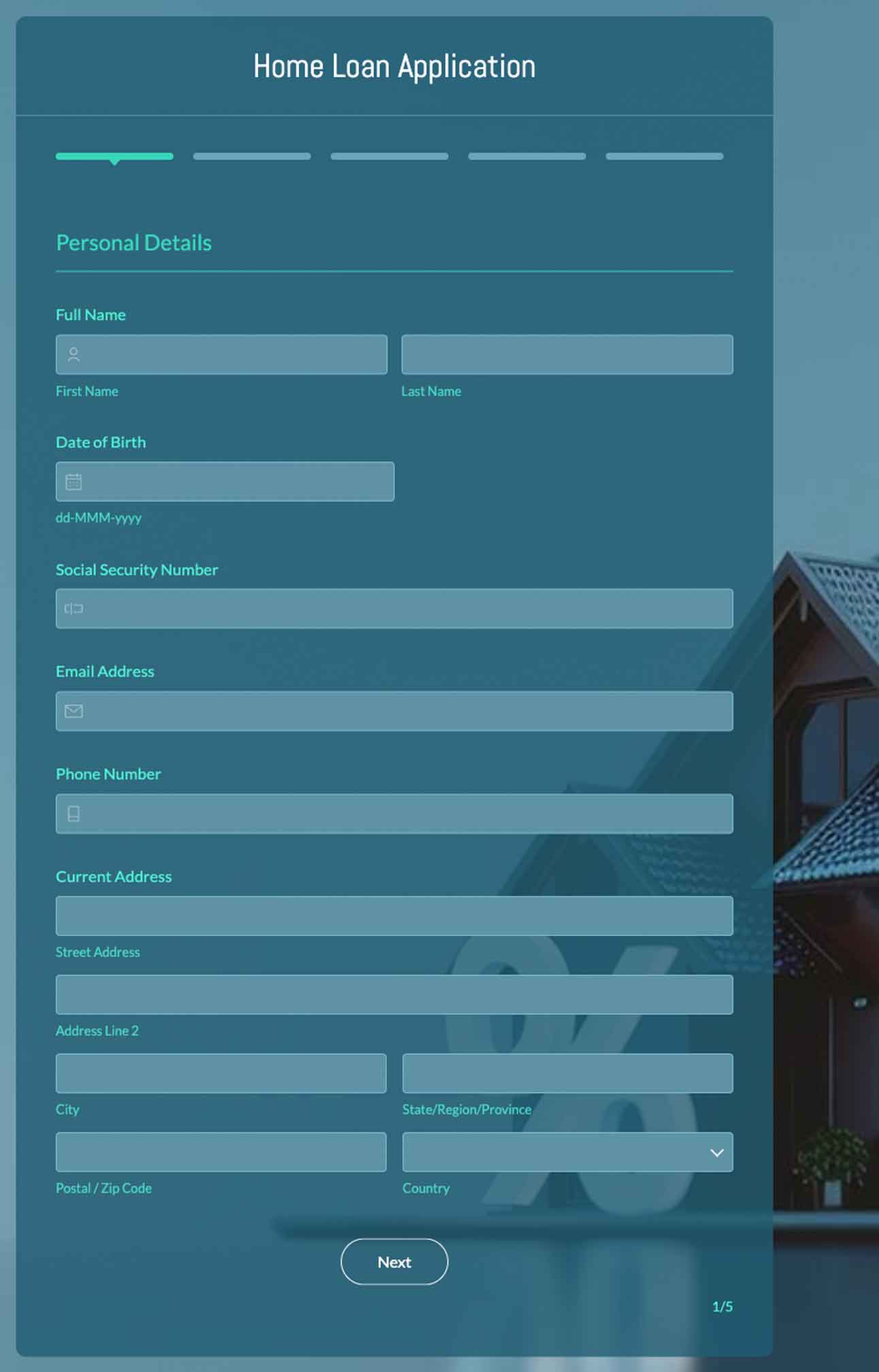
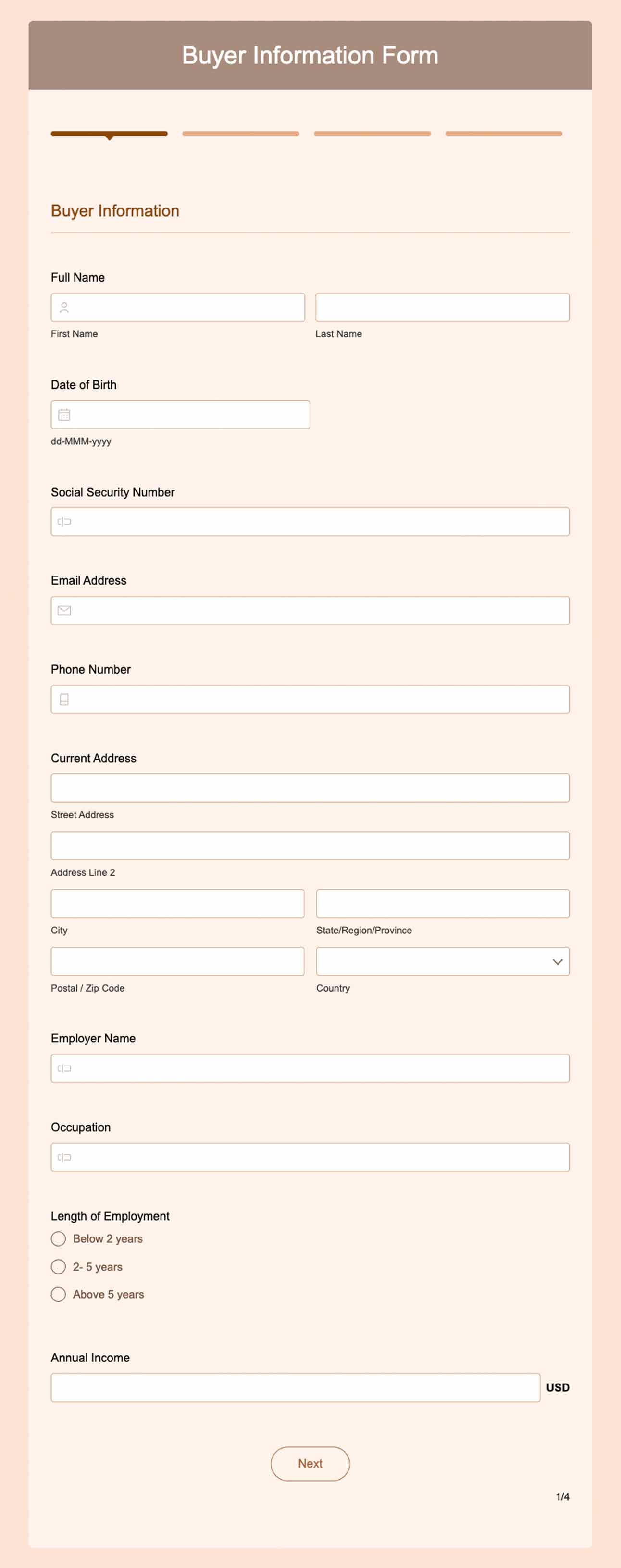
Help respondents zip through your form with page navigation buttons and a status bar to view their progress. Seamless navigation and page numbers let respondents quickly refer to previous pages or jump ahead to scout later pages without getting confused.
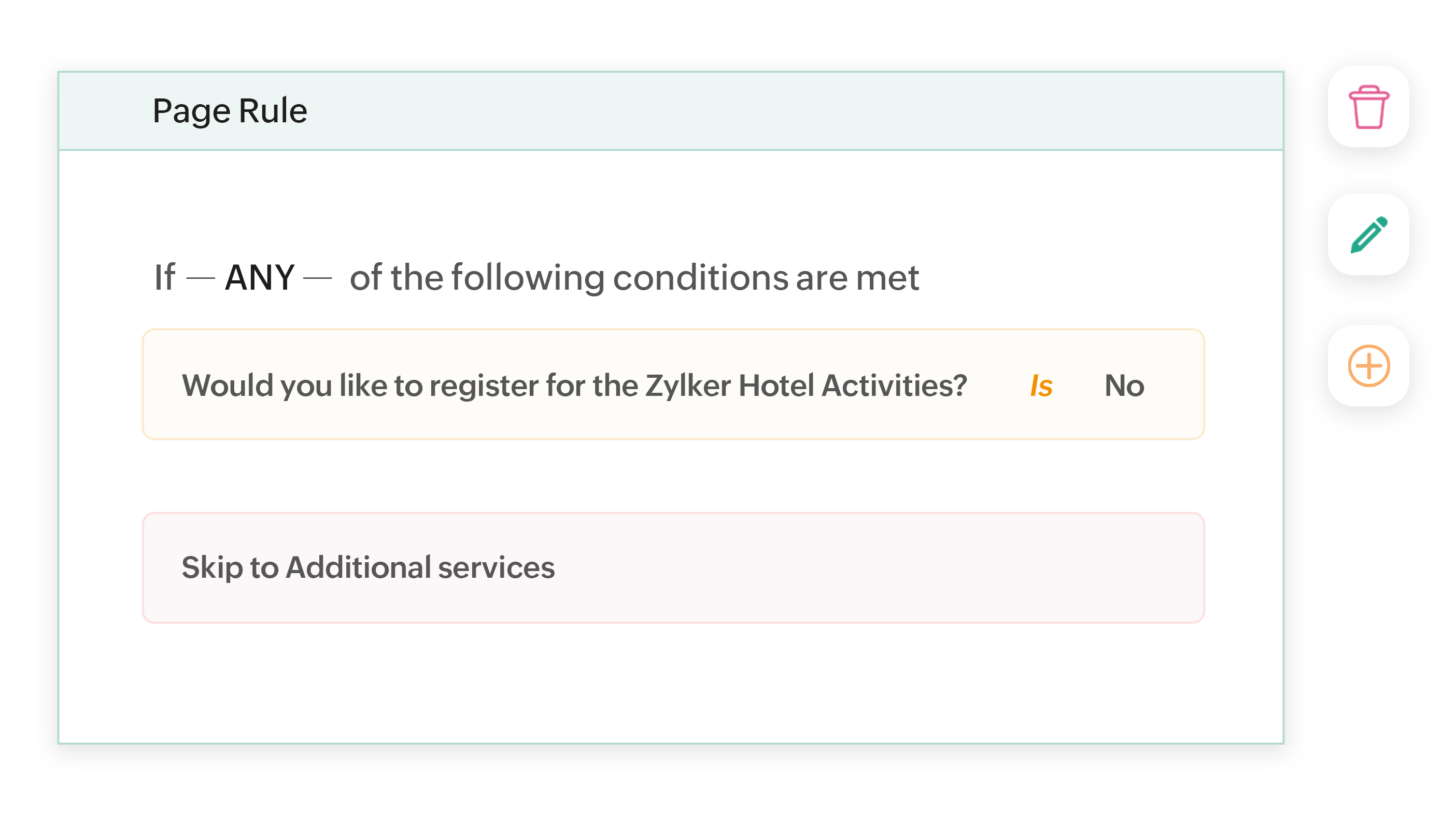
Skip irrelevant questions
Set intelligent rules to skip unnecessary pages based on respondent answers to the preceding questions in your online form maker. Save respondents the pain of reading and filling out sections that are irrelevant to them.
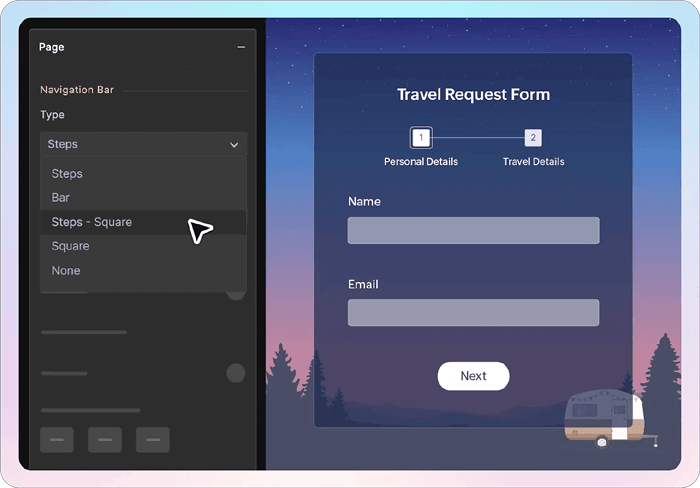
Customize your pages
Tailor the page navigation bar's appearance to your liking and add clear page titles and numbers for your respondents to follow. Change the navigation button's label, color, and shape to fit your theme while guiding respondents towards the finish line.
The importance of creating multi-step forms
Reduced friction
Divide long forms into clear steps makes each step feel like progress to keep people engaged.
Higher completion rates
Remove the visual overload that causes form abandonment and let users stay focused on small milestones.

Easy personalization
Show or hide pages dynamically based on previous answers, so every user gets a tailored experience.
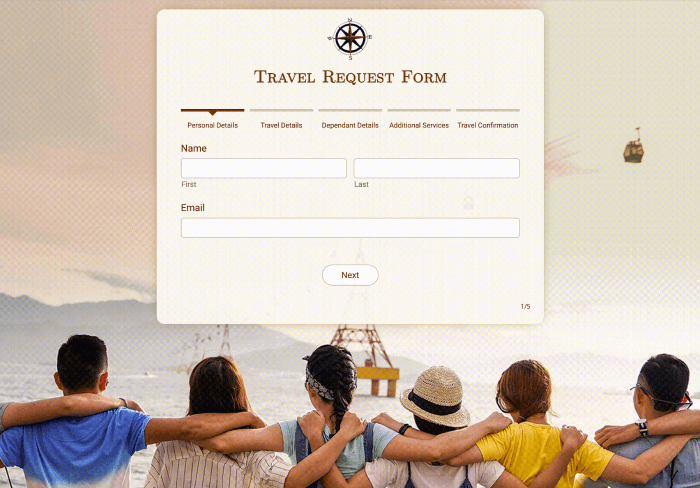
Predesigned standard form templates
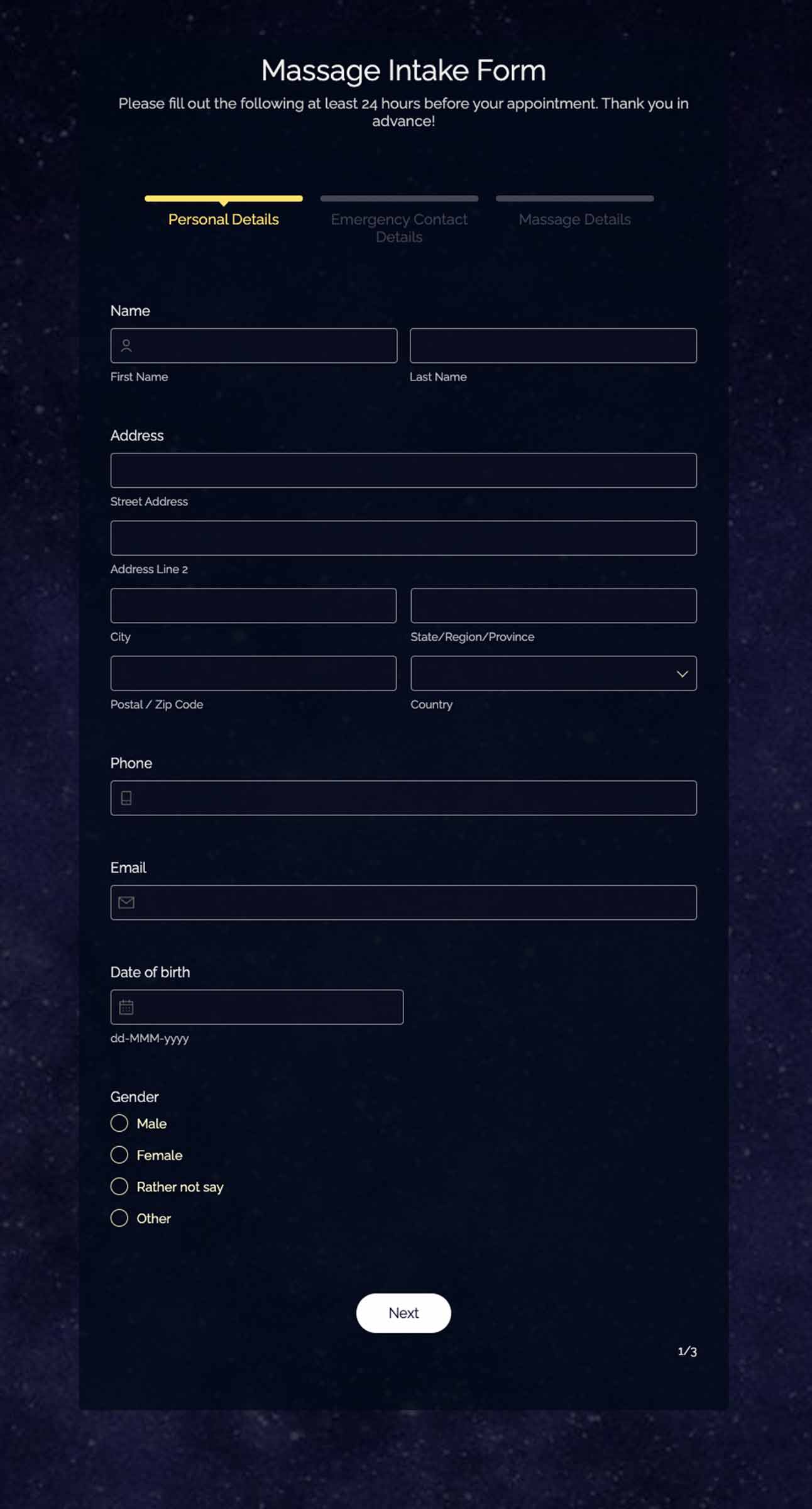
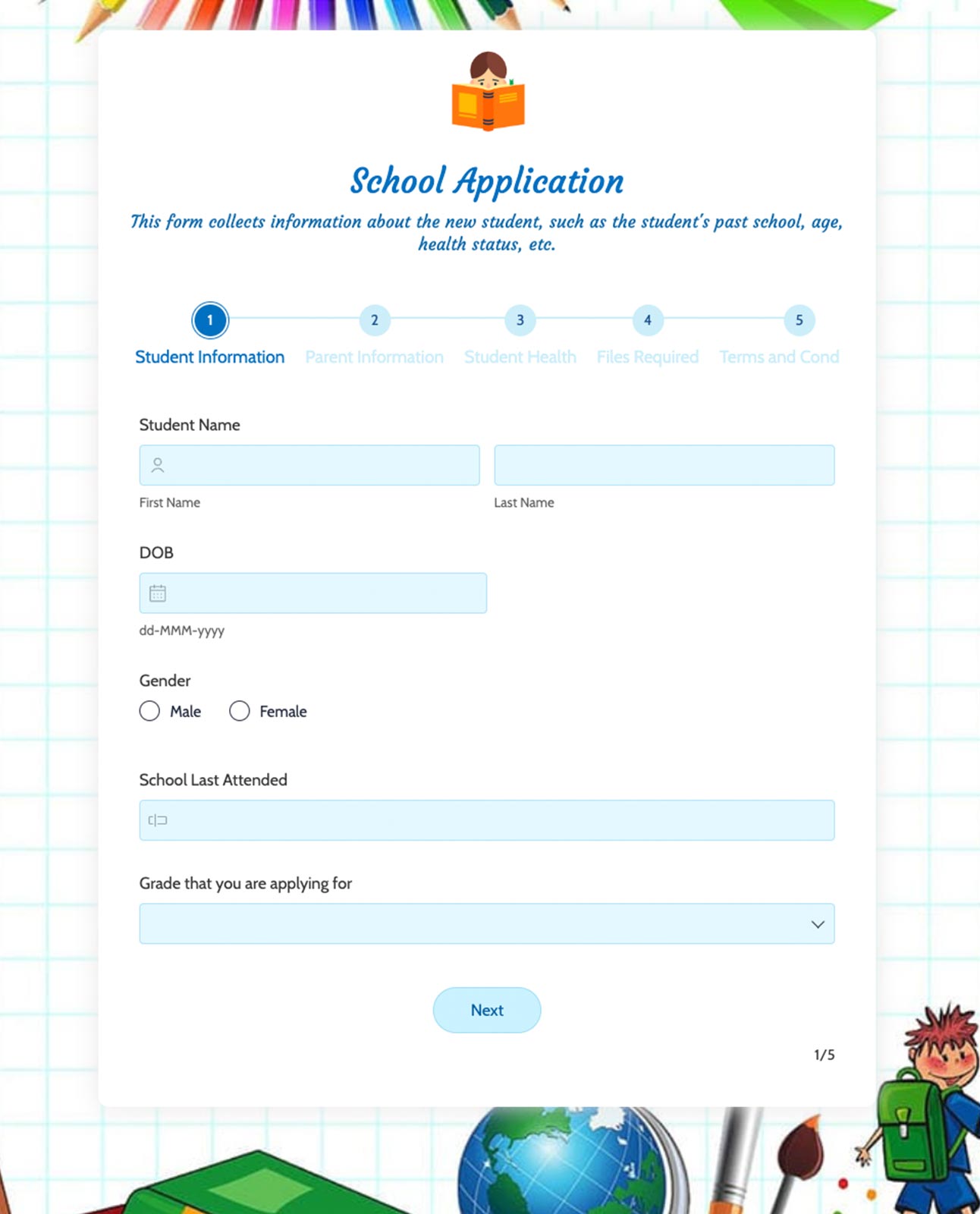
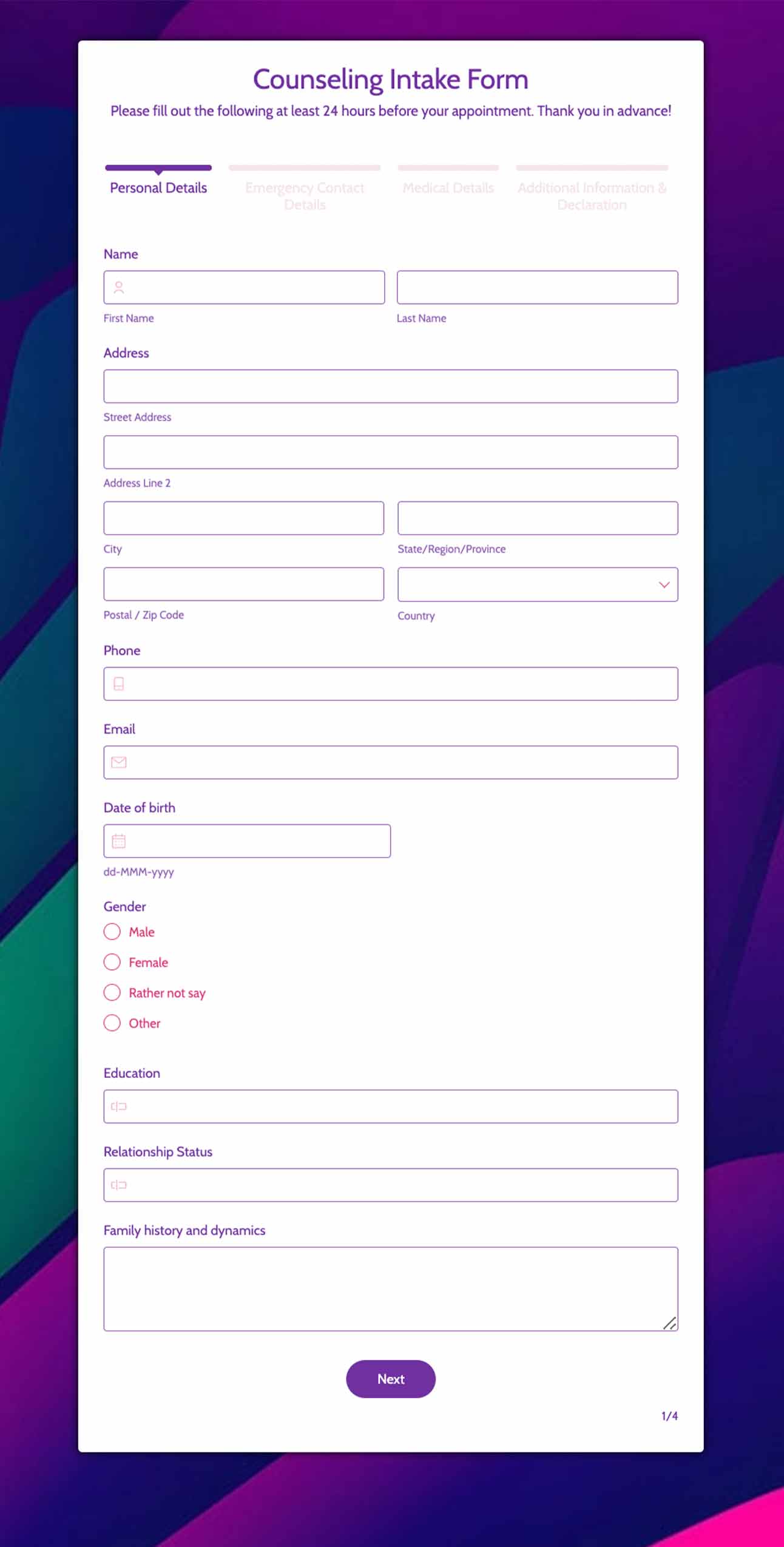
Standard Forms are perfect for a wide range of use cases, from collecting applications, managing event registrations, and accepting orders. With Zoho Forms, you get access to over 200 expertly designed standard form templates, allowing you to create professional, ready-to-use forms quickly and effortlessly.
 Conan PowerInformation Systems Analyst, Waterford City Council
 “We've converted several paper-based processes from paper to online — all thanks to Zoho Forms! Most of our customers ask, "Can we do this online?" Zoho Forms was our answer to them.”
 Raghav Somani CEO, Headphone Zone
 "Our company needed a tool like Zoho Forms to help generate leads. Easy embedding of forms onto our website and seamless tracking using the Adwords integration made Zoho Forms the perfect fit for our business."
 Aswini Srinivasan Co-founder, 80 Degrees East
 "Zoho Forms makes collecting and managing data incredibly simple. It saves a lot of time and is worth every penny."
 Trey Diller Co-founder, Inspire Productions LLC
 "The mobile apps are very quick and user friendly. Everything is electronic. Zoho Forms is amazing for staying organized — from event organization to vendor management. Everyone's happy!"
 Shannon Marie Baker Owner, Alabama Church School
 "We used to go back and forth, sending and signing paperwork. Now, enrollment is almost instantaneous. The signing process happens via an online enrollment form and the merged PDF is sent as an email—it's never been so simple!"
 Nanda Kishore Financial Analyst, Paradise Food Court
 "Keeping Digital India in mind, Zoho Forms is playing a prominent role. It's an extraordinary concept that offers good service and a one stop solution for any requirement."
 John Whaling Team Member, Bernard Health
 "Zoho Forms drives everything we do, from following up with clients and prospects, to keeping detailed notes on all of our activity. It's fantastic and easy to use!"
 Pranesh Padmanabhan CEO, Studio 31.
 "Zoho Forms made our everyday tasks smoother with its easy-to-use UI and brilliant form customization options. It's fun to work with and has become an integral part of our business."
Frequently Asked Questions
A multi-step form is a form that is split into multiple screens or sections instead of showing all fields at once. Instead of overwhelming users with a long form, it guides them step-by-step. Each step collects related information, improving clarity and reducing form fatigue.
Single page forms have all fields on one screen. It is best for short forms with 2–6 fields
In multi-page forms, fields are divided into multiple sections (steps). This makes them less overwhelming with higher completion rates.
Break your form into logical sections.
Group related questions.
Enable logic and validations to guide users and ensure accurate input.
Use a step or progress indicator.
Add conditional logic.
Start with easy questions
Use fewer fields per page
Add a clear progress indicator
Avoid asking unnecessary questions
Personalize using conditional logic
Let users review before submission