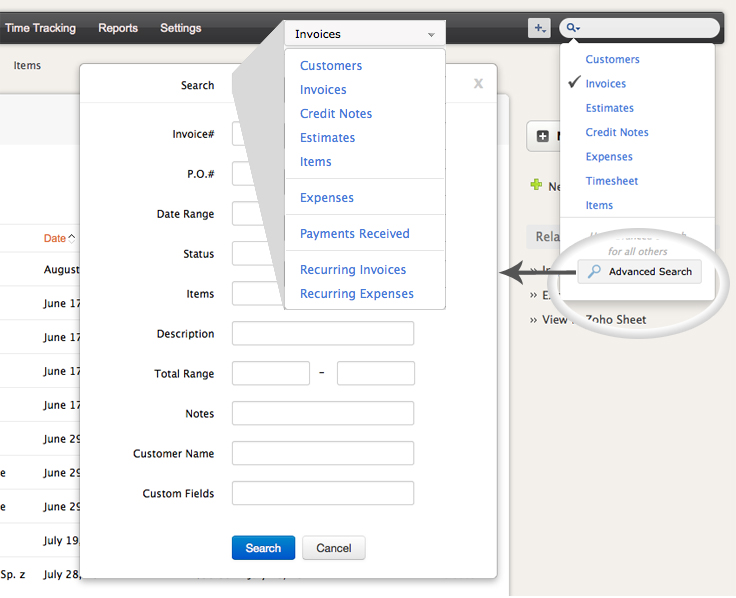
How to search for Invoices, Estimates, Customers, Items, etc.,?
You can use the quick search option (from top-right corner) to search for preferred data. All you need to do is enter the content, select the corresponding module and hit enter.
See image below: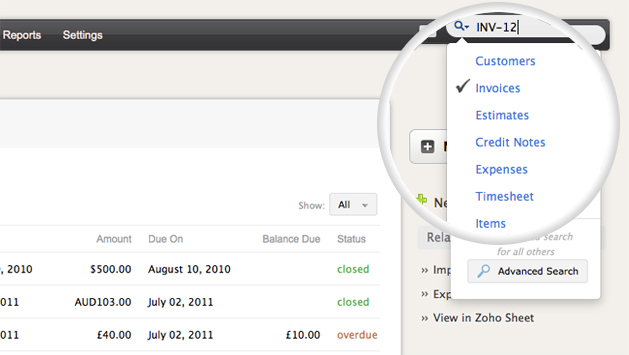
You can also use the "Advanced Search" option to search for your data. For example, if you wish to search invoices based on certain criteria (Invoice #, Date Range, Status, Item, etc.) you can use the advanced search option. Following are the steps to do so;