
Do more with Zoho Docs
Zoho Docs is a feature-rich solution for securely storing and managing your files. Create, upload, and share files of different formats, all without having to install any software.

Cloud Storage
Store all your files, images, and music in a central location and share them effortlessly with friends and colleagues.Learn more

Bulk uploads
Upload files individually, or select and save multiple files at once.
Store large files
Save videos, product screenshots, and even entire databases without worrying about file size.
Email in
Send documents from your email or scanner directly to your cloud account without signing in.
Organize
Create folders and subfolders to categorize your files by projects, file types, function, etc., and find anything instantly.
Sync from desktop
Sync files from your Windows, Mac, or Ubuntu Linux computers to the cloud in a snap. Ensure file accessibility and accelerate project completion.Learn more

Two-way sync
Work on your desktop files either online or offline. View changes on all devices when you’re back online.
Transfer large files
Share movies and other large files easily with our Desktop Sync app. Simply drag-and-drop them into your Zoho Docs folder.
Multi-level sync
Transfer folders and sub-folders online without mixing up the order or worrying about misplaced documents.
Backup files
Mitigate data loss by backing up all your information online.
Share and Collaborate
Set permissions, share files, and brainstorm with your colleagues to enhance productivity.Learn more
Password protected links
Control access to confidential information by setting up a password for your documents.
Group sharing
Forget sharing files with your team members one at a time. Create a group alias and share ideas as often as you like.
In-app chat
Group collaboration used to mean endless back-and-forth messages and lots of wasted time. Now discuss ideas and decide changes in real time with the chat feature within the document.
Tasks and reminders
Manage and delegate work among team members. Set reminders and notifications to get work done on time.
Security
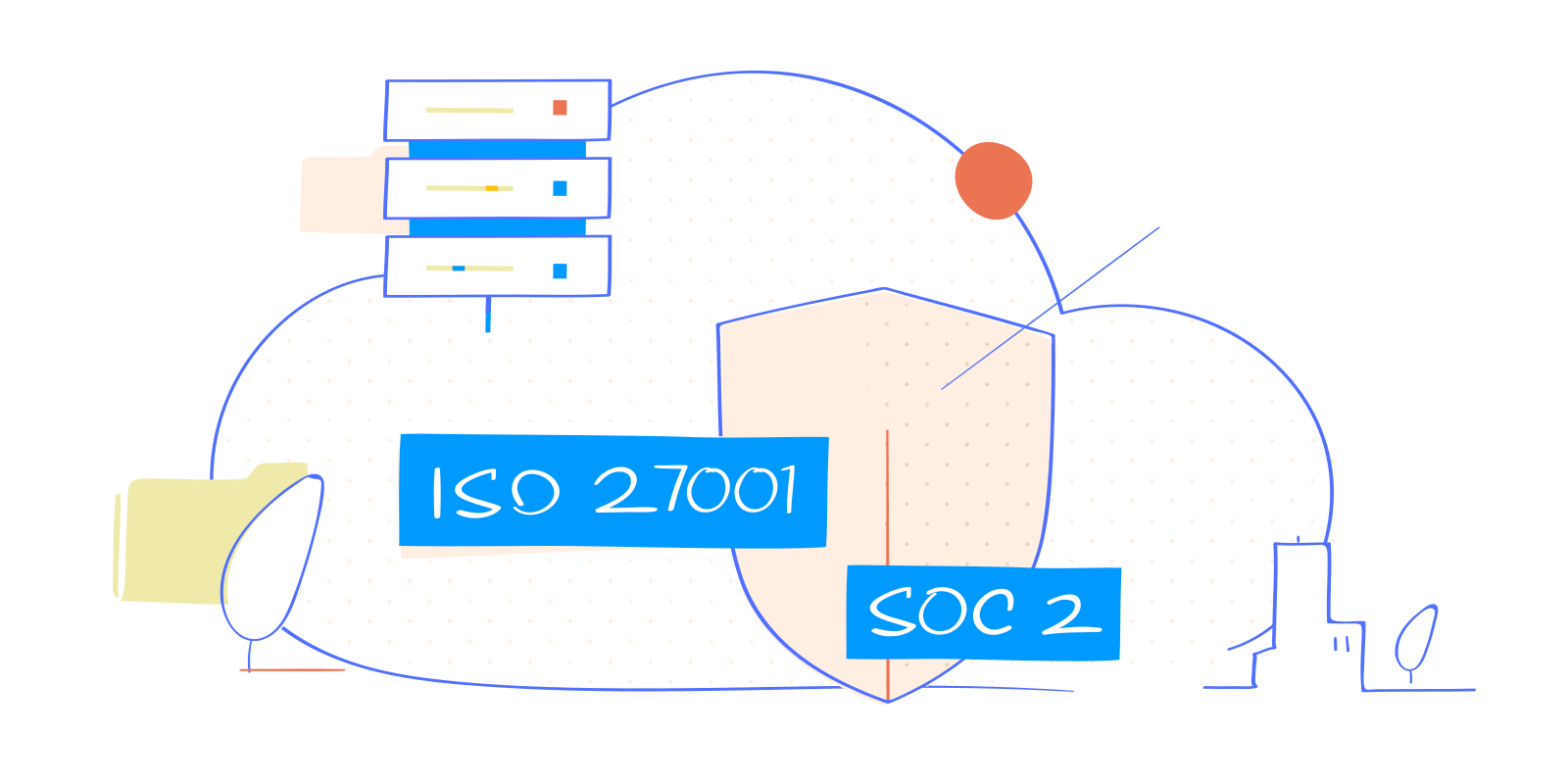
Zoho Docs meets industry specific compliance standards such as SOC 2 Type II and ISO 27001. Learn more
Server failure recovery
We prevent data loss by storing multiple copies of your files on multiple backup servers in numerous locations.
Two-factor authentication
Beyond basic security verifications, users are required to enter a one-time password that adds an extra layer of security.
Encryption in transit
Files are encrypted with an RSA based 2048-bit key created through Perfect Forward Secrecy (PFS), backed by a Transport Layer Security (TLS) protocol.
Advanced analytics
Keep track of user-access stats, file usage reports, and much more with the analytics feature of Zoho Docs.Learn more

Audit Trail
Get notified of all the edits made to a file and the identity of the individual making them.
User stats and reports
Keep track of the different versions of each file. Get a quick summary of all the times it's been accessed or modified.
Set up and Admin controls
Customize your system to suit organizational policies, and stay in control of user information and permissions.Learn more

Manage user access
Add members and assign privileges as per organization policies. Or, provide role-based permissions.
eDiscovery
As an admin, search, find, and view any file created by any user within your organization.
Unlimited file recovery
Retrieve and restore every single file in your organization, even deleted ones.
Custom branding
Personalize Zoho Docs by adding your company logo, and customize settings to suit your needs.
Mobile Apps
Take work with you wherever you go with the Zoho Docs mobile app. Download now for iOS and Android. Learn more