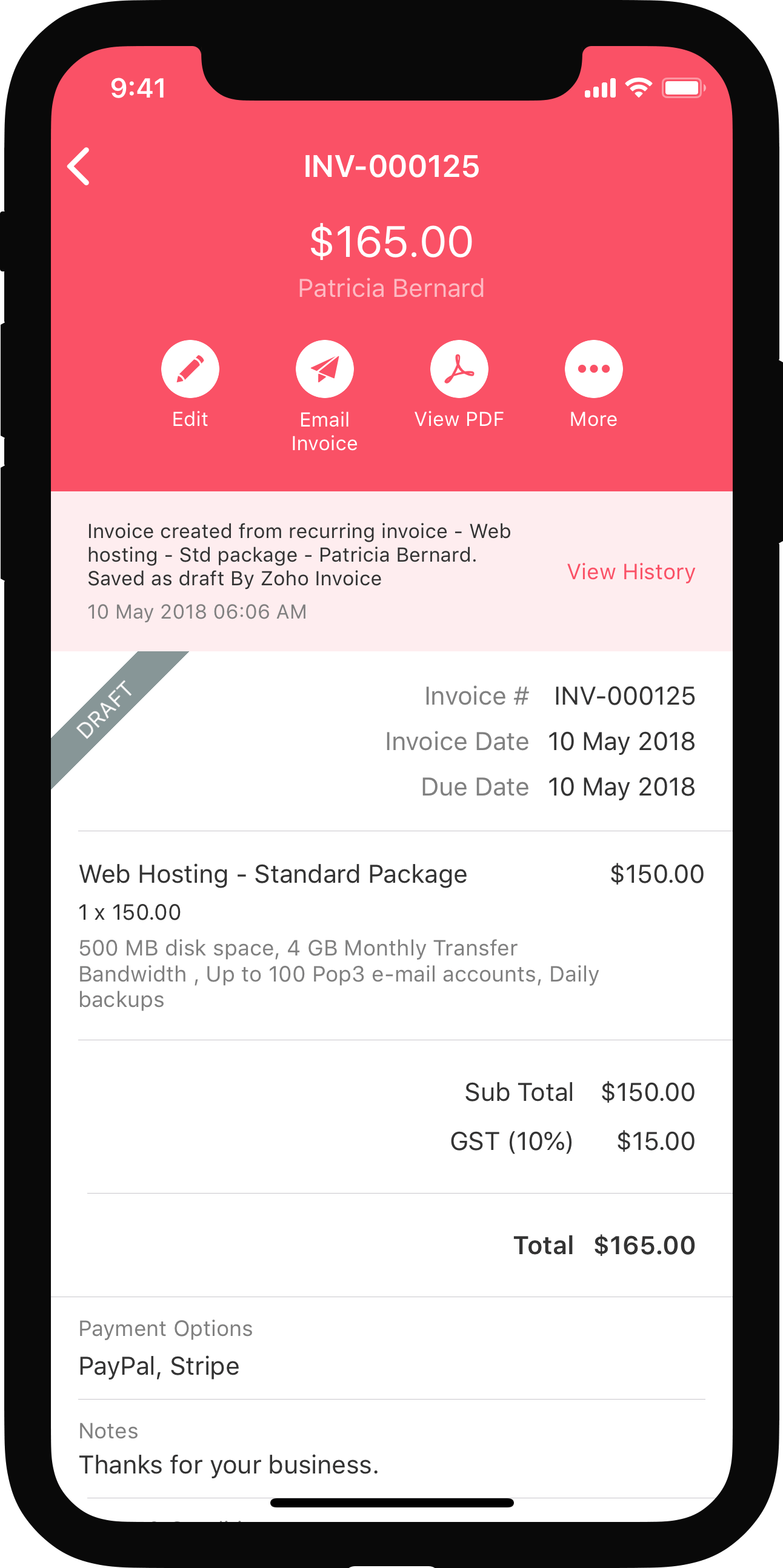


Reports
In Zoho Books, you can generate the following reports for all your retainer transactions and refunds:
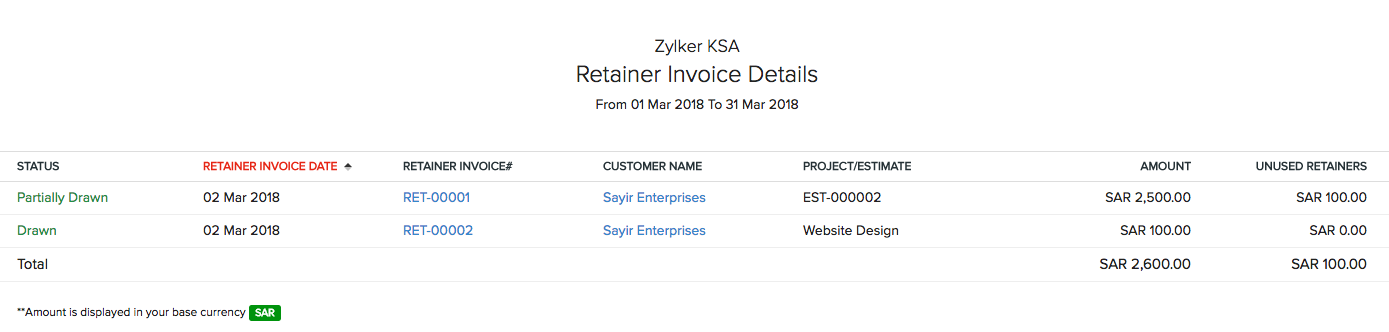
Retainer Invoice Details
Generate a report showing a quick summary of the retainer invoices you created, unused retainers and the invoices to which they were applied for a selected date range. The report can be sorted by the status of the retainer invoice.
- Go to the Reports module on the left sidebar.
- Under Receivables, select Retainer Invoice Details report.
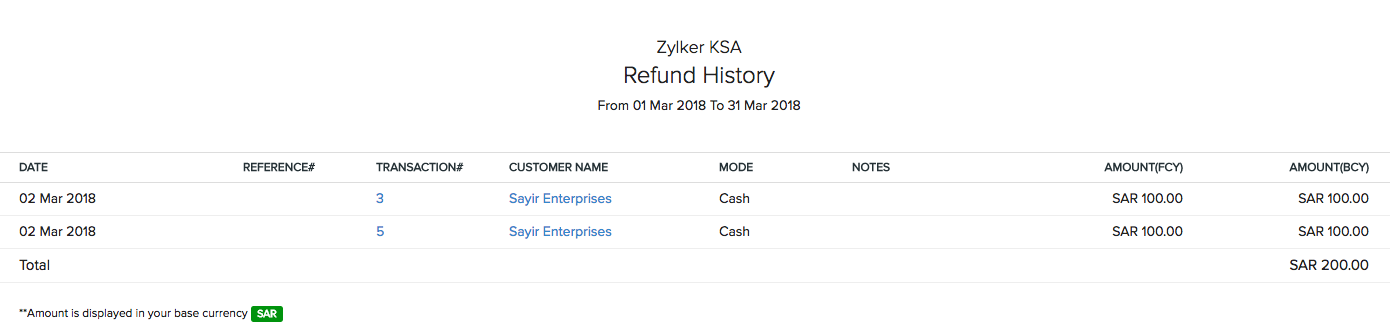
Refund History
Generate a report showing a quick summary of the refunds given from the retainer payments made by the customer for a selected date range.
- Go to the Reports module on the left sidebar.
- Under Payments Received, select Refund History report.
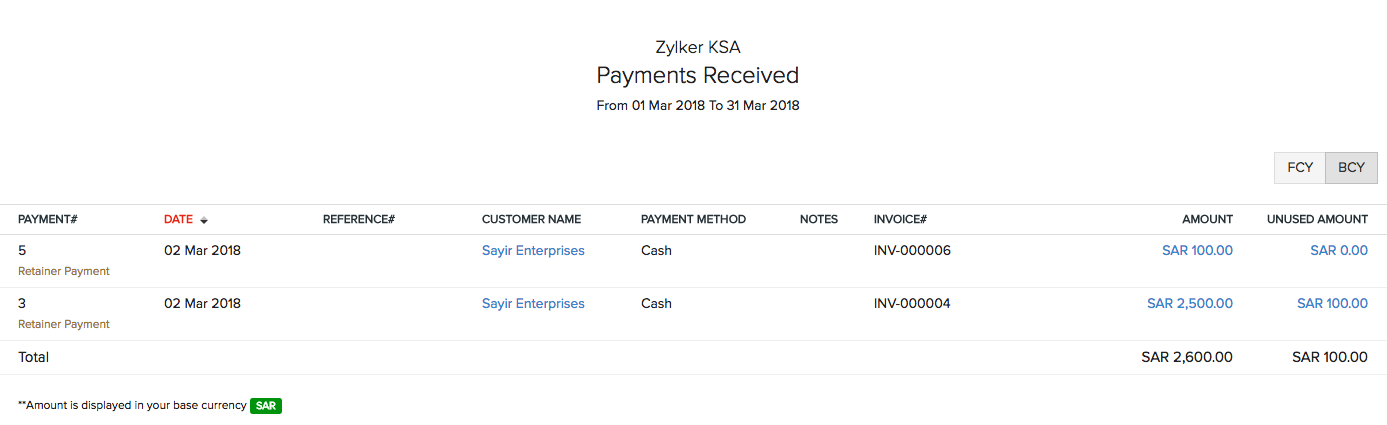
Payments Received
Generate a report showing a quick summary of only the retainer payments received from your customer with details including unused amount and the payment method.
- Go to the Reports module on the left sidebar.
- Under Payments Received, select Payments Received report.
See Also:
Back to Retainer Invoice Overview
 Yes
No
Yes
No
 Thank you for your feedback!