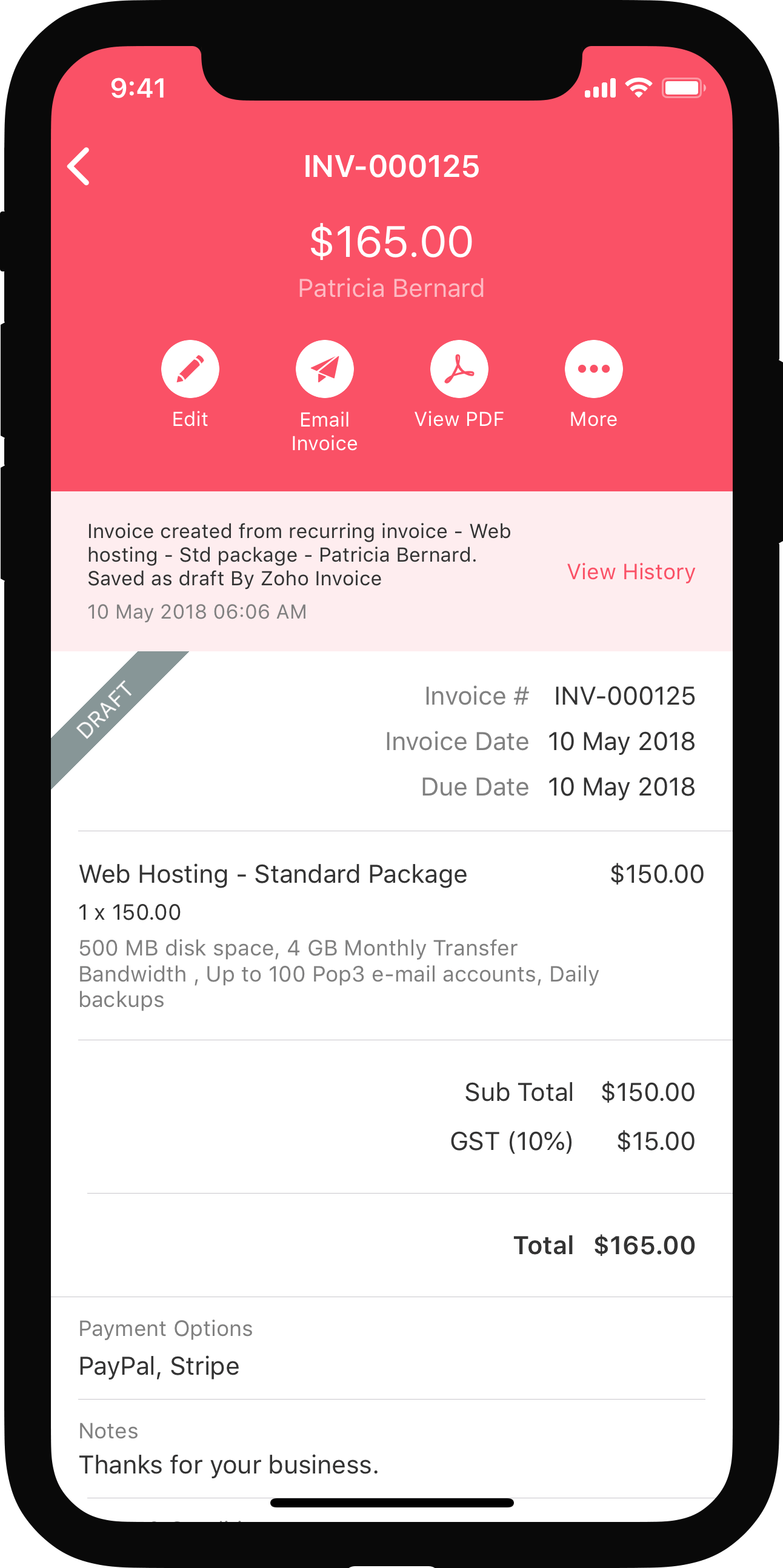


Reports
In Zoho Books, you can generate reports for all your retainer transactions and refunds.
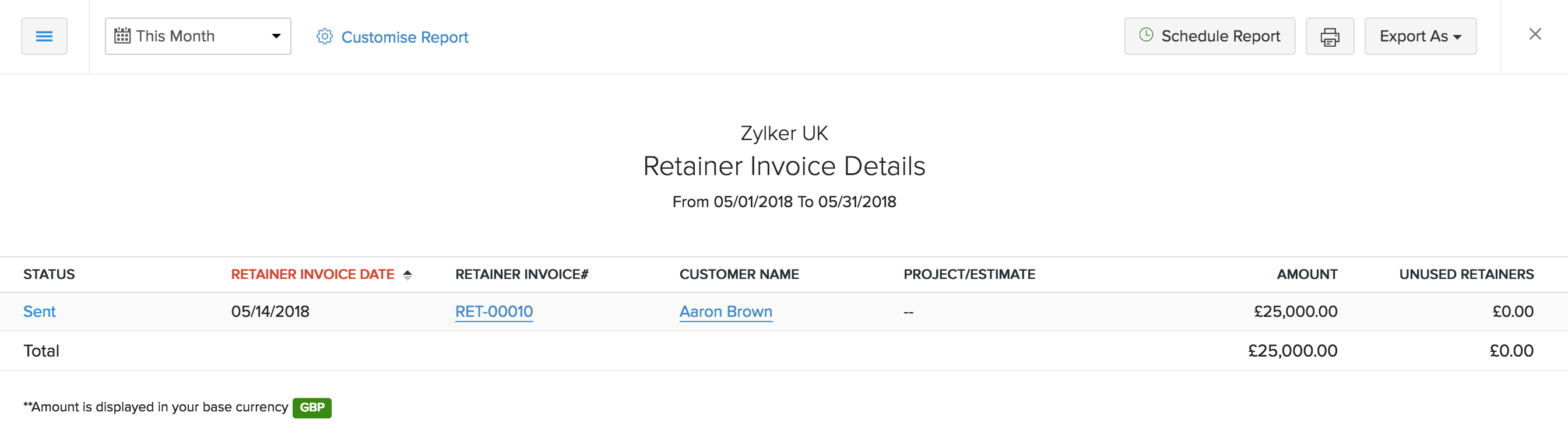
Retainer Invoice Details
Generate a report showing a quick summary of the retainer invoices you created, unused retainers and the invoices to which they were applied for a selected date range. The report can be sorted by the status of the retainer invoice.
- Navigate to Reports > Receivables > Retainer Invoice Details to generate this report.
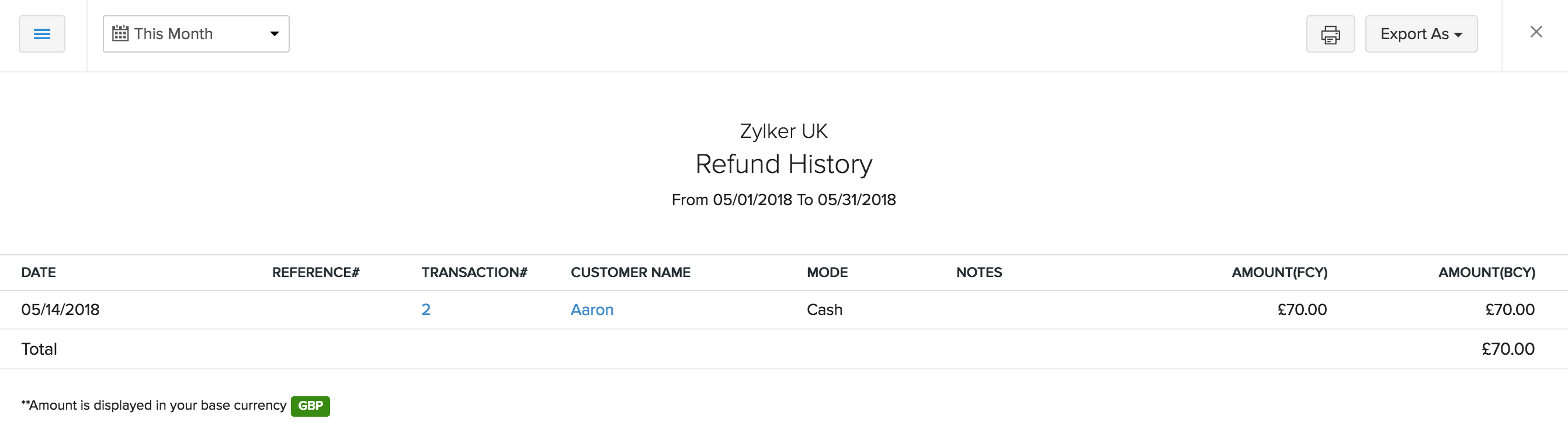
Refund History
Generate a report showing a quick summary of the refunds given from the retainer payments made by the customer for a selected date range.
- Navigate to Reports > Payments Received > Refund Histroy to generate this report.
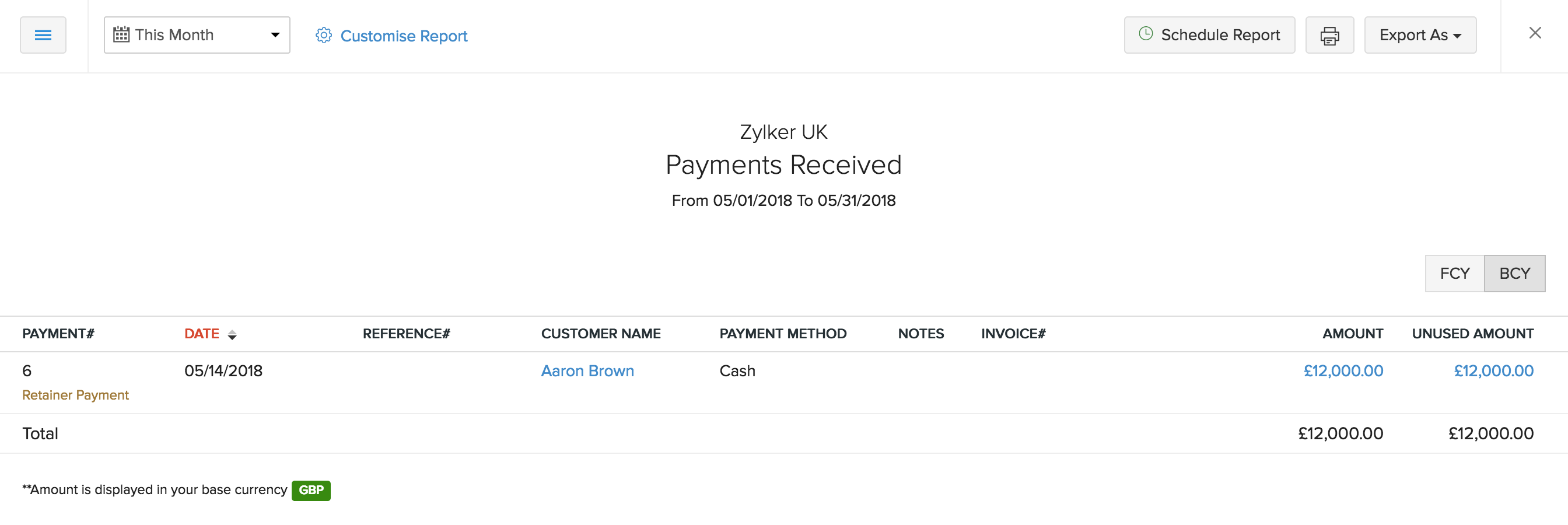
Payments Received
Generate a report showing a quick summary of only the retainer payments received from your customer with details including unused amount and the payment method.
- Navigate to Reports > Payments Received > Payments Received to generate this report.
VAT Reversal on Retainer Payments
When a retainer that includes VAT is applied to an invoice, the VAT amount for that retainer is reversed in order to correctly calculate the total VAT amount. This can be tracked with the VAT Calculation Summary report.
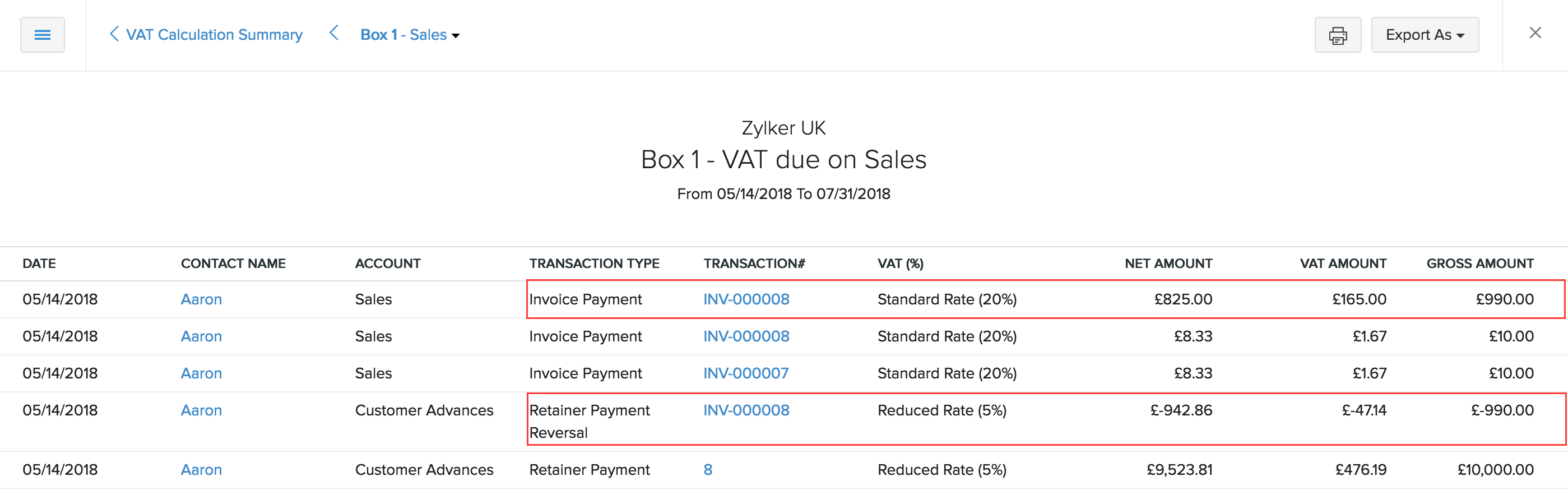
Note: The VAT Calculaton Summary report will be available only if VAT is enabled in your Tax Preferences.
Back to Retainer Invoice Overview
 Yes
No
Yes
No
 Thank you for your feedback!