Introducing Zoho TouchPoint: Every handshake deserves a next step


Here’s a scene you’ve probably experienced. You spend a day at an event, talk to dozens of people, and come home with a stack of business cards. A week later you’re flipping through them, trying to remember which one wanted a demo and which one just wanted the free pen.
We had this exact problem at a business event in Chennai earlier this year. Lots of good conversations at our booth. Then back at the office, a pile of cards and very little memory of who said what.
The meeting itself usually goes fine. It’s everything after it that falls apart. Zoho TouchPoint is our attempt to fix that part.
What is Zoho TouchPoint?
Zoho TouchPoint helps you turn the people you meet into conversations you can actually continue.
You create a TouchPoint, which is really just a link with a job to do, and put it wherever people come across your business. That may be an NFC card people tap with their phone, a digital card you share on WhatsApp, a QR code printed on your packaging, or the signature at the bottom of your emails.
The touchpoint is the easy part. We care a lot more about what happens after someone interacts with it.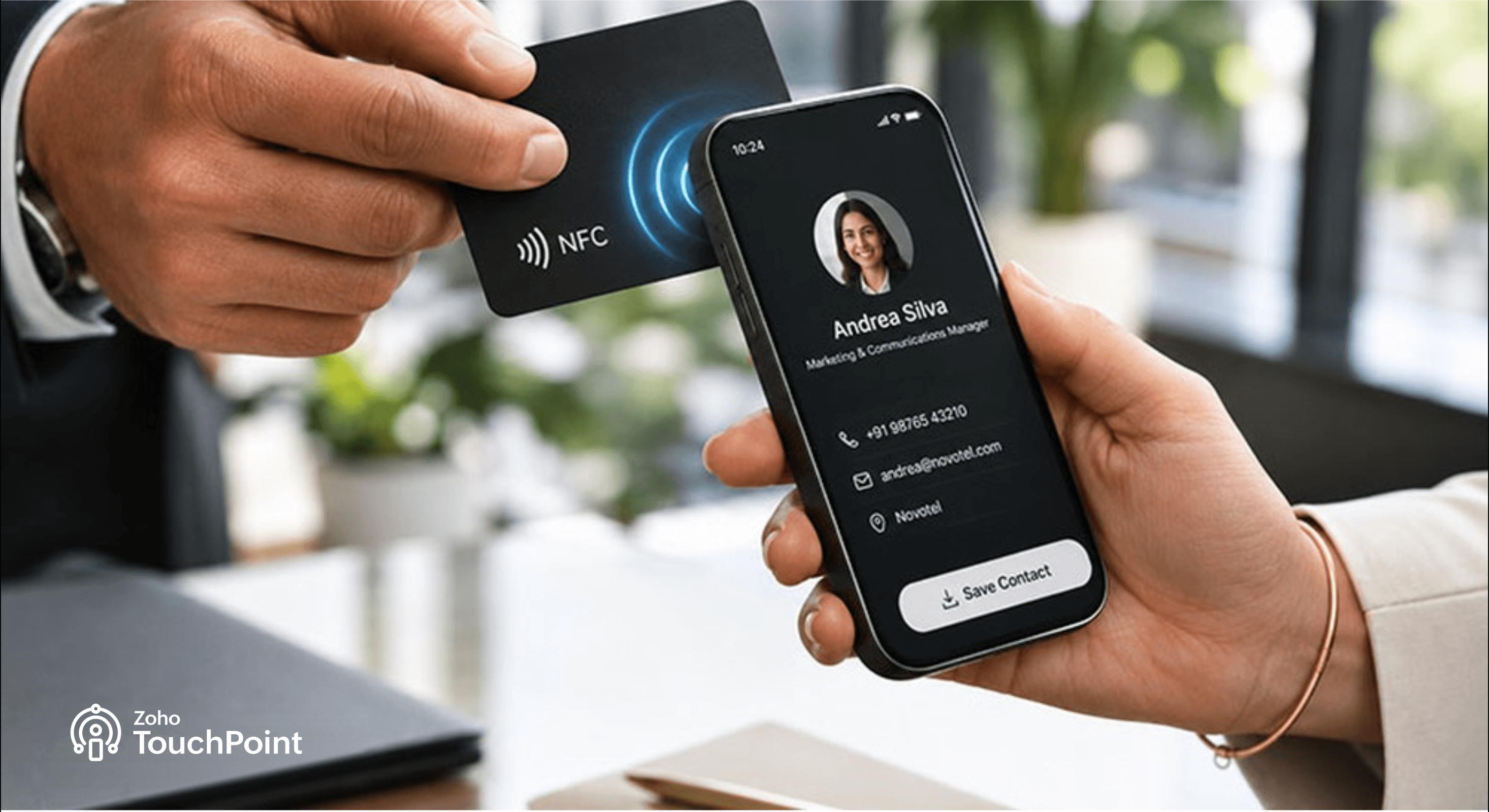
What happens when someone interacts with your touchpoint?
When someone taps or scans your touchpoint, they don’t need to install anything. They just land on a page you’ve assigned to that touchpoint, your profile, a booking calendar, a short form, a warranty sign-up, whatever fits.
You can also set one touchpoint to send people to different landing pages depending on the situation. We call this Smart Routing. The same card can open your profile on a normal day and a lead form when you’re at a tradeshow.
Then there are follow-up actions that may get missed, like saving the contacts, sending a thank you note, and pushing them to your CRM as leads. And because we keep forgetting what we’ve talked about, you can jot down a quick note on each new contact.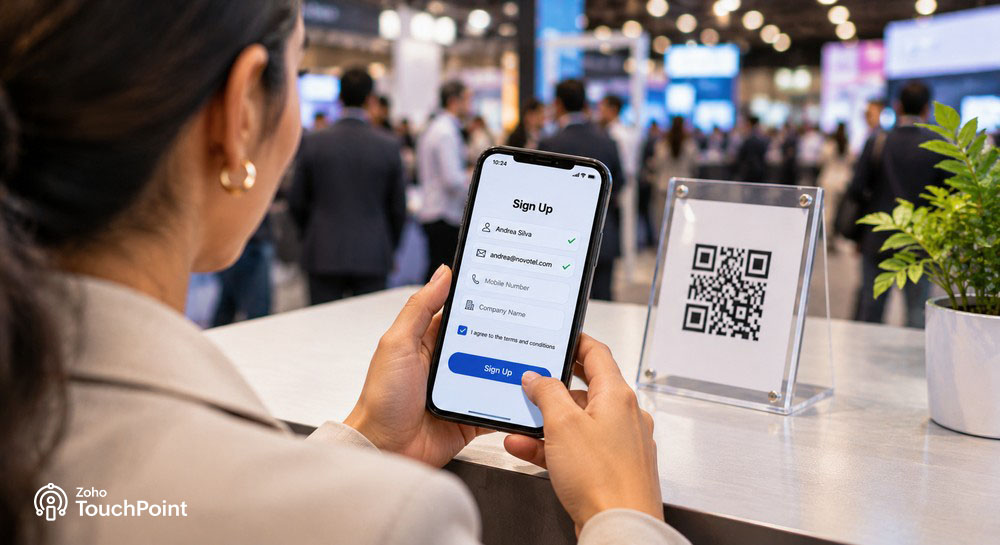
Why is Zoho TouchPoint needed in your business?
Digital-first simplicity
Say you’re promoting a newly launched chatbot app at an event. People tap your NFC card to exchange contact details or they scan the QR code on your T-shirt to reach your website, where a pop-up invites them to a product walkthrough webinar. After the webinar, you send a thank-you email with a button to book a one-on-one demo. A simple tap, scan, or click can transform lead generation.
Fewer drop-offs at the top of the funnel
You’ve likely handed out countless business cards, only for prospects to lose them. With Zoho TouchPoint, you capture their details instantly and follow up at the right moment. An NFC card adds a premium touch, and a digital card turns your phone into a business card. Picture a real estate agent at a property expo: Every visitor who taps her phone lands in her contacts, ready for a site-visit invite the next morning.
The power of the Zoho ecosystem
TouchPoint lets contacts engage with you in many ways, not just for marketing. Integrate it with other Zoho apps so people can book appointments, fill out forms, take surveys, or explore your link-in-bio page.
Bridge the gap between marketing and sales
Poor communication often divides marketing and sales teams. TouchPoint’s integration with Zoho CRM pushes not just contact data but also the notes and tags attached to each lead. Your sales team then knows where you met, whether the lead is hot or cold, and more.
Change destinations anytime
Suppose you own a garment shop with a feedback QR code at the billing counter. During the festive rush, you’d like to run an interactive game, but two codes would confuse customers. With TouchPoint’s dynamic QR code, you simply change the existing code’s destination so customers land on the game instead. A café could, likewise, point its table QR code to the breakfast menu in the morning and to dinner specials at night. Dynamic codes also reveal scanning insights that static codes can’t.
Trying it out
TouchPoint has a free plan. Sign up and your digital profile is ready right away, so you can start sharing it the same day.
If your company has Zoho One, you already have TouchPoint, with Enterprise edition features included. You just need to switch it on.
Paid plans add things like custom short links, more kinds of destination pages, and tools for managing a team. You can also design physical NFC cards and order them from inside the app.
Next time you shake someone’s hand, add them to your pipeline. Try Zoho TouchPoint for free.
Comments