Zoho Notebook: The free iPad note-taking app every student needs

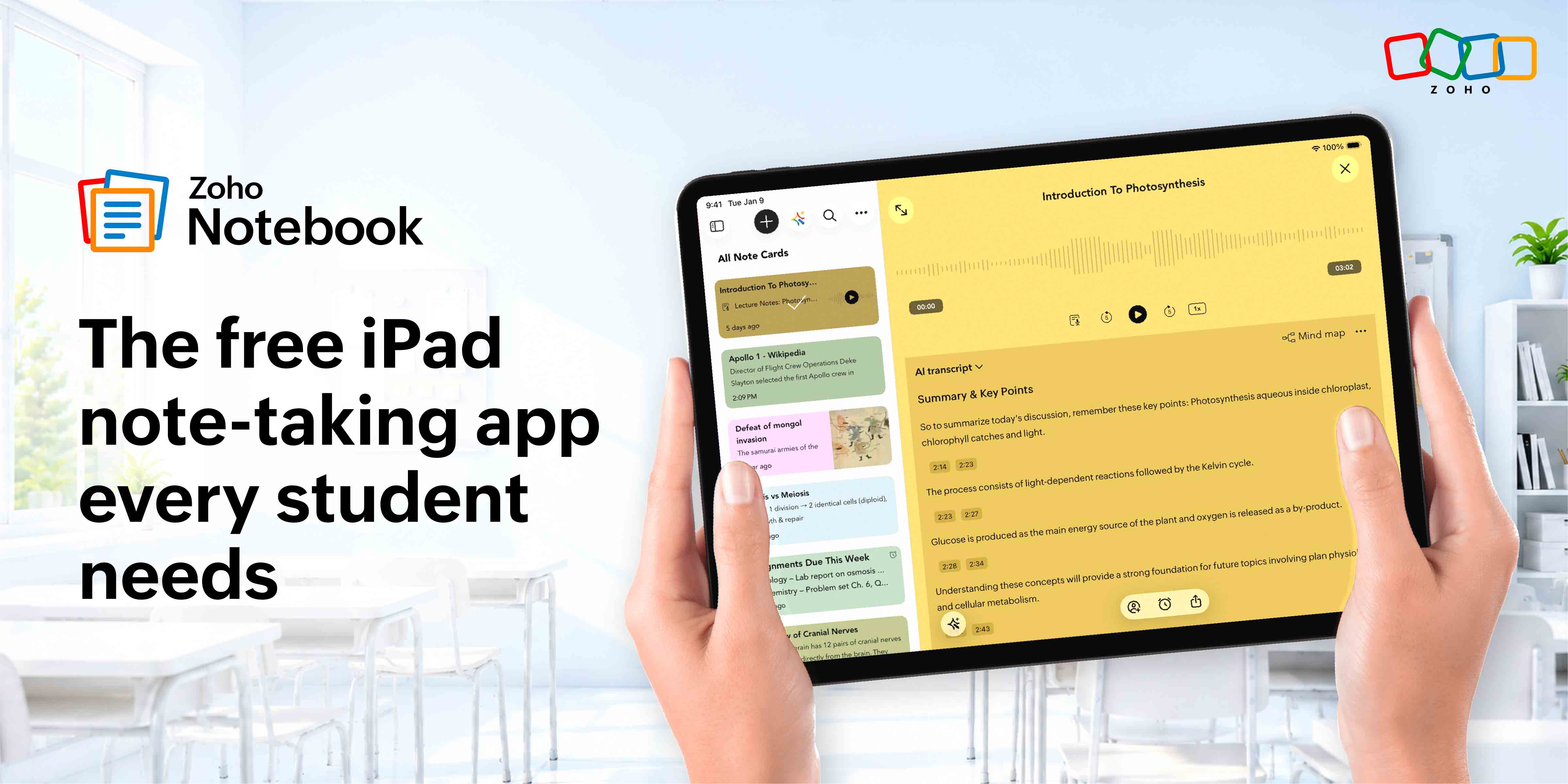
If you’re a student with an iPad, you already have one of the best note-taking devices in your hands. The question is, does your app actually do it justice?
Zoho Notebook does. It’s not just a place to dump your lecture notes; it’s a full system for capturing ideas, staying organized across subjects, and actually making sense of everything when exams roll around. And the best part? It’s completely free.
Whether you’re sketching diagrams with your Apple Pencil, recording a lecture, or clipping research from Safari, Notebook keeps it all in one place, beautifully. Let’s get into why it’s the note-taking app every iPad student needs.
Sketch Cards and Apple Pencil
Sketch Cards deserve their own mention. On iPad, Notebook is genuinely responsive to Apple Pencil, giving you a full drawing canvas to work with. Draw circuit diagrams, annotate molecular structures, map out a concept, vary your line weight, switch colors, and zoom into fine detail without losing your place. For subjects that live on paper, chemistry, physics, architecture, mathematics, it’s the combination that finally makes digital note-taking feel complete.
Study smarter with PDF annotation
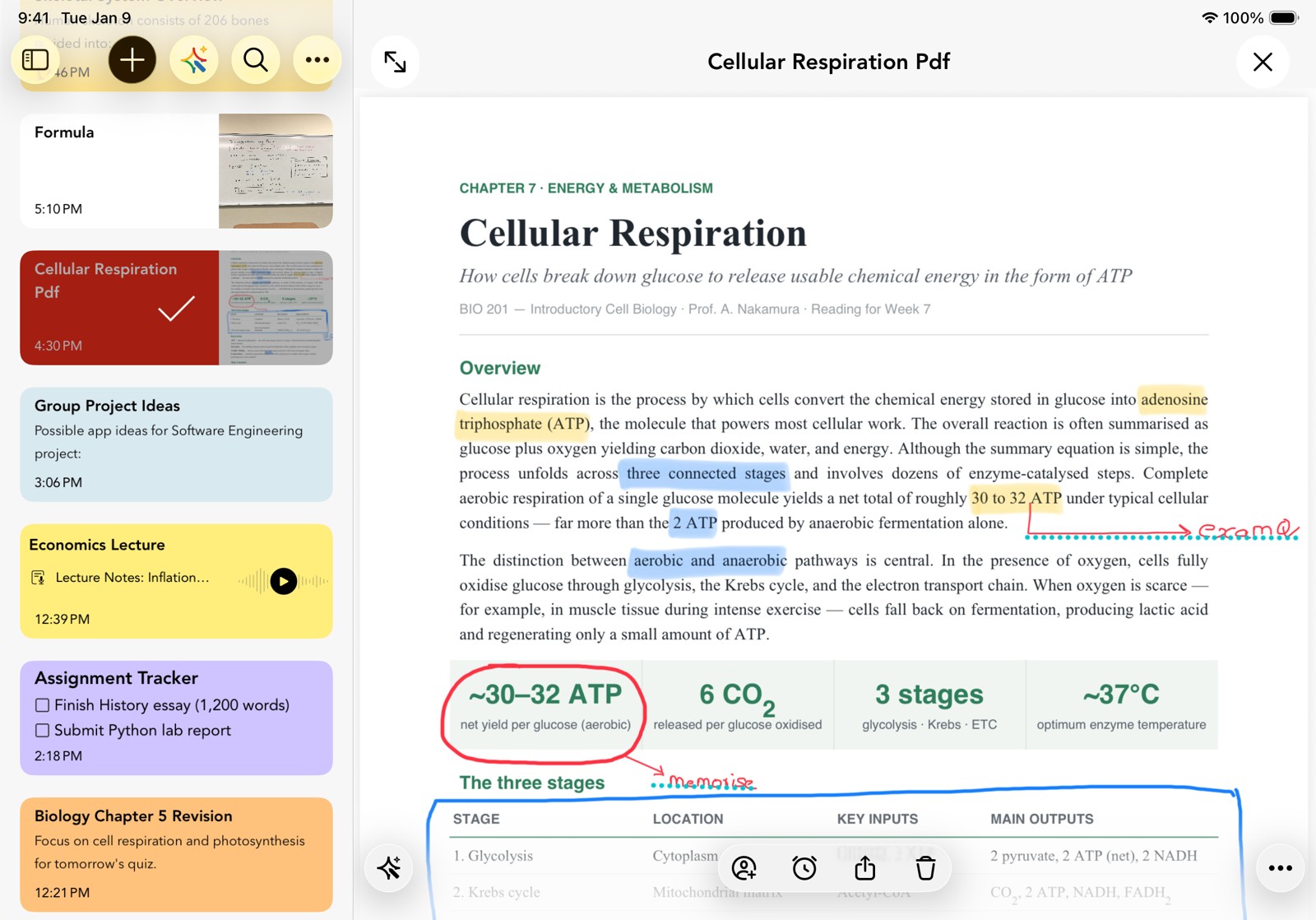
For students who study from PDFs, Notebook supports Apple’s native PDF annotation on iPad. Highlight key sections, add comments, underline important lines, and mark up lecture slides or research papers directly within the app using your Apple Pencil or finger. Everything stays attached to the right notebook, right alongside your own notes, so your annotations and your thinking always live in the same place.
AI and Journaling Suggestions, all on your iPad
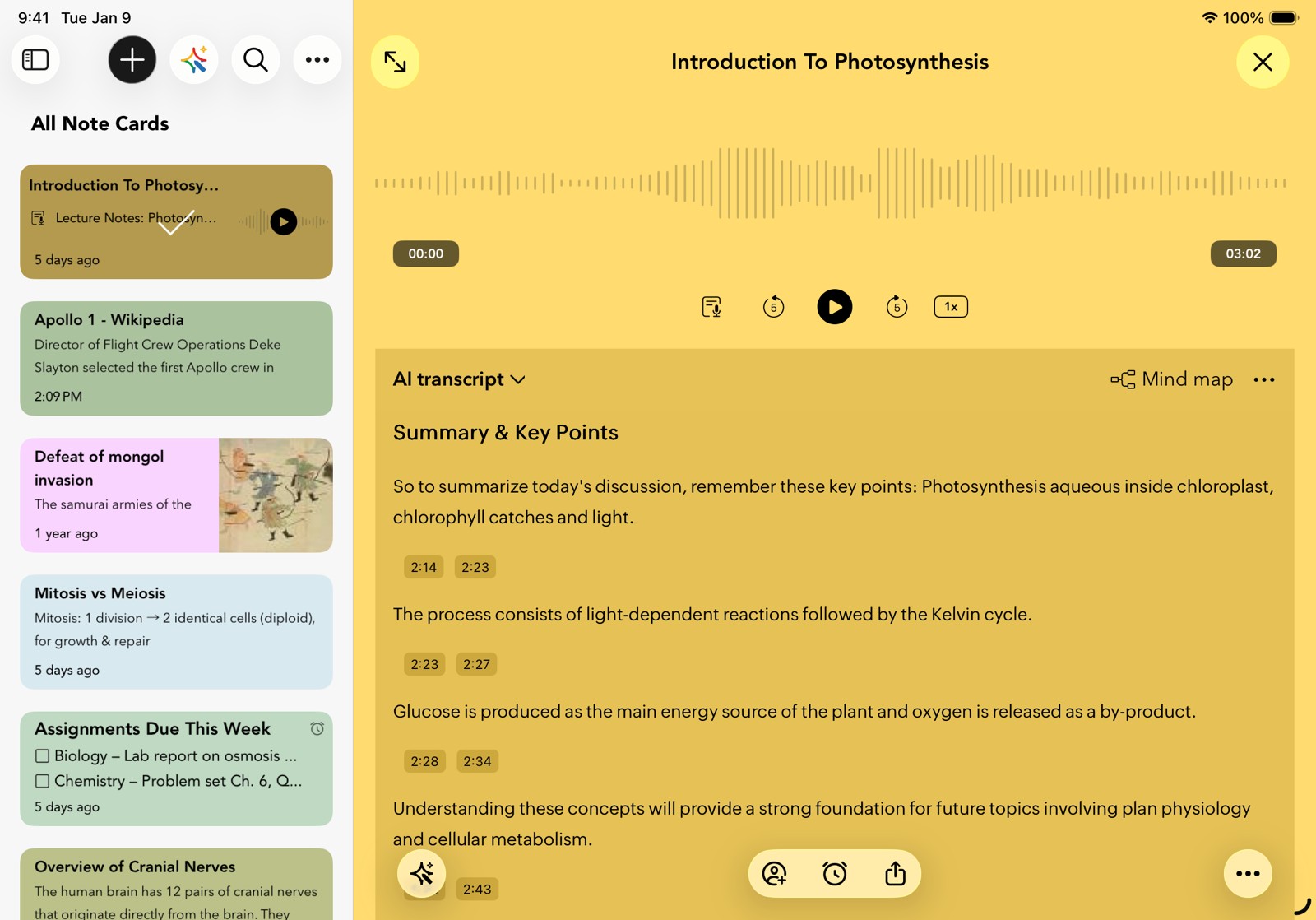
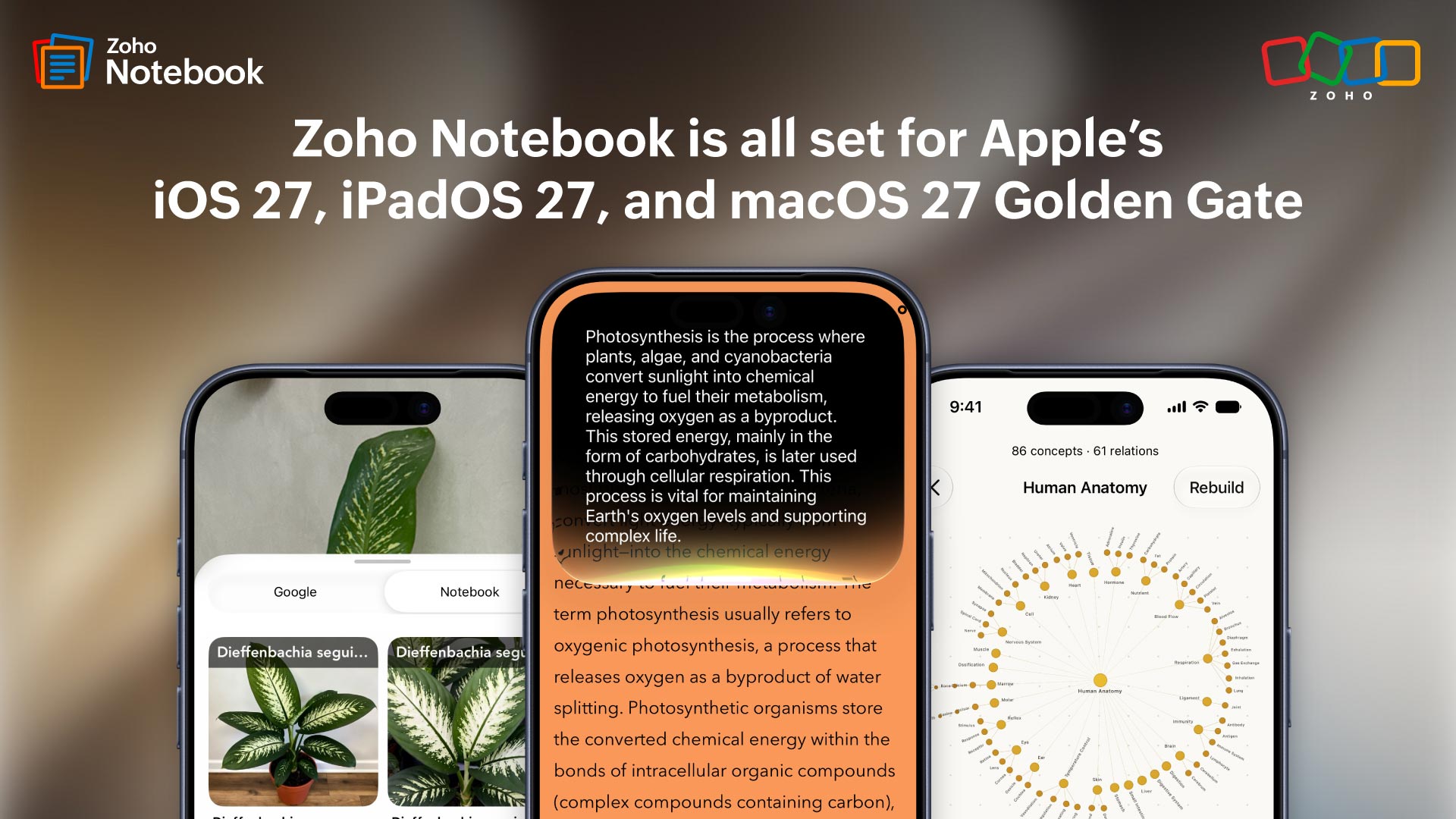
Notebook AI takes things further. Record your lecture or study session as an Audio Card and Notebook AI automatically transcribes it into a structured note. It organizes what was covered, breaks down key concepts into digestible points, captures important comparisons and distinctions, pulls out quick revision summaries, and flags open questions worth following up on. For students who would rather focus on listening and understanding during a lecture than scrambling to write everything down, this is the feature that makes that possible without missing a thing.
You can also summarize a cluttered set of lecture notes, rewrite a rough draft into something cleaner, expand bullet points into a full paragraph, or generate structured content from a quick idea. Apple Intelligence and Notebook work alongside naturally, keeping everything within the Apple ecosystem you’re already in.
If you use your iPad beyond just studying, Notebook’s Journaling Suggestions surfaces personalized prompts based on your day-to-day activities, making it just as useful for personal reflection as it is for academics. Read more.
Everything you need to stay on top of your studies
Staying organized across a full semester is where most students struggle, and where Notebook quietly does its best work on iPad.
Smart Search cuts through hundreds of notes across every notebook simultaneously. Type a keyword, and it finds a definition, the case name, or that formula you wrote six weeks ago in seconds, not after scrolling through everything you’ve ever written.
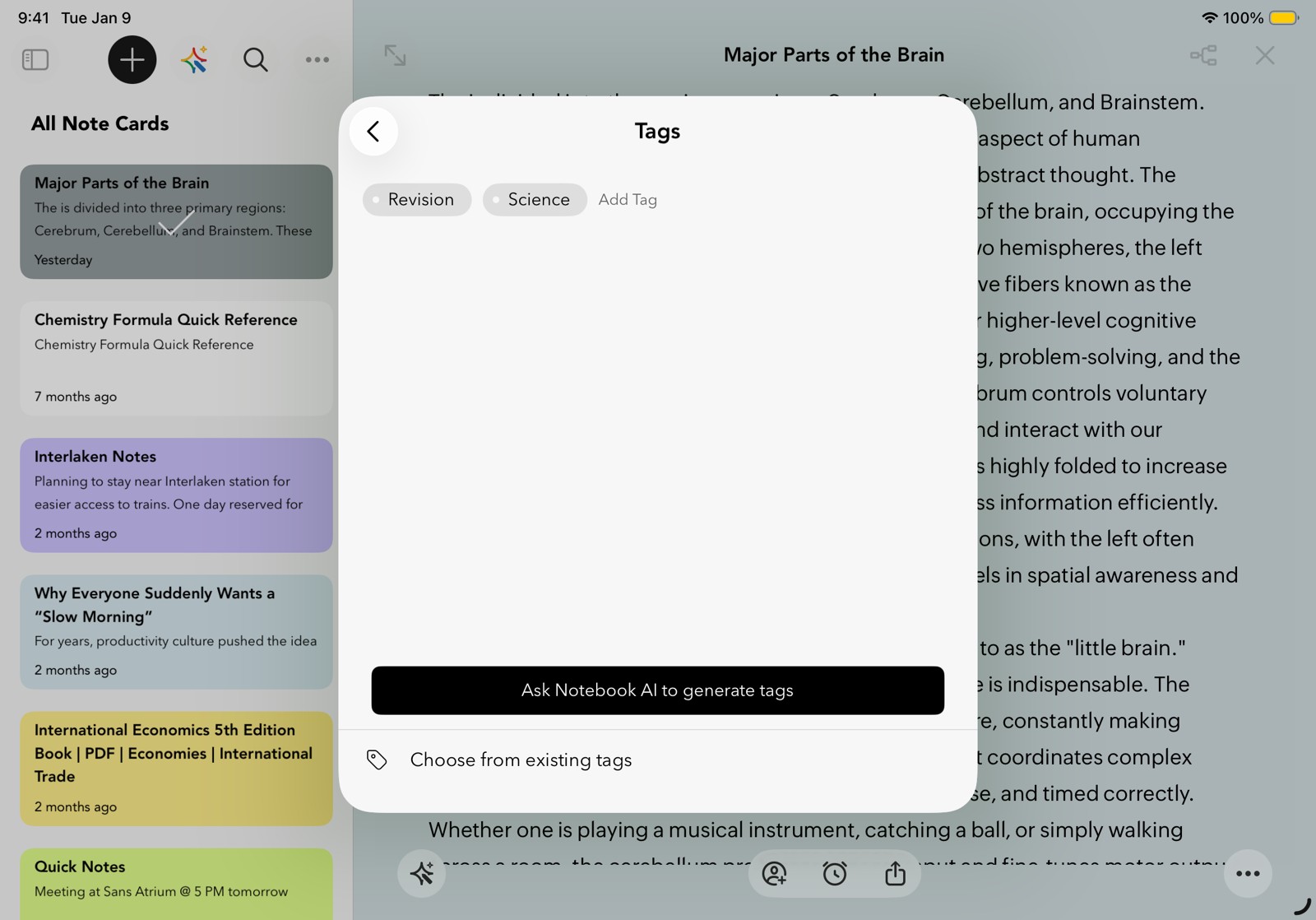
As you go through the semester, tag notes that matter. Adding #revision, #lecturenotes, or #importantquestions as you write takes two seconds per note. When exams hit, filter by tag across all subjects at once and every critical note surfaces in one view, regardless of which notebook it lives in. It’s a revision system that builds itself while you study normally. More about tags.
And for the things that can’t wait, add a reminder directly to any note card. An assignment due date, a follow-up from class, a prompt to review something before a test. The reminder fires at the right time and opens the note directly on your iPad, so nothing slips through the cracks.
Clip anything from Safari straight into Notebook
Every student knows the feeling of losing a great article in a sea of open tabs. With Notebook’s Web Clipper, use the iOS Share Sheet to send articles, images, and web pages directly into your notebook in two taps, organized by subject, ready when you need them.
The content lands as a proper note card where you can highlight key points and add your own thoughts alongside it. Your sources and your thinking, in one place.
Change the way you take notes
Every subject gets its own notebook with a cover you can make your own, so switching between classes feels as natural as flipping through a bag. Inside, your notes live as cards rather than one endless scroll. Type out lecture notes, snap a whiteboard before the professor moves on, record an explanation directly inside a note, attach a PDF, or build a revision checklist. Whatever the moment calls for, there’s a card for it. Everything stays organized exactly where your brain expects it to be.
Made for iPad, built for how you study
Widgets
Add a Notebook widget to your iPad home screen and your most recent notes are visible without opening the app. With the interactive checklist widget, check off revision tasks, assignment deadlines, and pre-submission checks with a single tap, right from your home screen.
Multi-window support
Pair Notebook with any app on your iPad without breaking your flow. Use Split View to open Safari or a course PDF alongside your notes, or bring Notebook up as a floating window while watching a recorded lecture. Group windows, resize them, and move them anywhere on screen to work exactly the way you want.
SharePlay
Studying with others doesn’t require being in the same room. SharePlay lets you share your Notebook session over FaceTime and go through notes with classmates in real time, whether you’re reviewing before an exam or collaborating on a group project.
Free for students, on or off the grid
No Wi-Fi in that corner of the library? Working on a flight? Notebook stores everything locally on your iPad. Every note you write, every sketch you draw—it’s all there. Everything syncs automatically the moment you reconnect.
Zoho Notebook is free to download and comes packed with everything most students need from day one. But if you’re someone who wants to go further with the more advanced features, you can just reach out to us at support@zohonotebook.com with your registered student email address. We’ll unlock them for you, completely free.
Get started with Zoho Notebook today.
Try it out and let us know what your favorite thing about Zoho Notebook on iPad is. Happy note-taking!


Comments
2 Replies to Zoho Notebook: The free iPad note-taking app every student needs
Thank you zoho. U have a built a diamond for Indian students who can't buy expensive subscription.
Hey Abhay! Apologies for the delay, and thanks so much for your kind words :)