Meet Zoho Webinar MCP: Bring AI-powered webinars to your business

Picture your most chaotic webinar week: three sessions to coordinate, speakers to confirm, reminders to schedule. Now picture doing all of that through a single conversation. No menus. No CSVs. Just describing what you need, and watching it happen.
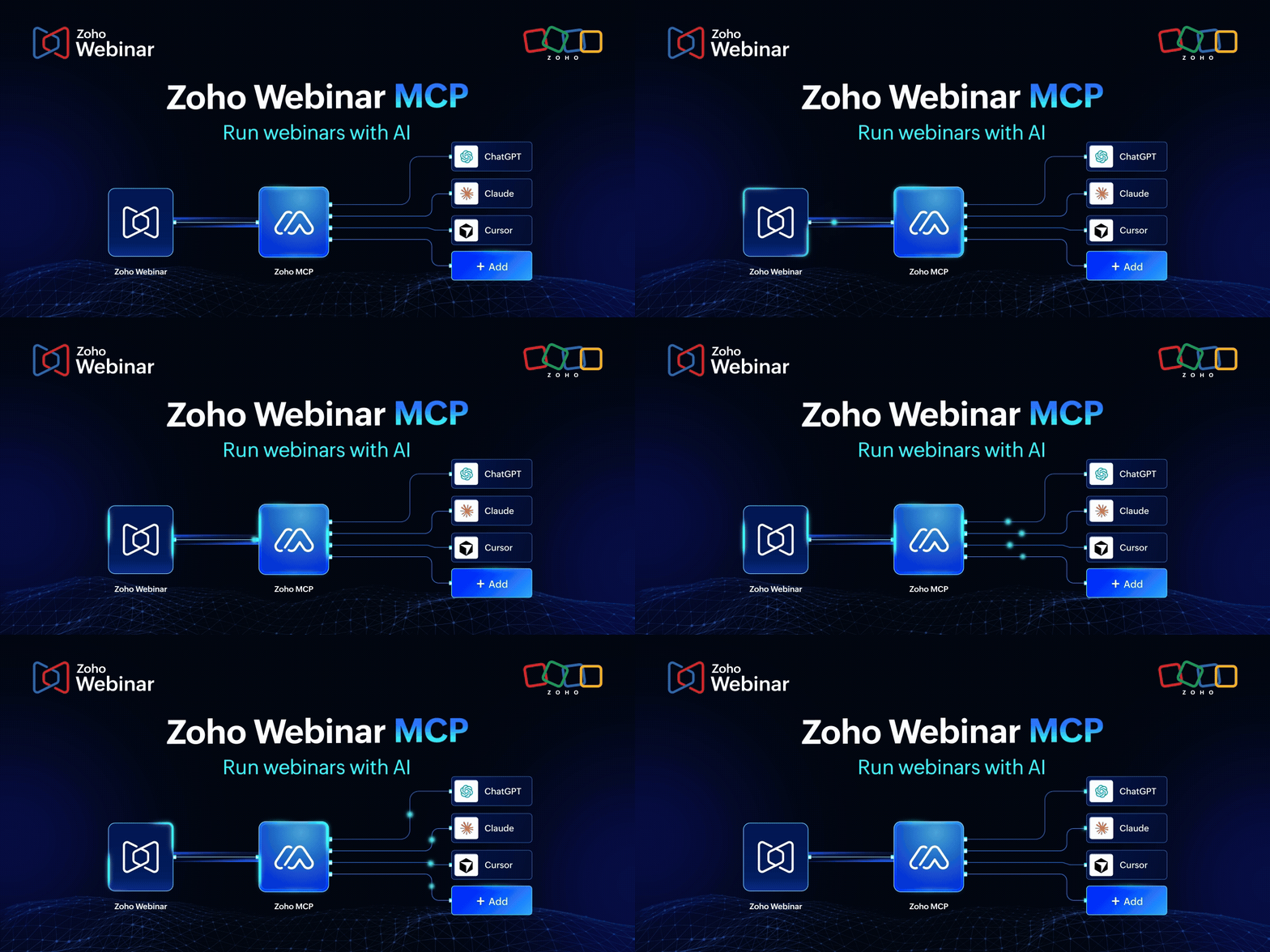
That’s what the Zoho Webinar MCP makes possible. Tell your AI assistant: “Schedule a product demo for next Thursday, and share details”, and it’s done. It connects MCP-compatible AI clients like Claude, Cursor, ChatGPT and Windsurf directly to your Zoho Webinar account. Together, they speak a shared protocol called Model Context Protocol (MCP), which gives AI tools a standardized way to act on real software.
What exactly is an MCP server, and why does it matter for webinars?
The MCP server is built on the Model Context Protocol, a standardized interface that allows AI systems to understand, process, and execute actions within business applications. By setting up the Zoho Webinar MCP server, you enable AI agents to perform webinar-related actions on your behalf using simple prompts. Before MCP, every AI integration needed a custom-built API. MCP standardizes that layer, so any compliant AI client can talk to any compliant server without bespoke integration work on either side.
What can the Zoho Webinar MCP server actually do?
Session management
Create, update, and delete webinar sessions, including timezone-aware scheduling.
Registrant handling
List registrants, add new ones programmatically, approve or deny pending requests, and remove attendees from a session.
Attendance and analytics
Pull attendance reports for any completed webinar—who showed up, for how long, and at what engagement level.
A few scenarios that change how you think about webinars
Zoho Webinar + Claude + Zoho Cliq
Already using Claude for content and planning? With Zoho Webinar MCP Server connected, you can plan and run an entire webinar without switching tabs. Schedule the session, add a poll, send reminders to your team channel in Zoho Cliq, and get a post-webinar update—all by just asking Claude.
Zoho Webinar + Claude + Zoho Desk
Turn a support spike into a webinar: When your support team notices the same question coming up repeatedly, an agent can create a targeted webinar, register the requested customers, and send them the invite—without anyone manually pulling a contact list or setting up a session from scratch.
What it sounds like in practice
What makes MCP different is that you don’t need to learn a new interface or memorize API parameters. You describe what you want in plain language, and the AI figures out which tools to call. Here are a few prompts that translate directly into Zoho Webinar actions:
Example prompt → Creates a session
“Schedule a 60-minute product walkthrough webinar called ‘Getting Started with Zoho Webinar’ for August 14 at 2:00 PM EST.”
Example prompt → Pulls analytics
“Show me the attendance report for last week’s webinar and tell me the average watch duration and how many people left before the 30-minute mark.”
Example prompt → Manages registrants
“I have a list of 12 Enterprise customers I’ll paste below. Add them as registrants to our upcoming executive briefing webinar and then send them a personalized confirmation email.”
Wrapping up
The way we use software is changing. Instead of clicking through menus and filling out forms, you can now just describe what you need and your AI assistant handles the rest.
Zoho Webinar’s MCP server makes that possible for webinar management. Your AI assistant isn’t just giving advice anymore. It’s actually doing the work scheduling sessions, managing registrants, and sending reminders all from a simple conversation.
Webinars are high-stakes, time-sensitive, and coordination-heavy. They’re exactly the kind of work that benefits most from removing friction.
The tools are ready. The protocol is open. The only thing left is the prompt. To set up Zoho Webinar MCP, take a look at our help document. Or, if you prefer a quick call or demo, write to us at support@zohowebinar.com and we’ll be in touch quickly!


Comments