Developer Space
Access ZSC Keys, service hooks, and enable API access from this section
Manage ZSC Key
ZSC key is used to access the BugTracker modules from other services.
Feature availability and Access privileges
- Feature Availability: All paid plans.
- Click
 in the upper-right corner of the top band.
 - Navigate to the Marketplace section and click Developer Space.
- Click ZSC Key in the left panel.
- Copy-paste the ZSC key and the Email address to authenticate yourself into the other services
- In addition, with this key, you can import your contacts stored in the other Zoho services
 in the upper-right corner of the top band.
Service Hooks
Feature availability and Access privileges
- Feature Availability: Standard and Premium plans.
Service hooks let your connect with third party apps. Navigate to the feature help pages to learn more on how to use service hooks to setup these integrations.
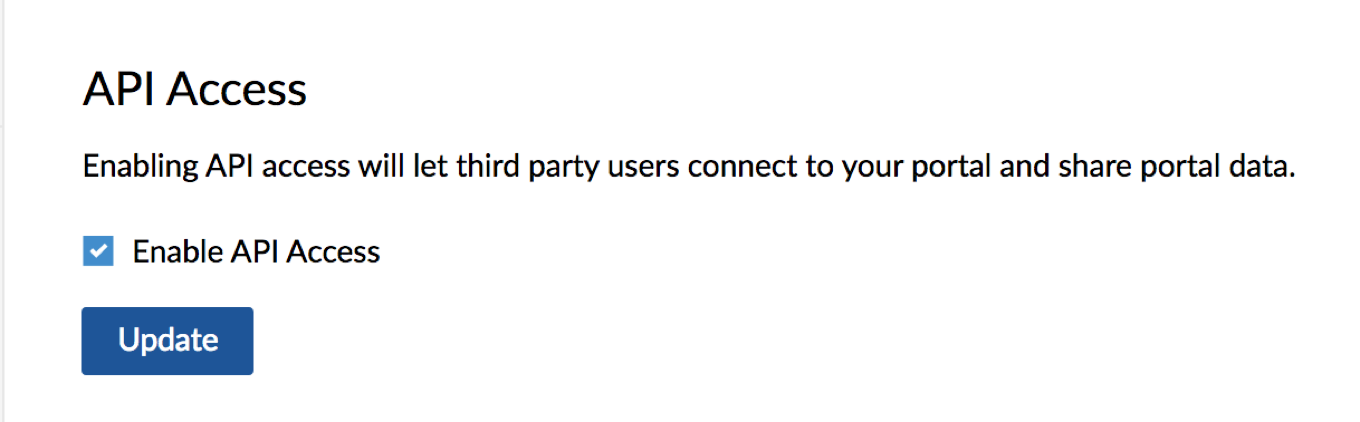
API Access
Control API access from third party apps from the Developers Space section. Only Portal Owner can access this feature.
- Navigate to
 > Marketplace > Developer Space > API Access.
 - Select the check box to enable API access and click Update.
 > Marketplace > Developer Space > API Access.