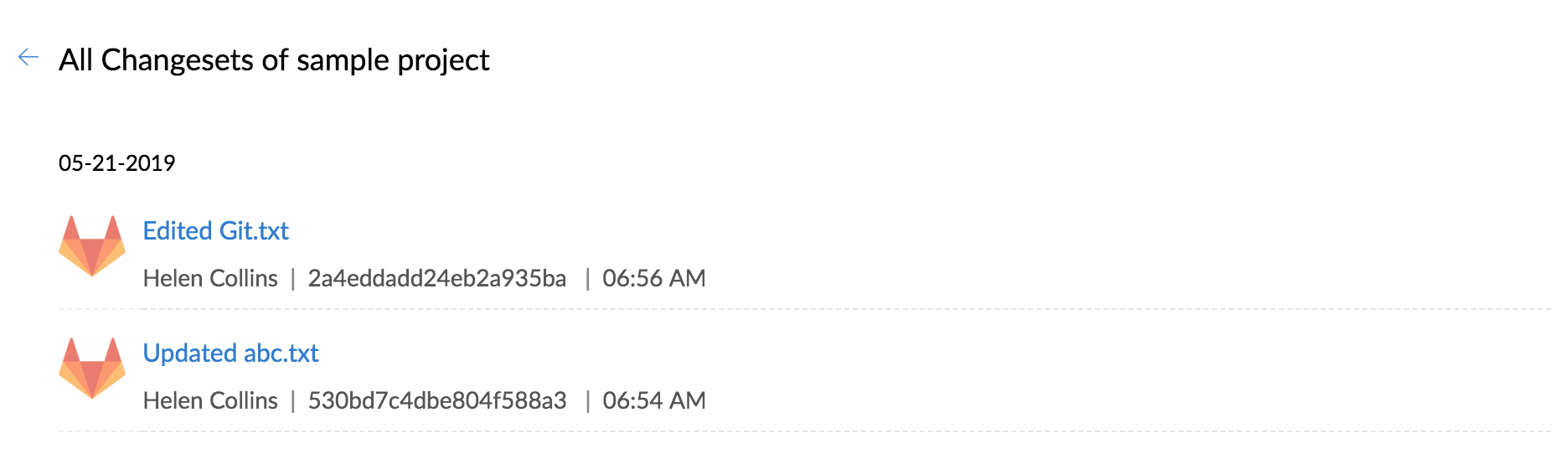
Gitlab Integration in Zoho BugTracker
Gitlab integration allows you to host your repositories, see source commits, and make code changes. And so, now you can view all the changes made in your Gitlab repository in Zoho BugTracker.
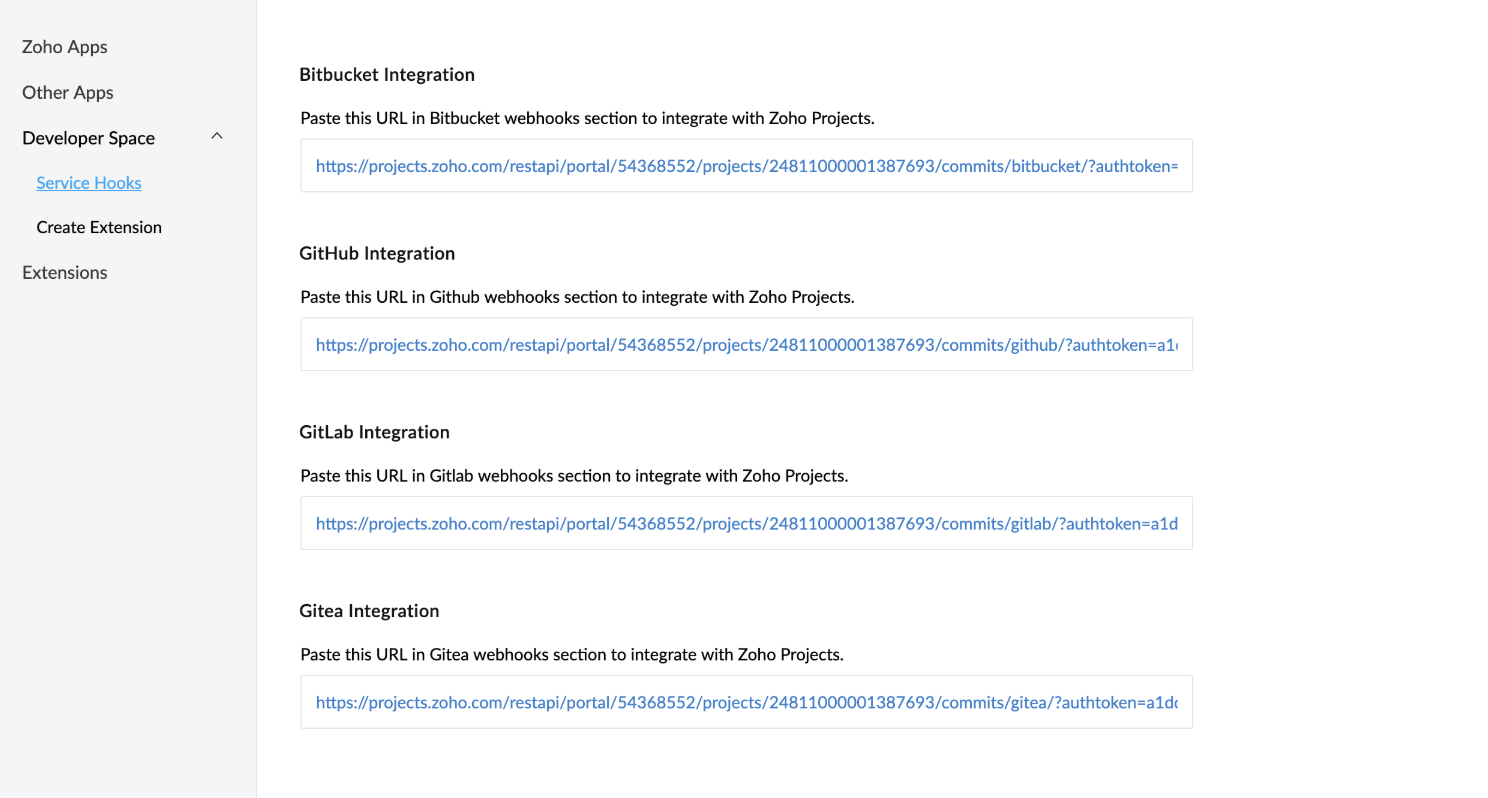
You must copy the Webhook URL in Zoho BugTracker to map the specific project with Gitlab. Navigate to Setup > Integrations > Develper Space > Service Hooks. Copy webhook URL from Gitlab Integration and paste it in Gitlab.
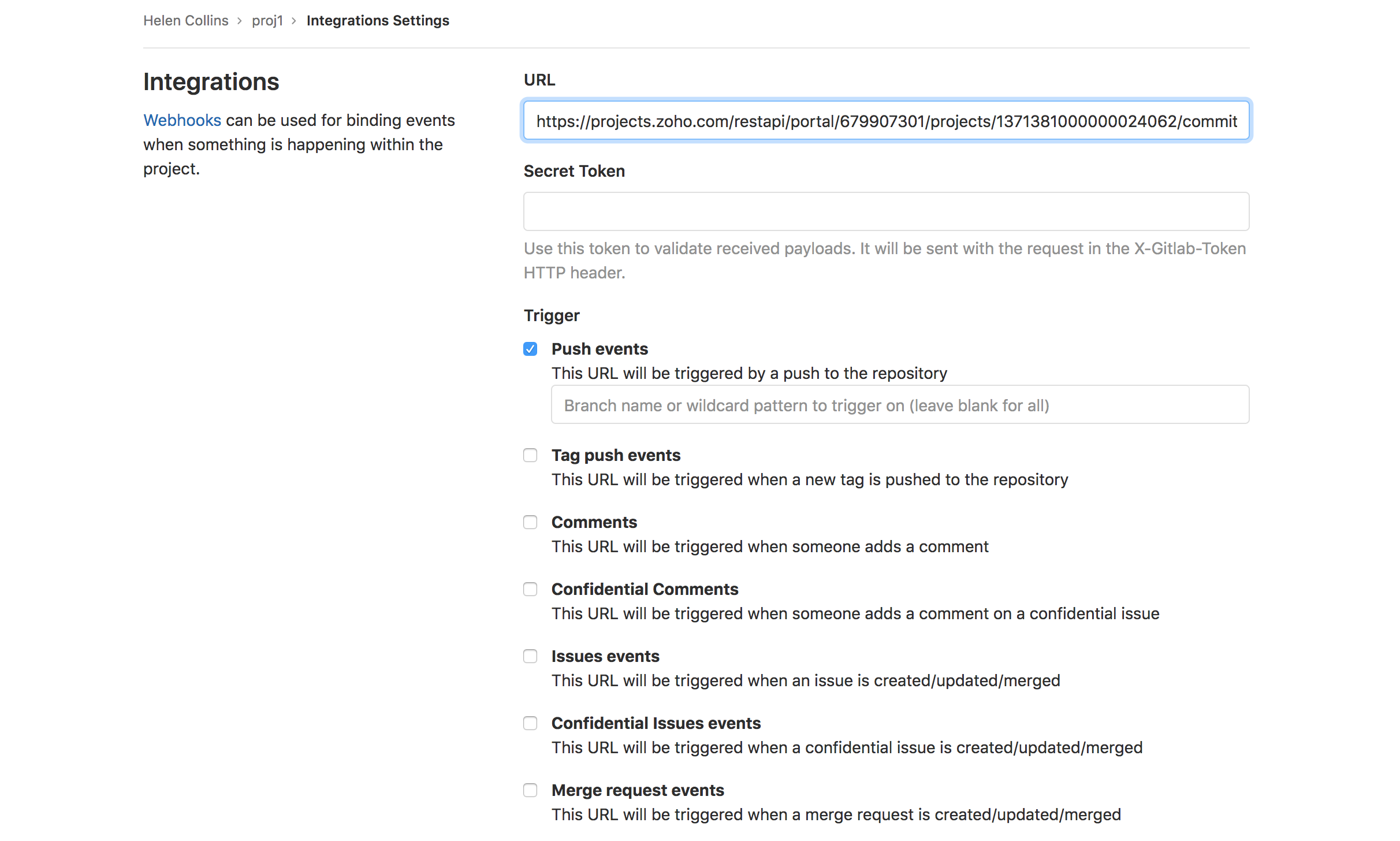
Set webhook in Gitlab
- Login to Gitlab.
- Select the desired project.
- Click Settings and click Integrations from the left panel.
- Paste the webhook URL and click Add Webhook.
Edit source commits in Gitlab
- Login to Gitlab.
- Navigate to the desired project.
- Select the source file to edit.
- Click Edit to modify the source file.
- Modify details and click Commit Changes.

View changesets in Zoho BugTracker
- Navigate to a project.
- Click Issues.
- Click
 in the top right corner and then click Changesets.