
- HOME
- Product blogs
- What is Zoho Commerce and how does it work?
What is Zoho Commerce and how does it work?
Zoho Commerce has been gaining traction globally, with businesses running their online store solely with this platform, as it simplifies ecommerce by focusing on core functions. Still, a common question prevails: "What is Zoho Commerce and how does it work?"
In this article, you will discover various features that will help your online business' success in the long run by selling more and managing your store effectively. So that you can "Do business in the world's busiest market, the internet."
What is Zoho Commerce?
Zoho Commerce is a cloud-based, all-in-one ecommerce platform ideal for businesses of all sizes, from small startups to established brands, where you can build, manage, and market your online store effectively.
As an ecommerce business owner, there are three fundamental things one should look for in an ecommerce platform: a place to display products, a way for customers to find the products, and a system to deliver those products. Everything else, from marketing to analytics, supports those basic functions.
Most businesses use different tools to handle these basic functions and end up complicating the process. This is where Zoho Commerce fits in: it brings the essential parts of ecommerce into one system.
You can sign up directly or request a demo. Setting up your online store to fulfill your first orders will take you only a few minutes.
How does Zoho Commerce work?
Let's look at how Zoho Commerce supports your business across different stages and operations.
Build your online store
Zoho Commerce helps you build your online store in a simple and structured way, as you can choose from ready-made templates. You can easily customize the templates using the visual editor that supports drag-and-drop functionality, which means you don't have to write code or rely on developers.

Hosting is free in Zoho Commerce; you don't have to set up anything separately.
With all of these features in place, you can launch your store faster and focus on your products and customers.
Manage your online store
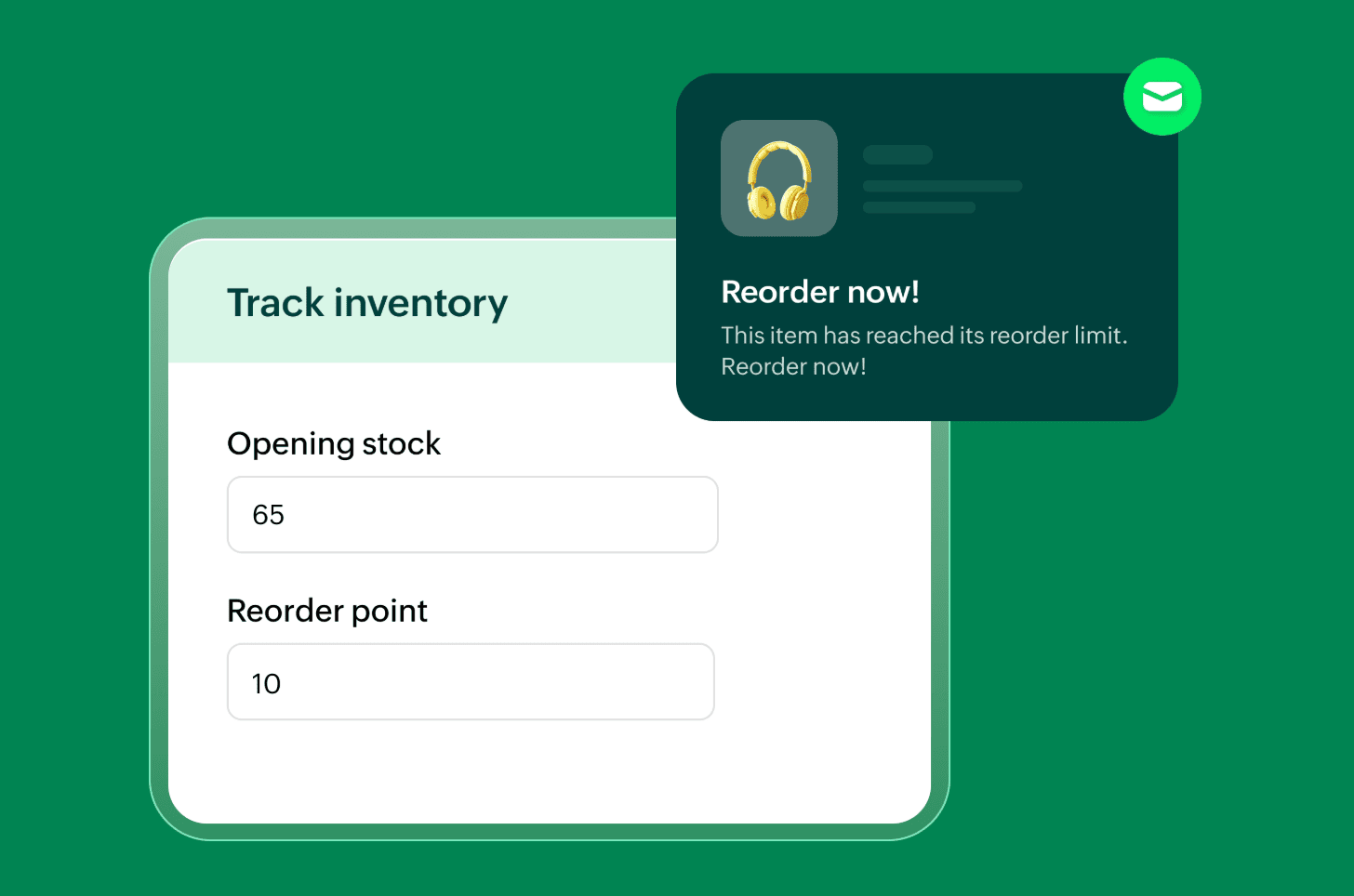
Manage day-to-day operations without confusion. You can handle product variants, specifications, and assemblies; track inventory using serial or batch tracking; and update stock levels in real time. The system keeps every item synced, and also supports instant reorder updates. This helps limit stock errors and supports better planning of future stock needs.
Have control over your orders
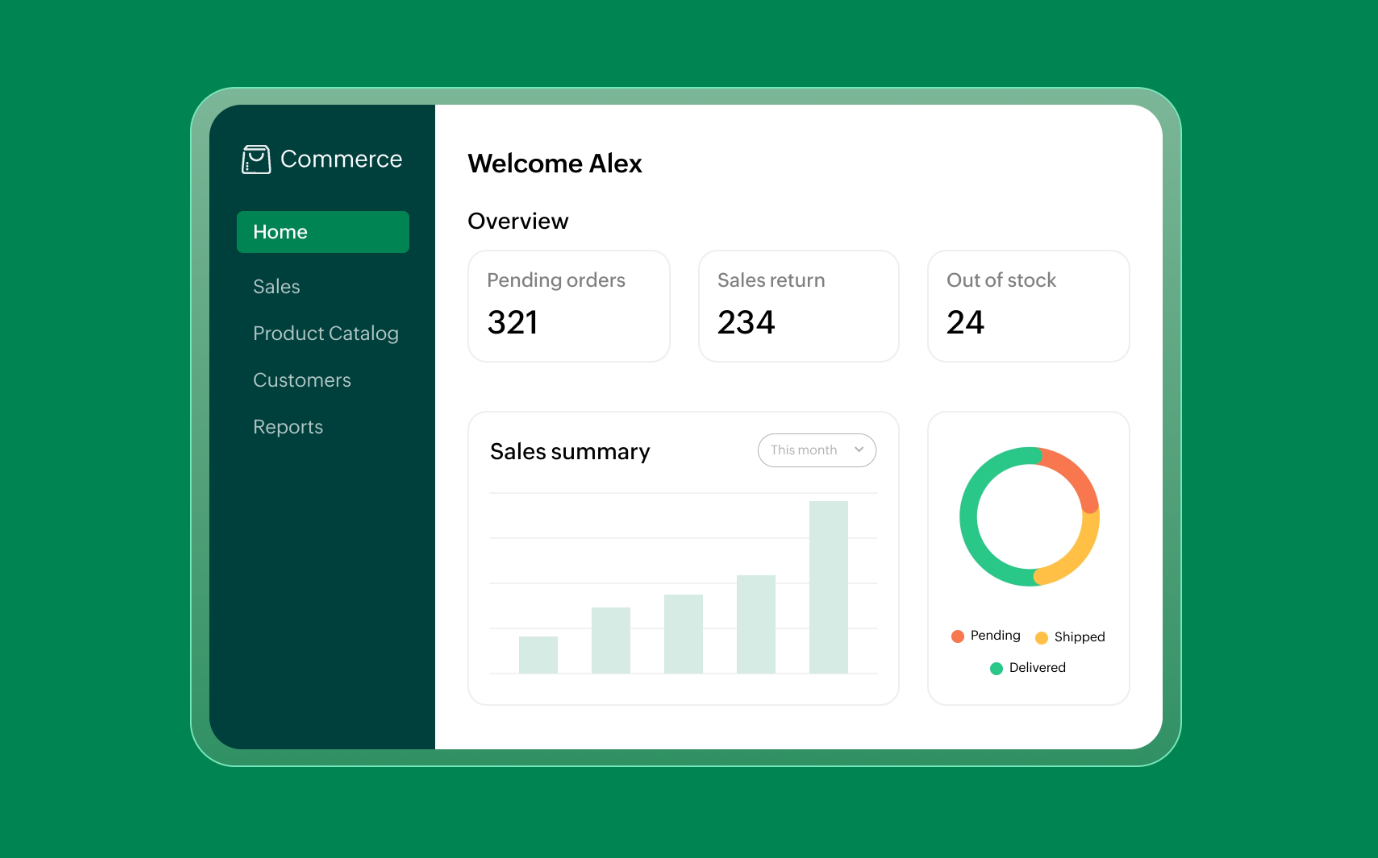
You have complete control over your orders in Zoho Commerce.
You can view all your orders from a dashboard, track their status, and get insights from their performance. It also simplifies operations such as shipping, returns, and refunds.
With these streamlined workflows, you can process orders faster and handle customer requests effectively.
Create a seamless checkout experience
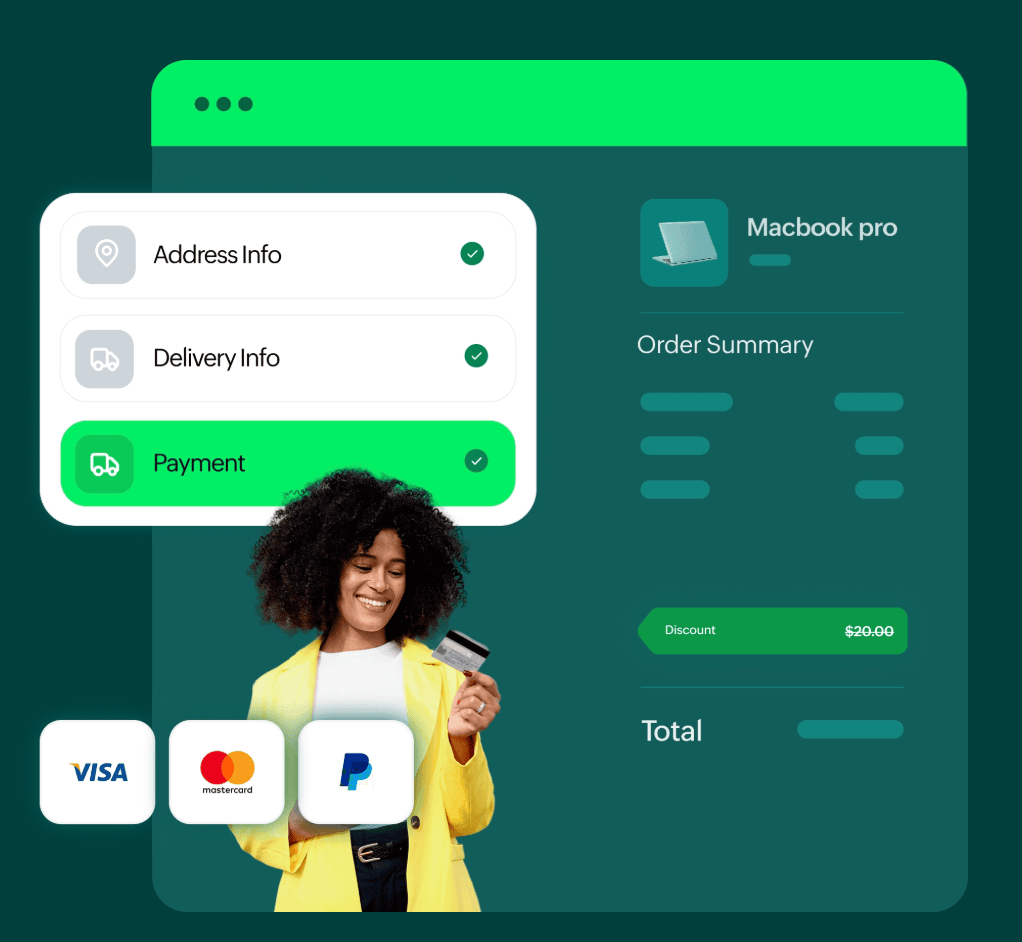
A complicated checkout process results in abandoned carts. Make it easy for customers to clearly view their order summary, apply discounts, and choose from multiple payment methods using Zoho Commerce.
Create a better checkout experience by customizing the checkout design to match your brand.
Market your online store
Attract and retain customers using the built-in marketing tools without depending on outside platforms.
Optimize your online store for search engines using SEO tools (for items, categories, and collections), creating SEO optimized blog posts, and auto-generating sitemaps.
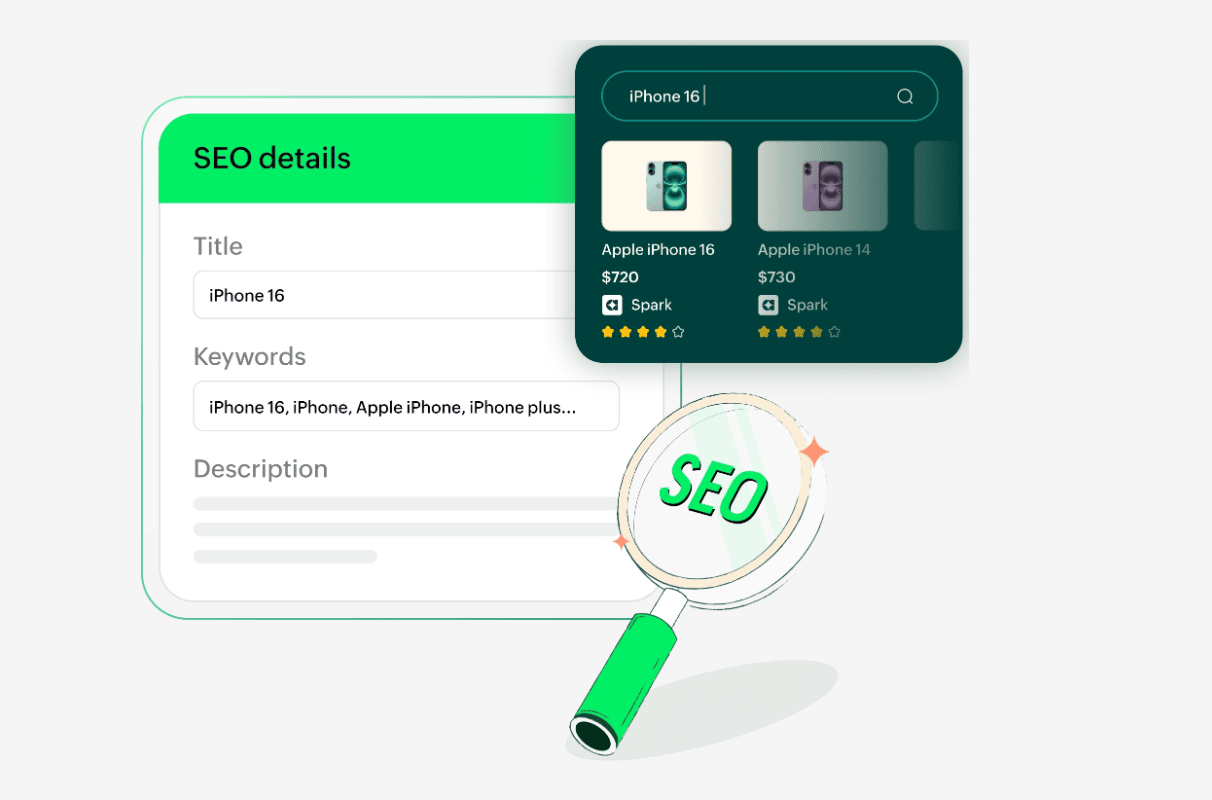
You can also run promotions using coupons to attract customers, including setting usage limits and automated settings for specific items. You can track abandoned carts and recover lost sales using email campaigns.
Scale your online store
As your business grows, operations become more complex, and Zoho Commerce supports that growth without adding more complexity.
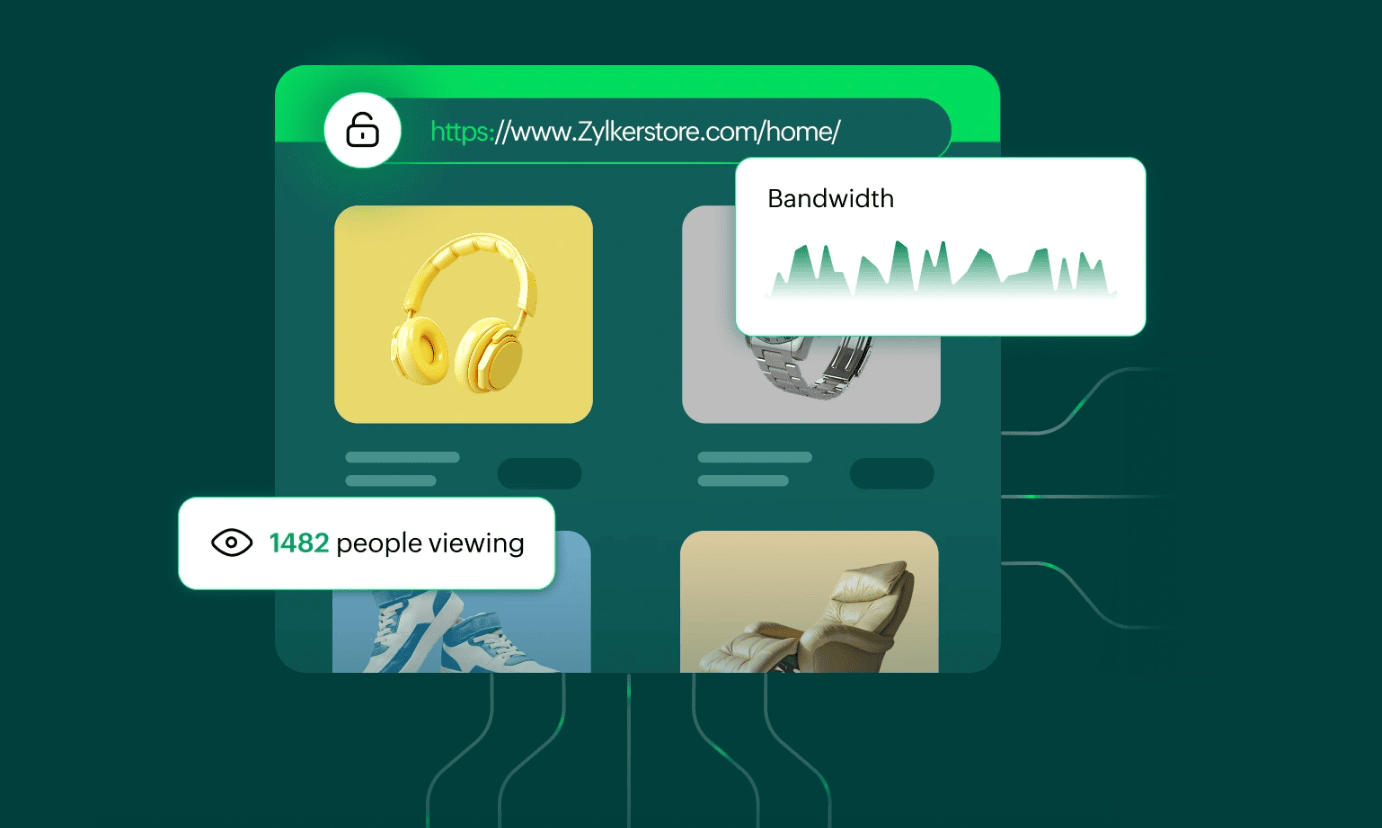
You can expand product catalogs, manage larger inventories, and use smart recommendations (including rule-based and AI-powered recommendations). In addition to these features, Zoho Commerce offers further tools to support your business as it grows.
Automate shipping & sell to customers worldwide
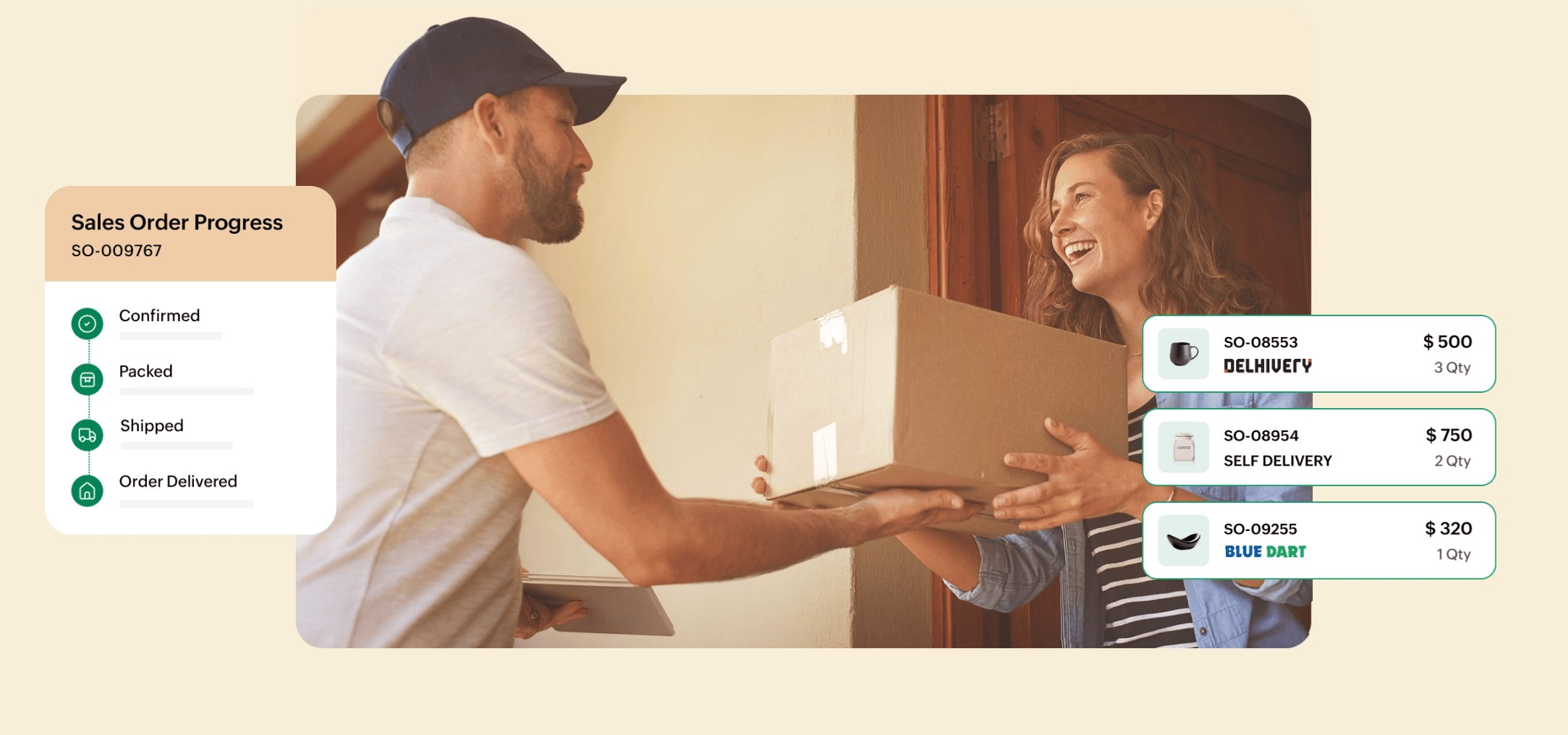
Shipping can become complicated, especially as order value increases. Zoho Commerce simplifies shipping by letting you define delivery zones, custom shipping rates, and seamless carrier integrations.
You can also offer convenient self-delivery options when needed. These features help you automate shipping and sell to customers worldwide.
Benefits from tight integration within the Zoho Ecosystem
One of the biggest advantages of Zoho Commerce is how well it integrates with other Zoho applications. Most ecommerce businesses rely on multiple third-party tools to perform various operations. This causes disconnected data and operational complexity. Zoho Commerce takes a completely different approach that removes the need for external applications.
For example, you can manage customer relationships in Zoho CRM, handle accounting with Zoho Books, track inventory using Zoho Inventory, and manage in-store sales through Zoho POS, all within one ecosystem.
Explore more integrations for Zoho Commerce here.
Security and privacy of your online store payments
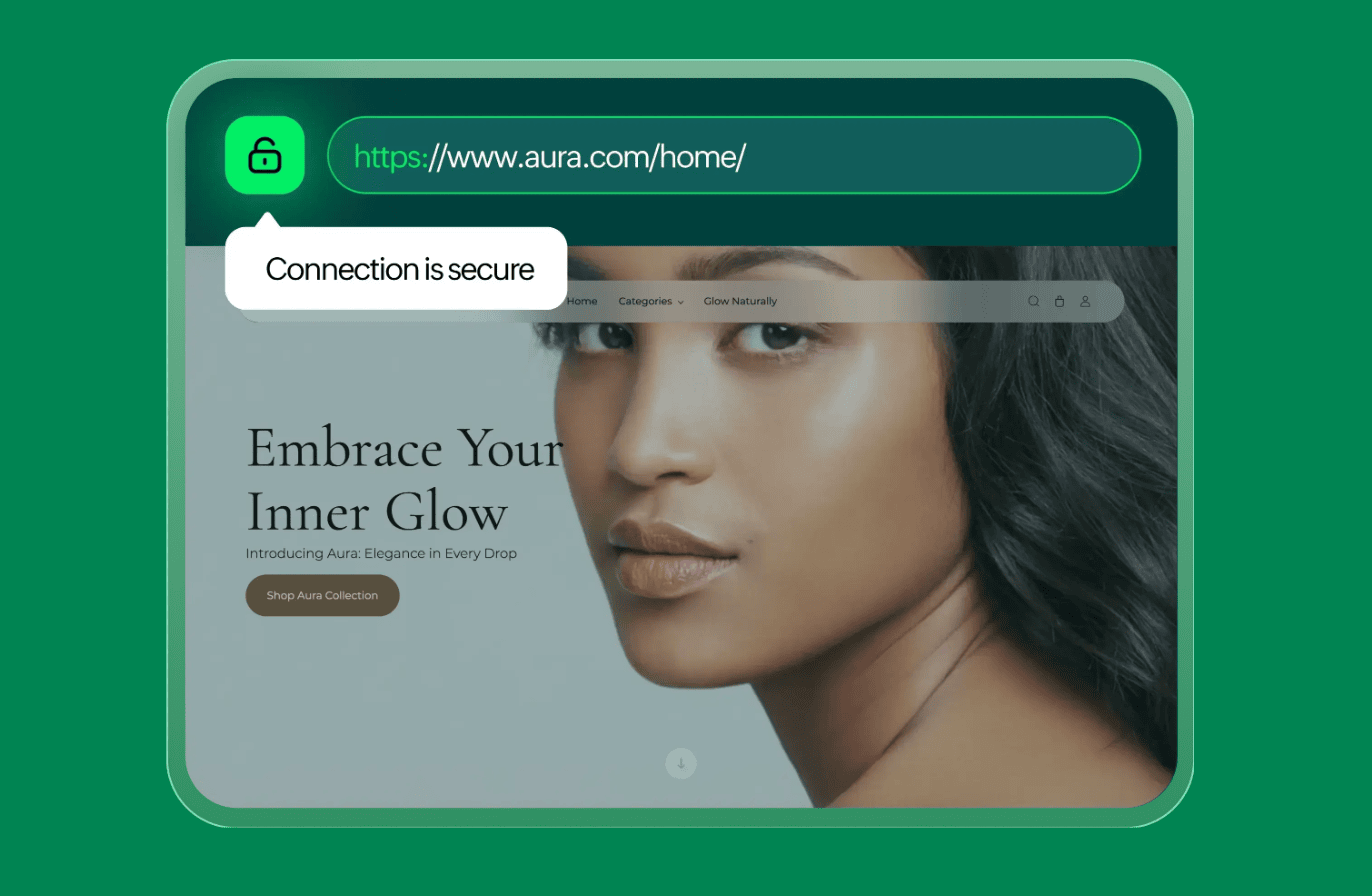
Handling payments securely is essential for every ecommerce store. Zoho Commerce supports multiple payment options, allows transactions in different currencies, and helps you manage your business with features like automated invoicing and payment reminders.
Zoho Commerce ensures your store meets security standards like customer data and transactions through SSL encryption, and follows PCI DSS standards.
Zoho Commerce plans and pricing
These are the different plans available for Zoho Commerce based on your business needs.
Standard: For small businesses getting started with ecommerce.
Professional: Suitable for growing businesses that need advanced tools.
Premium: Designed for businesses that need scalability, customization, and deeper integrations.
Conclusion
If you are looking for a way to start or scale your ecommerce business, Zoho Commerce brings together everything you need to run it into one platform, from building your storefront to fulfilling your first order.
Start your free trial and build your store in minutes.
Frequently Asked Questions
Is Zoho Commerce suitable for beginners?
Yes, Zoho Commerce is suitable for beginners. It offers an easy setup process, ready-to-use templates, and built-in tools that allow beginners to build and manage their store without technical expertise.
Is Zoho Commerce free?
Zoho Commerce offers a free trial, but there is no forever-free version. There are different pricing plans based on your business needs, with more features available in higher plans.
Is Zoho Commerce suitable for small businesses?
Yes, Zoho Commerce is designed for businesses of all sizes, including small businesses. It provides essential tools like inventory management, payments, and marketing, all in one place. This makes it easier to manage operations with a small team.
Do I need coding skills to use Zoho Commerce?
No, you don't need coding skills to use Zoho Commerce. The platform provides a visual editor and drag-and-drop functionality to make it easy to design and manage your online store without writing code.
What can I sell on Zoho Commerce?
You can sell physical items like clothing and electronics; and digital products like ebooks or software on Zoho Commerce.
It supports different product types, variants, and categories, allowing you to manage a wide range of products all in one store.
Can Zoho Commerce integrate with other Zoho applications?
Yes, Zoho Commerce seamlessly integrates with other Zoho applications like Zoho CRM, Zoho Books, Zoho Inventory, and Zoho POS.
