- HOME
- Know Your Tech
- Deployed to production: Best practices for a smooth release
Deployed to production: Best practices for a smooth release
- Last Updated : March 30, 2026
- 421 Views
- 9 Min Read
You have tested your app. The staging looks clean. Now it is time to push it live. For many teams, this is the stage where things can go wrong if the process is not solid.
Highlights
- Getting deployed to production safely depends on a structured process that covers pre-deployment, deployment, and post-deployment stages.
- Automated testing through unit, integration, and end-to-end checks catches issues before they reach your live environment.
- CI/CD pipelines reduce manual errors and speed up releases by automating build, test, and deployment steps.
- Deployment strategies like blue/green and canary releases help you control risk by limiting user exposure to new code.
- Protecting environment variables, enforcing role-based access, and maintaining audit logs keep your production environment secureandcompliant.
A poor deployment can break features, frustrate users, and put your team under unnecessary pressure. The cost goes beyond downtime. It affects trust, timelines, and delivery momentum.
This blog post covers the key practices that help you deploy to production smoothly. You will learn what to do before, during, and after a release to keep things stable and predictable.
What is production deployment?
Production deployment refers to the final step in the software lifecycle, where code is transferred from the development or staging environments to the live production environment. This process ensures the software is fully operational, integrated with live systems, and capable of supporting real user interactions. The software must meet performance and reliability standards while handling live traffic, database interactions, and business functions without disruption.
Benefits of successful production deployment
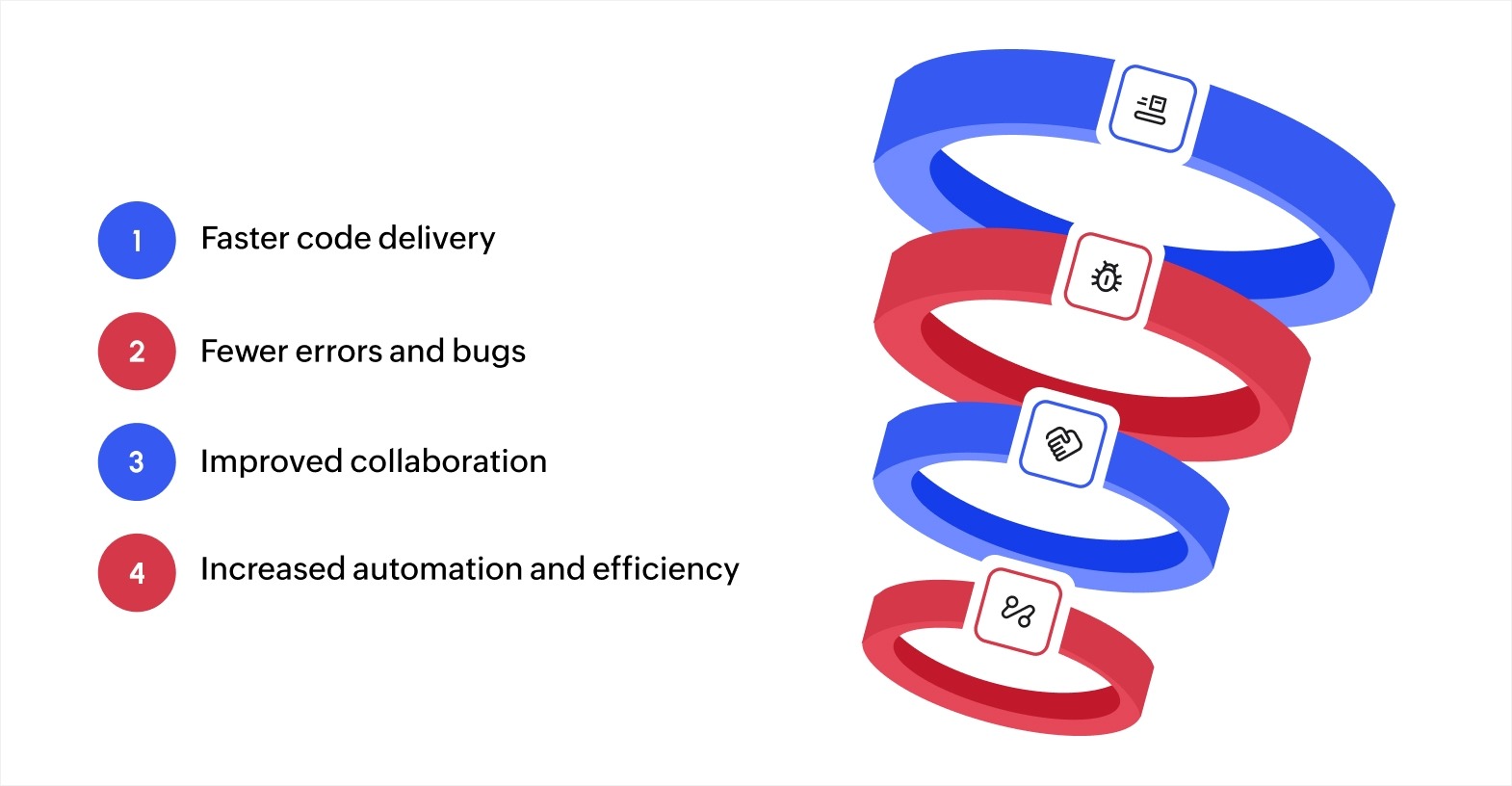
Production deployment, when done correctly, offers several technical and operational advantages. The global manufacturing automation market is expected to grow at a CAGR of 9.7%, reaching USD 23.96 billion by 2030, emphasizing the need for efficient deployment processes. Here’s how successful deployment enhances your system.
- Faster code delivery: Automated deployment pipelines, such as continuous integration/continuous deployment (CI/CD), speed up the delivery of updates, new features, and bug fixes. This enables faster releases and keeps your business agile, responding to user feedback or market changes quickly.
- Fewer errors and bugs: Implementing automated testing and quality assurance checks during deployment minimizes the chance of errors. Tools like regression testing, code analysis, and performance testing catch issues early, leading to more stable releases.
- Improved collaboration: A structured deployment process improves team alignment. Tools like Git, Jenkins, and Kubernetes enable development, operations, and quality assurance teams to work seamlessly, reducing miscommunication and speeding up the process.
- Increased automation and efficiency: Automation tools, such as Jenkins, Docker, and Terraform, reduce manual efforts, simplify workflows, and ensure a repeatable, efficient deployment process. Zoho Creator enables businesses to deploy applications to production with minimal coding and IT resources, helping businesses stay agile and reduce operational costs.
Key challenges in production deployment
Several technical challenges can complicate production deployment, but these can be managed with the right tools and strategies.
- Coordination across teams: The development, testing, and operations teams often have different priorities. Misalignments can delay the deployment process. Adopting Agile or DevOps practices, along with tools like Jira or Slack, improves communication and coordination, minimizing delays.
- Consistency across environments: Ensuring the application behaves consistently across development, testing, and production is essential. Differences in configurations or dependencies can cause failures. Tools like Docker and Kubernetes help maintain environment consistency by containerizing applications and automating orchestration.
- Security concerns: Securing the deployment process is important to avoid exposing sensitive data or vulnerabilities. Implementing secure coding practices, encryption, and security tools like SonarQube or OWASP ZAP reduces the risk of breaches. Incorporating security scanning into the CI/CD pipeline further strengthens the deployment process.
Addressing these challenges ensures production deployments are smooth, secure, and reliable, leading to more stable software and better business performance.
Best practices for smooth production deployment
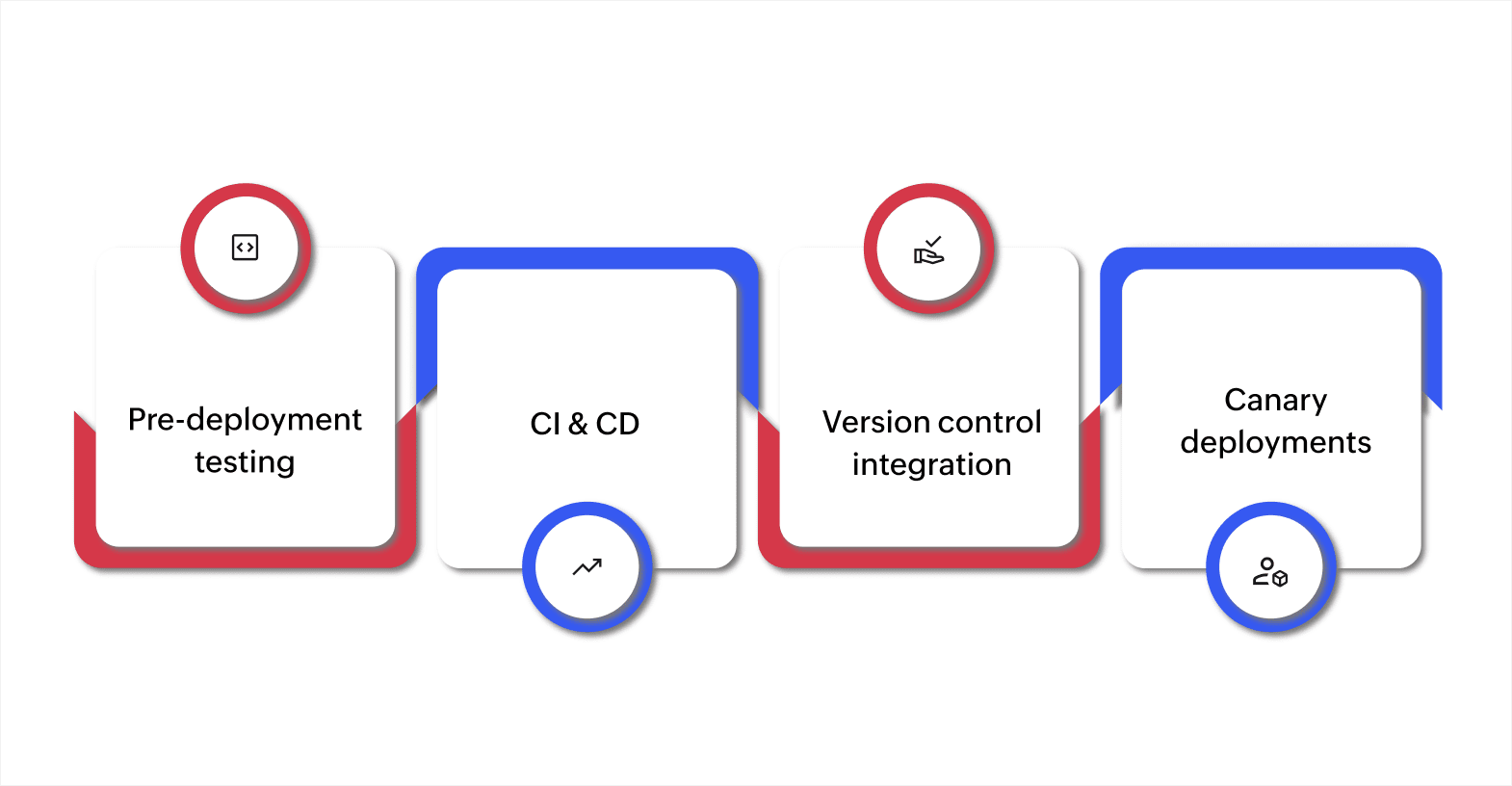
Thorough testing before deployment
Effective testing is essential before deploying to production. A combination of unit, integration, and end-to-end testing helps catch issues early, ensuring the application is ready for live traffic.
- Unit testing: Validates individual components of your application.
- Integration testing: Verifies interactions between different components.
- End-to-end testing: Simulates real user interactions to identify issues across the entire system.
Automating these tests ensures quicker feedback, allowing you to resolve bugs before pushing code to production.
Continuous integration and continuous deployment (CI/CD)
CI/CD automates the entire deployment pipeline, improving both speed and accuracy.
- Automated testing: Ensures every change is validated before reaching production.
- Faster deployment: Speeds up delivery by automating updates, bug fixes, and new features.
- Consistency: Reduces errors and maintains uniformity across deployments.
By implementing CI/CD pipelines, you ensure your deployment process is efficient, consistent, and less error-prone, making it easier to deploy quality software to production quickly. For businesses looking for a low-code alternative, Zoho Creator provides an intuitive platform for simplifying the deployment process without heavy IT dependencies.
Version control integration
Version control is a cornerstone of managing software deployments. Systems like Git or SVN play a vital role in ensuring code is well-organized and deployment-ready.
- Track changes: Helps track code changes, ensuring only validated versions are pushed live.
- Rollback capabilities: Enable easy reversion to previous stable versions in case of issues.
- Collaborative development: Facilitates teamwork, allowing multiple developers to work on the same codebase without conflicts.
Using version control ensures every deployment is based on a stable, tested version of your code, reducing the chances of deploying faulty or incomplete software.
Blue/green and canary deployments
Blue/green and canary deployments are strategies that allow for smooth, controlled software rollouts with minimal user impact.
- Blue/Green deployment: Maintains two environments, blue (live) and green (new version). After validation, traffic is switched to the green environment. If issues arise, you can easily revert to the blue one.
- Canary releases: The new version is deployed to a small group of users first, allowing you to monitor performance and gather feedback before full deployment.
Both blue/green and canary deployments help mitigate the risk of introducing bugs in production and ensure users experience minimal disruption during the deployment process.
Post-deployment best practices
Once your application is deployed, it’s important to monitor its ongoing performance and reliability. Effective post-deployment practices ensure the application functions optimally and any issues are swiftly addressed.
Run smoke tests after deployment
After deployment, run smoke tests to verify core functionalities, ensuring essential features work correctly before full-scale user access.
- Focus on important components: Ensure key workflows, data processing, and user interactions are functioning.
- Quick issue detection: Early testing helps identify and resolve any major issues immediately.
Smoke testing is important for preventing disruptions and confirming the application is ready for use.
Collect user feedback
User feedback is invaluable in identifying any post-deployment issues that were not captured during pre-release testing.
- Direct feedback: Gather insights through surveys, support tickets, or in-app feedback.
- Address issues quickly: Focus on performance and usability concerns from real-world usage.
Feedback allows for fast improvements and ensures the application meets user expectations.
Implement real-time logging and alerts
Real-time logging helps track errors and performance issues as they occur. Setting up alerts ensures your team is immediately notified of important failures.
- Error tracking: Monitor both application errors and system performance through detailed logs.
- Immediate alerts: Notifications allow for rapid issue resolution before they affect users.
Real-time logging ensures issues are detected and addressed proactively, minimizing downtime and ensuring reliable performance.
By following these pre- and post-deployment best practices, you can ensure your application performs reliably in production. From thorough testing and CI/CD automation to post-deployment monitoring and user feedback, these practices will help you maintain a smooth and efficient deployment process.
Tips for a successful production deployment
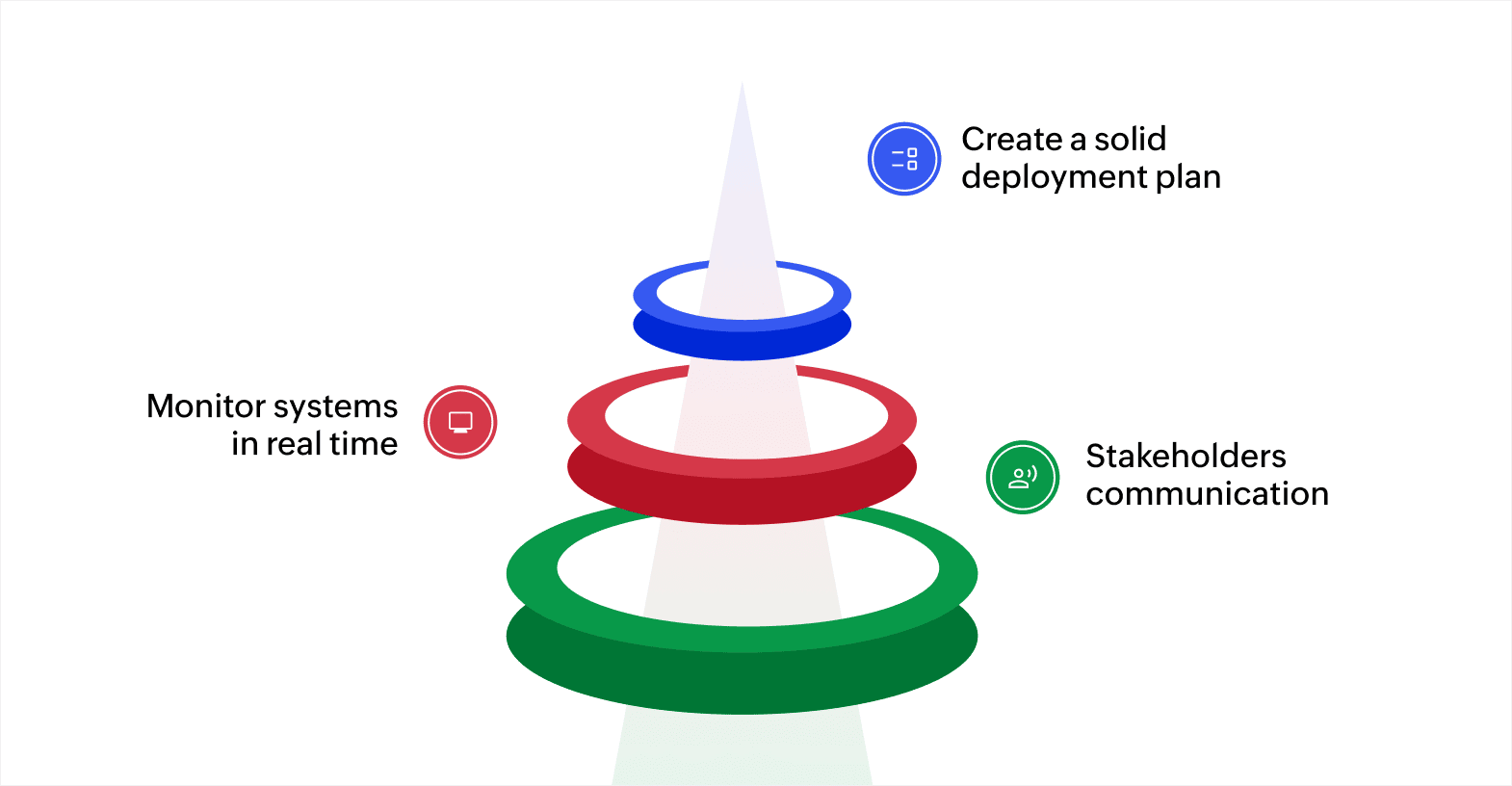
Create a solid deployment plan
A successful deployment starts with a clear and well-organized plan. Before your application is deployed to production, take time to outline the process step by step. This will serve as your roadmap and help minimize confusion.
Key elements to include in your deployment plan
- Detailed checklist: List all the tasks and steps that need to be completed before, during, and after deployment.
- Timelines: Set clear deadlines for each stage to ensure the process stays on track.
- Defined roles and responsibilities: Assign specific tasks to team members to avoid confusion and ensure accountability.
Having a solid deployment plan ensures your team can follow a structured approach that will reduce errors and delays during deployment.
Monitor systems in real time
After your application is deployed to production, it's important to monitor the system continuously. Ongoing monitoring helps identify any issues early and address them before they become serious problems. Here are some tools to consider for real-time monitoring.
- Server performance trackers: These tools provide insights into server load, response times, and other important performance metrics.
- Application health monitors: These tools track the status of key components such as databases, APIs, and integrations.
Monitoring your systems in real time ensures any performance issues can be addressed quickly, helping to maintain smooth operations.
Communicate effectively with stakeholders
Clear communication is essential throughout the deployment process. Keeping all stakeholders informed ensures everyone is on the same page and reduces the chance of misunderstandings. Here’s how to ensure effective communication.
- Regular updates: Share updates at key points during the deployment, so stakeholders are always informed.
- Involve both business and IT teams: Keeping both business stakeholders and IT staff informed helps meet both technical and business requirements.
- Post-deployment follow-ups: After the deployment, check in with stakeholders to confirm everything is working as expected and address any issues.
By maintaining open lines of communication, you ensure a smoother deployment process, making it easier to resolve any concerns quickly and efficiently.
By following these tips, you can ensure an uneventful deployment process, reduce the risk of errors, and keep your systems running well after deployment. Proper planning, monitoring, and communication will help you achieve a successful production deployment.
Security considerations in production deployment
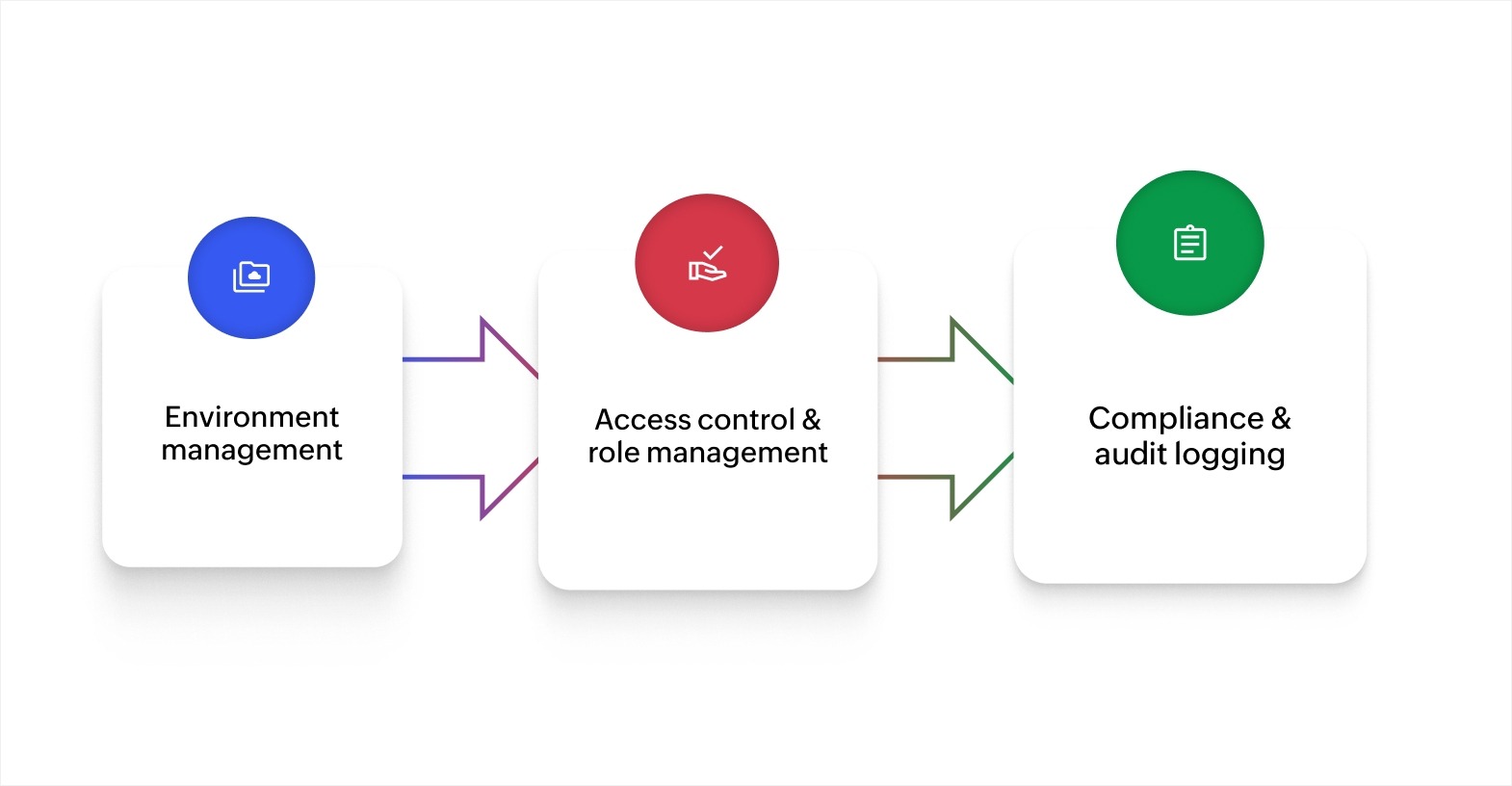
Managing environment variables and secrets
In production, sensitive data like API keys, credentials, and tokens must be protected. Use encrypted environment variables to store this information, and opt for secret management tools such as AWS Secrets Manager or HashiCorp Vault to securely manage and rotate secrets.
Key steps include:
- Encrypt sensitive data - Always encrypt environment variables that store important information.
- Use secret management tools - Tools like AWS Secrets Manager help securely store and manage sensitive data.
- Restrict access - Ensure only authorized users or systems have access to these secrets.
These practices help safeguard sensitive information when your application is deployed to production, reducing the risk of unauthorized access.
Access control and role management
Effective access control is important to prevent unauthorized actions in your production environment. By clearly defining roles and permissions, you can effectively control who has access to specific systems and data.
Best practices include:
- Define roles and permissions - Categorize users based on their responsibilities and grant them appropriate access levels.
- Implement least privilege - Limit access to the minimum required for users to perform their tasks.
- Review permissions regularly - Update access controls as team roles and responsibilities evolve.
Enforcing strong role management ensures only authorized personnel can make changes to the production environment, minimizing security risks.
Compliance and audit logging
Compliance with industry regulations is essential when deploying to production. Maintaining audit logs allows for transparency and helps track unauthorized or suspicious activity.
Key actions include:
- Enable detailed logging - Record all actions in the production environment for accountability.
- Use monitoring tools - Detect unusual behavior and address potential security threats quickly.
- Regular audits - Periodically review audit logs to ensure compliance and integrity.
Audit logs help ensure you stay compliant with regulatory requirements and can easily trace any security incidents in your production environment.
Achieving smooth and secure production deployment
Deploying software to production is an important step, and following best practices like thorough testing, automated CI/CD pipelines, and role-based access control ensures smooth, secure deployments. These practices reduce errors, improve the user experience, and maintain business continuity.
Zoho Creator, an AI-powered low-code application development platform, simplifies how you build and deploy business applications. It handles hosting, deployment, and scaling so your team can focus on what the app does, not on managing infrastructure.
With Zoho Creator, you can build custom applications using a visual drag-and-drop builder, set up automated workflows and approval processes without writing complex code, and connect your apps to over 1,000 tools through prebuilt integrations. Every app runs natively on the web, iOS, and Android through multi-device deployment.
Your apps also benefit from built-in security controls, role-based access, audit logs, and real-time dashboards for monitoring. Sign up for free today and see how quickly you can go from idea to a live, production-ready application.
FAQ
How can I minimize the risk of introducing performance issues during production deployment?
Minimizing performance issues during production deployment requires a "shift-left" approach, where performance is considered throughout the development lifecycle, combined with safe, incremental deployment strategies. Key methods include automating tests in CI/CD pipelines, using progressive delivery techniques like canary releases, and establishing robust post-deployment monitoring.
What should be done to ensure scalability after deployment to production?
Ensuring scalability after deploying to production requires a proactive, automated approach that moves beyond manual management to, dynamic resource allocation, comprehensive monitoring, and optimized database handling. The goal is to handle increased load (users, data, traffic) without performance degradation or high downtime.
How do I handle feature toggles in production deployments?
Handling feature toggles in production involves using conditional logic in your codebase to control functionality remotely at runtime, which allows you to decouple code deployment from feature release. This approach requires planning and adherence to best practices to manage complexity and mitigate risks.
How can I test for security vulnerabilities during production deployment?
Testing for security vulnerabilities during production deployment involves continuous, automated, and manual checks, including DAST (dynamic application security testing) on running apps, SCA (software composition analysis) for dependencies, and infrastructure configuration scans. Key methods include simulating real-world attacks, conducting penetration testing, and using RASP (runtime application self-protection) to monitor for threats in real time.
 Bharathi Monika Venkatesan
Bharathi Monika Venkatesan is a content writer at Zoho Creator. Outside of work, she enjoys exploring history, reading short novels, and cherishing moments of personal introspection.