
Add to applications as user
To add to application as users:
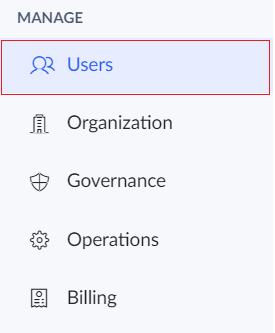
- Click the Users option under the Manage section in the left pane.
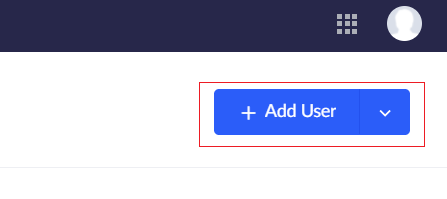
- Click the Add Users button.
- The Add Users tab will appear. Enter the name, email address and other details of the user.
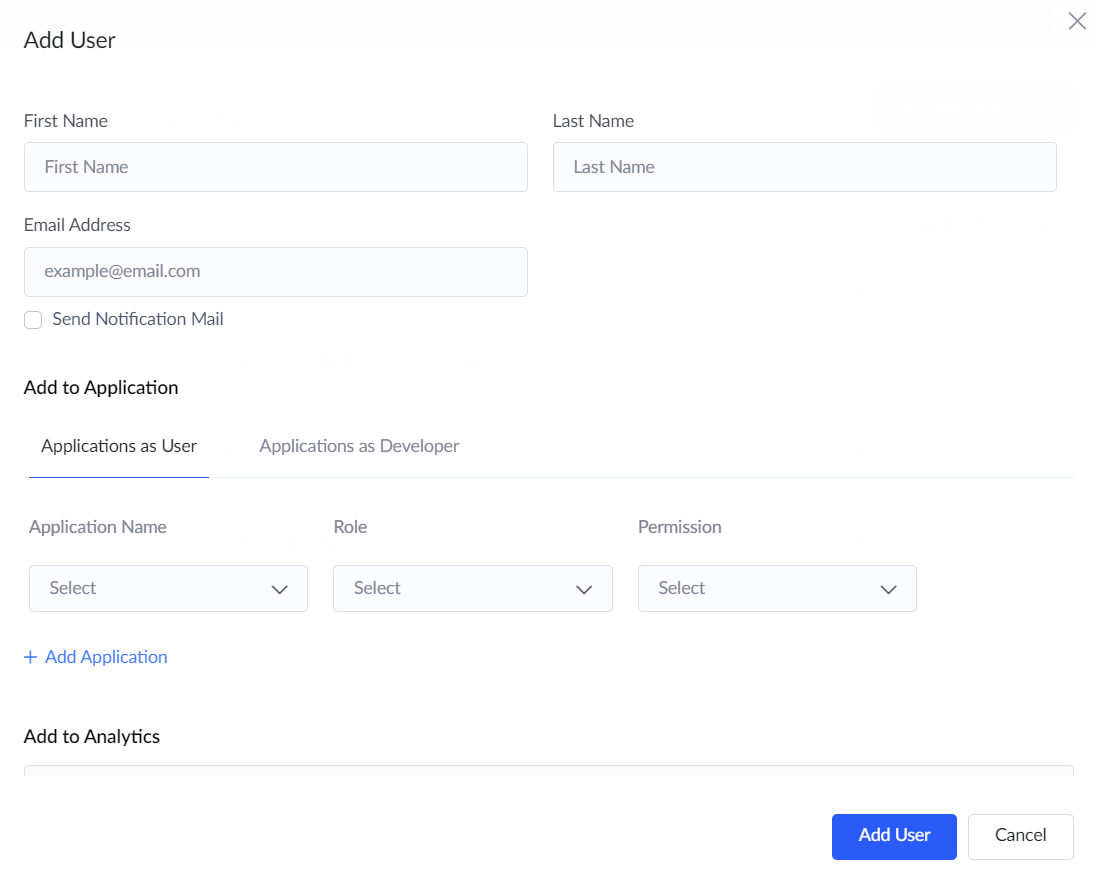
- Tick the Send notification mail checkbox if required.
- Under the Add to application, section choose the Applications as user option.
- Under the Application name field choose the app to which the user is to be added.
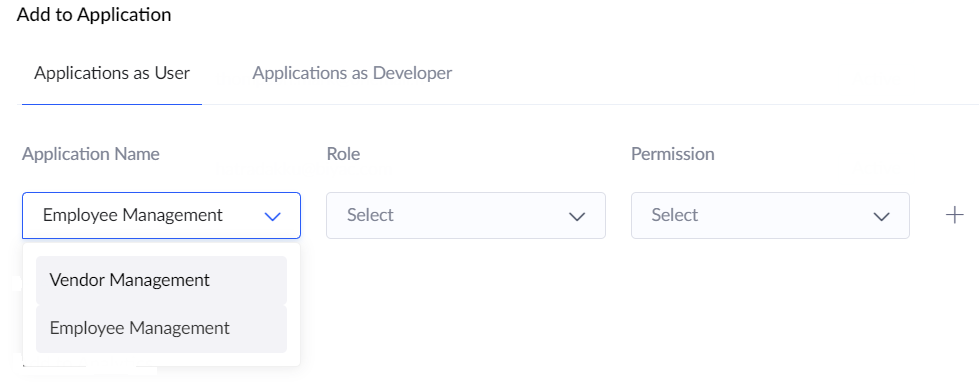
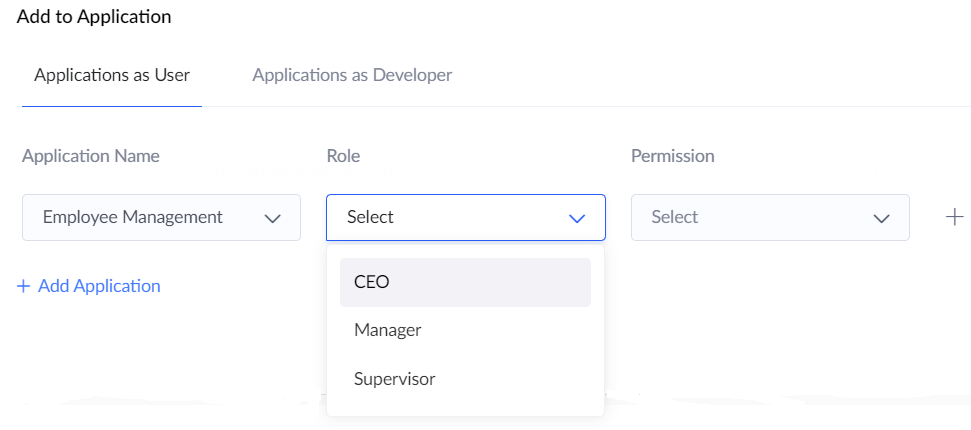
- Under the Role field, choose the role which is to be assigned to the user.
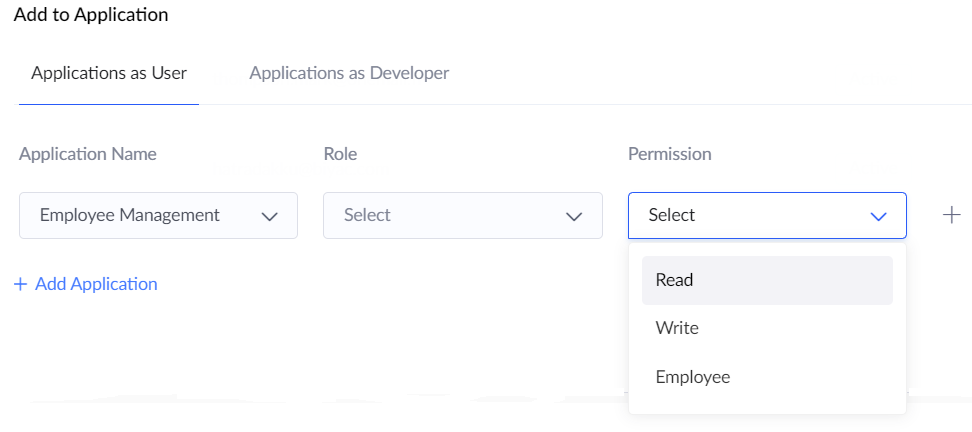
- Under the Permission field, choose the permission which is to be given to the user.
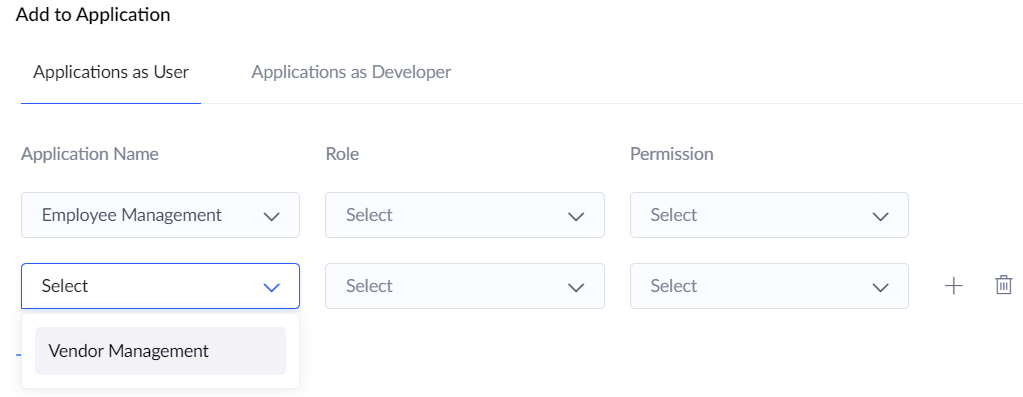
- You can include the user to multiple applications by clicking on +Add application button.
- Click the Add user button.