
Delete user permission
A user permission can be deleted through the App Settings section of the application.
To delete a permission:
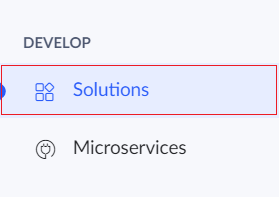
- Click Solutions under the Develop section.
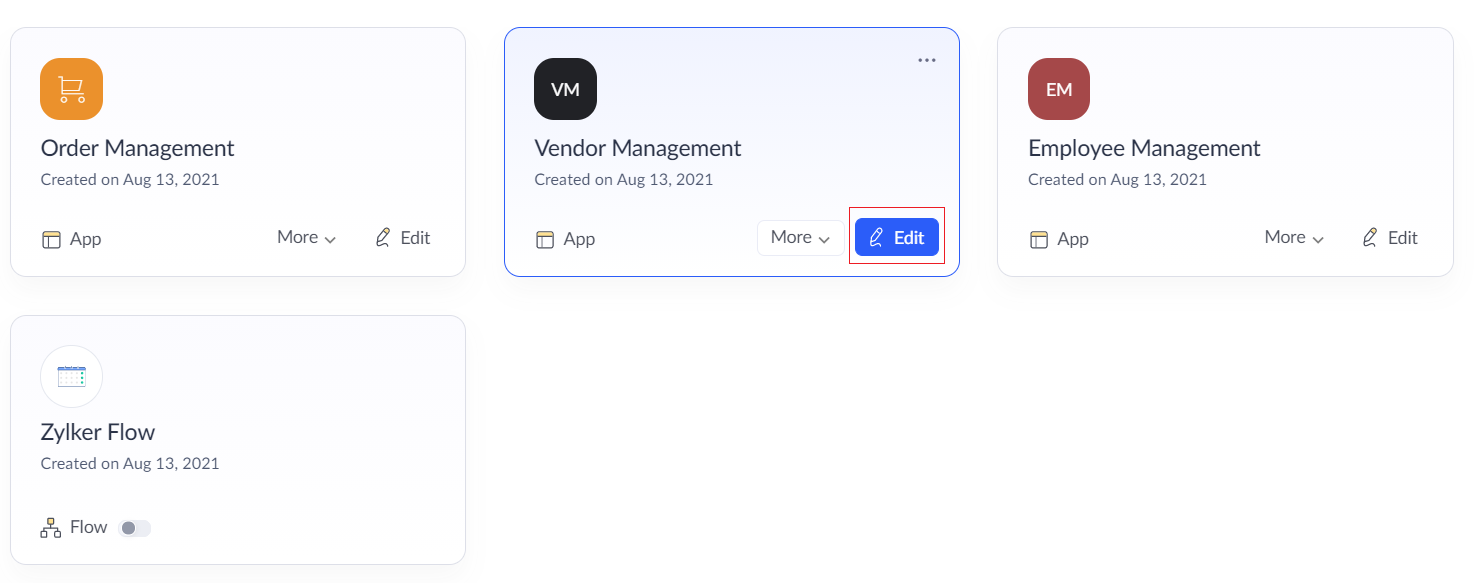
- Click the Edit button on the required application.
- Now the development mode will be displayed. Click on the Settings button on the top of the page.

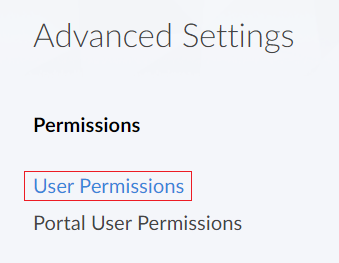
- In Settings page, click on the User Permissions option under Advanced settings section.
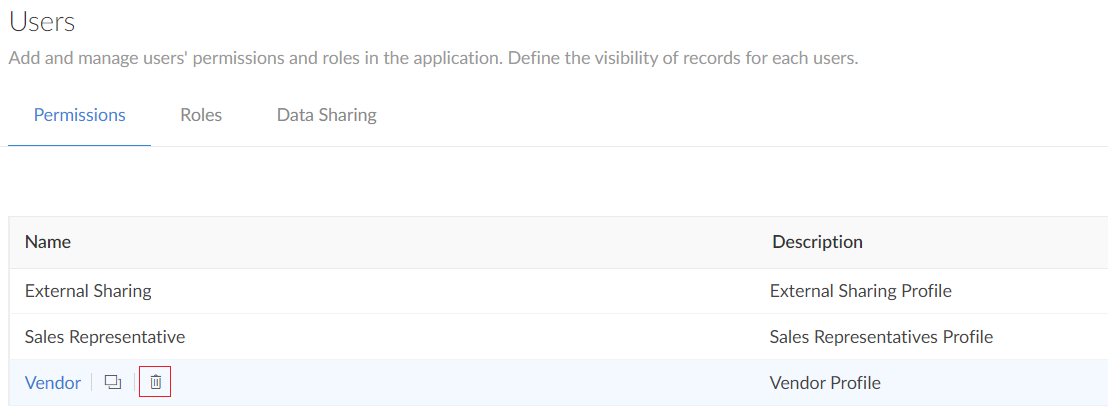
- The User permissions page will be displayed.
- Hover over the permission which you want to delete and click on the Delete icon that appears.
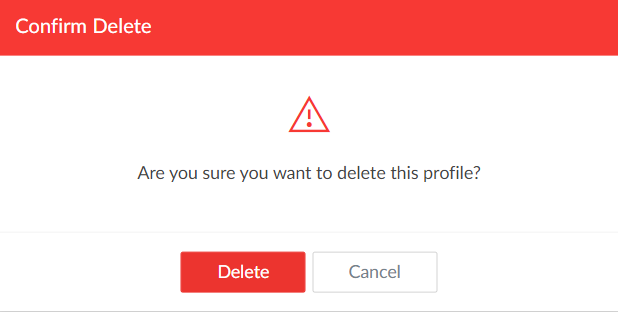
- Click Delete in the confirmation popup.
- The permission set will now be deleted.