


Plans for Zoho Payroll

Zoho Payroll offers a range of pricing plans tailored to meet the payroll needs of businesses. You can compare the plans and choose one that fits your business requirements.
Before subscribing to a paid plan, you can start with a 14-day free trial, which grants you access to all the features available in Zoho Payroll.
Quick Links:
Learn how to:
Subscribe to Paid Plans
Once the trial period ends—or anytime during the trial—you can switch to a paid plan that best suits your needs. These plans are available as monthly or yearly subscriptions.
To subscribe to a paid plan:
- Go to Settings in the top right corner.
- Click Subscription.
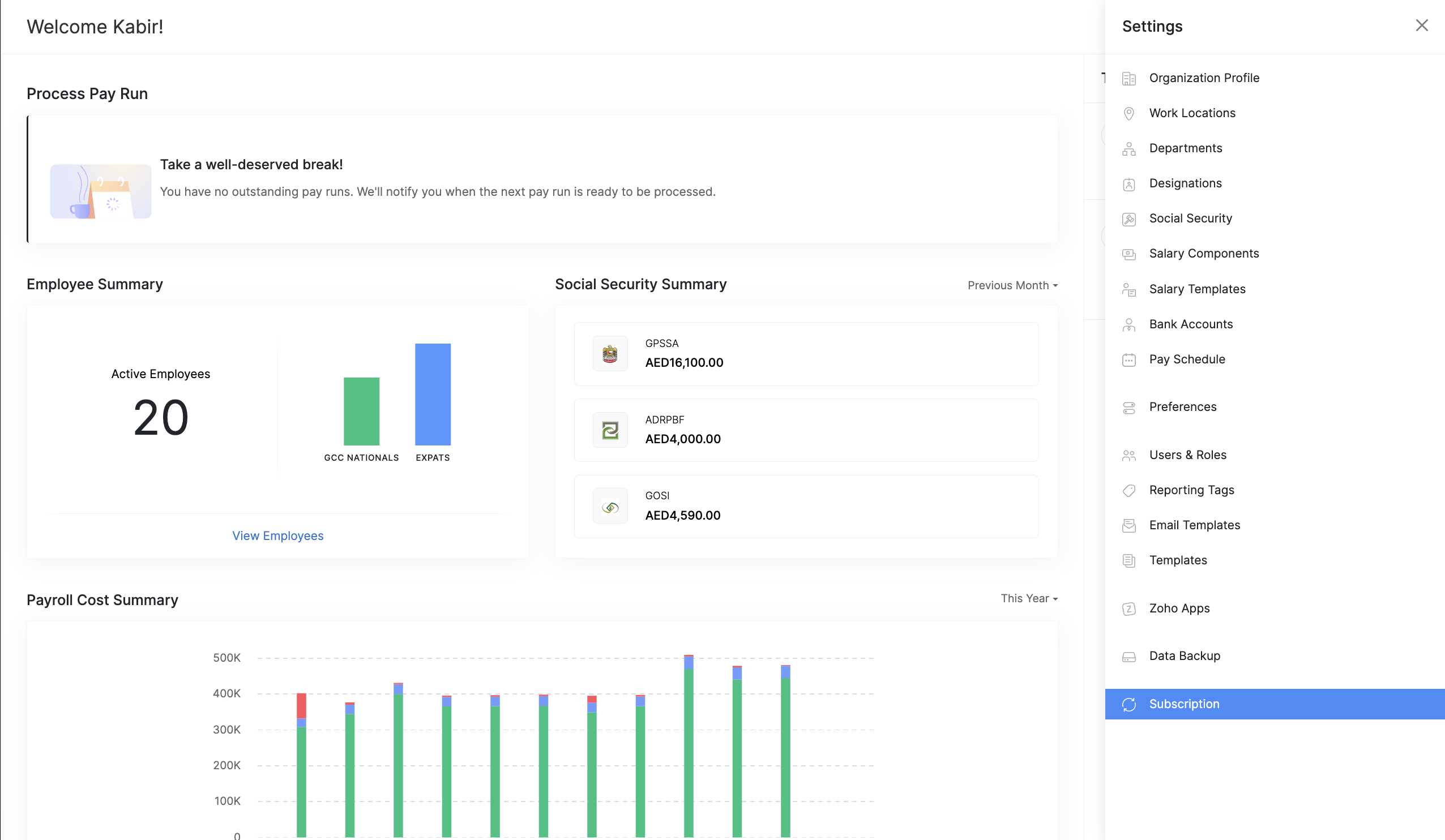
- Click Upgrade under your preferred plan.
- Choose the Payment Frequency (monthly or yearly). You can also add optional features or add-ons here if needed.
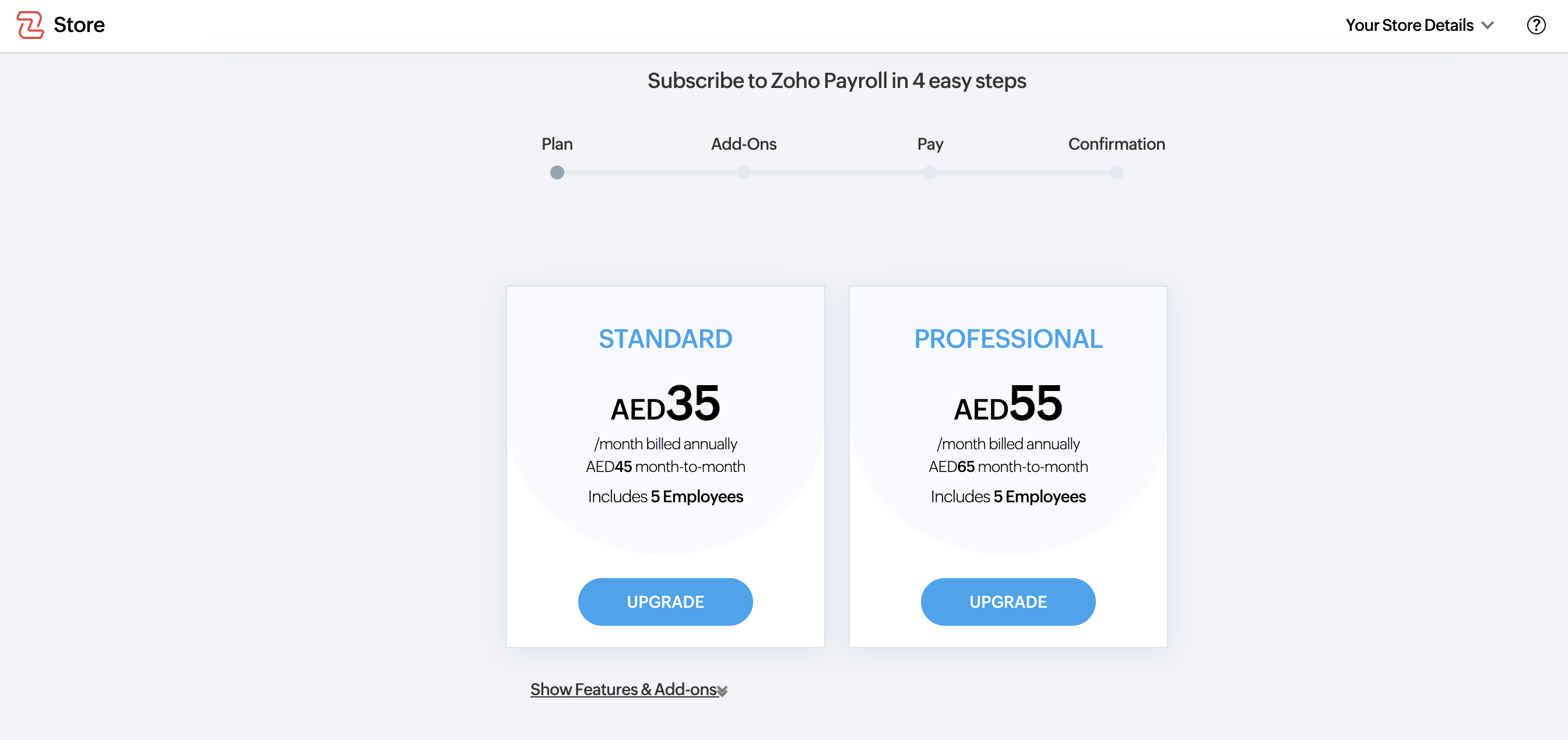
- Click Proceed.
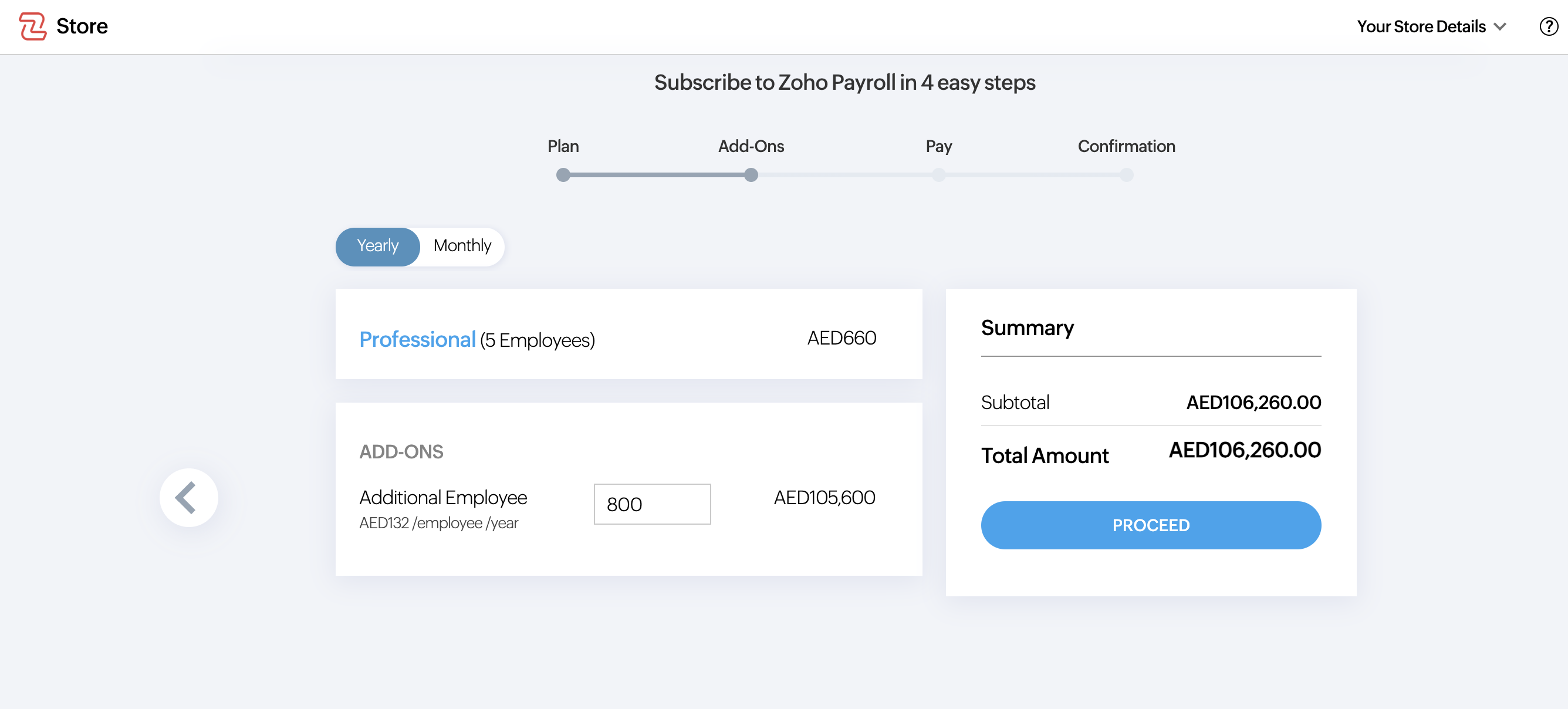
- Verify your billing details and proceed with the payment.
Once the payment is successful, your Zoho Payroll account will be updated to the selected subscription plan.
Purchase Add-ons
Prerequisites: Add-ons are available only for paid plans of Zoho Payroll.
Add-ons provide additional capabilities beyond those included in your plan, such as increasing the number of employees.
For example, if your plan supports up to 5 employees and you need to add more employees, you can purchase additional employees as an add-on.
Note: The availability of add-ons depends on your edition. For more details, visit our pricing plan page.
To purchase add-ons:
- Go to Settings in the top-right corner.
- Click Subscriptions.
- Click Change Plan at the top right. You’ll be redirected to the Zoho Store.
Pro Tip: You can also click View Feature Details to view the complete list of features supported in your current plan.
- Click Buy Add-Ons.
- Choose the Payment Frequency.
- Enter the details of the add-ons you wish to purchase and click Continue.
- Verify your order in the Review Order section and click Confirm.
- Enter your billing and payment details in the Billing Address & Payment Details section and proceed with the payment.
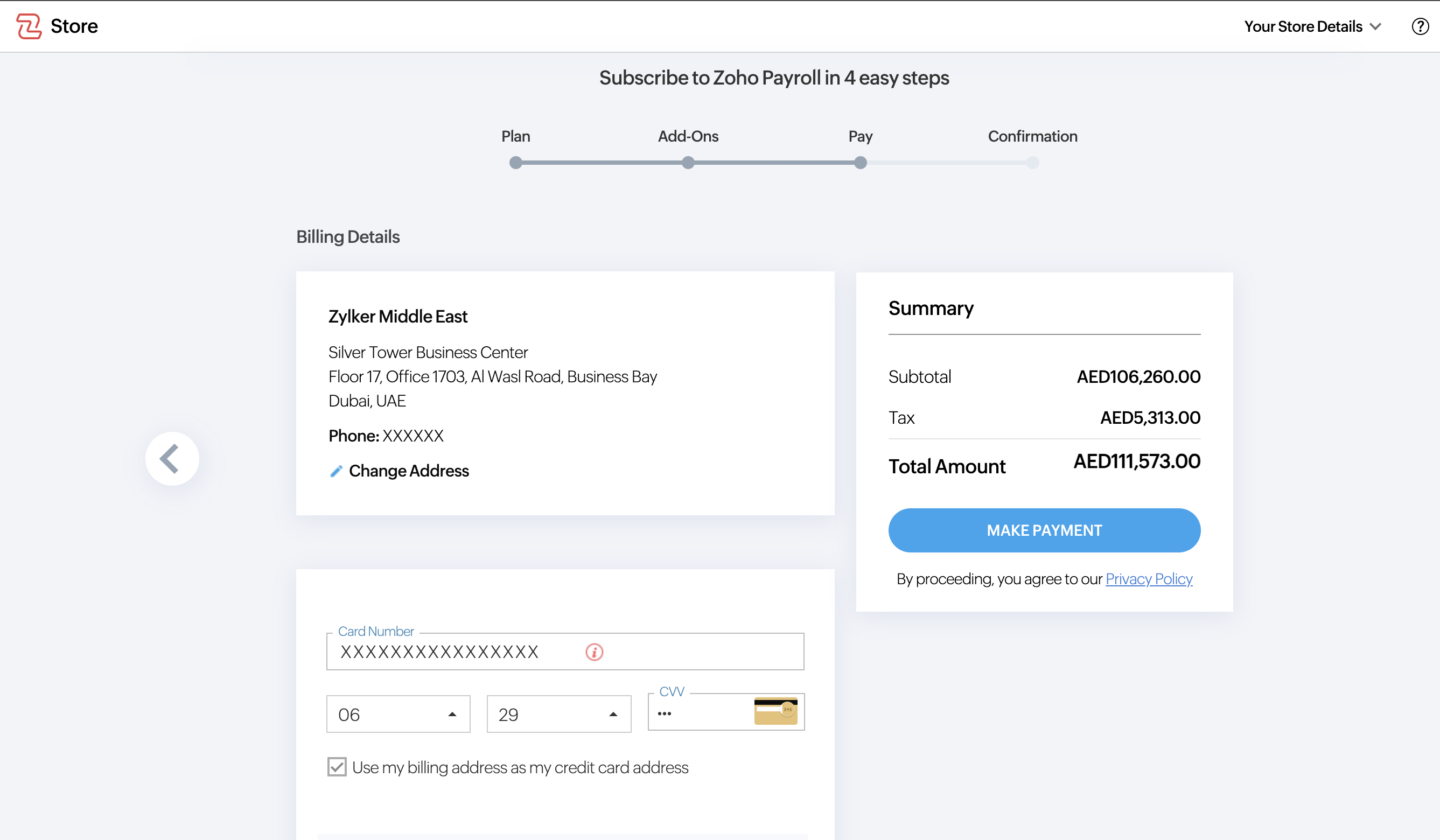
Once the payment is successful, the purchased add-ons will be added to your Zoho Payroll account.