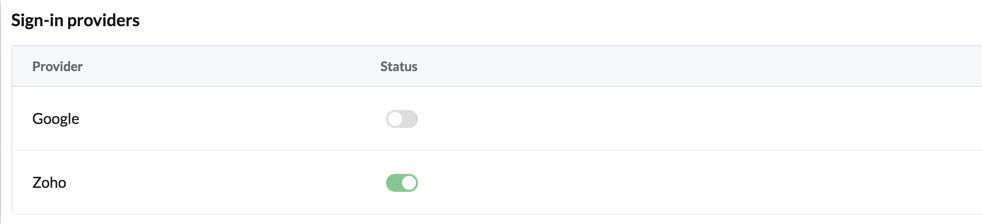
Enable Zoho Sign-in
The WorkDrive Sync app contains a login page where you must sign in with valid credentials to access the app, and upload and sync files. You can implement a signup functionality for this app by yourself, if needed.
Otherwise, you can also integrate the Zoho sign-in feature that will enable you to sign in to the client application directly using your Zoho account.
Note: As mentioned in the prerequisites, you must have a Zoho WorkDrive account of the same organization as your Catalyst account to sign in with your Zoho account credentials.
To configure Zoho sign-in for the WorkDrive Sync app from the console:
-
Navigate to Authentication under Develop, then click the Sign-in Method tab.
-
Click the toggle switch for Zoho sign-in provider.
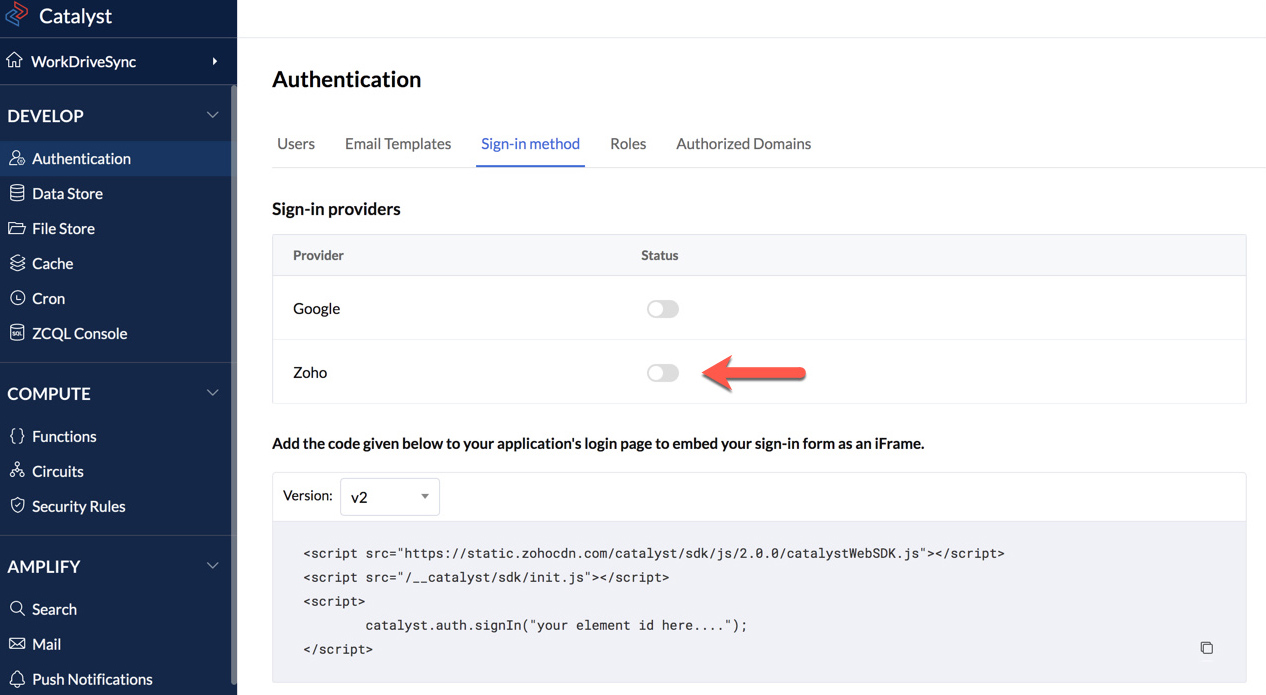
This will open a pop-up window. -
Enter the client name as “WorkDriveSyncApp”, then click Save.
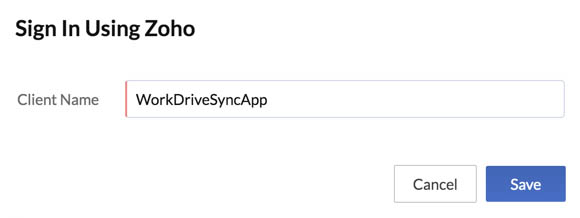
Note: You can enter any name you need. However, since we will be using "WorkDriveSyncApp" as the client name while initializing it in the CLI and while registering it in the Zoho API console, we will use the same name here.
Zoho sign-in will now be available for the client application.