- HOME
- Work Management
- 5 popular templates to manage your marketing operations
5 popular templates to manage your marketing operations
- Last Updated : April 6, 2026
- 22 Views
- 3 Min Read
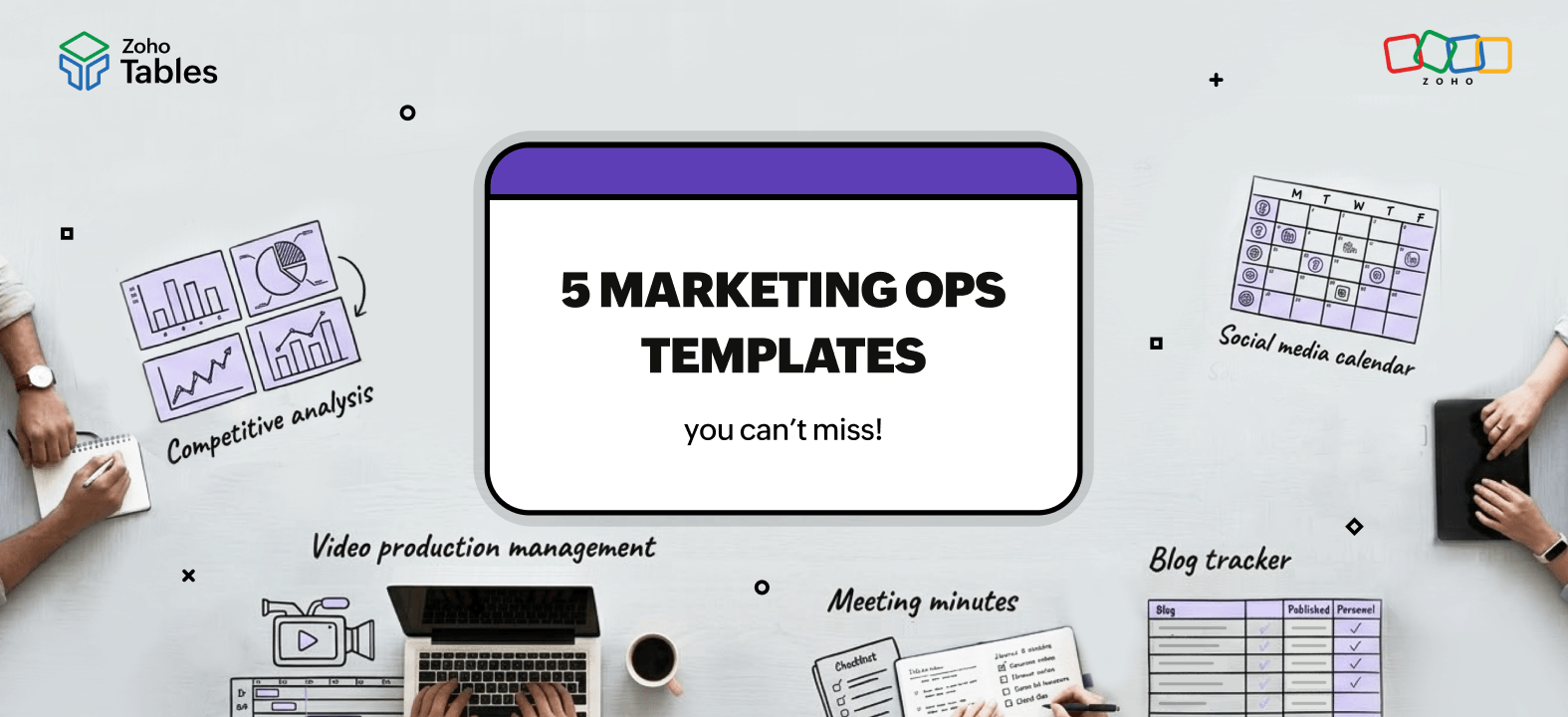
Are you a marketer searching high and low for an all-in-one tool to plan marketing campaigns, collaborate with your team, automate repetitive tasks, and monitor your marketing expenditure against campaign performance? Then Zoho Tables is here to save the day!
Zoho Tables is a spreadsheet-database hybrid that helps you manage your marketing operations and data effectively.
How can Zoho Tables help marketers?
Planning
Zoho Tables acts as a centralized tool to plan your marketing campaigns. Create a base for your campaigns using AI, a template, or from scratch. Then add your team with different levels of access, like manager, editor, data maintainer, commenter, and viewer. You can then assign them tasks, set deadlines, comment on creatives, and track deliverables.
Tracking
As a marketer, you'll often have multiple campaigns running simultaneously. For instance, you might run paid ads, send emails, post on social media, and collaborate with influencers to promote an event. The KPIs and campaign metrics will be scattered across apps, making it difficult to track. But Zoho Tables bridges this gap by centralizing your data and making tracking easier. You can use APIs or download reports as CSV files and upload them to your Tables base.
Automation
Zoho Tables offers four types of triggers. You can trigger actions when a record is updated, created, enters a view, or on a schedule.
Automate mundane tasks like getting notified for creative reviews, moving published content to your central repository, raising design requests, sending weekly reports, and more.
Data visualization
Marketing bases involve diverse data types, like text, date, attachments, DRIs, and statuses. In situations like this, a rigid grid-based view makes it harder to interpret data. That's where Zoho Tables bridges the gap by offering Kanban, Calendar, Gallery, and Gantt views.
You can track deadlines with Calendar view, centralize your creatives using Gallery view, track operations using Kanban view, and view task dependencies and ETAs with Gantt charts.
Reporting
Easily track real-time data by creating dashboards for your campaigns. You can create column, bar, line, and pie charts that sync data in real time, and add KPIs to measure the performance of your campaigns visually. And if you're working with clients, you can simply publish the dashboard and share the link with them.
Best marketing templates for businesses
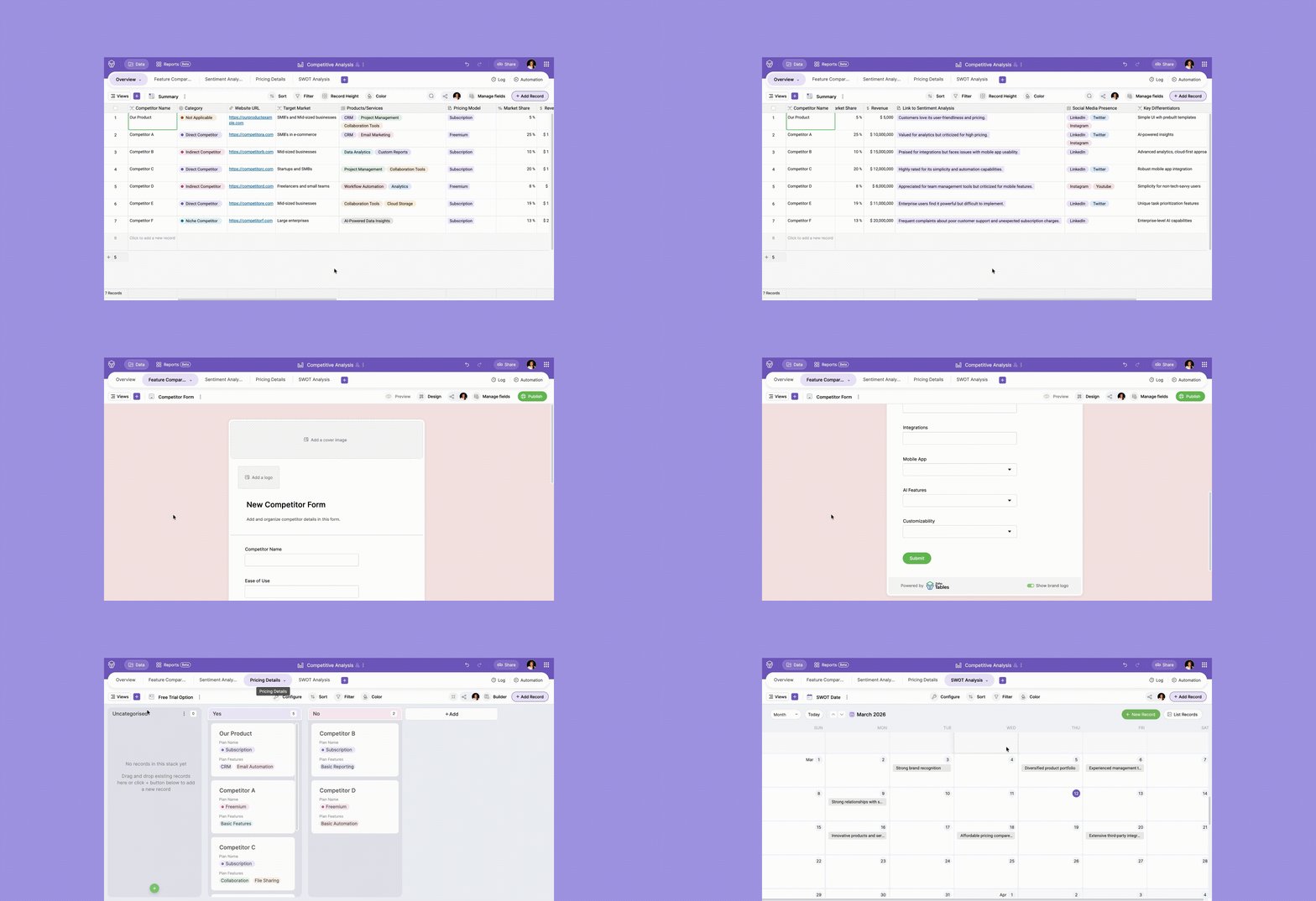
Competitive analysis
Use the competitive analysis template to track key market insights, store competitor offerings, analyze pricing, and compare feature gaps.
Social media calendar
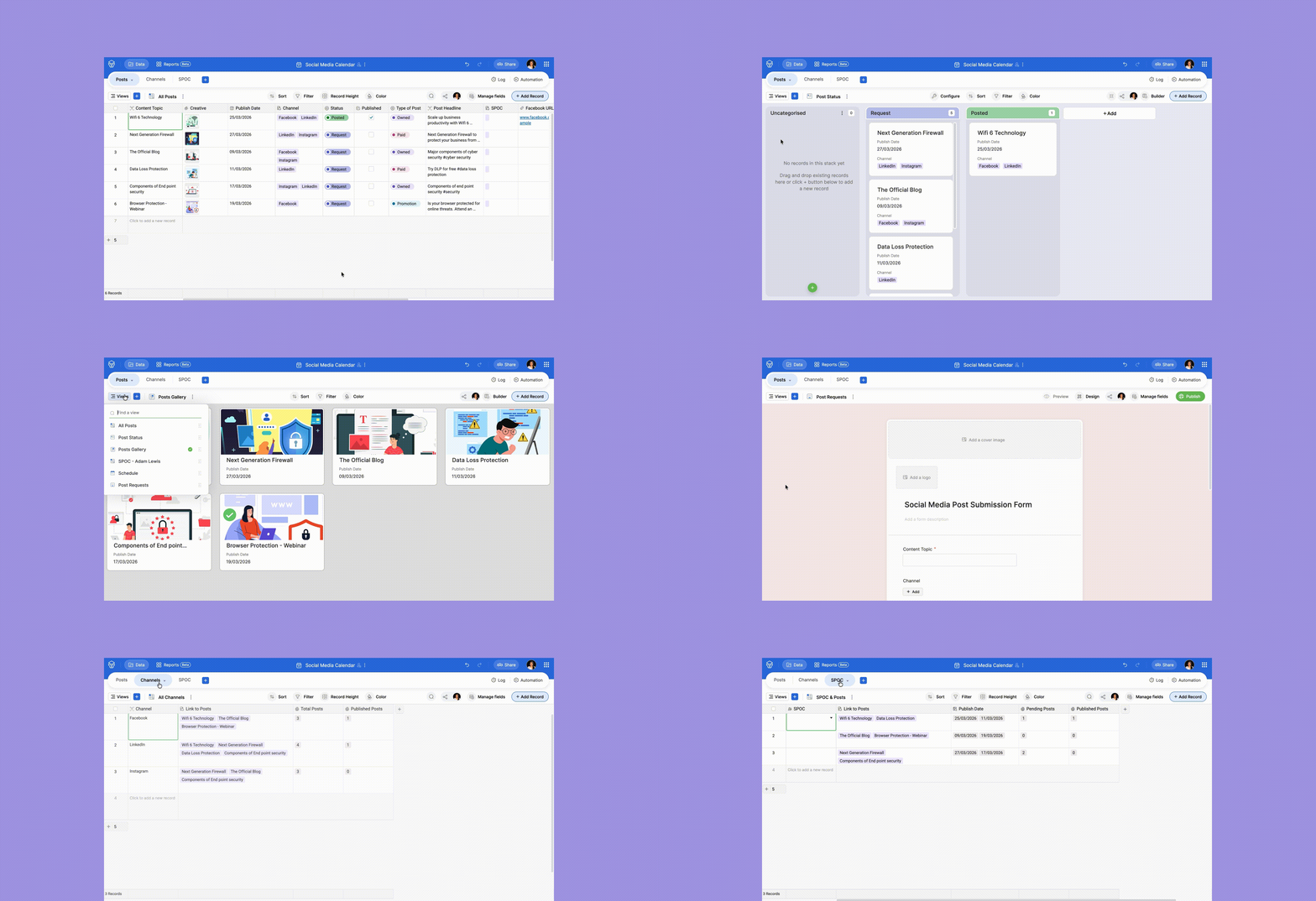
Use the social media calendar template to plan your social media campaigns, delegate tasks to your team, collaborate with stakeholders, track metrics, and identify bottlenecks and dependencies.
Blog tracker
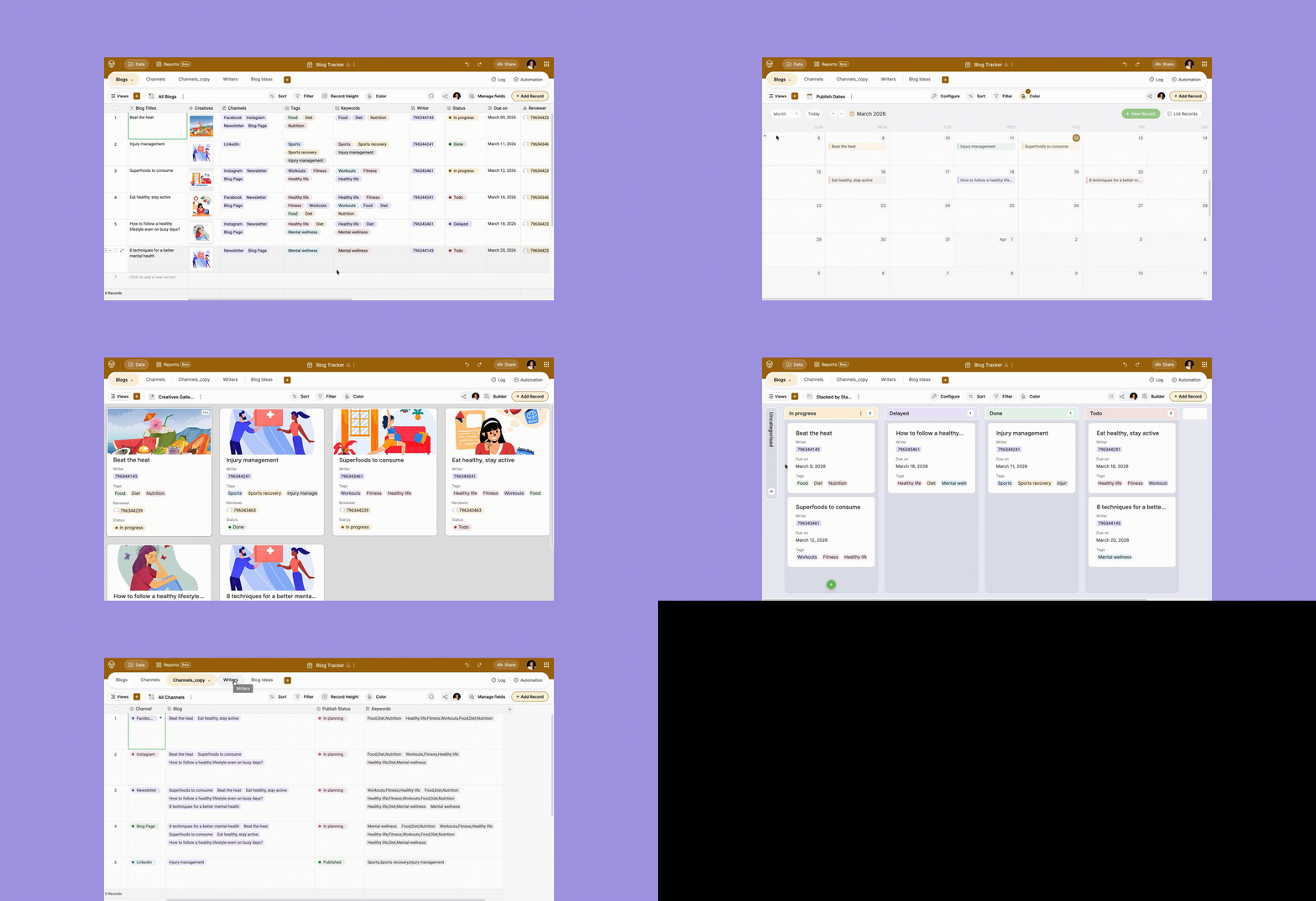
Use the blog tracker template to plan your blog calendar, track keywords, assign tasks to writers and editors, comment on creatives, and automate creative requests.
Meeting minutes
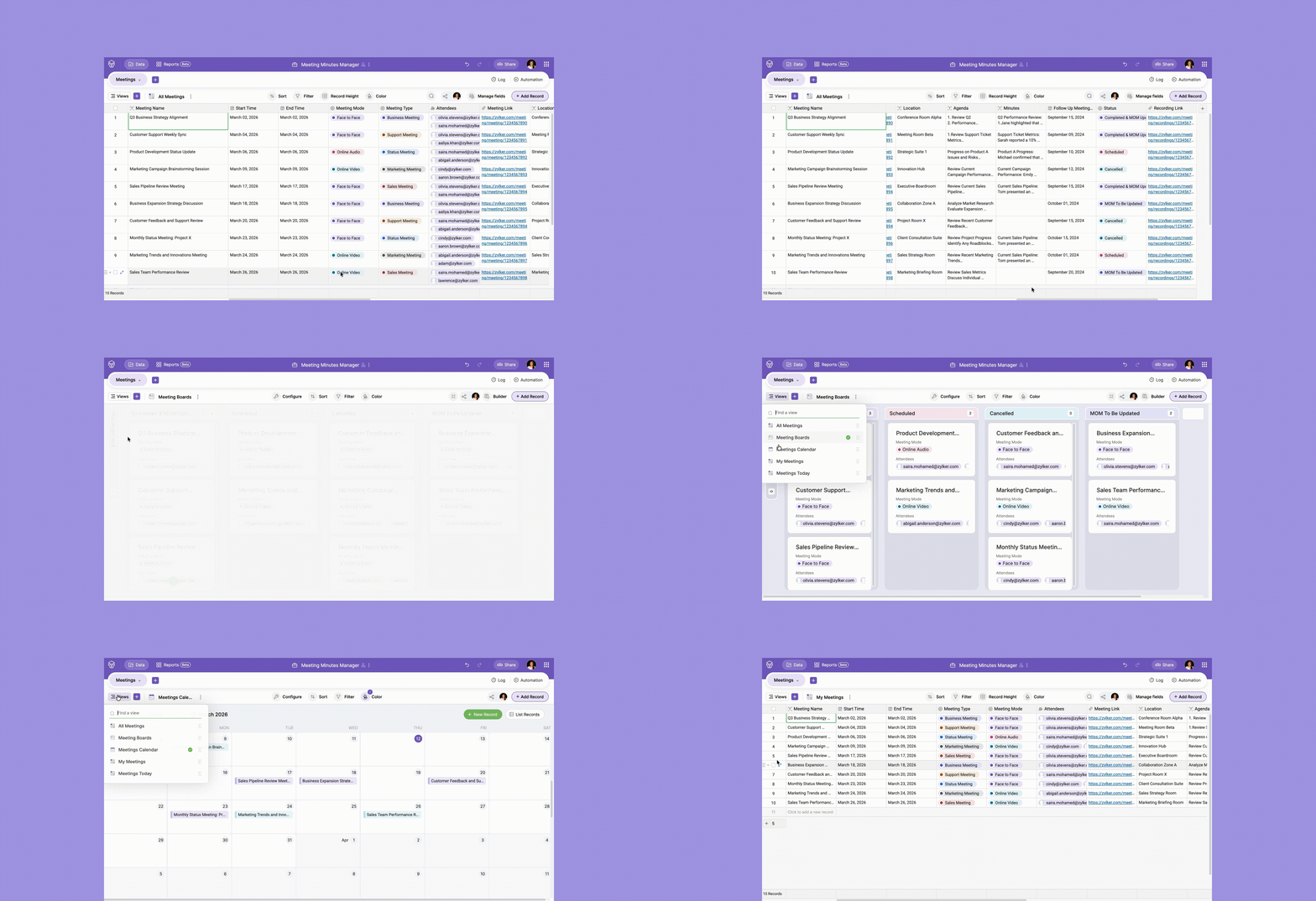
Use the meeting minutes template to plan meetings, create agendas, keep track of action points, delegate work items, collect feedback, automate reminders, and create monthly reports.
Video production management
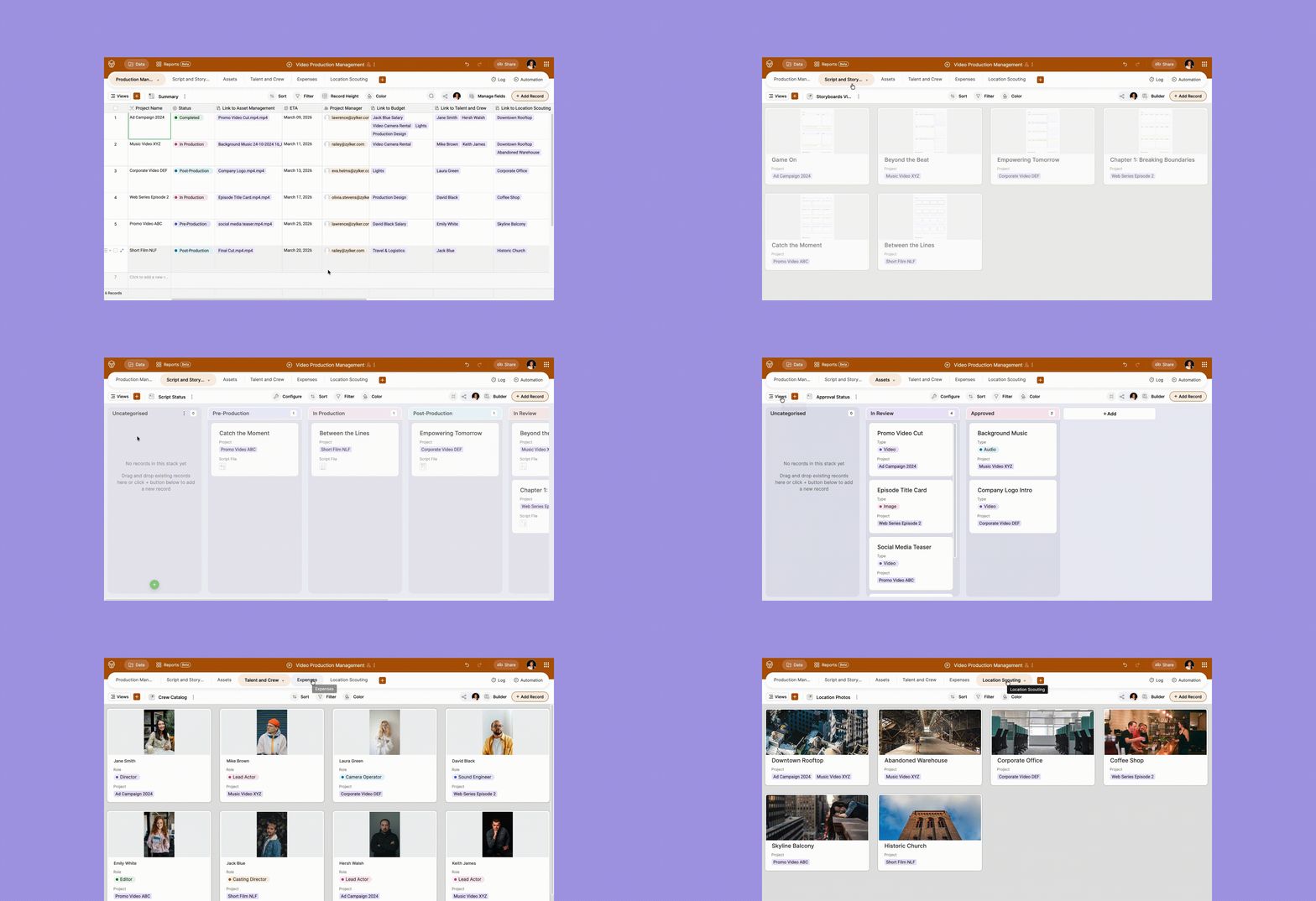
Use the video production management template to plan video shoots, brainstorm locations, review scripts and storyboards, manage expenses, and track operations.
Zoho Tables: The all-in-one tool for marketers
Zoho Tables is highly flexible and customizable. The templates mentioned above are just a glimpse at the vast templates library.
Sign up today and enjoy a 15-day free trial of the Professional plan. There's also a lifetime free plan for up to 2 users.
 Archanaa
A fantasy writer who found a home in product marketing.