
2012: What's New in Zoho Analytics?
What's New in Zoho Analytics
Trail on Zoho Analytics feature and service evolution.
December 7
Enhanced Charts
Sending Invitation mail for new users
October 24
Cascading User Filters support for Dashboard
More control on Top/Bottom N Filter option
August 30
Increased File Size Limit for Importing
August 17
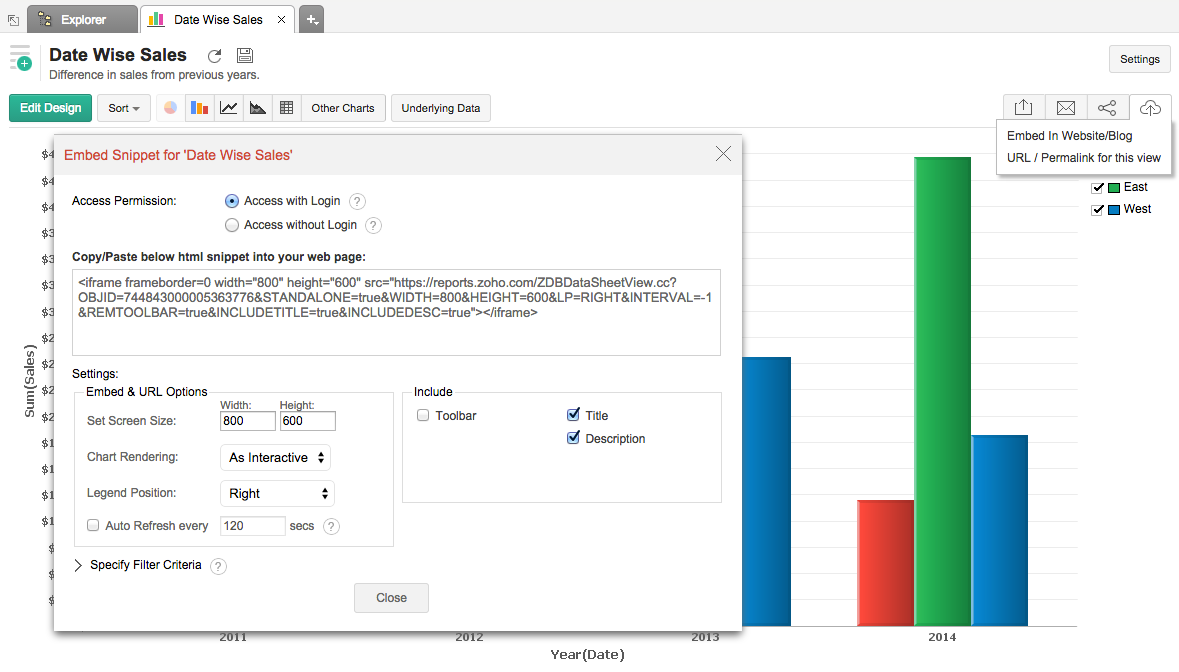
Support Embedding Chart with login option
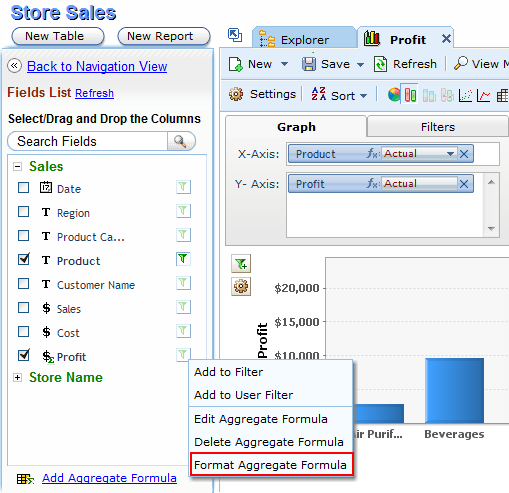
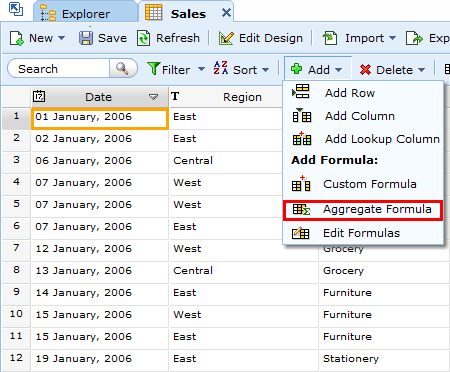
Support Formatting Aggregate Formula from Reports tab
Similar to Another Table option Enhancement
August 6
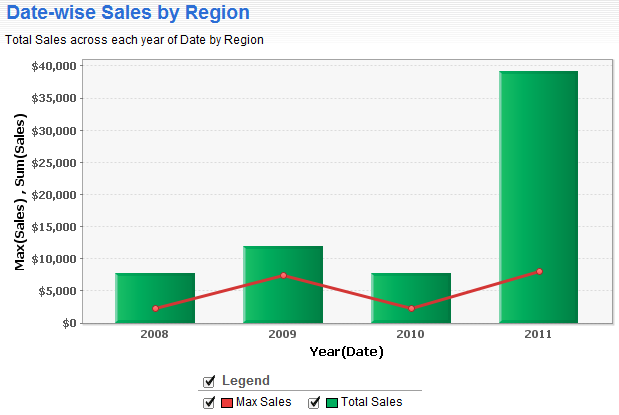
New Chart Types: Smooth Line and Combination Charts
Aggregate Functions for Parent Table
July 9
June 19
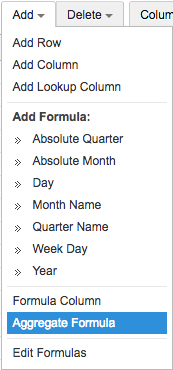
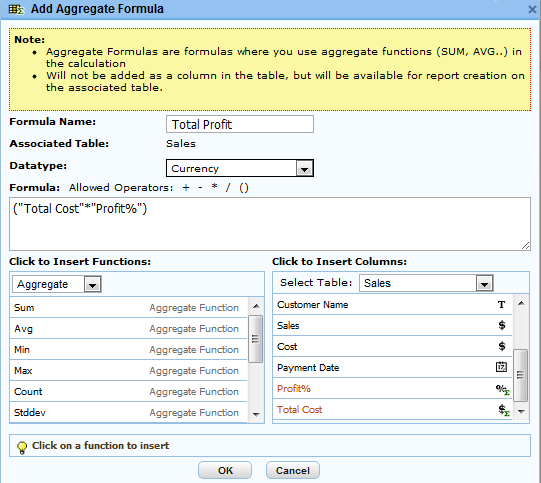
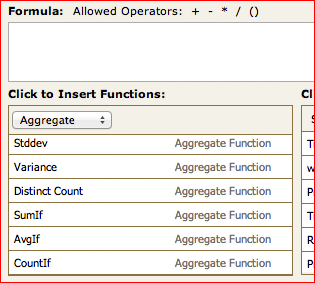
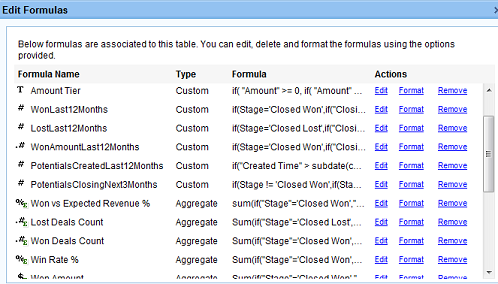
Aggregate Formula over existing Aggregate Formulas
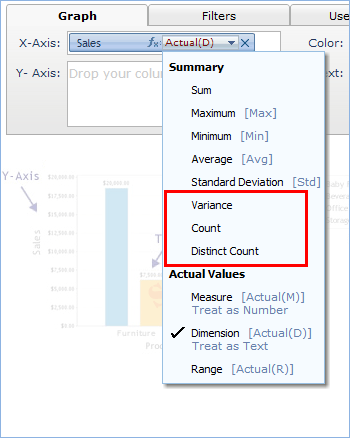
Column Functions Enhancements
June 6
Advanced Analytics for Zoho CRM, powered by Zoho Analytics
Upload Tool Enhancements
May 7
'User Filter' for Dashboards
Aggregate Formula Enhancements
March 27
Changes to the Default Folder 'Table & Reports'
March 14
Aggregate Formula Column Enhancements
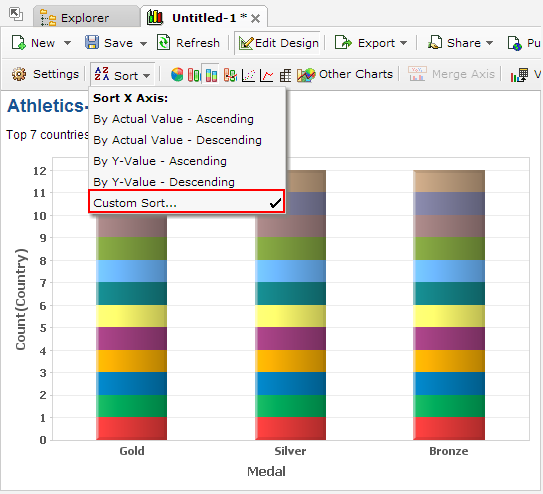
Custom Sort in Charts
February 15
January 30
Multiple Language Support
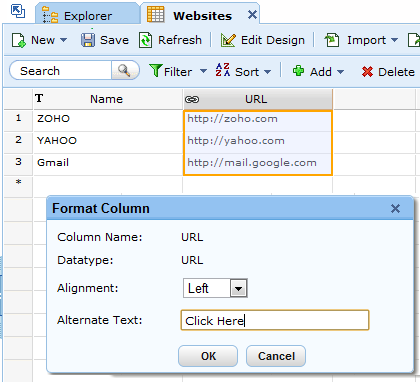
Alternate Text for URL Data
Additions to Manage Users Page
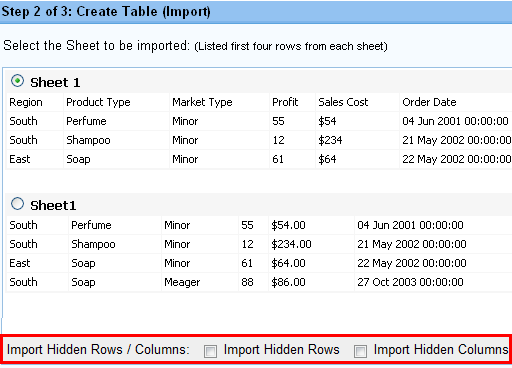
Importing Hidden rows/columns from Excel File
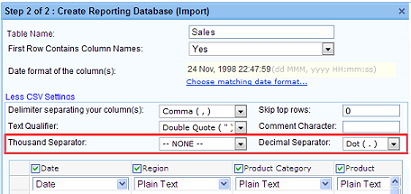
More Import Settings

Oct 24, 2012 | |
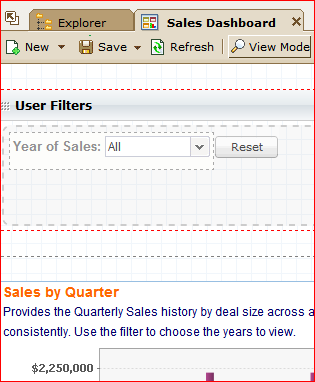
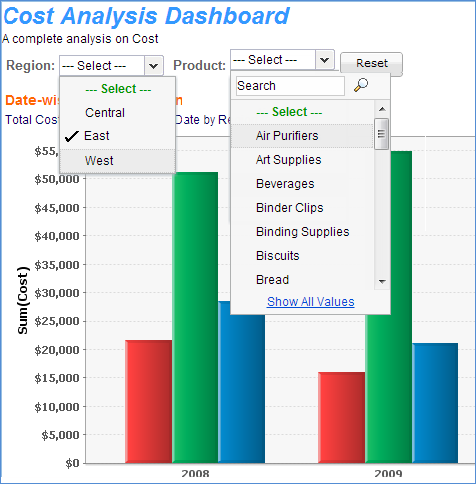 | Cascading User Filters support for DashboardZoho Analytics now provides cascading User Filters support for dashboard too. This enables you to list only relevant values in a filter as you keep applying other filter. This feature is already available for Charts, Pivot Table and Summary View. Example: You have a sales report with two user filters for region and product. When you filter the data of a specific region, then the product filter will only list products that are sold in that region. |
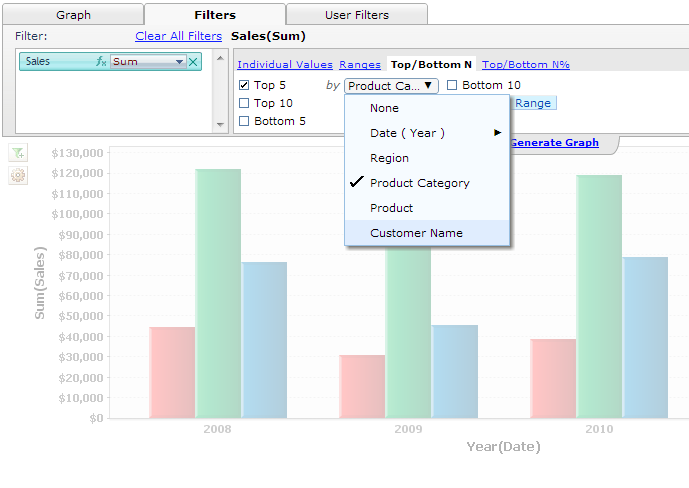 | More control on Top/Bottom N Filter option So far when you filter data by Top/Bottom N value of a column, it will be filtered by the aggregate function (like Sum, Avg etc.,) applied to the column. Now Zoho Analytics provides an option to specify another column that could be used for ranking. Example: If you want to list the sales from the top 5 product categories alone across years, then you can drop the Sales column in the Filters, apply the Sum function. Click Top/BottomN filter option, select Top 5 and then select the Product Category column for ranking(Top 5 by Product Category). |

June 6, 2012 | |
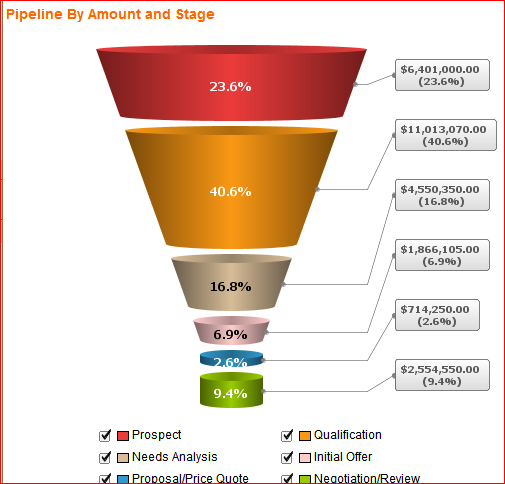 | Advanced Analytics for Zoho CRM, powered by Zoho AnalyticsZoho Analytics now provides advanced analytics for Zoho CRM in a seamless way. Using the Zoho Analytics advanced analytics add-on, Zoho CRM users can now 'slice and dice' their data and take informed business decisions. The add-on is now available for Zoho CRM Enterprise users (with plans to make it available for the Professional editon users very soon). An account administrator can setup the add-on in a few clicks. And the data syncs from Zoho CRM to Zoho Analytics from then on. The add-on comes with 70+ ready made reports and dashboards, which every CRM user will find great value in. Users can create their own reports as well. To use this add-on, you need to purchase the Standard Plan or any plan above it in Zoho Analytics. More info about the add-on here - https://www.zoho.com/analytics/zoho-crm-advanced-analytics.html. Upload Tool EnhancementsThe Zoho Analytics Upload Tool now supports importing of data directly from these databases - DB2, DB2 AS 400 and SQLLite. Thousand and decimal separator configurations are supported too. |
Additions to Manage Users Page
Now, you can view and export the list of databases and users who have access to the respective databases with their roles in your account. View by: Database and Export List options has been provided under Manage Users tab in Subscriptions page.
Jan 30, 2012
Multiple Language Support
Zoho Analytics user interface is now available in nine different languages. The languages supported are:
- Chinese [zh]
- English [en]
- French [fr]
- German [de]
- Italian [it]
- Japanese [ja]
- Portuguese [pt]
- Portuguese (Brazil) [pt_BR]
- Spanish [es]
Note:
- When a user logs in to Zoho Analytics, one of the above languages gets set based on the browser's locale setting. Users can switch to any of the other languages, from their Zoho Accounts (https://accounts.zoho.com/) Profile page.
Check out updates in: 2017 | 2016 | 2015 l 2014 l 2013 | 2012 | 2011 | 2010 | 2009 | 2008 | 2007