AI that moves work forward: Inside Zoho Cliq 7.0

Keeping up with work has become harder than work itself. A quick conversation in a channel turns into a long thread, important context gets buried in voice notes and DMs, and tasks are discussed in once place but tracked in another and executed elsewhere. So even though teams are communicating more than ever, staying aligned and converting conversations into real progress still feels harder than it should.
That's exactly what we wanted to solve in 2026 with our AI-powered capabilities. At the heart of this shift are AI agents in Cliq, and with a core focus on the three Cs: clarity, coordination, and continuity.
Clarity: Teams should quickly understand and catch up on information without having to dig through endless conversations and files.
Coordination: All people, tools, and workflows should stay connected.
Continuity: Work shouldn't stop at the conversational level, but keep moving forward through intelligent actions and automation.
Clarity: Helping teams keep up
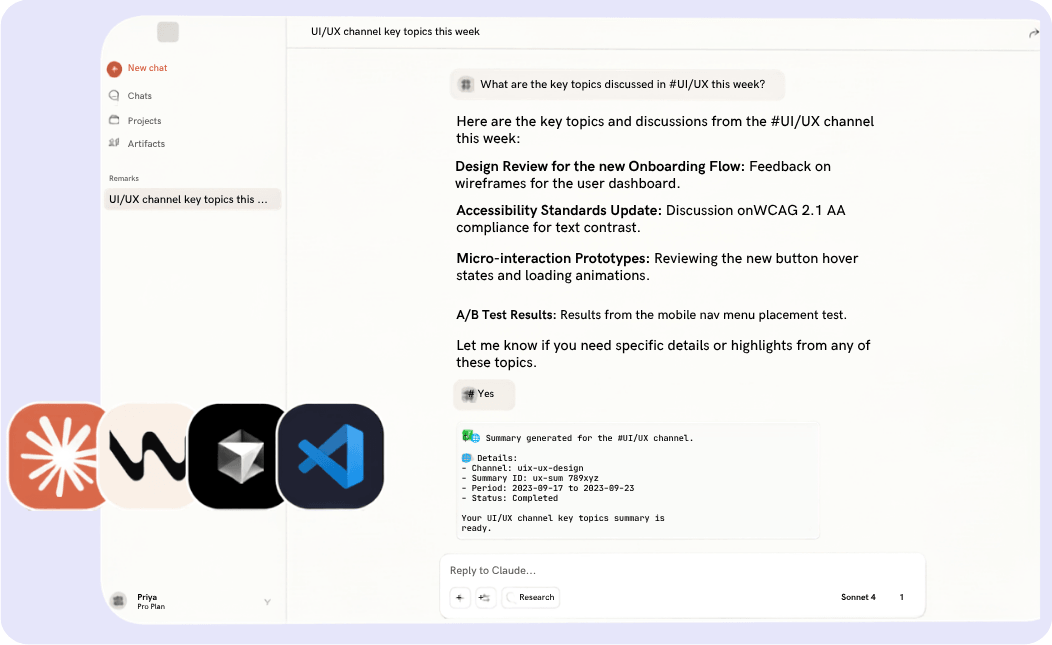
Let's say you’re trying to catch up on discussions from a #UI/UX channel before a review meeting. Instead of scrolling through long threads or searching manually, you can simply ask your AI agent in plain language: “What are the key topics discussed in #UI/UX this week?”
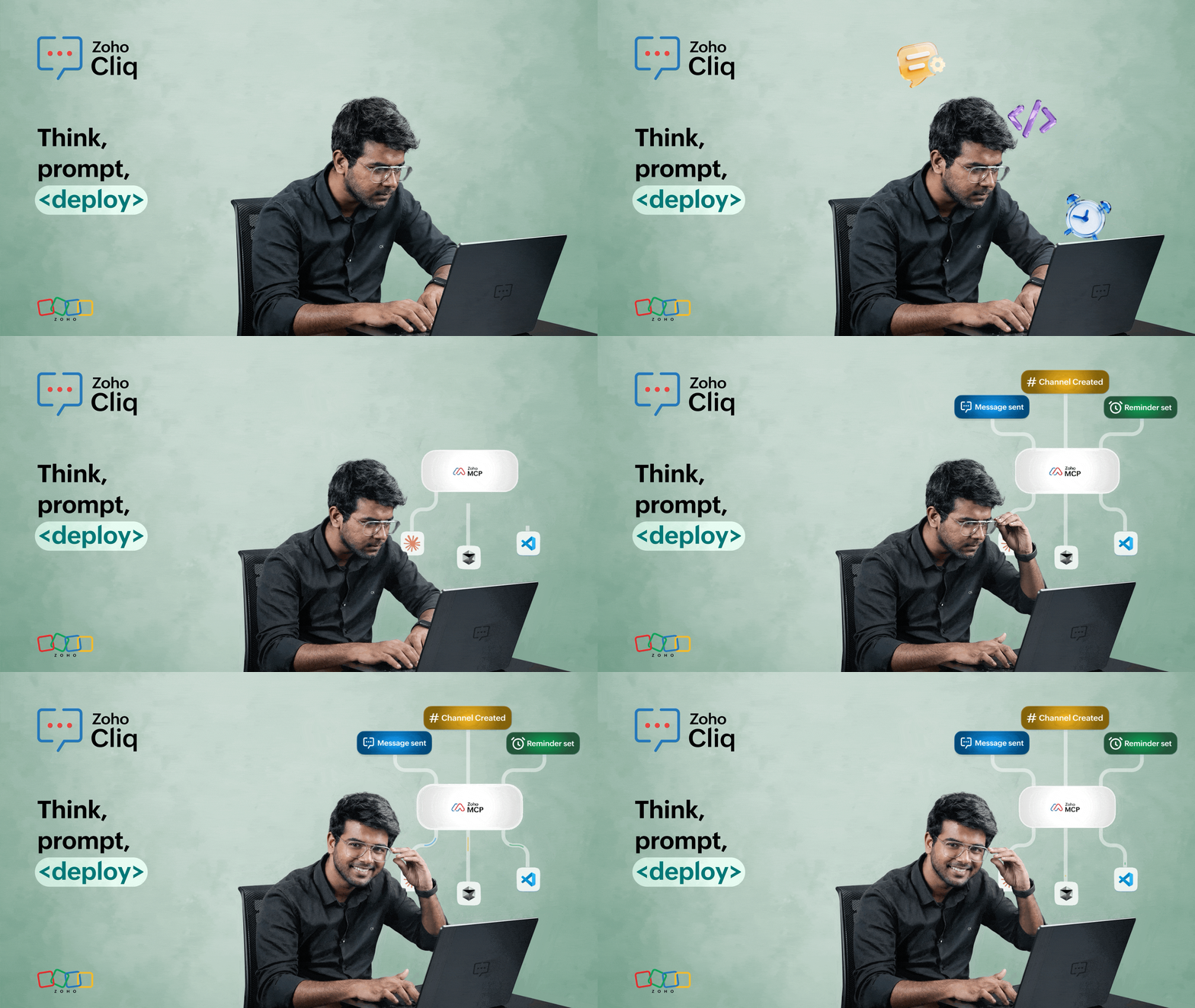
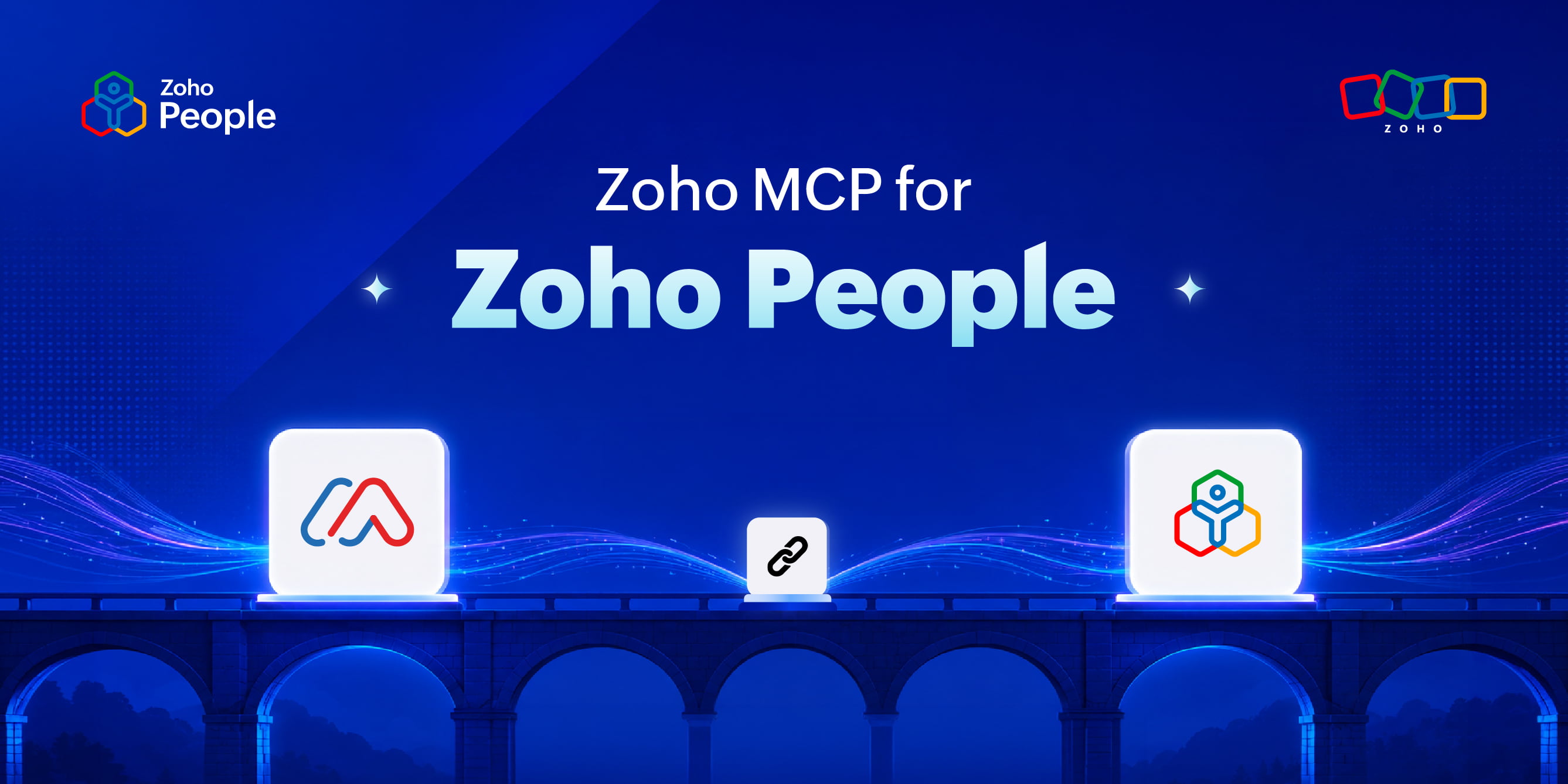
That's Zoho Cliq’s Model Context Protocol (MCP) at work. Behind the scenes, MCP helps AI understand your request and securely interact with your apps and workflows. So rather than just chatting with AI, you’re actually getting things done directly from your conversation window.
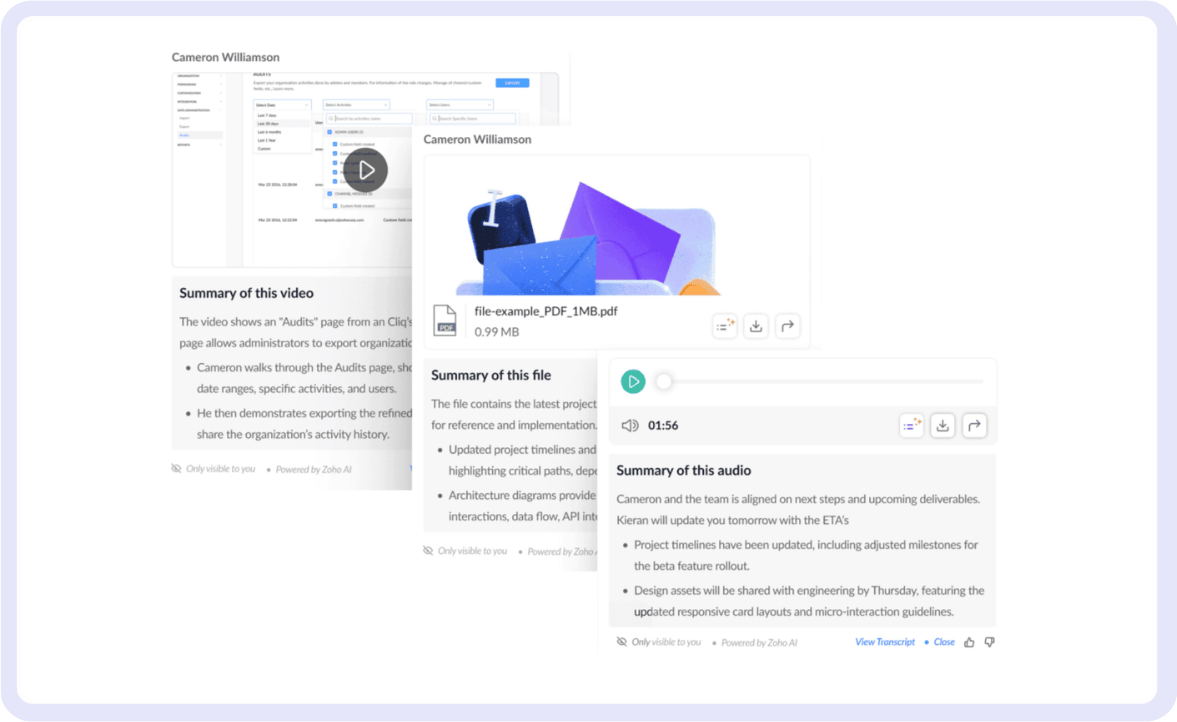
But conversations today extend far beyond basic messaging. Sometimes, a coworker sends a quick voice note on the go, shares an in-depth video message to clarify a case, or hosts a live meeting while you commute.
The real challenge follows the conversation. Replaying long voice notes for a single key point, reviewing videos for context, or searching through meeting recordings for action items turns communication into extra work.
That's why we’re moving ahead to support multimedia summaries. Be it a voice note, video message, PDF, or image, you can get the gist of it to move work faster.
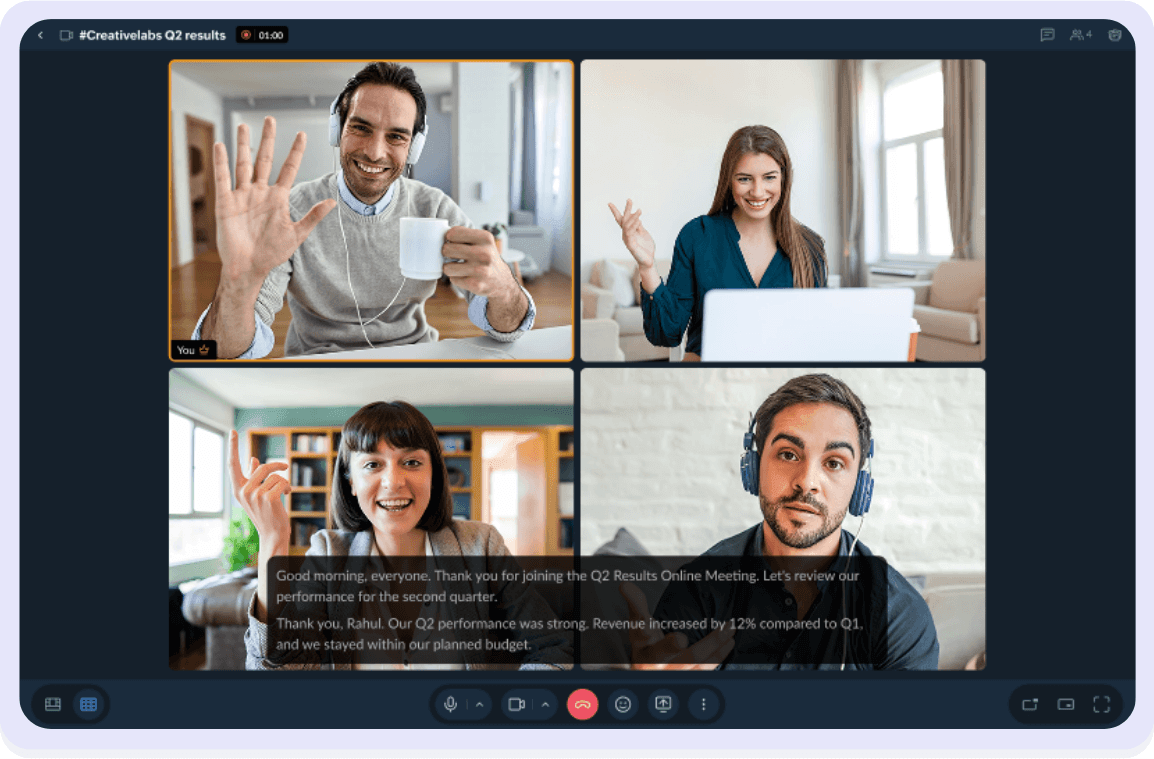
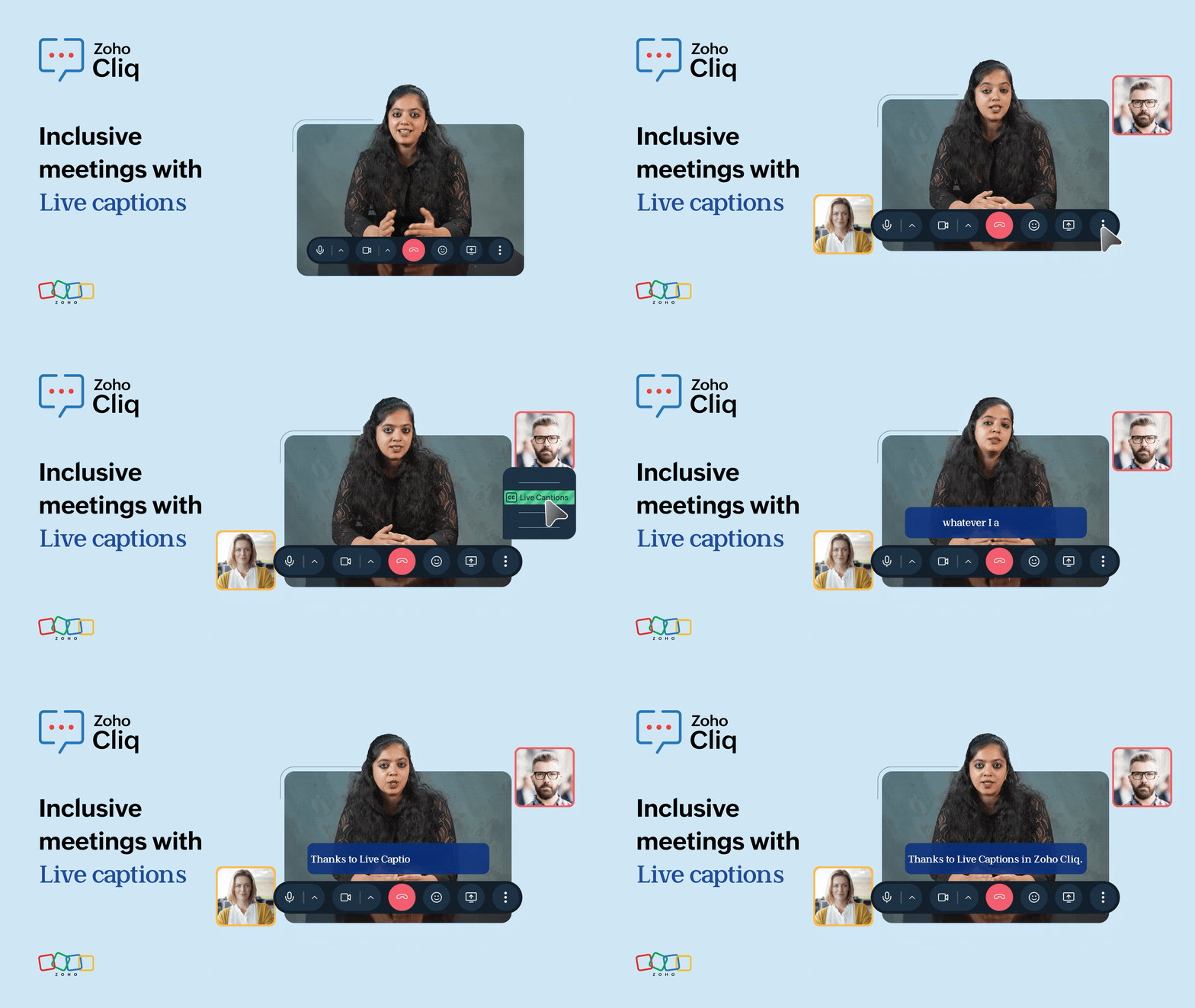
And no more “Can you repeat that?” during meetings; live transcripts help you follow along and fully participate in conversations.
Together, these capabilities reduce the effort required to process information, helping teams spend less time catching up and more time moving forward.
Coordination: Reducing fragmentation across teams and tools
Clarity can only get you so far. Proper coordination matters just as much.
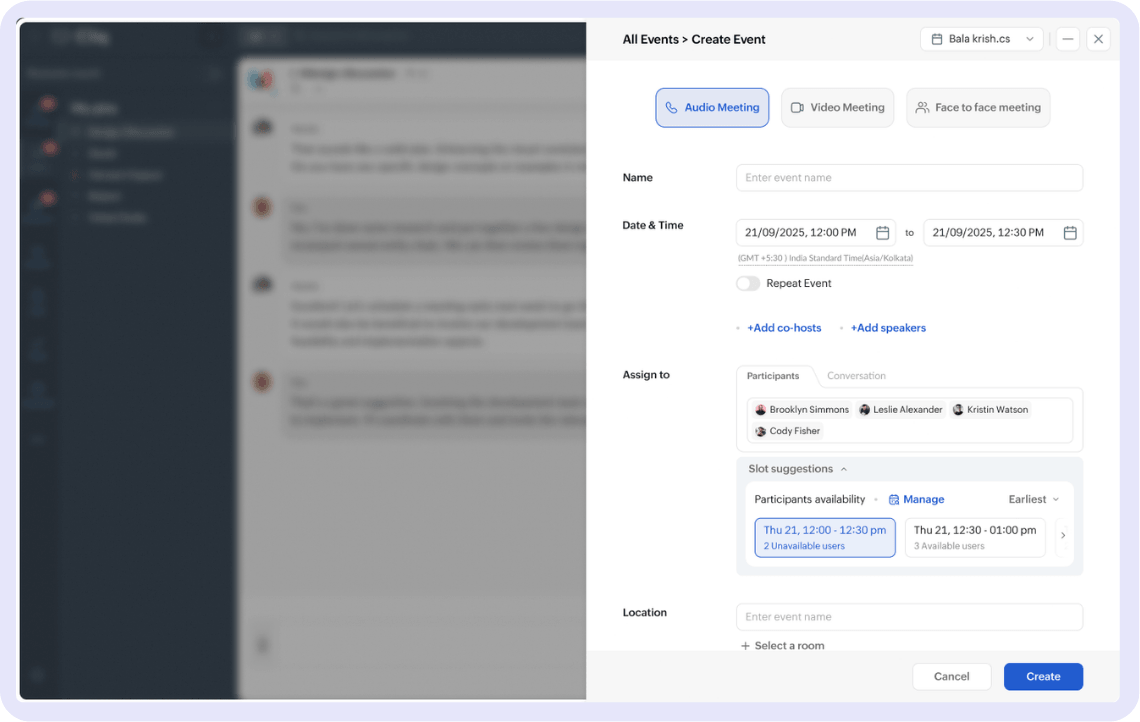
With this in mind, we’ve improved event scheduling by making user slot availability visible. Teams can now quickly identify the right time for meetings or discussions without the back-and-forth that usually slows planning down.
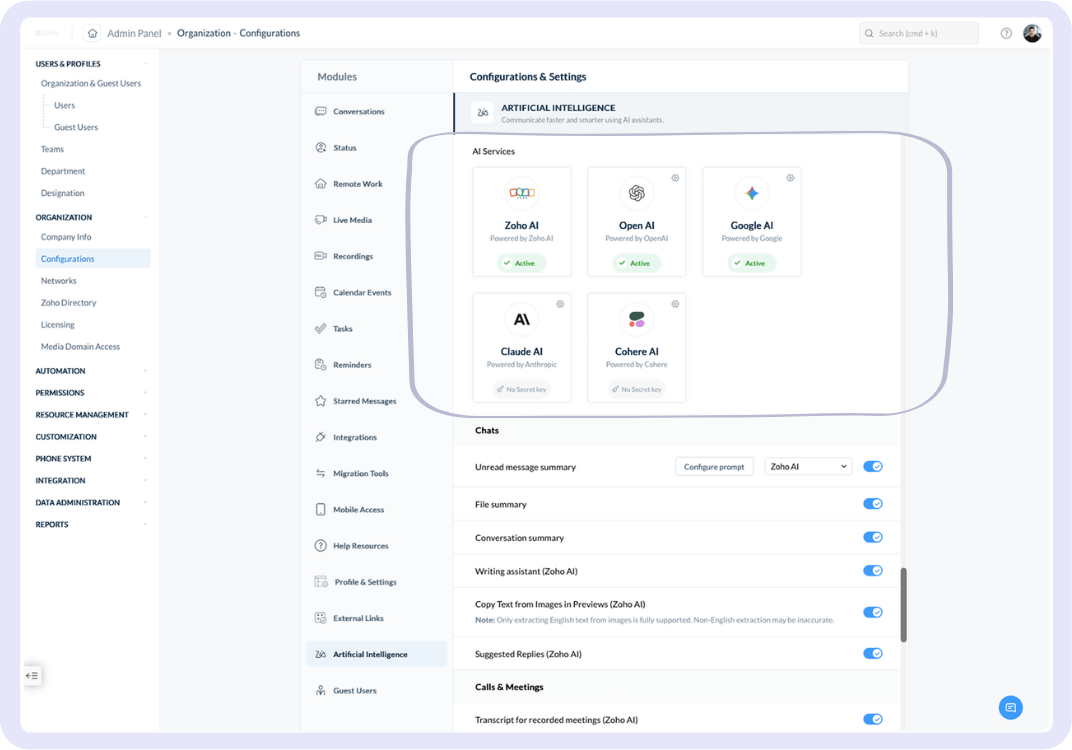
Flexibility also plays an important role here, and since we know teams have specific AI preferences, we've added more AI services to our admin panel. This means that in addition to our native AI Zia, you can toggle between Gemini, Cohere, DeepSeek, and Claude, depending on the model you're comfortable with.
Continuity: When conversations don’t just inform work, but do it
The most exciting part of these updates is that AI is now part of execution itself.
With AI agents and MCP working together, conversations can move beyond information retrieval into action. Instead of switching across tools, copying context manually, or piecing workflows together yourself, AI agents can securely interact with your apps and workflows directly from within Cliq.
The goal is simple: Work should continue naturally from the conversation itself.
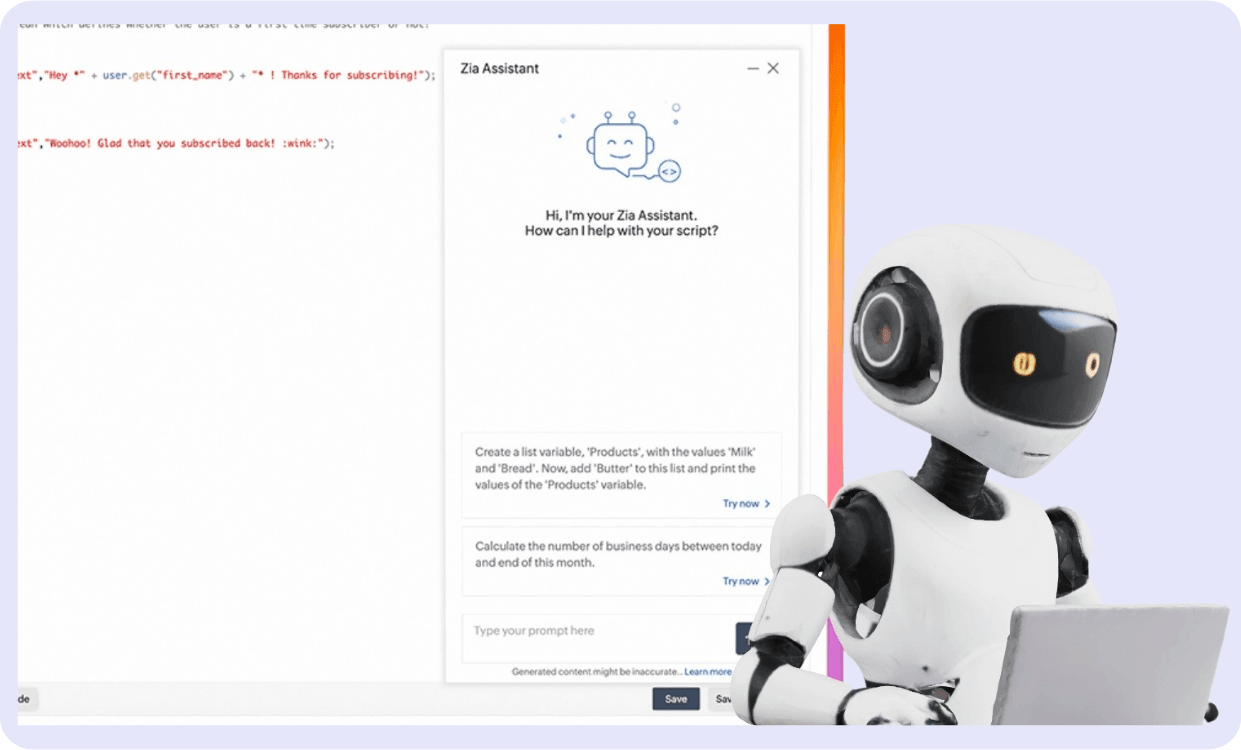
And for teams that rely on custom workflows, building automation is now faster and much more intuitive. With the Deluge Zia bot, developers can simply describe what they want in plain language and instantly generate Deluge scripts, making it easier to turn ideas into workflows. On top of that, Zia tasks built directly into Deluge add intelligence to those workflows, helping them summarize content, extract key information, generate drafts, and handle tasks that would otherwise take manual effort.
The bottom line
We consciously decided not to add AI as a collection of standalone features, but to embed it contextually into the way work already happens. This way, it feels less like an add-on and more like an intelligent assistant woven into everyday workflows.
Teams already communicate constantly. The real gap today is between coordination and execution—between receiving information and actually acting on it effectively.
These updates are our step toward closing that gap.
And to us, the most important part is hearing how you use them day to day. So try out the functionalities, and let us know what you think.
Comments