Now supported: Moving your Docusign templates to Zoho Sign without setting them up from scratch

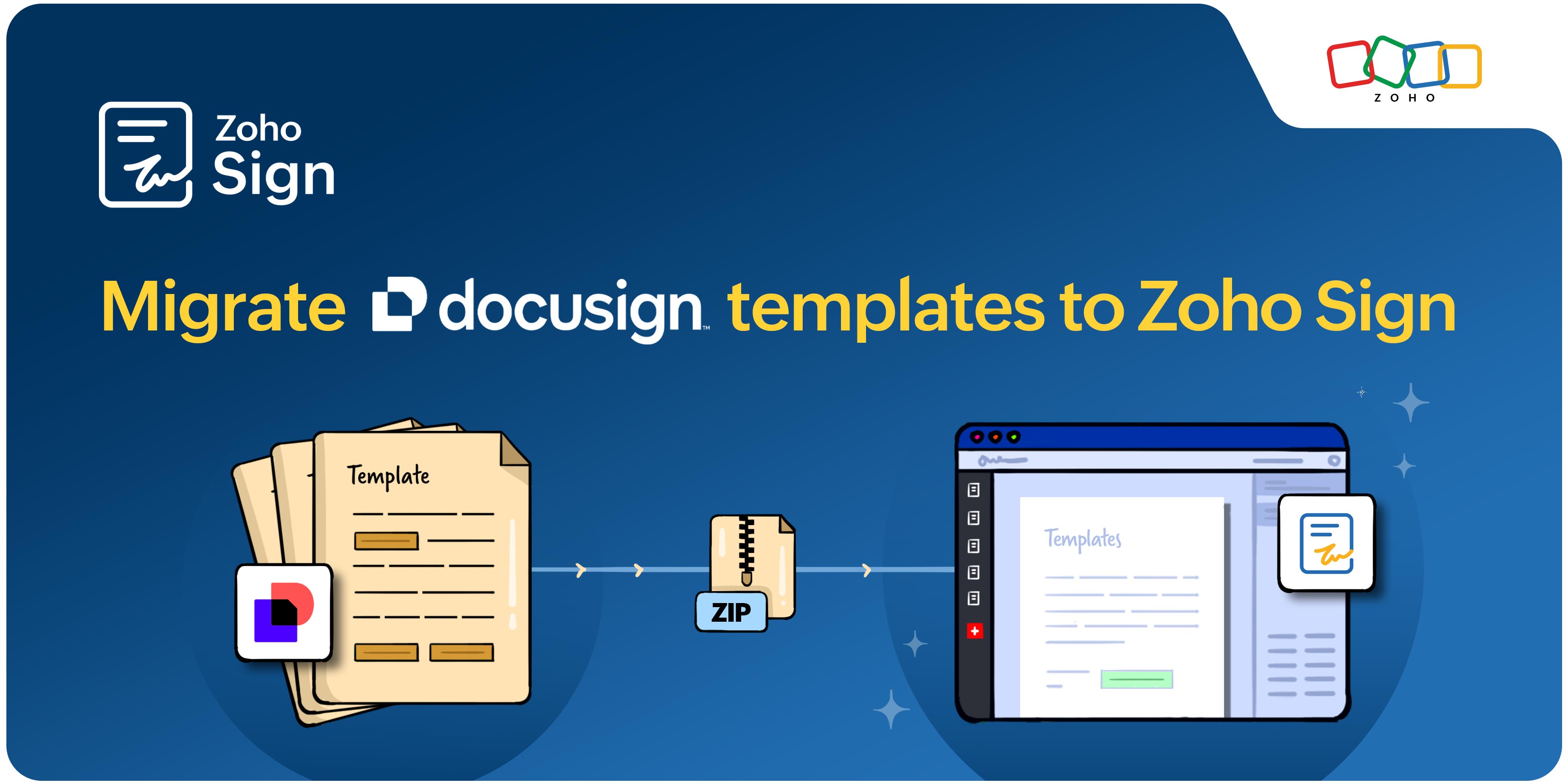
Are you switching from Docusign to Zoho Sign? Is the thought of losing all your custom templates and having to rebuild them from scratch worrying you? We have you covered.
Zoho Sign allows you to migrate templates from Docusign in a matter of minutes!
What are templates?
Templates are pre-formatted blueprints for frequently used documents. They take care of the foundation for you, so you don't have to create the same fields and layouts every single time. For example, if you're an HR executive, you can create a template with workflow and document fields already set in place to save time and avoid manual intervention.
Challenge of switching e-signature solutions
Growing businesses with evolving needs inevitably switch plans or e-signature solutions to streamline workflows. In doing so, they often find themselves rebuilding their entire template library, including standard contracts, NDAs, and vendor agreements that were carefully constructed in the old system. This duplicates the time and effort already invested, simply to get back to where they started.
Make the switch to Zoho Sign effortless
With Zoho Sign's latest update, you can easily migrate all your existing templates over from solutions like Docusign. This helps you maintain consistency, remove room for manual errors, and reduce the possibility of losing data across apps, so you experience a smooth transition between solutions.
How does this work?
Simply export your existing Docusign templates in the ZIP file format and import this file into Zoho Sign. The elements that are migrated include the template structure and document content, recipient roles in the workflow, and field configurations and placements within the document. This ZIP file is converted into ready-to-use Zoho Sign templates under the Templates section in the Zoho Sign app.
Zoho Sign does not store this imported ZIP file on its servers (it's deleted once the import action is successfully carried out), ensuring data security and protection of any confidential file data.
For step-by-step guidance, visit our knowledge base article.
Try out our latest feature and let us know what you think. If you have any questions or feedback, reach out to us on support@zohosign.com, or connect with us through the comment section below.
Happy signing!

Comments