How to enable GDPR for the portal?
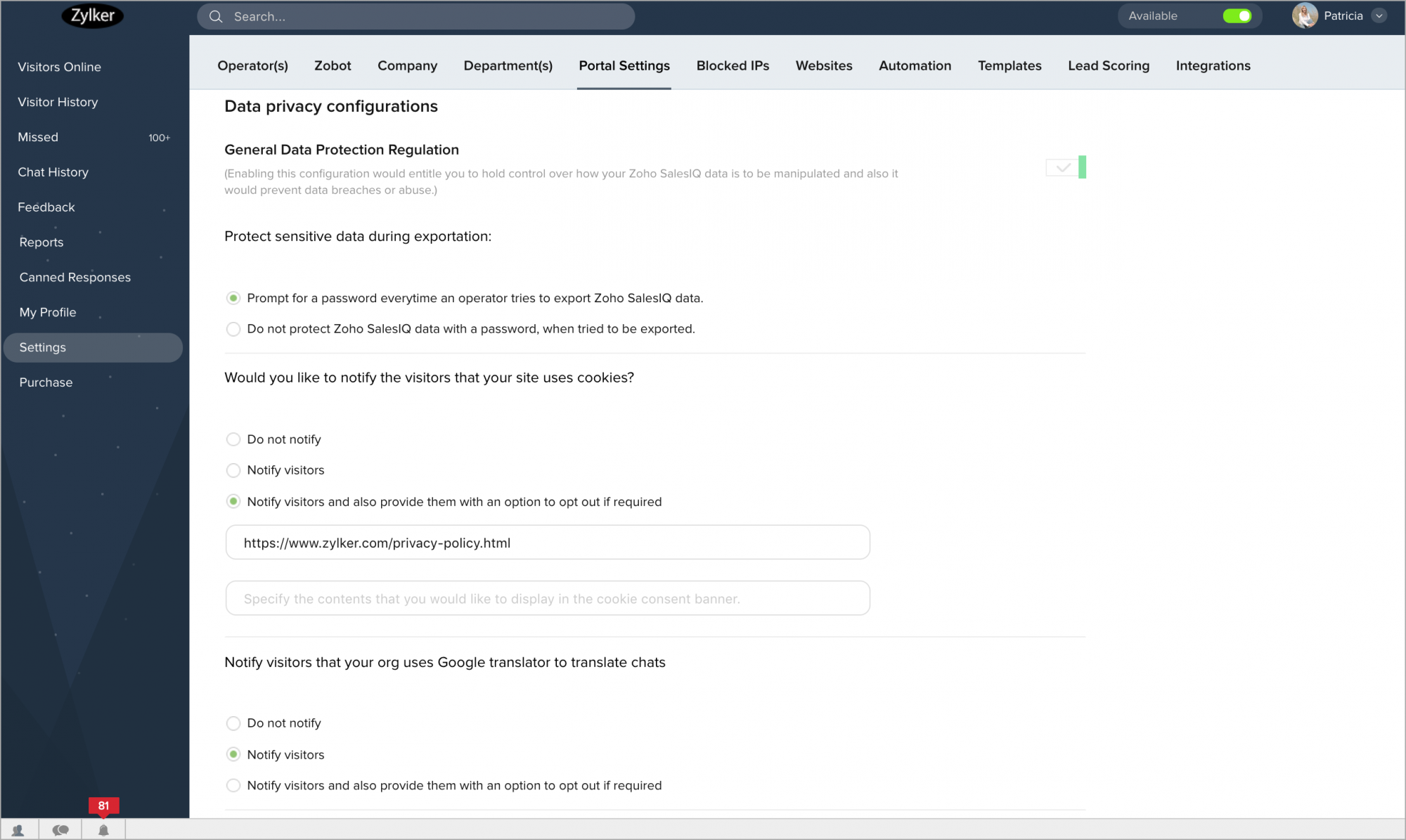
- Navigate to Settings > Portal Settings > Data privacy configurations, and enable General Data Protection Regulation.
- You can choose to keep the data privacy configurations as per your wish, and we have given the following opt-in/opt-out options for you:
Note:
The settings here are for the entire portal, these configurations reflect in the Mobile SDK as well. For the GDPR to work on your website:
- First, you should enable in the portal settings
- Then, Navigate to Settings > Websites > Choose a Website name > Live Chat Widget, and allow the GDPR for the specific website.
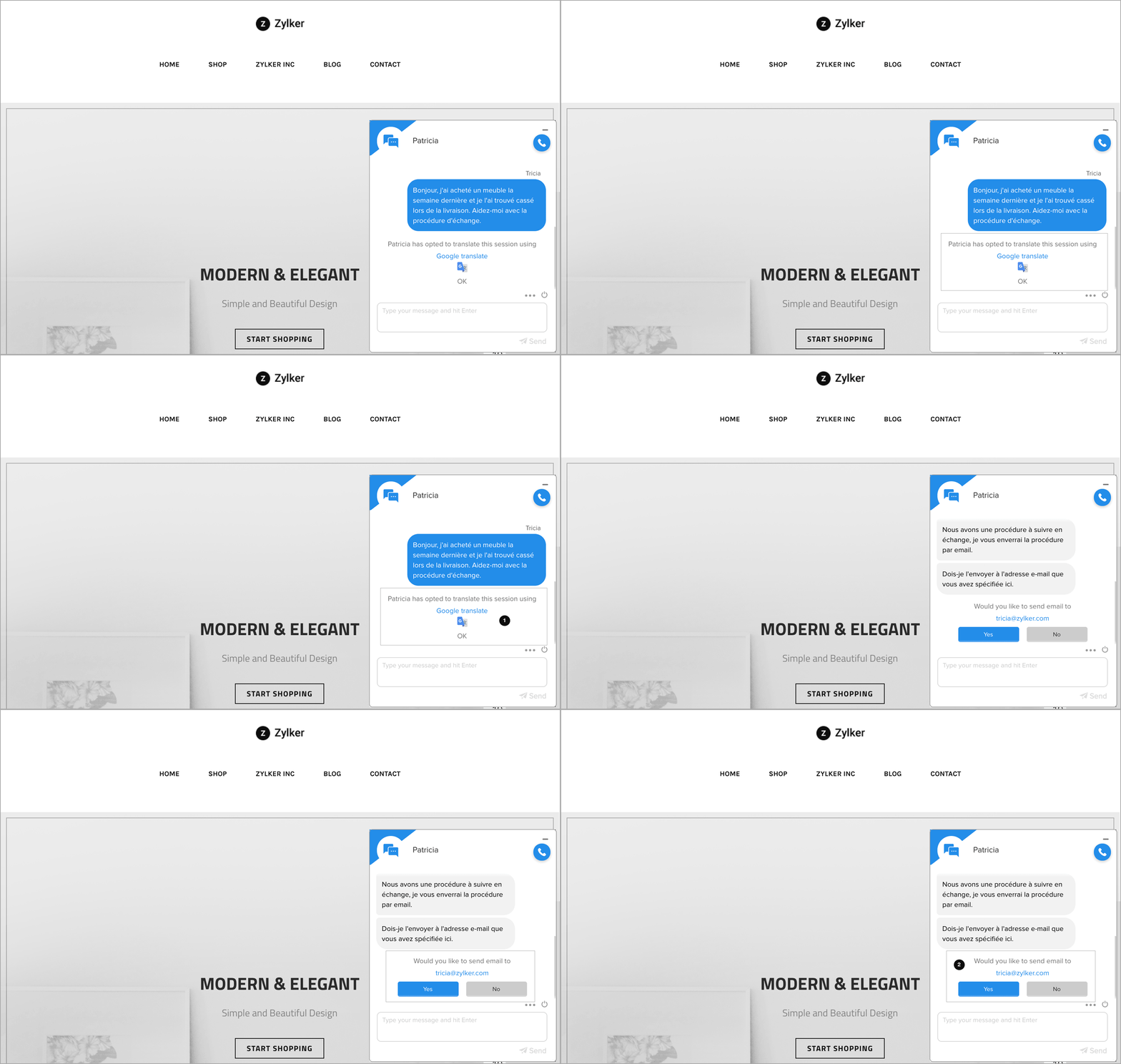
Without any configurations, we also protect the visitor data by:
- Notifying the visitor, when the operator uses the Google Translation to translate the chat.
- Double opt-in option, to confirm that the visitor sends the chat transcript to the right email address.