Zoho Workplace Dashboard
Zoho Workplace's Dashboard is a centralized panel to access all Workplace applications. It displays the applications in the form of widgets allowing easy navigation between them. The Dashboard is the first place you land once you log in to your Zoho Workplace application.
Zoho Workplace Dashboard widgets
The Dashboard lists all of Zoho Workplace applications and Zoho Mail's suite of applications, helping you access the required section upfront without having to open Zoho Mail separately. Listed below are the widgets you will find in your Zoho Workplace Dashboard.
- Zoho Mail - The Mail widget lets you filter through your emails based on - Unread, Folder or Flagged emails.
- Streams - The Streams widget allows you to filter posts across your Streams groups based on - Unread, Favourites, posts created by you or posts you are tagged in.
- Calendar - This widget displays the calendar events for the day.
- Tasks - The Tasks widget lists all your tasks for quick navigation.
- Bookmarks- This widget lists all the bookmarks you have added in Zoho Mail. You can create a new bookmark from within this widget or open the full list in a new tab.
- Notes - This widget displays all your saved notes. You can choose to view the type of notes from the drop-down at the top.
- Reminders - The Reminders widget lists the reminders you have created in your account.
- Zoho Cliq - The Cliq widget lists your starred messages and messages where you have been tagged.
- Zoho WorkDrive - This widget lets you select the type of document you wish to display from the drop-down. You can choose from the following folders: My folders, Recent files, Shared with me or Favourites.
- Zoho Writer- The Writer widget lists all your recent files. You can also filter by: Created by me, Shared with me or Favourites.
- Zoho Sheet - This widget lists all your recent files. You can also filter by: Created by me, Shared with me or Favourites.
- Zoho Show - The Show widget lists all your recent files. You can also filter by: Created by me, Shared with me or Favourites.
- Zoho Connect - The Connect widget shows all the recent forum posts along with the ones you have pinned.
- Zoho Meeting - This widget displays all your upcoming meetings.
- Zoho Vault - The Vault widget lists all your passwords. You can also filter them to view the passwords shared with you, shared by you or marked as favourites.
Zoho Workplace Dashboard actions
You can perform the following actions in the Dashboard.
- Access all the Workplace applications from the Dashboard's top-bar.
- You can drag and drop the icons to arrange them according to your preference.
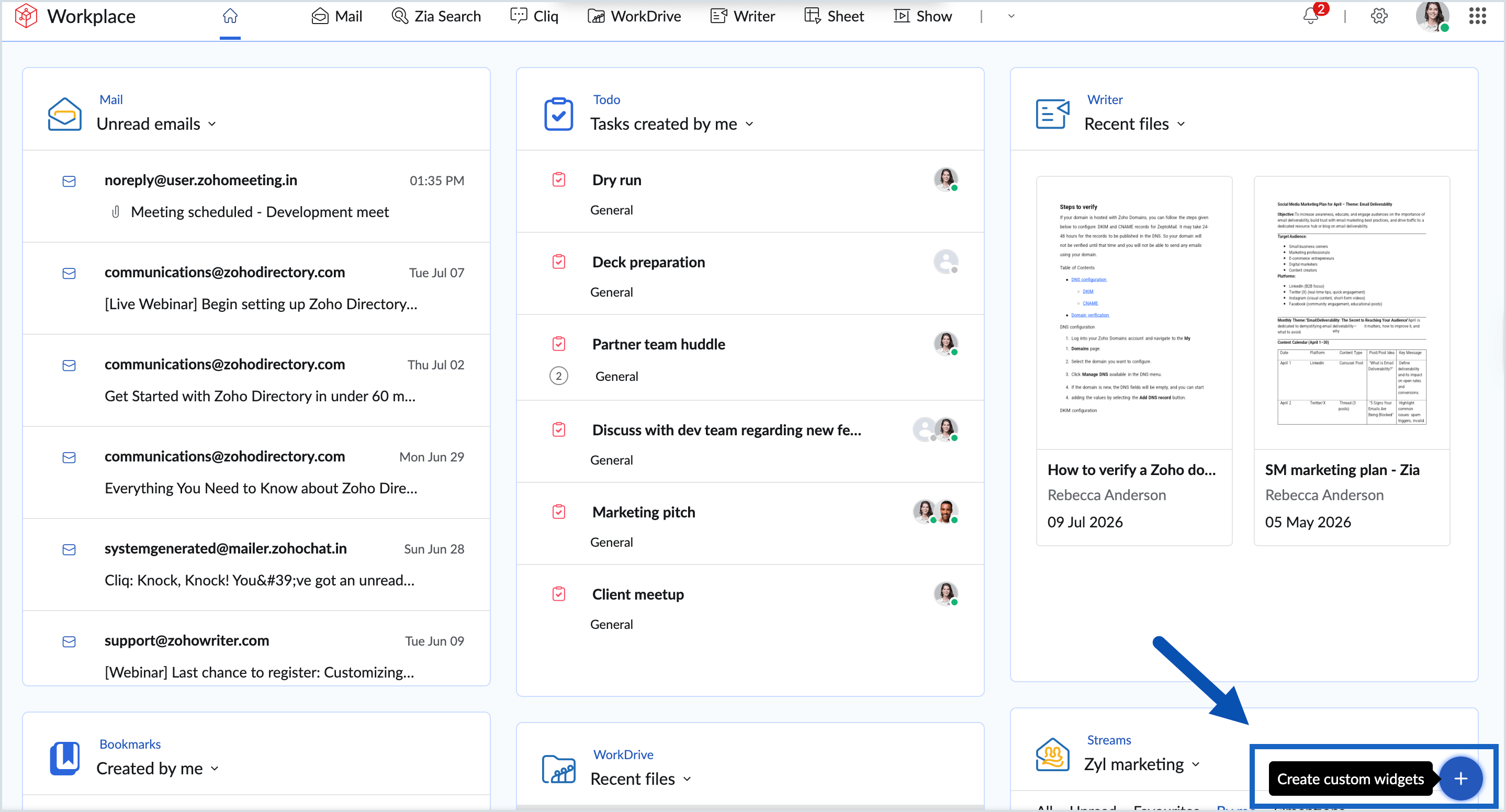
- View and customize the order of the widgets by clicking the Create custom widget icon on the bottom right corner. You can enable the widgets that you frequently use, and disable the rest.
- Choose the preferred folder or group for your widget from the widget title drop-down. You can also drag and drop each element in the drop-down menu to create separate widgets for them.
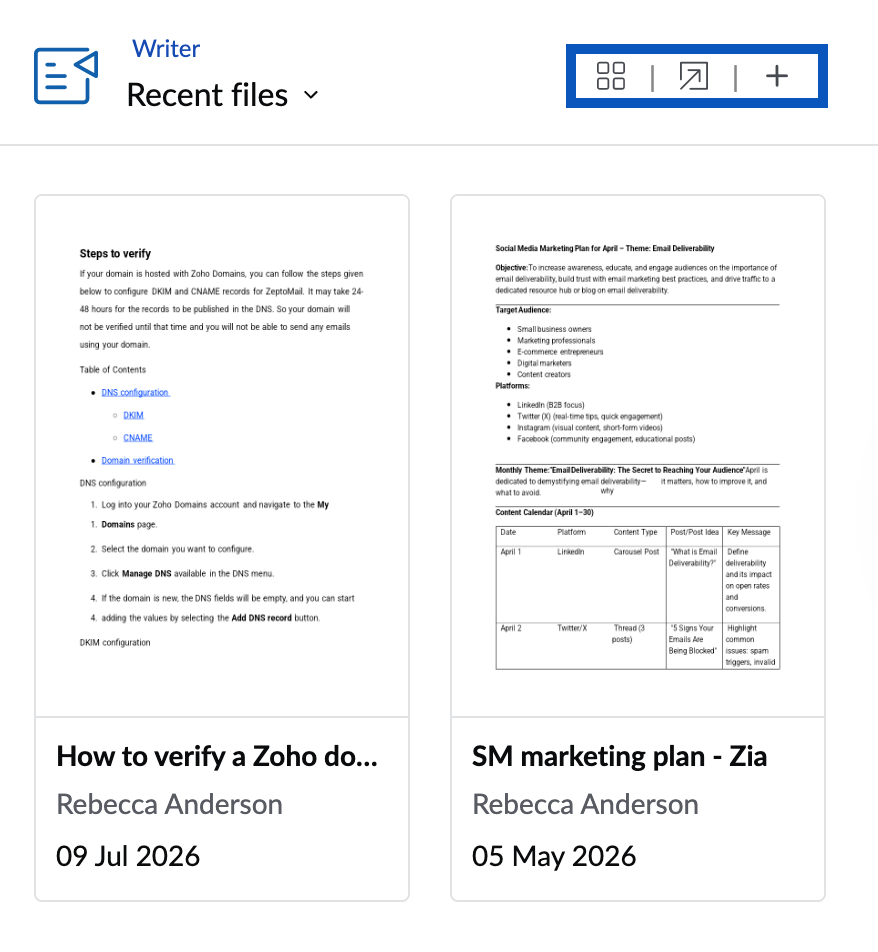
- Hover over each widget to view the actions related to the widget. The items listed under each widget have actions specific to them, hover over each item to view the actions.
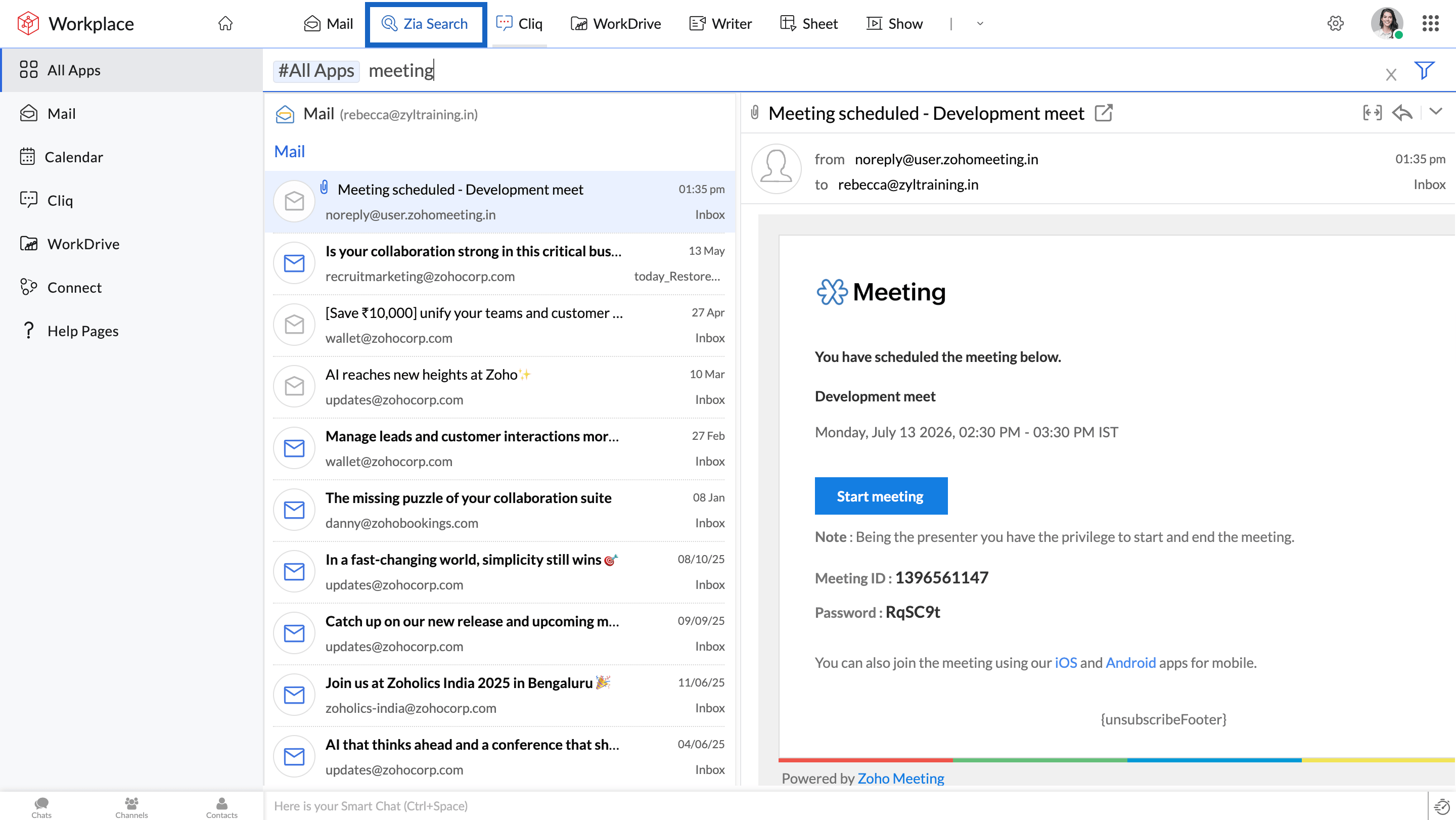
- Use Zia Search from the top bar to search using a keyword across all applications.
- Use the chat bar on the bottom left corner to view new Cliq messages and use the Smart chat option to view all your recent chats easily.

- Use the Quick Access button, at the right end of the smart chat bar to perform quick actions like composing an email, creating a new event, etc.
Note
You can also access the Workplace applications through mobile apps available on Android and iOS.