- HOME
- More
- Security deep-dive
- Email sandboxing: How it works and why it matters
Email sandboxing: How it works and why it matters
- Last Updated : September 29, 2026
- 89 Views
- 7 Min Read

Email remains the most common entry point for cyberattacks. Verizon’s 2025 Data Breach Investigations Report found that business email compromise losses alone reached $6.3 billion, with a median loss of $50,000 per incident. Attackers have had decades to refine this approach, and they haven’t stopped because it keeps working.
The reason it works is simple. Every day, employees open attachments and click links as a normal part of their job. A finance team member receives an invoice. An HR manager gets a resume. An executive sees a document from what appears to be a trusted partner. Most of the time, these are legitimate. Occasionally, they’re not. This single exception is enough to compromise an entire organization.
Traditional email filters do a reasonable job of blocking known threats. But attackers have become skilled at building malware that doesn’t look like malware, at least not at first glance. This is where email sandboxing makes a significant difference.
What is email sandboxing?
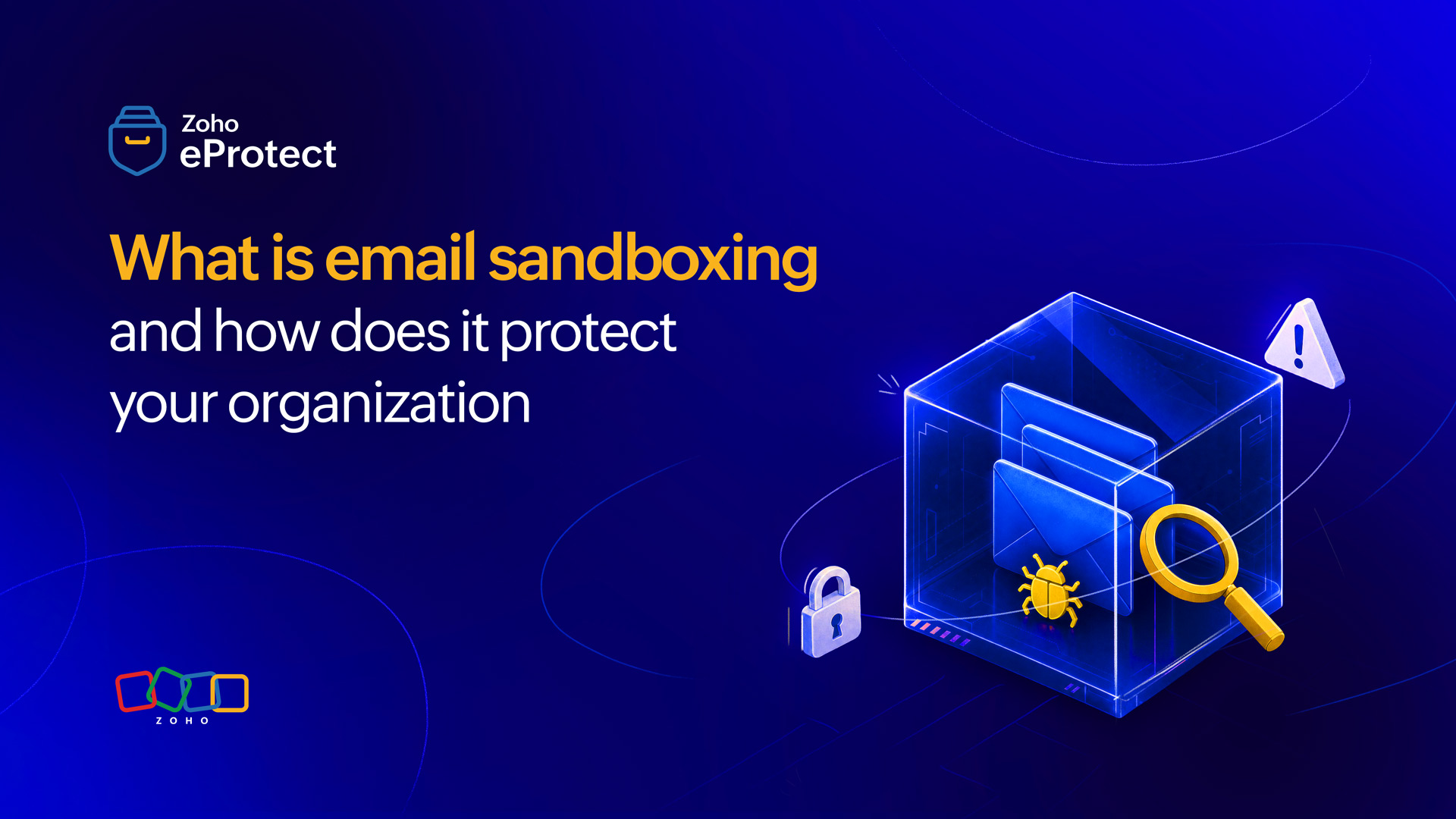
A sandbox, in cybersecurity, is an isolated environment that mimics a real computer system. It’s completely separate from your actual network. You can run a suspicious file inside a sandbox and observe exactly what it does without any risk to your organization.
Email sandboxing applies this concept to incoming email. Before a message with an attachment or link reaches your inbox, the sandbox intercepts it and detonates it in a controlled environment. The sandbox watches the file execute, monitors its behavior, and makes a judgment on whether it’s safe or if it’s a threat.
Think of it like a quarantine room for your email. Nothing gets through until it has been examined and cleared.
How does email sandboxing work?
Understanding the process helps clarify why sandboxing catches threats that other tools miss.
1. Interception: An incoming email arrives at the mail gateway before it reaches your inbox. If it contains an attachment, a link, or an embedded object, the system flags it for sandbox analysis.
2. Detonation: The suspicious file or URL is executed inside the sandbox environment. This environment is designed to look like a genuine endpoint, complete with a real operating system, common applications, and network access. The file behaves as it would on an actual machine.
3. Behavioral monitoring: While the file runs, the sandbox records everything it does. Does it attempt to connect to an external server? Does it try to modify system files? Does it drop additional payloads or spawn hidden processes? Does it encrypt files or exfiltrate data? Every action is logged.
4. Verdict: Based on this behavioral analysis, the system assigns a verdict. Clean files are released to the recipient. Malicious files are quarantined, and the security team is alerted.
5. Delivery or block: The entire process typically takes just a few minutes. Most sandboxing solutions are designed to minimize delivery delays for legitimate email.
Threats sandboxing catches that traditional filters miss
Standard email filters rely primarily on signature-based detection. They compare incoming content against a database of known malware signatures. If the file matches something in the database, it’s blocked. If it doesn’t, it passes through.
This approach has a fundamental limitation: it can only catch threats it already knows about.
Zero-day attacks
Zero-day attacks exploit vulnerabilities that have not yet been discovered or patched. There’s no signature to match because no one has seen this specific threat before. A sandbox doesn’t need a prior signature. It watches what the file actually does, and malicious behavior looks malicious regardless of whether the threat is brand new.
Polymorphic malware
Among the different types of malware, this one changes its code structure each time it replicates. Every iteration looks different enough to evade signature detection, but the underlying behavior remains the same. Behavioral sandbox analysis sees past the disguise.
Evasive attachments
These attachments are designed to avoid automated scanning. Some malware checks whether it’s running in a virtual environment and stays dormant if it detects one. Modern sandboxing solutions counter this with anti-evasion techniques, including full system emulation, extended execution times, and human interaction simulation.
Delayed execution payloads
There are certain types of malware that only activate after a time delay or when specific conditions are met. A sandbox that runs files for a sufficiently long observation window can catch this behavior before delivery.
Real-world attack types that sandboxing detects
Several well-documented attack techniques are specifically designed to bypass traditional filters. Sandboxing addresses each of them directly.
Macro-laden Office files
This is one of the most persistent delivery mechanisms for malware. An attacker sends a Word document or Excel spreadsheet that appears legitimate. When the recipient opens it and enables macros as instructed, the macro executes code that downloads and installs malware. Inside a sandbox, this execution is observed and the download attempt is flagged immediately.
PDF exploits
These attacks take advantage of vulnerabilities in PDF readers. A malicious PDF may contain embedded JavaScript or shellcode that executes when the file is opened. Because the sandbox runs the file in a real environment with a real PDF reader, the exploit triggers in the controlled space rather than on a live machine.
Weaponized archives
Compressed files such as ZIP, RAR, ISO, and similar formats can contain malware inside. Traditional filters may not inspect the contents of an archive thoroughly. A sandbox unpacks and detonates the contents, exposing whatever is hidden inside.
URL-based threats
Links in email bodies that redirect to malicious pages or trigger drive-by downloads. Sandboxing solutions that also analyze URLs follow the link chain in an isolated browser, observing what happens when the page loads, including any redirects or exploit kits.
HTML smuggling
HTML smuggling is a technique where malicious code is assembled inside the browser using benign-looking HTML and JavaScript. Because no payload exists in the email itself, traditional filters see nothing suspicious. A sandbox that renders the HTML in a full browser environment sees the assembled payload and the behavior it triggers.
Key capabilities to look for in an email sandboxing solution
Not all sandboxing solutions offer the same depth of protection. When evaluating options, these are the capabilities that matter.
Full system emulation
The sandbox uses a complete operating system environment rather than a lightweight virtual machine. Malware that checks for virtualization signs is more likely to behave normally in a full system environment, revealing its true intent.
Multi-file type support
This is essential because attackers use many formats. At a minimum, the solution should handle Office documents, PDFs, archives, executables, scripts, and URLs.
Anti-evasion techniques
These mechanisms counter time-delay activation, environment detection, and user-interaction requirements. A sandbox that simulates mouse movements, typing, and scrolling is harder to fool.
Threat intelligence integration
Sandbox verdicts are enriched with external threat intelligence feeds, giving more context about the nature and origin of a detected threat.
Detailed reporting
Reporting allows security teams to understand exactly what a file did, not just whether it was malicious. This supports faster investigation and helps organizations understand the specific threat they faced.
Minimal delivery latency
This matters for day-to-day productivity. The best solutions perform analysis quickly enough that legitimate email isn’t significantly delayed.
How sandboxing fits into a layered email security stack
Email sandboxing isn’t a replacement for other security controls. It’s one layer in a broader defense strategy, and it works best alongside the following elements.
Spam and phishing filters
These filters handle high-volume, low-sophistication attacks. They’re effective at blocking obvious threats and reducing noise before sandboxing needs to engage.
Antivirus and signature-based scanning
Such basic mechanisms catch known malware quickly and efficiently. Sandboxing handles what they miss.
Email authentication protocols
SPF, DKIM, and DMARC verify that incoming email comes from legitimate sources and hasn’t been tampered with in transit.
URL rewriting and time-of-click protection
URL rewriting ensures that links are re-evaluated at the moment a user clicks them, catching threats that may have been live after the original message was delivered.
Security awareness training
Structured training reduces the likelihood that an employee acts on a phishing attempt even if one gets through. No technical control eliminates human judgment from the equation entirely.
Sandboxing sits at the advanced threat detection layer. It handles the sophisticated, targeted, and novel attacks that other controls aren’t equipped to catch on their own.
Why sandboxing is no longer optional
The sophistication of email-based attacks has increased substantially over the last few years. Threat actors now routinely craft targeted campaigns using legitimate file formats, trusted domains, and carefully researched pretexts. These attacks are designed to look normal enough to pass automated filters and plausible enough to fool a real person.
Signature-based detection was adequate when threats were mostly generic and widely distributed. That’s no longer the threat landscape most organizations face. Advanced threat protection, including sandbox analysis, has become a baseline requirement for any organization that handles sensitive data, manages financial transactions, or operates in a regulated industry.
The cost of a single successful intrusion, in terms of data loss, regulatory exposure, remediation effort, and reputational damage, typically far exceeds the cost of the security controls that would have prevented it.
How Zoho eProtect’s sandboxing works
Zoho eProtect includes an email sandboxing capability built into its advanced threat protection layer. Incoming emails are scanned automatically. When an attachment or link is identified as potentially risky, it’s routed to the sandbox for behavioral analysis before delivery proceeds.
eProtect’s sandbox executes suspicious files in an isolated environment and monitors for the full range of malicious behaviors. URLs are similarly analyzed in a controlled browser environment, following redirect chains and observing page behavior.
When a threat is confirmed, the email is quarantined and administrators are notified. Security teams have access to detailed analysis reports, giving visibility into exactly what was detected and how it behaved.
For organizations that also use eProtect’s archiving capabilities, the sandboxing layer works alongside email archiving to ensure that threat records and communication logs are maintained in a unified, compliant environment.
Wrapping up
Email sandboxing isn’t a guarantee against every threat. Nothing is. But it closes a significant gap that most traditional email security tools leave open. For organizations serious about protecting their employees and their data, it’s a vital inclusion in their security stack.