- HOME
- More
- Cybersecurity awareness
- QR code phishing: How attackers hide malicious links from scanners
QR code phishing: How attackers hide malicious links from scanners
- Last Updated : October 16, 2026
- 49 Views
- 7 Min Read

Email security has spent decades learning to read links. Secure email gateways scan URLs in message bodies, check them against threat intelligence feeds, and follow redirect chains to identify malicious destinations. This detection approach works. But sometimes, the attacker removes the link from the equation entirely.
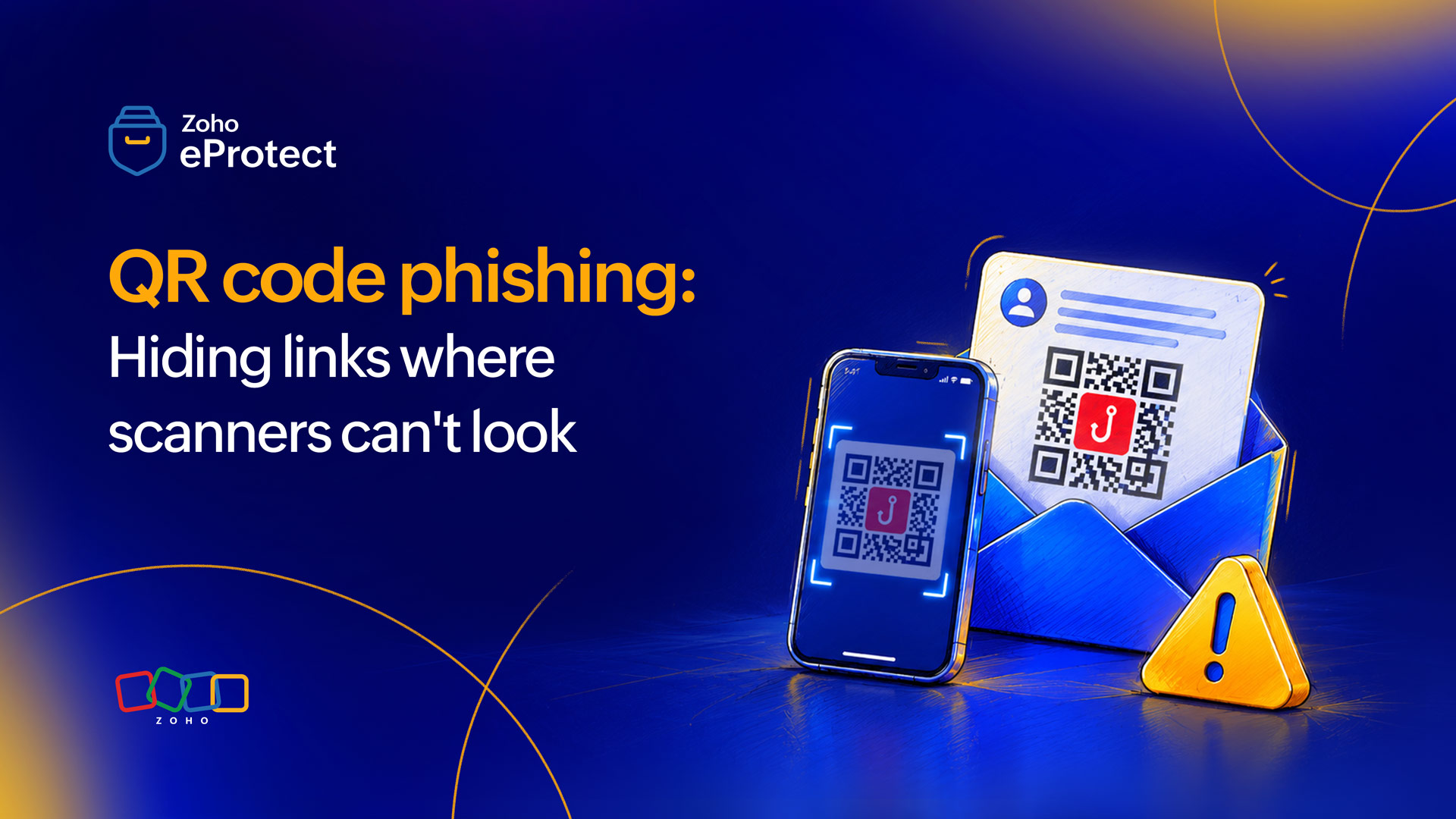
QR code phishing, commonly called quishing, does exactly that. Instead of embedding a malicious URL in the email body, the attacker encodes it inside a QR code image. The QR code is what the recipient sees. The URL is what the scanner cannot. Standard email security tools are built to parse text and follow links, not to extract and decode content from image files. The malicious URL reaches the inbox hidden inside an image that looks like any other attachment to most security tools.
What makes quishing particularly effective is the device shift it creates. When a recipient scans a QR code, they typically use their phone. If that phone is a personal device, it is outside the organization's security perimeter. It has no corporate endpoint controls, no web filtering, and no visibility from the IT teams. The victim moves from a protected corporate environment to an unprotected personal device in a single scan. The attacker's credential harvesting page loads on a screen that isn't being monitored by any security tools.
From a niche technique to a fast-moving threat
QR codes were not historically a common attack vector. Attackers avoided them because scanning requires an additional step from the victim. A link can be clicked in one motion. A QR code requires picking up a phone, opening a camera, and following a prompt. That friction reduced the conversion rate enough to make the technique less appealing than a well-crafted phishing link.
That calculus has shifted. QR code phishing detections surged fivefold between August and November 2025, from 46,969 incidents to 249,723 in November alone. Over 4.2 million quishing threats were identified in the first half of 2025.
As email security tools have become more effective at scanning links, attackers have looked for ways to move the payload somewhere scanners cannot reach. A QR code image is opaque to a link scanner. The technique is not technically sophisticated, but it is highly effective against security infrastructure designed to read text rather than decode images.
The campaign that hit a major US energy company
Beginning in May 2023, Cofense observed a large-scale QR code phishing campaign targeting Microsoft credentials across multiple industries. The campaign sent phishing emails that spoofed Microsoft security notifications. Each email urged recipients to scan an attached QR code to verify their account security settings around two-factor and multi-factor authentication.
A major US energy company bore the brunt of it. Of the over 1,000 emails sent in the campaign, the energy company received 29% of the total volume. The campaign also reached manufacturing, insurance, technology, and financial services firms. The energy company was the primary target, receiving 81% of the campaign emails that used Bing redirect URLs specifically.
The mechanism worked in layers. Each email contained a PNG image attachment embedding a QR code. Inside the QR code was a Bing redirect URL encoded in base64. Bing's redirect functionality was originally designed for marketing analytics, allowing Microsoft to track clicks through its advertising platform. Attackers repurposed it as a delivery mechanism, encoding the actual phishing destination inside the redirect URL in a format that most scanners would not decode. The redirect pointed to a fake Microsoft credential harvesting page designed to capture login details from victims who followed through.
The campaign grew at a rate that Cofense described as more than 270% month-over-month on average, with the largest single jump occurring between May and June 2023. The Record from Recorded Future News independently confirmed the campaign and its scale. Some recipients scanned the QR codes and entered their Microsoft credentials on the harvesting page.
Why the attack passed every standard check
The email itself was clean by every measure standard security applies. There was no malicious URL in the message body, no suspicious domain in the email text. The sender spoofed a Microsoft notification, and the content mirrored a legitimate account security alert.
The QR code was embedded inside a PNG image attachment. Email security tools scanning attachments look for executable files, document macros, and known malware signatures. A PNG file containing a QR code raises no flags. The URL encoded inside was invisible to any tool that did not actively decode the image and extract the QR code content.
The Bing redirect added a further layer of protection for the attacker. Even if a scanner had extracted the URL from the QR code, the first destination it would have seen was bing.com. That is a Microsoft domain with an impeccable reputation. The actual phishing destination was the second hop, encoded inside the redirect parameter in base64. Reaching it required following the redirect and decoding the parameter, a process that most email security tools do not perform.
When a recipient scanned the code on their phone, they left the corporate network entirely. Any web filtering or endpoint protection applied to their work device did not apply to their personal phone. The credential harvesting page loaded on a device where the organization's security team had no visibility.
Recognizing a quishing attempt before scanning
The most reliable signal that a QR code email is malicious is the presence of urgency around account security. Emails urging recipients to scan a QR code immediately to prevent account lockout, verify security settings, or re-authenticate MFA are a consistent pattern across quishing campaigns. Legitimate account security notifications from enterprise platforms almost never require a QR code scan as the verification method.
A second signal is the absence of any other way to complete the requested action. Legitimate Microsoft security alerts provide a link, a button, or a support contact alongside any verification mechanism. An email presenting a QR code as the only path forward is worth scrutinizing before acting.
Spoofed Microsoft notifications frequently use display names that look correct but originate from unrelated domains. Checking the actual sender address rather than the display name takes seconds and catches many quishing attempts before the QR code is ever scanned.
What individual employees can do
Don't scan QR codes in unsolicited emails
No enterprise security platform requires employees to verify account settings by scanning a QR code. Any email that presents this as the only option should be treated as suspicious and reported to the IT or security team before any action is taken.
Preview the URL before following it
Most modern mobile devices display the URL embedded in a QR code before launching a browser. Users should always verify that it looks legitimate. If the URL that appears is not the domain of the service the email claims to represent, do not proceed. A Microsoft account verification email should resolve to a microsoft.com domain. Anything else is a redirect to somewhere else.
Treat unprecedented urgency as a risk signal
Quishing campaigns consistently use time pressure such as imminent account lockout, expired security settings, and immediate action required. Legitimate account security processes have grace periods and alternative channels. Urgency alone is not a reason to scan. It is a reason to pause and verify the request through a known, trusted channel.
What organizations can do
Deploy email security tools
Standard link scanners do not extract URLs from QR codes embedded in PNG or PDF files. Purpose-built QR code analysis capabilities are now available in several enterprise email security platforms and should be evaluated as a baseline control given the scale of quishing campaigns. The platform should have the capability to decode QR code content from image attachments.
Implement URL inspection
Extracting the URL from a QR code is the first step. Following the redirect chain to its final destination is the second. A Bing redirect URL that resolves to a credential harvesting page is only detectable if the redirect is followed and the final destination is checked against threat intelligence.
Enforce MDM on corporate devices
When employees scan QR codes on personal devices, they move outside the organization's security perimeter. MDM policies that extend web filtering and endpoint protection to devices accessing corporate email and applications reduce the blind spot that personal device scanning creates.
Train employees specifically on quishing
Most phishing awareness programs focus on suspicious links and unexpected attachments. QR codes require a different behavioral response. They shouldn't be scanned, the destination needs to be previewed before proceeding, and the email must be reported to IT before acting. This specific guidance should be included in security awareness training as a standalone topic.
Monitor for unauthorized MFA changes
When credentials are harvested through a quishing campaign, attackers often attempt to add a new MFA device to maintain access. Alerts on new device registrations and logins from unfamiliar locations are a practical compensating control when prevention fails.
The link was there all along
The Cofense campaign illustrates the core challenge quishing presents. The attack didn't work because it fooled a human into clicking a bad link. It worked because it moved the link somewhere the scanning infrastructure could not see it, then gave the human a plausible reason to scan. The delivery mechanism and the detection gap were the same thing.
The URL doesn't have to be in the email body to reach a credential harvesting page. It just has to be somewhere the recipient will follow it and somewhere the scanner will not look.
Wrapping up
October is Cybersecurity Awareness Month 2026, and this is Case 3 of The Breach Files. This is our series breaking down one real email attack each week. Next week, we look at legitimate service abuse, in which we discuss how attackers use trusted platforms like Dropbox to deliver phishing emails that pass every reputation check. A clean sender domain is not the same as a clean email.
eProtect is a cloud-based email security and archiving solution built to defend against email threats that content filters alone cannot catch, including attacks that embed malicious URLs inside QR code images to evade link scanning. The solution offers advanced threat detection for on-premise and cloud email accounts, and is the security layer powering Zoho Mail, a platform trusted by millions of users.