- HOME
- More
- Best practices
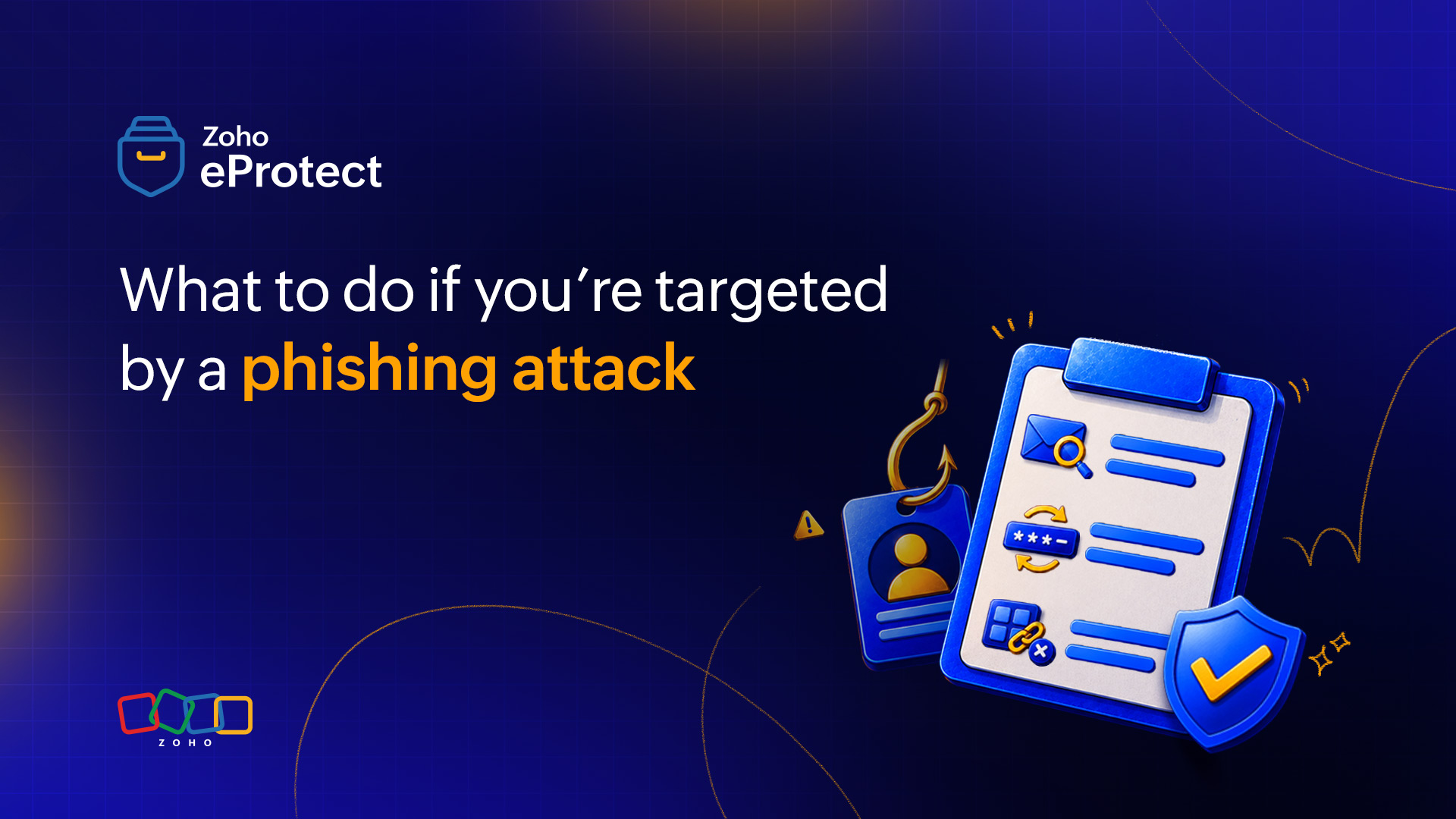
- What to do if you’re targeted by a phishing attack
What to do if you’re targeted by a phishing attack
- Last Updated : September 30, 2026
- 61 Views
- 5 Min Read

There’s a gap between the moment a phishing attack succeeds and the moment the damage becomes visible. That gap is where most of the harm actually happens.
When you enter your credentials on a phishing page, the attacker isn’t sitting back waiting for a convenient time to act. Automated systems flag the entry within seconds. In more organized operations, a human operator receives an alert and logs into your account within minutes. Your session is still warm. The assumption that you have time to figure things out is the assumption the attack depends on.
Understanding what attackers actually do in those early minutes changes how you respond. It turns a reactive scramble into a sequence that has a real chance of containing the damage.
The first few minutes
The first priority for most attackers isn’t reading your email. It’s staying invisible and staying in.
Inbox rules are the preferred tool for this. A rule that silently forwards all incoming mail to an external address, or buries security alerts in a folder you’d never check, can operate undetected for weeks. It usually takes less than two minutes to set up. By the time you reset your password, the rule may already be running in the background.
Attackers also scan for password reset emails from other services. At that point, your inbox is a directory of every platform you’re connected to and every account that might fall next. Banking portals, HR systems, shared company accounts: If there’s a recovery email waiting in your inbox, it’s an open invitation.
Some attackers work through that list methodically before doing anything else.
What happens over the next few hours
Once a foothold is secure, the focus shifts. Sent folders get searched for financial conversations, vendor relationships, and anything tied to approvals or payments.
In a business email compromise (BEC) scenario, the attacker doesn’t need a spoofed address. They already have your real one. They can surface into an existing thread with a supplier or a colleague and make a request that looks credible because it’s coming from an account with real history behind it. The conversation already has context. The trust is already there.
Lateral movement is the other risk in this window. If your email account connects to shared drives, internal tools, or messaging platforms, those get probed next. Credentials tend to travel in clusters through an organization, and one compromised account often creates a path to others.
Why the sequence of your response matters
Most response checklists give you the right steps in the wrong order. “Change your password” is standard advice, but it isn’t the first thing you should do.
If the attacker has an active session when you change your password, they aren’t immediately locked out. To make things worse, it can prompt faster action on their end. The forwarding setup, the data extraction, the search through connected accounts—all of this can accelerate quickly if the attacker senses the window is closing.
The first step is to report. Inform your IT or security team before you do anything else. They can revoke active sessions, freeze the account, and begin a forensic audit with the full picture still intact. A password reset done in isolation, without addressing active sessions or inbox rules, misses the point.
After the account is properly secured, the audit matters as much as the lockdown. Look for inbox rules you didn’t create. Check login history for unfamiliar devices or locations. Go through sent mail from the past 48 hours for anything you didn’t write. Review connected third-party apps for access you don’t recognize.
Here’s a short checklist for the audit phase:
- Sign out of all active sessions across devices.
- Review inbox rules and filters for anything you didn’t set up.
- Check sent items and drafts from the past 48 hours.
- Revoke connected app access you don’t recognize.
- Confirm with IT that no external forwarding rules have been added.
- Identify recent contacts who may have received messages from your account.
Work through this process methodically to ensure no part of this is left unchecked.
The people around you
A phishing attack rarely affects just one person. If an attacker spent time in your inbox, the threads they saw are potentially compromised, too.
Follow-up messages may have already gone out under your name. A colleague may have clicked a link. A vendor may have replied with payment details or account information. You won’t know until you check your sent folder and ask.
Reaching out to key contacts, especially anyone involved in financial decisions or account access, is worth doing promptly. A short, matter-of-fact message explaining the situation costs very little. Leaving an attacker to work an open thread for another 24 hours costs considerably more. The people who need to know are usually the ones you’d feel awkward telling. However, it’s more ethical to tell them anyway.
Where email security fits into this
If the phishing email made it to your inbox, the steps above apply. Good email security is what reduces how often that happens.
Sandboxing is one of the more underrated capabilities here. Zoho eProtect runs attachments and URLs through an isolated environment before they reach the inbox. A link formatted to look like a shared document notification gets detonated in a controlled space. If it’s malicious, it’s caught before the user ever sees it. The inbox rule problem doesn’t begin if the email never lands.
For organizations that are already dealing with an incident, archiving matters enormously in the aftermath. Zoho eProtect maintains a tamper-proof record of all inbound and outbound mail. Security teams working a forensic investigation get a clean, searchable trail rather than a fragmented, manual reconstruction. That distinction is significant when the goal is understanding exactly what the attacker accessed and who they contacted.
Behavioral detection adds another layer. When a forwarding rule appears that routes mail to an external domain the organization has never communicated with, that anomaly surfaces quickly in a properly configured setup. The attacker’s window inside the account gets shorter.
None of this replaces the need for users to know what to do when something gets through. But it does mean that the gap between “clicked” and “caught” is a lot narrower.
The part that actually determines the outcome
Phishing attacks work because they create a false sense of time. They look like something you can investigate carefully, report after the weekend, or handle once you’ve confirmed it wasn’t a real email. It almost certainly was.
The damage that follows a successful phish is almost always damage that happened before anyone knew to look. Report it fast. Secure the account before resetting credentials. Audit the access systematically. Warn the contacts who may have been affected. This way, the effects of damage could be a lot lesser.