- HOME
- More
- Security deep-dive
- SVG file attachments: The latest file type being weaponized in phishing
SVG file attachments: The latest file type being weaponized in phishing
- Last Updated : September 28, 2026
- 90 Views
- 7 Min Read

Most people have been conditioned to treat certain files with suspicion. Executable files, macro-enabled Office documents, and HTML attachments have earned a bad reputation over the years. However, this didn’t extend to SVG files until recently.
That gap hasn’t gone unnoticed. SVG attachment phishing has moved from a niche technique used by a small number of threat actors to a mainstream delivery method, scaled by Phishing-as-a-Service (PhaaS) platforms and refined with advanced obfuscation techniques. Understanding why SVG files are so effective as an attack vector, and what organizations can do about it, starts with understanding what they actually are.
What makes SVG files different
A JPEG or PNG is a grid of pixels. It only stores color information. It cannot contain logic, execute instructions, or make network requests. An SVG file is different.
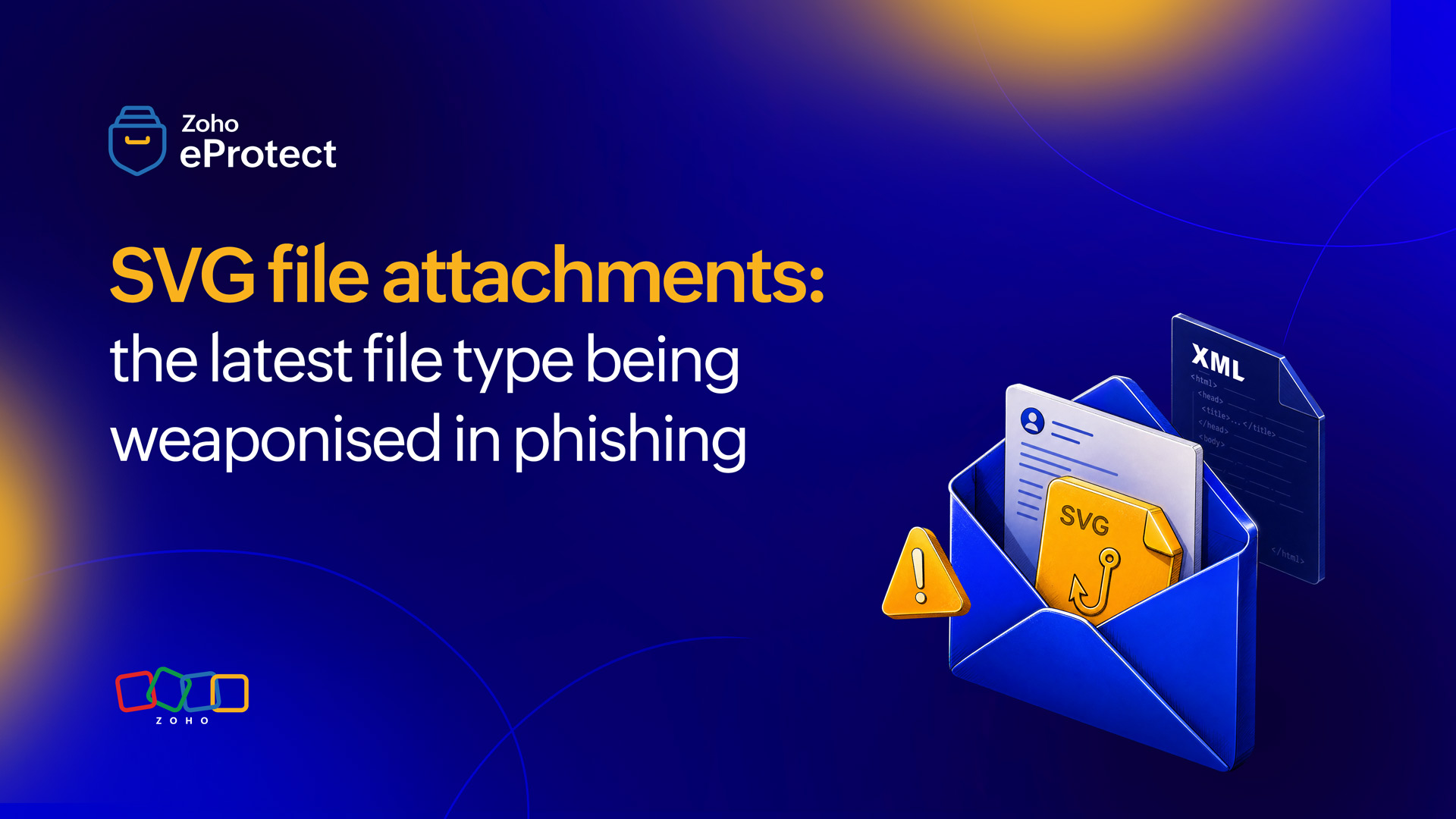
SVG stands for Scalable Vector Graphics. Unlike raster images, an SVG is an XML-based text file that describes shapes, paths, lines, and text mathematically. Because the image is defined in code rather than pixels, it scales to any resolution without losing quality. This makes SVGs the format of choice for logos, icons, and graphics in web design, where files need to look crisp on both a mobile screen and a 4K display.
The critical difference, from a security perspective, is that SVG isn’t just a static format. The XML specification that defines SVG also supports embedded JavaScript within <script> tags, links to external resources, and event handlers that trigger on user interaction. These capabilities make SVG files programmable in ways that JPEG and PNG simply are not.
When a browser opens an SVG file, it parses the XML and executes any embedded script. This is normal, intended behavior. Attackers have found a way to use it against unsuspecting recipients.
Why SVG phishing surged
SVG files were being used in isolated phishing emails as far back as 2017, but their use remained marginal for years. That changed sharply in 2025. According to data from Hoxhunt, SVG files accounted for around 0.1% of all attachment-based phishing in 2024. By the first half of 2025, that figure had risen to 4.9%, with a peak of approximately 15% in March 2025 alone. A separate analysis by Trustwave SpiderLabs recorded an 1,800% increase in SVG-based phishing attacks between April 2024 and March 2025.
Two things drove the acceleration. First, the maturation of PhaaS platforms. Platforms like Tycoon2FA, Mamba2FA, and Sneaky2FA have industrialized credential harvesting campaigns, making it possible for less technically capable threat actors to deploy sophisticated, MFA-bypassing phishing operations at scale. These platforms adopted SVG files as a preferred delivery mechanism because of how reliably they evade detection. Second, the technique works. Organizations running conventional Secure Email Gateways (SEGs) that inspect known-malicious file types have no established blocklist entry for SVG. Additionally, the file format’s XML structure makes static analysis difficult without the sufficient detection logic.
How the attack works
SVG phishing attacks follow a consistent pattern, though the implementation varies considerably between campaigns. There are three broad technical approaches, and in practice attackers frequently combine them.
The redirect model
This is the most common approach. The SVG file contains little to no visible graphic content. When opened in a browser, which is the default behavior on both Windows and macOS for SVG files, the embedded JavaScript executes and the user is redirected to an attacker-controlled URL. That destination is typically a spoofed login page mimicking Microsoft 365, Google Workspace, or another widely used platform. The redirect happens within seconds, often before the user has had time to register that anything unusual occurred.
Attackers add a layer of personalization to increase the success rate. The victim’s email address is often base64-encoded and appended to the redirect URL. This allows the phishing page to pre-fill the email field in the fake login form and tag any harvested credentials to a specific target. The entire flow feels plausibly legitimate because the user sees their own email address on a page that’s a replica of a known service.
The self-contained phishing page
Rather than redirecting outward, this approach embeds the entire phishing experience directly inside the SVG file. The fake login form, the CSS styling, and the JavaScript that handles credential submission are all encoded within the attachment itself, typically in base64. They're then rendered locally in the browser without making any initial network requests. This approach is particularly effective against URL-filtering tools, which have nothing to inspect because no external link is clicked.
Multi-stage malware delivery
Some SVG campaigns go well beyond credential harvesting. In campaigns tracked by IBM X-Force throughout 2025 targeting financial institutions globally, SVG files were used as the initial access mechanism for a full malware infection chain. The embedded JavaScript wrote a ZIP archive to disk; the archive contained a further JavaScript loader, which then deployed remote access trojans including SambaSpy, Blue Banana, and STRRAT. These payloads communicated via Amazon S3 and the Telegram Bot API, blending command-and-control traffic into legitimate-looking network activity.
Obfuscation as a constant
Across all three models, obfuscation is a standard feature. Attackers use base64 encoding, XOR encryption, ROT13 character substitution, character fragmentation, invisible Unicode characters embedded in JavaScript, and junk comment insertion to complicate static analysis. The malicious logic often triggers only after user interaction, such as clicking anywhere on the rendered SVG, which further reduces the chance that automated sandbox analysis will catch the behavior.
Why SVG files bypass traditional email security
The evasion isn’t accidental. It’s a direct consequence of how conventional email security tools evaluate attachments.
Blocklists and signature matching don’t apply
Traditional SEGs rely heavily on file extension blocklists, known-malicious signature hashes, and link scanning. SVG files aren’t on blocklists because they’re a legitimate image format used widely in professional contexts. The malicious JavaScript inside an SVG file cannot be detected through signature detection because the payload changes between campaigns. Sometimes it even changes between individual emails within the same campaign, through polymorphic subject lines, attachment names, and obfuscated code. It’s widely noted that in observed campaigns, both subject lines and attachment names were polymorphic, meaning each email had a unique variation designed to foil hash-based detection.
URL scanning finds nothing to scan
URL-scanning tools face a similar problem with the self-contained model. If the phishing page is rendered from content inside the SVG rather than by visiting an external URL, there’s no link to scan. Even in redirect-based attacks, many URL scanners don’t follow the redirect chain through an SVG. Often, the destination URLs are freshly registered domains or legitimate services that have been compromised, neither of which will appear on established threat intelligence feeds.
Static analysis hits a ceiling
Because SVG is an XML format, it appears as plaintext. Without dynamic execution in a sandboxed environment that follows redirects and renders the SVG in a browser context, a scanner reading the file’s raw content may find nothing conclusively malicious. The JavaScript is obfuscated, and the redirect target isn’t visible until runtime. Binary Defense, which has tracked malicious SVG campaigns, noted that many EDR platforms do not deeply inspect SVG file contents, and that SVG samples are rarely submitted to shared threat intelligence repositories. This means that hash-based lookups return no results even for actively circulating campaigns.
In late 2025, Microsoft Outlook began blocking inline SVG images from rendering in Outlook for Web and the new Outlook for Windows by replacing them with a placeholder. This was part of a broader effort to remove features that have been systematically abused. The move reflects the seriousness of the threat.
What effective defense looks like
No single control eliminates the risk, but several layers in combination substantially reduce it.
Blocking or quarantining attachments
The most direct control is blocking or quarantining SVG attachments at the email gateway level. SVG files have a narrow legitimate use case in email: Almost no transactional or operational email workflow requires SVG attachments. For most organizations, blocking them outright creates minimal disruption while removing a meaningful attack surface. Where SVG files do serve a business purpose, allowing them from a defined list of verified senders is a workable middle ground.
Dynamic analysis
Opening attachments in a sandboxed browser environment, following redirect chains, and inspecting what the page renders, not just what the file contains is crucial. This is the category of analysis that static content inspection cannot replace. Organizations relying on SEGs that evaluate attachments through signature matching alone will have gaps that SVG phishing is specifically designed to exploit.
User awareness
User awareness matters too, though it shouldn’t be the primary line of defense. Recipients who understand that SVG files aren’t ordinary images and that opening one from an unexpected sender can trigger a browser redirect are better positioned to pause and report rather than proceed. The social engineering lures used in SVG campaigns, voicemails, missed calls, shared documents, and compliance reminders are designed to create urgency and bypass deliberate evaluation. Awareness training that addresses these specific triggers helps counterbalance that pressure.
Disable rendering
Where possible, disabling SVG rendering in email clients and web browsers removes the execution surface entirely. Enforcing phishing-resistant MFA and FIDO2 hardware keys rather than TOTP codes limits what an attacker can do even with a harvested credential. Monitoring for anomalous login activity following an employee opening an attachment adds a last line of coverage for cases where an initial evasion succeeds.
Wrapping up
SVG phishing isn’t a novel concept, but the scale and sophistication it’s reached marks a genuine shift in the threat landscape. What began as an occasional technique used by a small number of threat actors has become a mainstream delivery method, refined specifically to evade common security controls. The file format’s legitimacy creates a gap between what security tools expect to see and what they actually need to inspect.
SVG files warrant a specific policy decision, whether that’s an outright block or a more targeted control, and detection needs to account for dynamic behavior rather than static content alone.
Advanced email security solutions combat these threats by a combination of multi-layer analysis and administrative controls.
Zoho eProtect analyzes inbound emails before they reach the recipient’s inbox. Attachment inspection extends to sandbox analysis on top of file extension recognition or static hash lookups. This approach surfaces the malicious behavior that static analysis cannot reach. Administrative controls allow organizations to define policies for specific file types, including blocking or quarantining SVG attachments across the organization or for defined user groups, without requiring a custom IT deployment.
eProtect is a cloud-based email security and archiving solution that protects your organization from email threats. The solution offers advanced threat detection mechanisms to protect on-premise and cloud email accounts from evolving email threats. eProtect is the security solution that powers Zoho Mail, a platform that millions of users trust.