


Automation

Automation in Zoho Payroll lets you streamline repetitive payroll tasks by setting up rules that trigger actions automatically when specific conditions are met. Instead of manually sending notifications, updating fields, or syncing data with external applications, you can configure workflow rules that handle these tasks for you.
With Automation, you can define what should happen when payroll events occur, such as when a pay run is created, an employee record is updated, or an investment declaration is submitted. You can also schedule recurring tasks using Deluge scripts and monitor all automated activity through workflow logs.
Scenario: Asha, the HR manager at Zylker Technologies, processes payroll for 200 employees every month. She wants to automatically notify the finance team whenever a pay run is created and send reminder emails when employees have pending investment declarations. Using Automation in Zoho Payroll, she creates workflow rules that trigger email alerts and in-app notifications based on these events, saving her team hours of manual follow-up each pay cycle.
Navigate to Automation
- Click Settings in the left sidebar.
- You will find the Automations section listed under Organisation Settings.
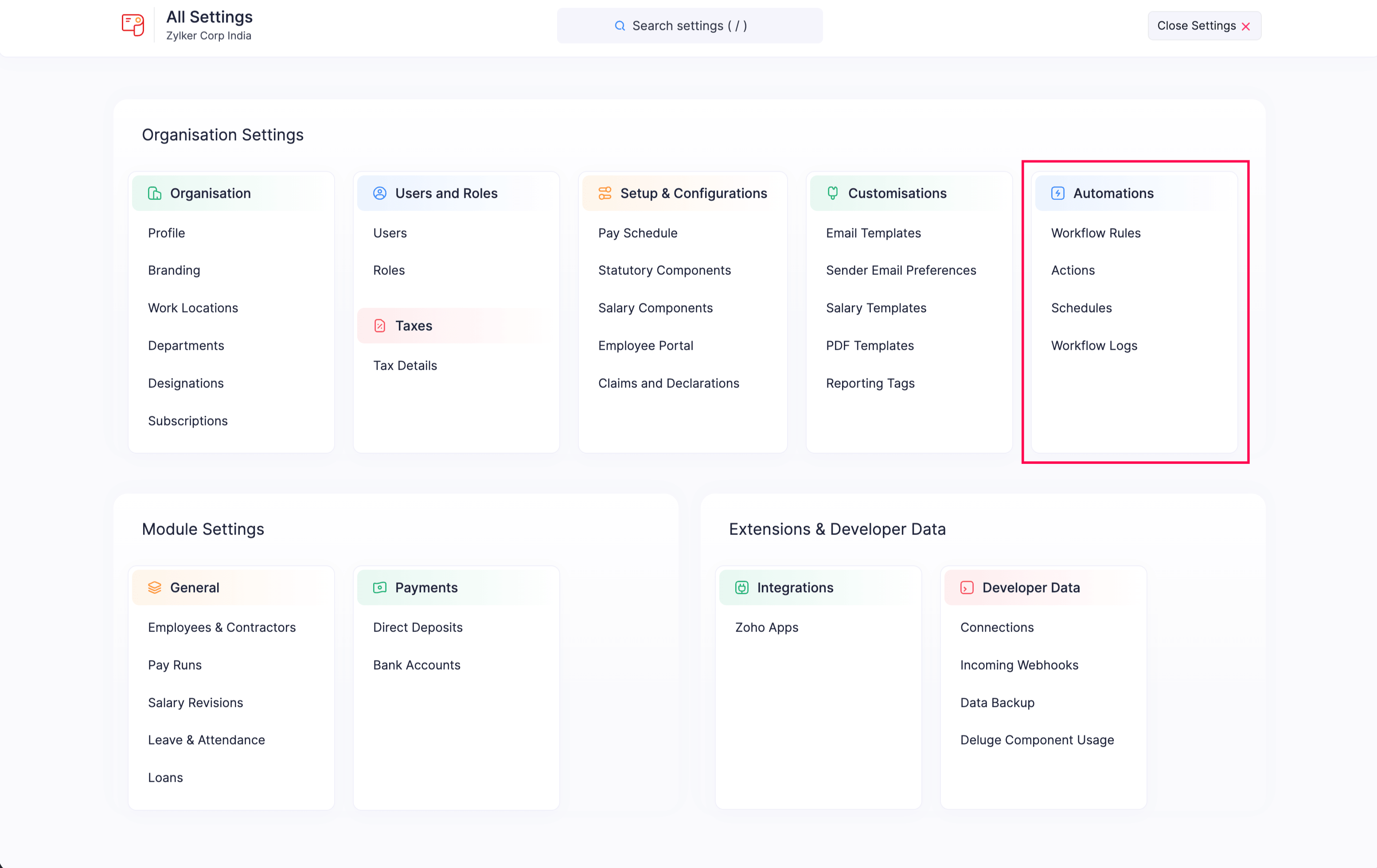
What You Can Do with Automation
Workflow Rules
Create rules that automatically trigger actions when specific events occur on payroll records or on a specific date.Workflow Actions
Email Alerts
Send automated email notifications to selected recipients when a workflow rule is triggered.In-app Notifications
Notify users within Zoho Payroll when specific workflow events occur, such as when a record is created or updated.Field Updates
Automatically update fields in a module when a workflow rule is triggered.Webhooks
Send real-time data to external applications when a workflow rule is triggered.Functions
Write Deluge scripts to perform custom actions when a workflow rule is triggered.
Schedules
Create and run predefined tasks at specified time intervals using Deluge scripts.Workflow Logs
View execution logs for all workflow actions, troubleshoot failures, and set up failure notifications and retry policies.