
Converting Purchase Order to a Bill
After you create a purchase order, you can convert it to a bill after approval. Here’s how:
- Go to the Purchases module on the left sidebar.
- Select Purchase Orders.
- Select the Purchase Order that you wish to convert to a bill.
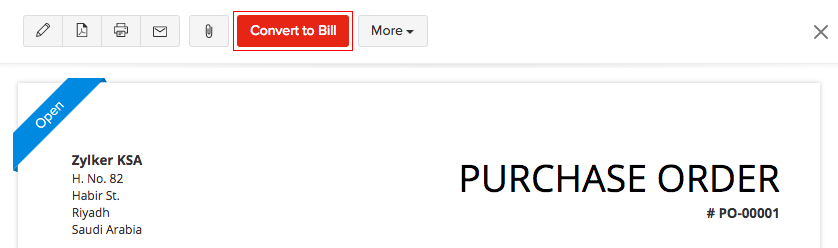
- Click the Convert to Bill button in the top right corner of the page.
- Fill in the New Bill page and click Save.
See Also:
Other Actions
Back to Purchase Order Overview
 Yes
No
Yes
No
 Thank you for your feedback!